
Introduction
Thank you for choosing the ELPHECO Motion Sensor Trash Can. This manual provides essential information for the proper setup, operation, and maintenance of your new appliance. Please read these instructions carefully before use and retain them for future reference.
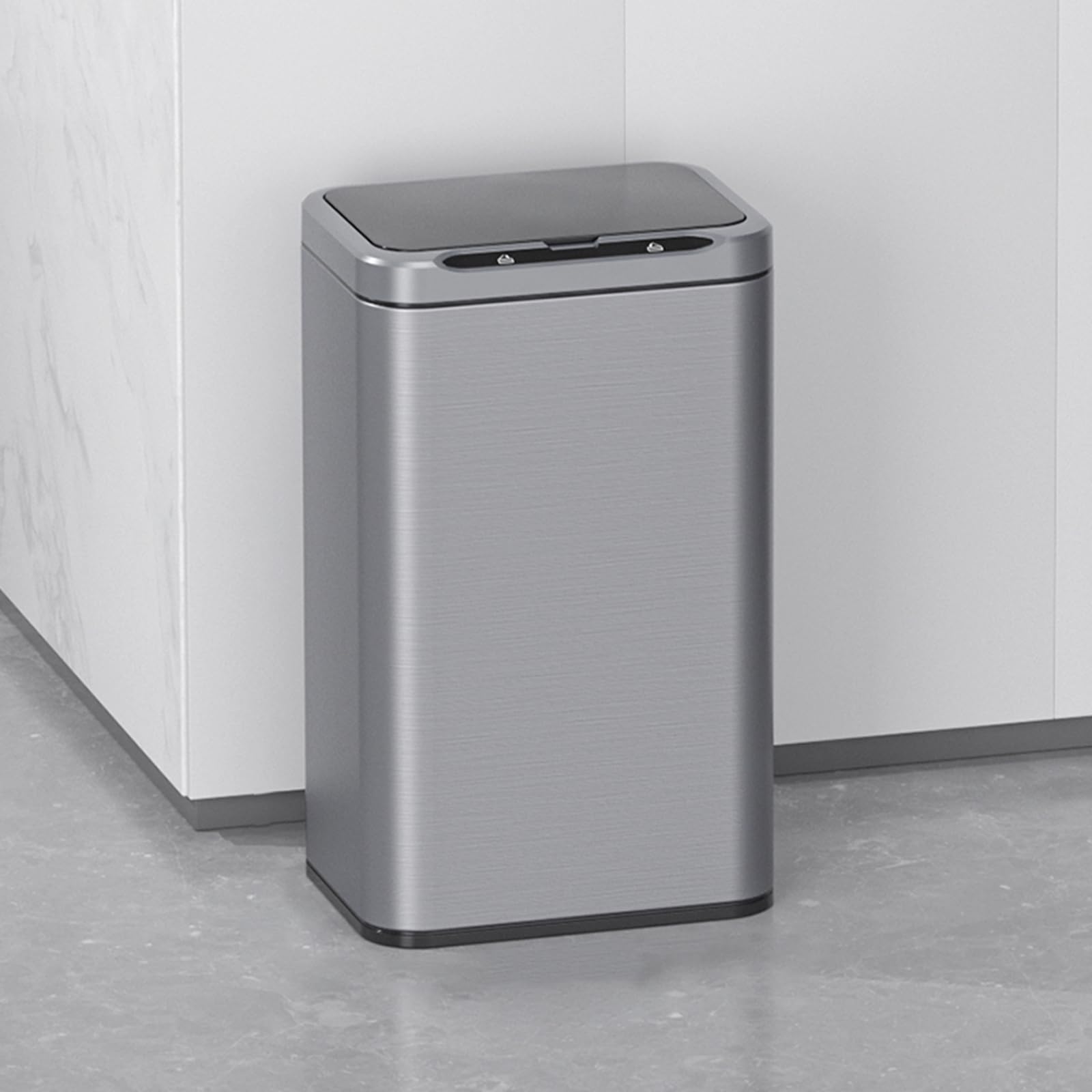
This image displays the ELPHECO 6.6 Gallon Stainless Steel Motion Sensor Trash Can, highlighting its dimensions: 11 inches length, 8 inches width, and 18.25 inches height. The trash can features a sleek silver finish and a black motion sensor lid.
Setup
1. Battery Installation
- Locate the battery compartment on the underside of the lid.
- Open the battery cover.
- Insert 2 AA batteries, ensuring correct polarity (+ and - terminals).
- Close the battery cover securely.

This image illustrates the battery installation process. Step 1 shows opening the battery cover, Step 2 shows inserting two AA batteries according to polarity, and Step 3 shows closing the battery cover.
2. Trash Bag Installation
- Lift the lid assembly from the trash can body.
- Place a trash bag into the can. Utilize the included fixing ring to secure the trash bag in place, preventing it from slipping or sagging.
- Lower the lid assembly back onto the trash can body, ensuring it is properly seated.

This image provides a visual guide for installing a trash bag. Step 1 shows lifting the lid, Step 2 demonstrates placing the garbage bag, and Step 3 shows covering the lid securely.
Operating Instructions
1. Motion Sensor Operation
- The trash can features an infrared motion sensor. When your hand or body approaches the sensing area (typically above the lid), the lid will automatically open.
- Upon opening, five blue display lights will illuminate.
- Once you move away from the sensing area, the blue lights will begin a 5-second countdown. The lid will close gently and smoothly after the countdown is complete.
- The soft-close mechanism ensures quiet operation, preventing loud slamming.

This image details the three methods for opening the trash can: a hand sensor for touchless operation, a knee sensor for convenience, and manual buttons on the lid for controlled opening and closing.

This image illustrates the soft-close feature of the trash can lid, showing it gently descending. The design ensures quiet and smooth operation, preventing loud slamming.
2. Manual Operation
- To keep the lid open for an extended period, gently press the button on the left side of the lid. The lid will remain in the open position.
- To close the lid manually, press the button on the right side of the lid. The lid will descend smoothly.

This image highlights the display lights on the lid, which indicate the 5-second countdown, and the interior ambient lights, which illuminate the inside of the trash can.
3. Official Product Videos
This video demonstrates the functionality of the ELPHECO touchless motion sensor trash can, showing how the lid automatically opens and closes.
This video provides a brief overview of the smart sensor features of the ELPHECO trash can, showcasing its automatic lid operation.
Maintenance
Cleaning
- Wipe the exterior of the stainless steel trash can with a soft, damp cloth and a mild cleaner. Avoid abrasive cleaners or scouring pads, which can damage the finish.
- For fingerprint-resistant surfaces, a microfiber cloth can help maintain its pristine appearance.
- Clean the interior of the can as needed, using a mild disinfectant. Ensure the interior is dry before replacing the trash bag.
- Do not immerse the lid assembly in water, as this can damage the electronic components.
Battery Replacement
- When the motion sensor becomes less responsive or the lid operation slows, it may be time to replace the batteries.
- Follow the battery installation steps outlined in the Setup section.
- It is recommended to replace both AA batteries simultaneously for optimal performance.
Troubleshooting
| Problem | Possible Cause | Solution |
|---|---|---|
| Lid does not open automatically. | Low or dead batteries; Sensor obstructed; Power switch off. | Replace batteries; Ensure sensor is clean and unobstructed; Turn power switch on. |
| Lid opens or closes unexpectedly. | Sensor interference (e.g., direct sunlight, strong lighting, movement nearby). | Relocate the trash can away from direct light or high-traffic areas; Ensure no objects are continuously in the sensor's range. |
| Lid closes too quickly or slowly. | Battery issue; Sensor calibration. | Replace batteries; If issue persists, try turning the unit off and on to reset the sensor. |
| Manual buttons not working. | Battery issue; Electronic malfunction. | Replace batteries; If issue persists, contact customer support. |
Specifications
| Feature | Detail |
|---|---|
| Brand | ELPHECO |
| Capacity | 6.6 gallons |
| Color | Silver |
| Opening Mechanism | Motion-Sensor |
| Material | Stainless Steel |
| Recommended Uses | INDOOR (Kitchen, Office, Bathroom) |
| Special Features | Heavy Duty, Motion Sensor, Quiet Close, 5S Countdown Lights, Fixing Ring |
| Shape | Rectangular |
| Finish Type | Brushed |
| Power Source | 2 AA batteries (not included) |
| Item Dimensions (L x W x H) | 11"L x 8"W x 18.25"H |
Warranty Information
ELPHECO products are manufactured to high-quality standards. For specific warranty details regarding your ELPHECO Motion Sensor Trash Can, please refer to the warranty card included with your purchase or visit the official ELPHECO website. Keep your proof of purchase for any warranty claims.
Customer Support
If you encounter any issues or have questions about your ELPHECO Motion Sensor Trash Can that are not addressed in this manual, please contact ELPHECO customer support. Contact information can typically be found on the product packaging or the official ELPHECO website.