
Introduction
Thank you for choosing the Waterdrop WD-F13 Refrigerator Water Filter. This filter is designed to provide clean, great-tasting water by reducing various impurities. It is certified by NSF International against NSF/ANSI Standard 42 for chlorine reduction and NSF/ANSI Standard 372 for lead-free materials, ensuring quality and safety.
Compatibility
The Waterdrop WD-F13 filter is a replacement for a wide range of refrigerator models. To ensure proper fit and function, please confirm your refrigerator's filter model matches one of the compatible models listed below.

Image: Visual guide to confirm the correct filter model (WD-F13) for your refrigerator.
Compatible with GE® MWF® and other models, including:
- GE MWF, MWFA, MWFAP, MWFINT, GWF, GWFA, GWF01, GWF06, HWF, HWFA, WMF
- SmartWater MWFP
- HDX FMG-1
- Kenmore 46-9991, 469991, 9991, 46 9991, 46-9996, 469996, 9996, 46 9996
- PL-100, WD-F13, EBL7771, CF8, WFC1201, AQF-FF13, RWF0600A, RWF0600AH, PP-RWF0600A, FL-RF13, WS613B, MB-F13, PF8, RWF1060, CWMF031, WSG-1, CLCH102, CW-G1
- GSL25IGXNLS, GSL25JFRFBS, GSL25JFXNLB, GSL25KGREBS, GSL25QGPDBS, GSS22QFMCCC, GSS23HMHECES, GSS23LGTACC, GSS23QSTASS, GSS23WSTASS, GSS25GFXJBB, HSS25GFPHWW, PFCS1NFZASS, PFSF6PKXCBB, PFSS2MJYCSS, PFSS6PKXBSS, PFSS9PKYASS, PGCS1NFZASS, PSE25KSHEHSS, PSE25KSHSS, PSS26MGPBBB, PSS26MSTDSS, PSS26SGPASS, PSS29NHMBBB, PZS23KSEBFSS, PZS25KSEBFSS, BSS25JFRWW, BSS25JSRSS, BSY25GFMCC, BSY25GFMCWW, CFCP1NIYSS, CFCP1RKBSS, CFSP5RKBSS, CZS22MSKSS, CZS25TSESS, DSE25JMHES
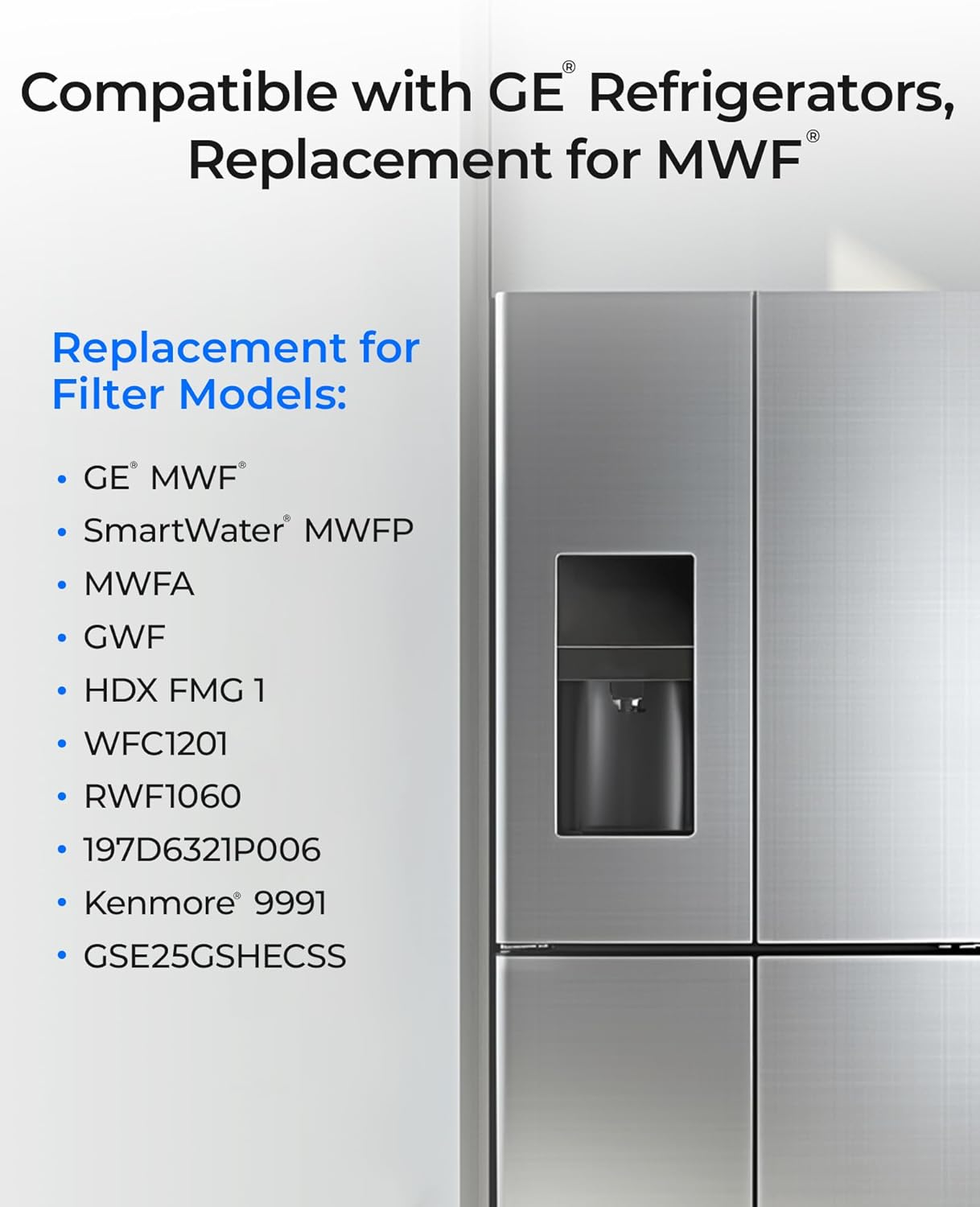
Image: The Waterdrop WD-F13 filter is compatible with various GE refrigerator models.
Product Features
NSF/ANSI Certified Performance
The Waterdrop WD-F13 filter is independently tested and certified by NSF International against NSF/ANSI Standard 42 for the reduction of chlorine, taste, and odor. It is also certified against NSF/ANSI Standard 372 for lead-free materials, ensuring the highest quality and safety standards.

Image: Demonstrates the NSF certification for the Waterdrop WD-F13 filter, highlighting its reliability.
Advanced Filtration Process
This filter utilizes a multi-stage filtration process to effectively reduce a wide range of impurities from your drinking water. It targets chlorine, sediments, rust, odors, bad taste, and other contaminants, providing cleaner and healthier water.

Image: Illustrates the filter's capability to remove various harmful substances from water.
PFOA & PFOS Reduction
The Waterdrop WD-F13 filter is designed to reduce PFOA and PFOS, commonly known as 'forever chemicals,' contributing to safer drinking water.

Image: Highlights the filter's ability to reduce PFOA and PFOS for improved water safety.
Leak-Free Performance
Engineered with precision measurement technology and an advanced industrial automation system, this filter ensures a perfect fit, preventing water leakages. It undergoes rigorous testing, including 300 PSI hydrostatic, 400 PSI maximum pressure, and 100,000 cycle pressure tests, for reliable, leak-free performance.
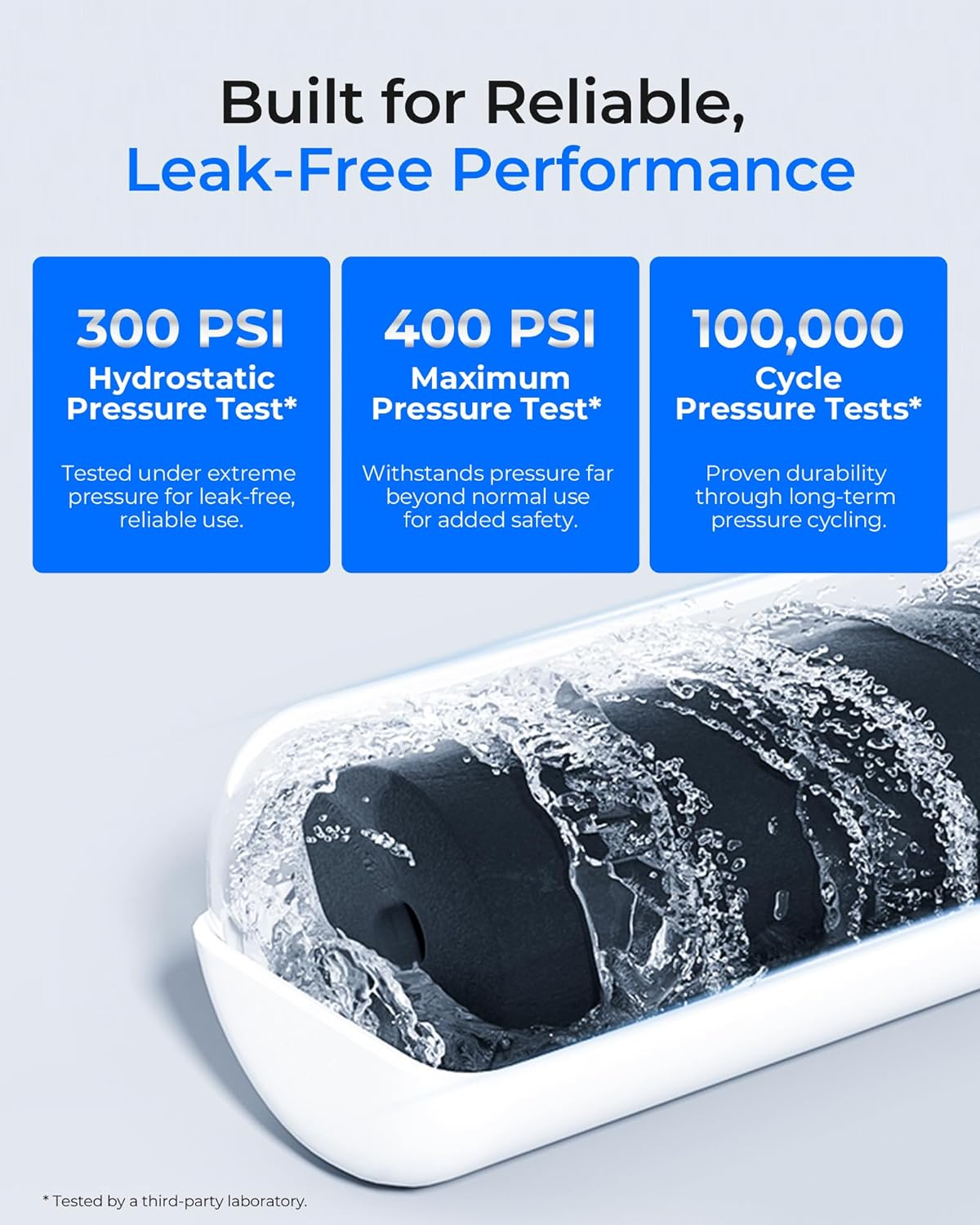
Image: Details the pressure testing undergone by the filter to ensure leak-free operation.
Food-Grade Filter Materials
The filter material consists of a 100% Sri Lankan selected coconut shell carbon block, offering a larger surface area and more micropores than traditional charcoal filters. All materials used are BPA-free and food-grade, verified by NSF 372 certification for lead-free materials.

Image: Showcases the use of Sri Lankan coconut shell activated carbon and highlights BPA-free and lead-free properties.
Setup and Installation
Installing your Waterdrop WD-F13 filter is a simple, tool-free process. Follow these steps for a quick and easy replacement:
- Locate the Filter: Identify the current water filter in your refrigerator. Refer to your refrigerator's manual for the exact location if unsure.
- Prepare the New Filter: Remove the protective cap or sticker from the new Waterdrop WD-F13 filter.
- Remove Old Filter: Twist the old filter counter-clockwise to unlock it, then pull it straight out. Some water may drip, so have a towel ready.
- Insert New Filter: Align the new filter with the filter housing. Push it firmly into place and twist clockwise until it locks securely.
- Flush the System: Dispense about 2-3 gallons of water through the dispenser to flush out air and any carbon fines from the new filter. This ensures optimal performance.
- Reset Filter Indicator: Most refrigerators have a filter indicator light. Refer to your refrigerator's manual for specific instructions on how to reset it. Typically, this involves pressing and holding a 'Filter Reset' or 'Water Filter' button for 3-5 seconds.
Video: A visual guide demonstrating the installation process for the Waterdrop WD-F13 refrigerator water filter.
The filter package includes complimentary month install stickers to help you track the installation date and monitor the filter's lifespan.
Operating
Once installed, the Waterdrop WD-F13 filter operates automatically, providing filtered water through your refrigerator's dispenser and ice maker. Enjoy clean, fresh-tasting water with every use.
Maintenance
For optimal filtration performance and water quality, it is recommended to replace your Waterdrop WD-F13 refrigerator water filter every 300 gallons or 6 months, whichever comes first. This duration may vary depending on your local water quality and usage.
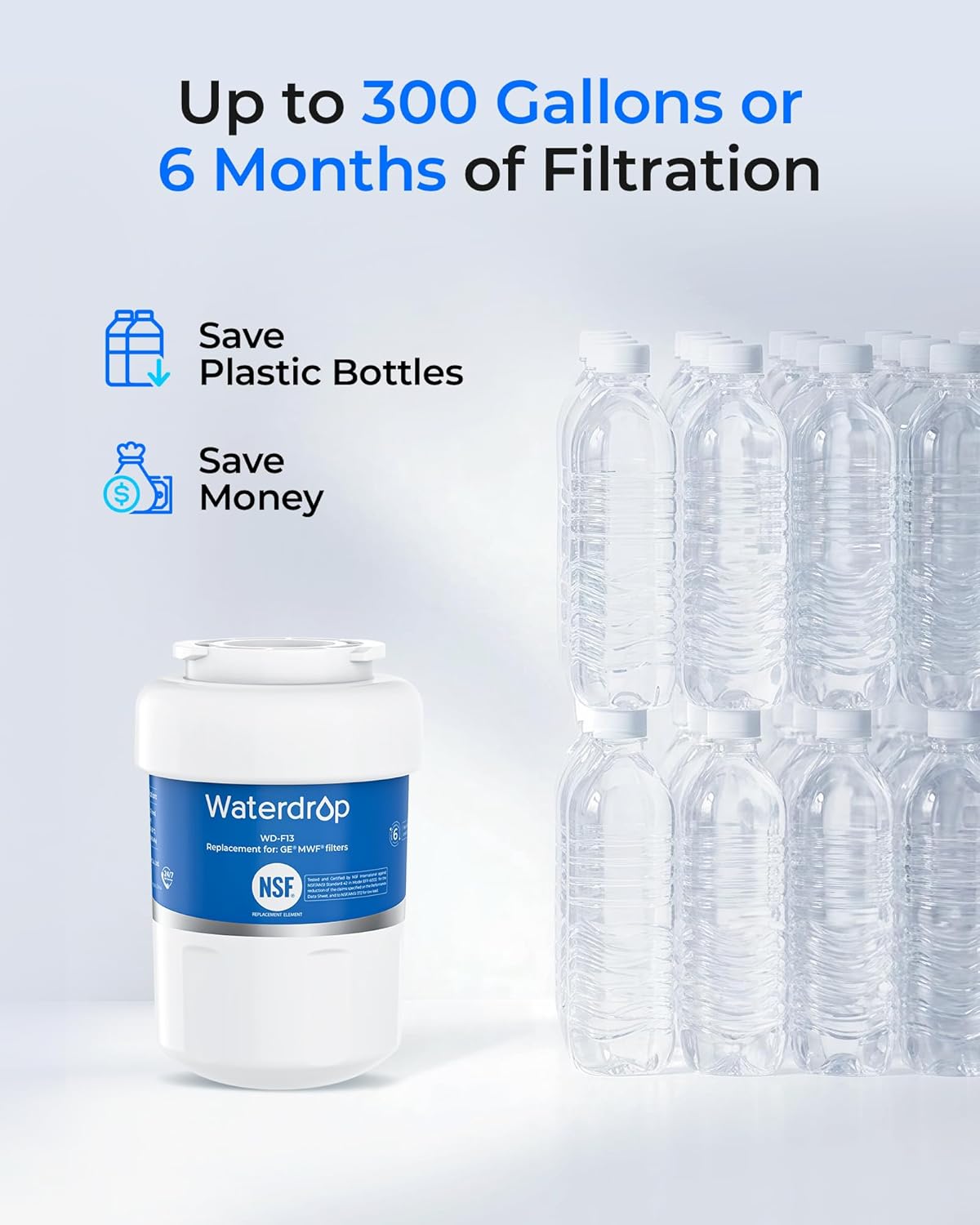
Image: Indicates the recommended replacement interval for the filter: 300 gallons or 6 months.
Use the provided month install stickers to mark the installation date on the filter or your refrigerator, helping you remember when to replace it.
Troubleshooting
Reduced Water Flow
If you notice a significant reduction in water flow from your dispenser, it may indicate that the filter is clogged and needs replacement. Even if the 6-month period has not passed, heavy usage or poor water quality can shorten the filter's lifespan. Replace the filter as soon as possible.
Leaking After Installation
Ensure the filter is fully inserted and twisted clockwise until it locks securely. If leaking persists, remove and re-install the filter, checking for any obstructions or damage to the O-rings. If the issue continues, contact customer support.
Cloudy or Discolored Water
After initial installation, it is normal for the first few gallons of water to appear cloudy or contain carbon fines. Flush the system by dispensing 2-3 gallons of water. If the issue persists after flushing, ensure the filter is correctly installed and contact customer support.
Specifications
| Specification | Detail |
|---|---|
| Model Number | WD-F13 |
| Material | Coconut Shell Carbon Block |
| Product Dimensions | 6.88"D x 3.46"W x 5.27"H |
| Item Weight | 1.61 pounds |
| Operating Temperature | 33°F (1°C) - 100°F (38°C) |
| Working Pressure | 30psi - 120psi |
| Flow Rate | 0.528 gpm |
| Capacity | 300 Gallons or 6 Months |
| Certifications | NSF/ANSI 42, NSF/ANSI 372 |
Warranty and Support
Waterdrop is committed to providing high-quality products and excellent customer service. While specific warranty details are not provided, Waterdrop offers 365-Day Online Service to assist with any product-related inquiries or issues.

Image: Highlights Waterdrop's commitment to customer support with 365-day online service.
For support, please visit the official Waterdrop website or contact their customer service directly. Ensure you have your product model number (WD-F13) ready when seeking assistance.


