
1. Introduction
This manual provides essential information for the safe operation, assembly, maintenance, and troubleshooting of your MZK 40V 16-inch Cordless Electric Push Lawn Mower. Please read these instructions carefully before using the product to ensure proper function and safety.
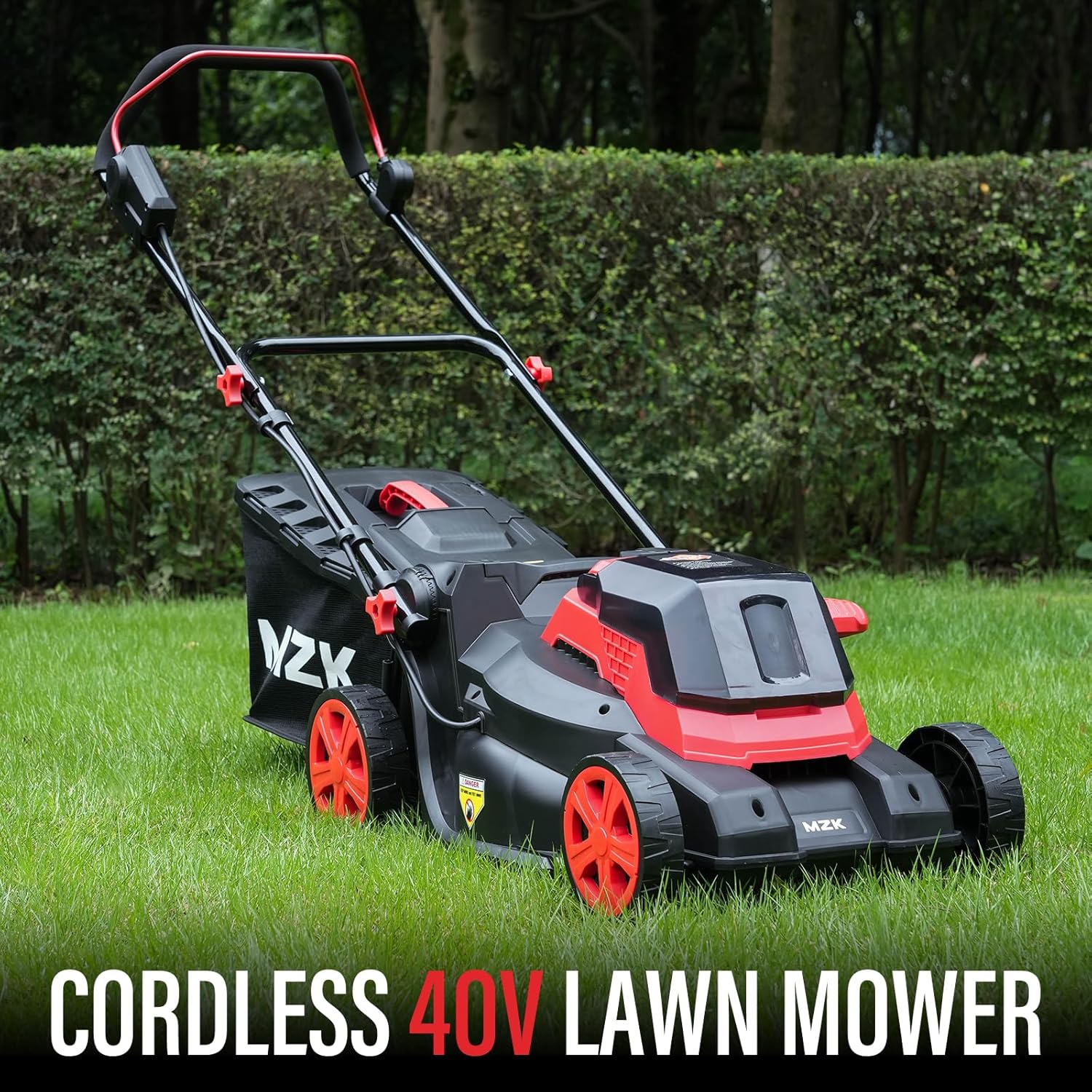
Image 1.1: The MZK 40V 16-inch Cordless Electric Push Lawn Mower.
Safety Information
Always wear appropriate personal protective equipment, including eye protection and sturdy footwear, when operating the lawn mower. Ensure the work area is clear of debris and other persons, especially children and pets. Disconnect the battery before performing any maintenance or cleaning.
2. Setup and Assembly
The MZK 40V lawn mower is designed for straightforward assembly. Follow these steps to prepare your mower for use.
2.1 Handle Assembly
- Unfold the handle assembly and secure it in place using the provided knobs or levers. Ensure all connections are tight.
- Attach the upper handle to the lower handle, aligning the holes and inserting the fasteners.
2.2 Grass Bag Attachment
- Assemble the grass collection bag according to the instructions provided with the bag components.
- Hook the assembled grass bag onto the rear discharge opening of the mower. Ensure it is securely seated to prevent grass clippings from escaping.
2.3 Battery Installation
- Ensure the battery is fully charged before first use.
- Open the battery compartment cover.
- Insert the 40V battery into the compartment, ensuring it clicks into place. Close the cover securely.

Image 2.1: The mower weighs less than 26.5 lbs, making it easy to handle and transport.
3. Operating Instructions
Familiarize yourself with the controls and operating procedures before starting the mower.
3.1 Starting the Mower
- Ensure the battery is installed and fully charged.
- Press and hold the safety button, then pull the bail switch lever towards the handle. The motor will start.
- Release the safety button once the motor is running.

Image 3.1: The one-button activation system for easy starting.
3.2 Adjusting Cutting Height
The mower features 6 adjustable cutting height settings, ranging from 0.98 inches to 2.76 inches.
- Turn off the mower and remove the battery before adjusting the cutting height.
- Locate the height adjustment lever on the mower deck.
- Pull the lever outwards and move it to the desired height setting. Ensure it locks firmly into place.
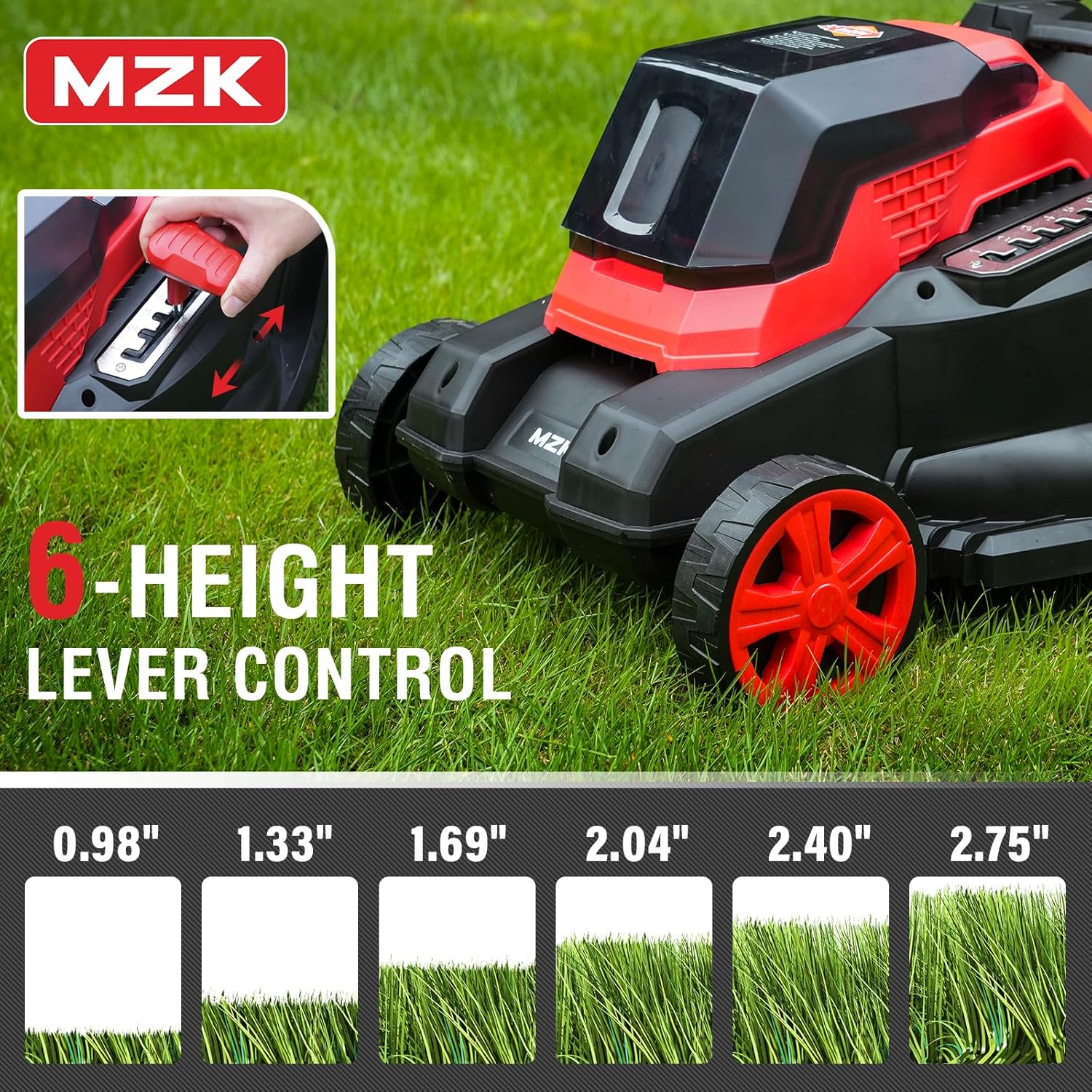
Image 3.2: The 6-position height adjustment lever allows for precise cutting.
3.3 Mowing Techniques
For optimal results, mow in overlapping rows. Avoid cutting wet grass, as it can clog the mower and reduce cutting efficiency. The 16-inch cutting width and 40L grass collection bag are designed to maximize mowing efficiency.
3.4 Official Product Video
Video 3.1: An official video demonstrating the MZK Cordless Lawn Mower in operation, showcasing its features and ease of use.
4. Maintenance
Regular maintenance ensures the longevity and optimal performance of your lawn mower.
4.1 Cleaning the Mower
- Always remove the battery before cleaning.
- Use a brush or cloth to remove grass clippings and debris from the mower deck, wheels, and vents.
- Do not use water hoses or pressure washers directly on the mower, as this can damage electrical components.
4.2 Blade Inspection
- Periodically inspect the cutting blade for sharpness and damage. A dull or damaged blade can lead to uneven cuts and strain the motor.
- If the blade is dull, it can be sharpened by a qualified service technician. If damaged, replace it with an MZK approved replacement blade.
4.3 Battery Care and Storage
- Store batteries in a cool, dry place away from direct sunlight and extreme temperatures.
- Charge batteries fully before long-term storage and recharge every 3-6 months to maintain battery health.
- Use only the MZK fast charger provided with the product.
5. Troubleshooting
This section addresses common issues you might encounter with your MZK lawn mower.
| Problem | Possible Cause | Solution |
|---|---|---|
| Mower does not start | Battery not charged or improperly installed; Safety button/bail switch not engaged. | Ensure battery is fully charged and correctly inserted. Engage safety button and pull bail switch simultaneously. |
| Poor cutting performance | Dull or damaged blade; Mowing wet or excessively tall grass; Cutting height too low. | Inspect and sharpen/replace blade. Avoid mowing wet grass. Raise cutting height. |
| Short battery runtime | Battery not fully charged; Old or worn battery; Mowing thick or tall grass. | Ensure battery is fully charged. Consider battery replacement if old. Mow more frequently or raise cutting height for thick grass. |
| Excessive vibration | Damaged or unbalanced blade; Loose components. | Inspect blade for damage and balance. Tighten all fasteners. If problem persists, contact support. |
6. Specifications
Key technical specifications for the MZK 40V 16-inch Cordless Electric Push Lawn Mower.
| Feature | Detail |
|---|---|
| Brand | MZK |
| Model Number | ET2404 |
| Power Source | DC (40V Battery) |
| Cutting Width | 16 Inches |
| Cutting Height Adjustment | 6 Positions (0.98" to 2.76") |
| Grass Bag Capacity | 40 Liters |
| Product Dimensions | 30"D x 15"W x 40"H |
| Weight | 26.5 lbs |
| Motor Type | Full Copper Motor |
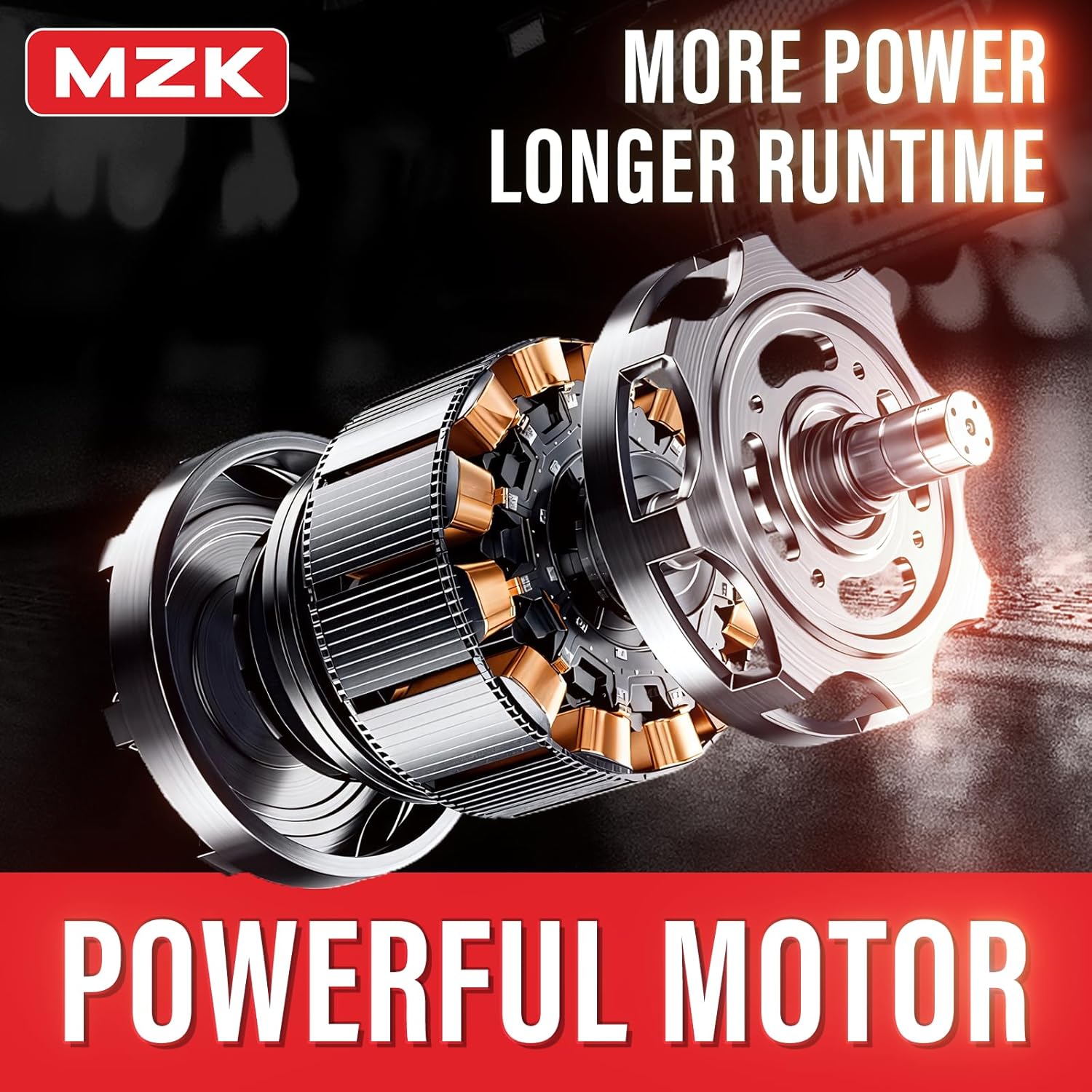
Image 6.1: The mower is equipped with a durable full copper motor for efficient operation.
7. Warranty and Support
For warranty information or technical support, please refer to the warranty card included with your product or contact MZK customer service directly. Keep your purchase receipt as proof of purchase.
Contact Information: Please visit the official MZK website or refer to your product packaging for the most current customer support contact details.