
Introduction
Thank you for choosing the STF Aurum ANC Noise Cancelling Headphones. These headphones are designed to provide an immersive audio experience by effectively blocking external sounds through Active Noise Cancellation (ANC) technology. They offer versatile connectivity options, including wireless Bluetooth 5.0 and a traditional 3.5mm wired connection, ensuring uninterrupted listening. This manual provides detailed instructions for setup, operation, maintenance, and troubleshooting to help you get the most out of your device.
Package Contents
Please verify that all items are present in your package:
- STF Aurum ANC Headphones
- USB Type-C Charging Cable
- 3.5mm Audio Cable
- Stickers (for personalization)
- User Manual

Image: The retail packaging for the STF Aurum ANC headphones, showing the headphones and included accessories.
Product Overview
Familiarize yourself with the components of your STF Aurum ANC headphones.

Image: A front view of the STF Aurum ANC headphones in black, showcasing the earcups and adjustable headband.
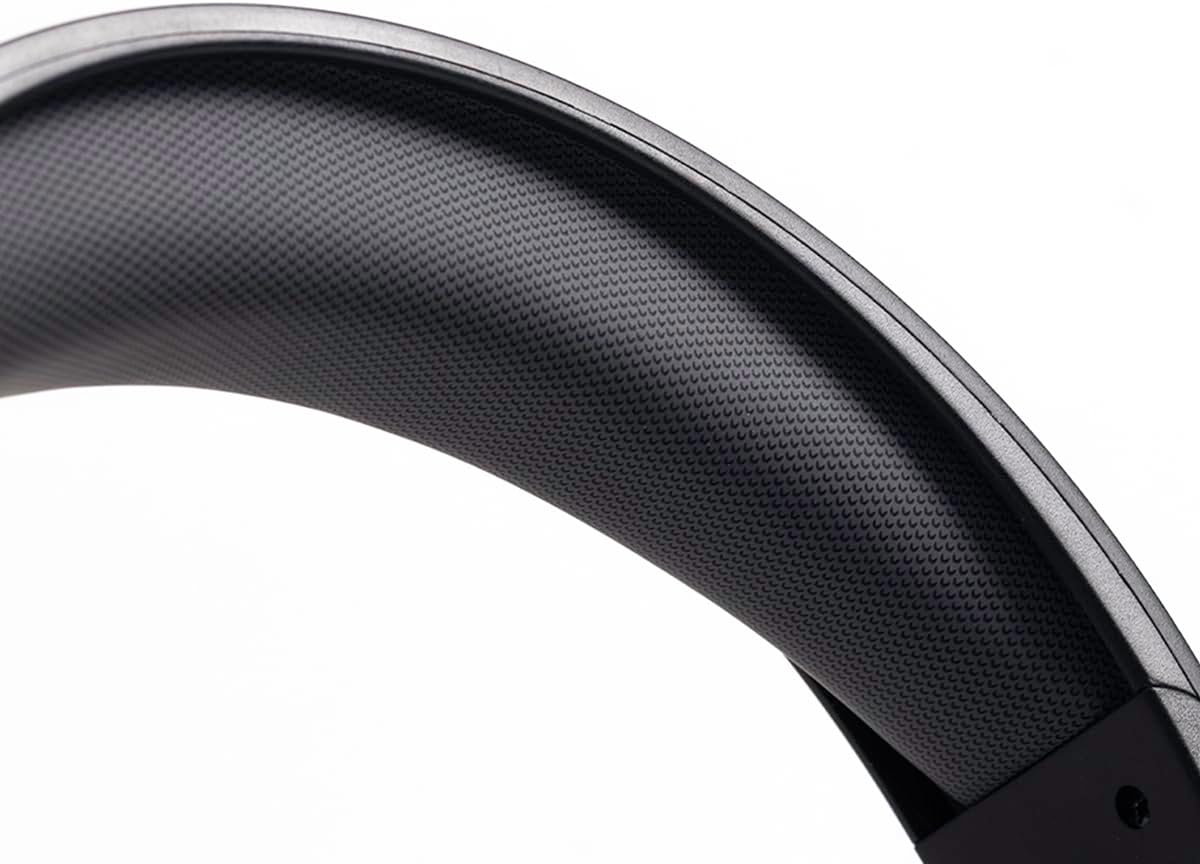
Image: A close-up view of the padded headband of the STF Aurum ANC headphones, highlighting the textured material for comfort.
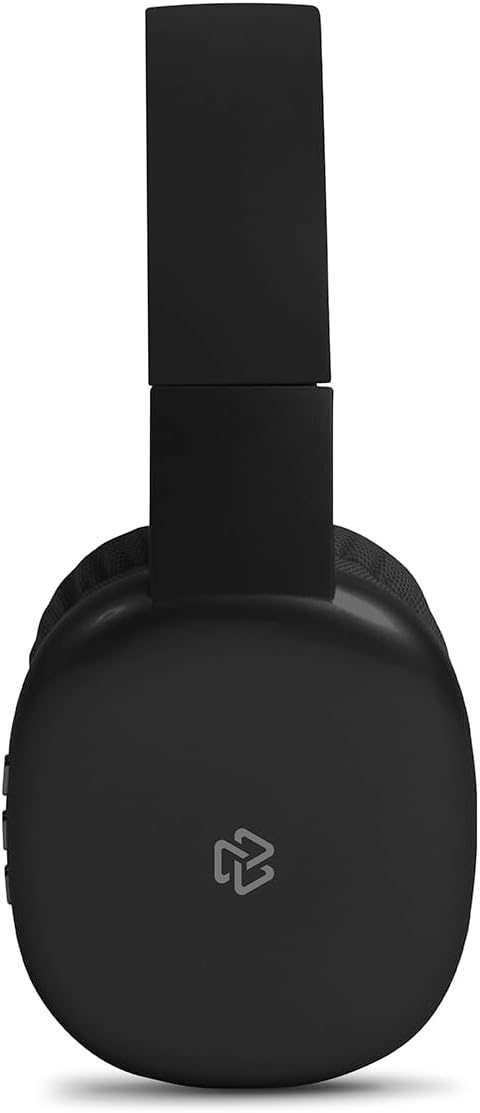
Image: A side view of the STF Aurum ANC headphones, demonstrating their foldable design for portability.
Setup
1. Charging the Headphones
- Connect the provided USB Type-C charging cable to the charging port on the headphones.
- Connect the other end of the cable to a USB power source (e.g., computer USB port, wall adapter).
- The LED indicator will show the charging status. A full charge provides up to 8 hours of playback.
2. Bluetooth Pairing
- Ensure the headphones are charged and powered off.
- Press and hold the Power button until the LED indicator flashes blue and red, indicating pairing mode.
- On your device (smartphone, tablet, computer), enable Bluetooth and search for available devices.
- Select "STF Aurum ANC" from the list of devices.
- Once connected, the LED indicator will turn solid blue or flash blue slowly. The headphones have a Bluetooth 5.0 range of up to 10 meters.
3. Wired Connection
For a wired connection or to conserve battery, use the included 3.5mm audio cable:
- Plug one end of the 3.5mm audio cable into the audio input port on the headphones.
- Plug the other end into the 3.5mm audio jack of your device.
- The headphones will automatically switch to wired mode.
Operating Instructions
Power On/Off
- Power On: Press and hold the Power button for approximately 3 seconds.
- Power Off: Press and hold the Power button for approximately 5 seconds.
Active Noise Cancellation (ANC)
- Activate ANC: Press the ANC button (usually a dedicated button or a short press on the Power button, refer to specific button layout on your device). The ANC indicator light will illuminate.
- Deactivate ANC: Press the ANC button again. The ANC indicator light will turn off.
Music Playback
- Play/Pause: Press the Multi-function button (often the Power button or a central button) once.
- Next Track: Press and hold the Volume Up button or a dedicated "Next" button.
- Previous Track: Press and hold the Volume Down button or a dedicated "Previous" button.
- Volume Up: Short press the Volume Up button.
- Volume Down: Short press the Volume Down button.
Call Management (with Integrated Microphone)
- Answer/End Call: Press the Multi-function button once.
- Reject Call: Press and hold the Multi-function button for approximately 2 seconds.
Maintenance
Proper maintenance ensures the longevity and performance of your headphones.
- Cleaning: Use a soft, dry cloth to clean the earcups and headband. Do not use harsh chemicals or abrasive materials.
- Storage: When not in use, store the headphones in a cool, dry place, away from direct sunlight and extreme temperatures. The foldable design allows for compact storage.
- Battery Care: Avoid fully discharging the battery frequently. Charge the headphones regularly, even if not in constant use, to maintain battery health.
- Water Exposure: These headphones are not waterproof. Avoid exposure to water or excessive moisture.
Troubleshooting
If you encounter issues with your headphones, refer to the following common solutions:
| Problem | Possible Cause | Solution |
|---|---|---|
| No sound from headphones | Headphones not powered on, not paired, or volume too low. | Ensure headphones are powered on and charged. Re-pair via Bluetooth. Increase volume on both headphones and connected device. Check 3.5mm cable connection if wired. |
| Cannot pair via Bluetooth | Headphones not in pairing mode, device Bluetooth off, or too far from device. | Ensure headphones are in pairing mode (flashing blue/red LED). Turn Bluetooth off and on again on your device. Move headphones closer to your device (within 10m). |
| ANC not working effectively | ANC feature not activated, or environmental noise is too high frequency. | Ensure ANC is activated (ANC indicator light on). ANC is most effective against low-frequency ambient noise. |
| Short battery life | Battery not fully charged, or battery degradation over time. | Ensure headphones are fully charged before use. If battery life significantly decreases, contact support. |
Specifications
| Feature | Detail |
|---|---|
| Model Name | Aurum ANC |
| Connectivity Technology | Wireless (Bluetooth 5.0), Wired (3.5mm) |
| Noise Control | Active Noise Cancellation (ANC) |
| Ear Placement | Supra-aural |
| Driver Size | 40 mm |
| Battery Capacity | 360 mAh |
| Playback Time | Up to 8 hours |
| Charging Port | USB Type-C |
| Bluetooth Range | Up to 10 meters |
| Integrated Microphone | Yes |
| Special Features | Foldable design, Detachable cable |
| Dimensions | 27.6 x 25 x 10.5 cm |
| Weight | 330 g |
Warranty and Support
For warranty information or technical support, please refer to the official STF website or contact their customer service directly. Keep your purchase receipt as proof of purchase for any warranty claims.
Official Website: https://www.stf.tech/