Introduction
The JENSEN CAR710-4 is a 7-inch Double DIN Car Stereo Multimedia Receiver designed to enhance your in-car entertainment and connectivity. Featuring a high-resolution LED backlit LCD touchscreen, this unit provides seamless integration with Apple CarPlay and Android Auto, allowing for safe and convenient access to navigation, communication, and music. Its robust design fits most standard 2.0 DIN dash openings, bringing modern infotainment capabilities to your vehicle.
What's in the Box
- JENSEN CAR710-4 Car Stereo Radio
- Radio Wiring Harness
- Quick Start Guide
- Mounting Screws
- External Microphone
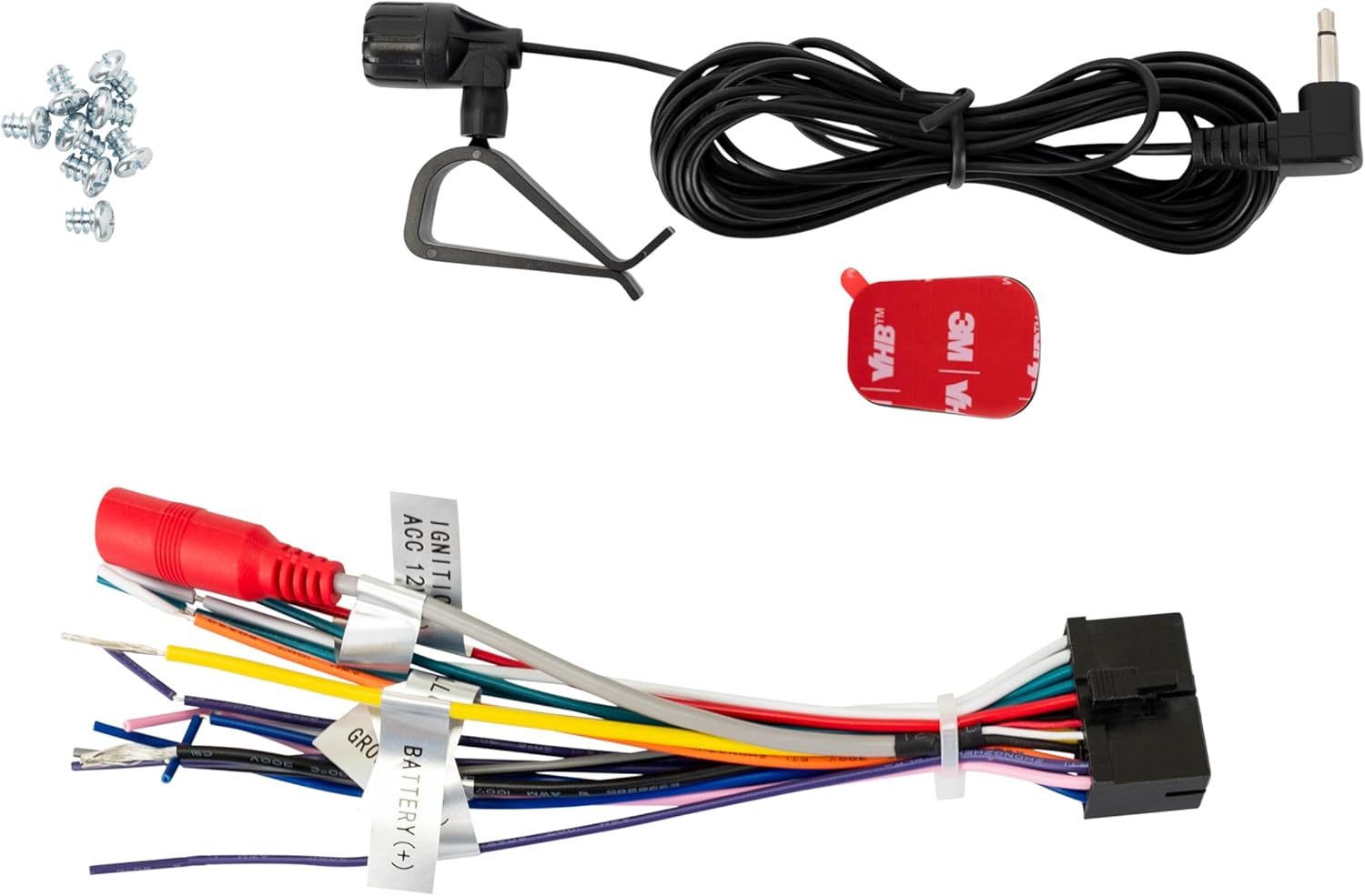
Figure 1: Included accessories for the JENSEN CAR710-4, showing the main wiring harness, an external microphone, and a set of mounting screws.
Setup and Installation
Proper installation is crucial for optimal performance and safety. It is recommended that installation be performed by a qualified professional. Always disconnect the vehicle's battery before beginning any electrical work.
Mounting the Unit
The CAR710-4 is designed for a standard Double DIN dash opening (approximately 4 inches by 7 inches). Ensure adequate space and proper ventilation around the unit.

Figure 2: Angled view of the CAR710-4 unit, illustrating its compact double DIN form factor and the side mounting brackets for secure installation into a vehicle's dashboard.
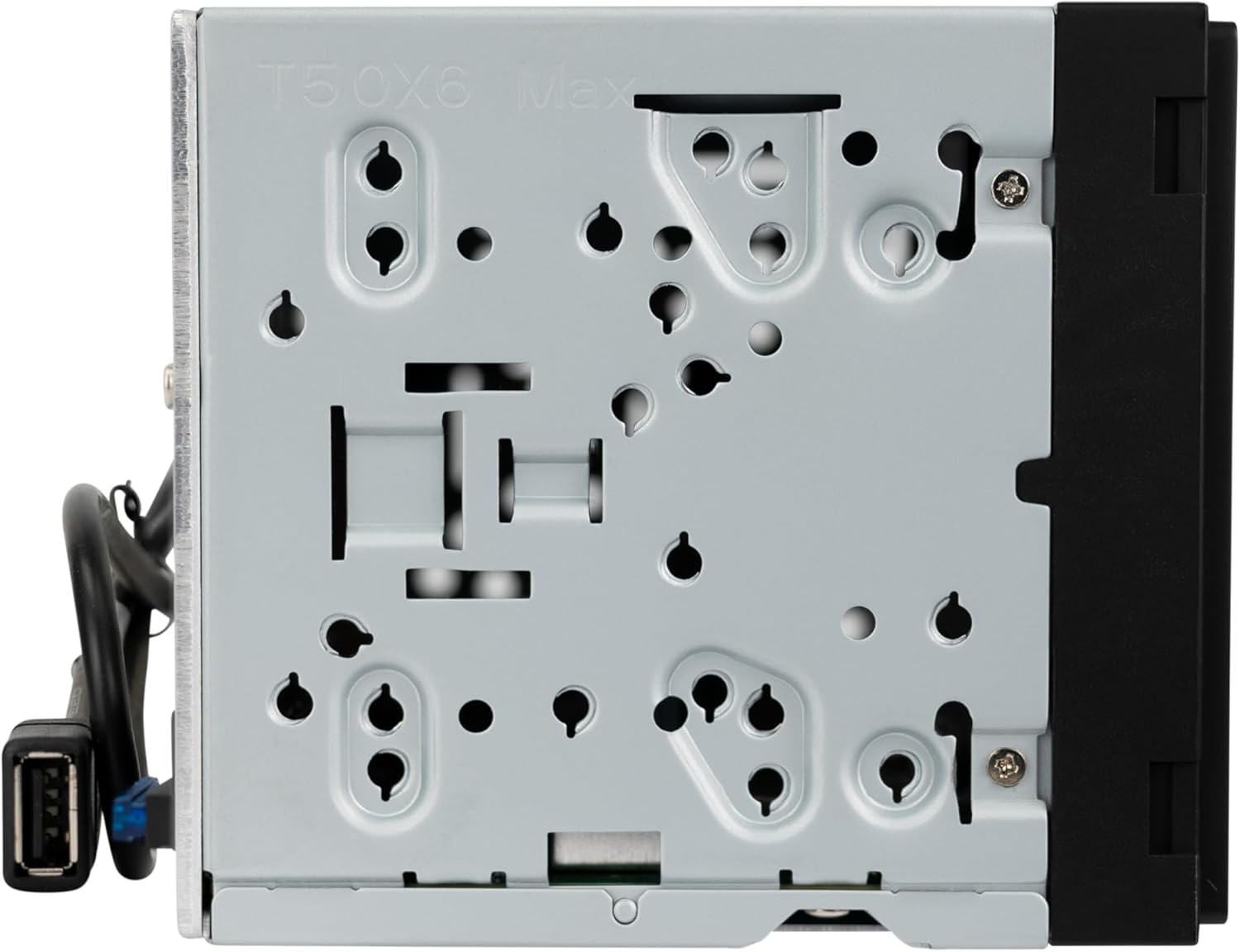
Figure 3: Side profile of the CAR710-4, highlighting the various screw holes and slots for universal mounting within a vehicle's dashboard assembly.

Figure 4: The other side profile of the CAR710-4, showing the integrated USB cable for Apple CarPlay and Android Auto connectivity, along with additional mounting points.
Wiring Connections
Connect the included wiring harness to the corresponding wires in your vehicle's wiring system. Refer to your vehicle's service manual for specific wiring diagrams. Ensure all connections are secure and properly insulated.
- Power Wires: Connect the yellow wire to constant 12V, red wire to accessory 12V, and black wire to ground.
- Speaker Wires: Connect the speaker wires (e.g., white/white-black for front left, gray/gray-black for front right, etc.) to your vehicle's speakers.
- Antenna: Connect the vehicle's antenna cable to the unit's antenna input.
- Backup Camera Input: Connect your backup camera's RCA video output to the "CAM IN" RCA input on the unit.
- USB Input: The unit features a rear USB input for Apple CarPlay/Android Auto and media playback.
- Preamp Outputs: Utilize the 3 pairs of 4V RCA preamp outputs (Front, Rear, Subwoofer) for connecting external amplifiers.

Figure 5: Rear panel of the CAR710-4, displaying various input and output ports including RCA connections for camera, subwoofer, and preamp outputs, as well as the main wiring harness connector and antenna input.
Operating Instructions
Basic Operation
The 7-inch LED backlit LCD touchscreen is the primary interface for controlling the CAR710-4. Navigate through menus and select functions by touching the screen icons.
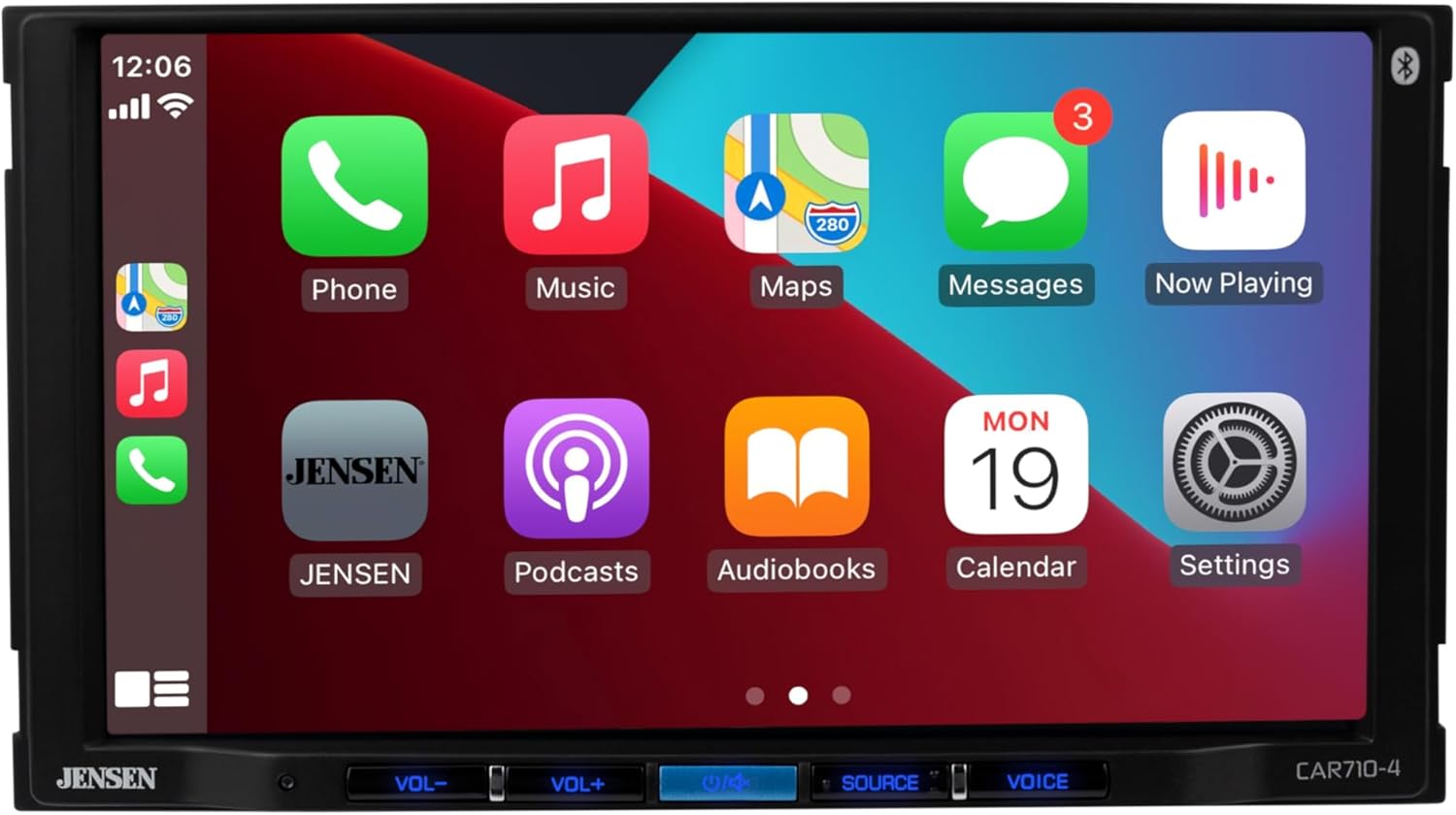
Figure 6: Front view of the JENSEN CAR710-4 with the Apple CarPlay interface active, showing various application icons for phone, music, maps, and messages.
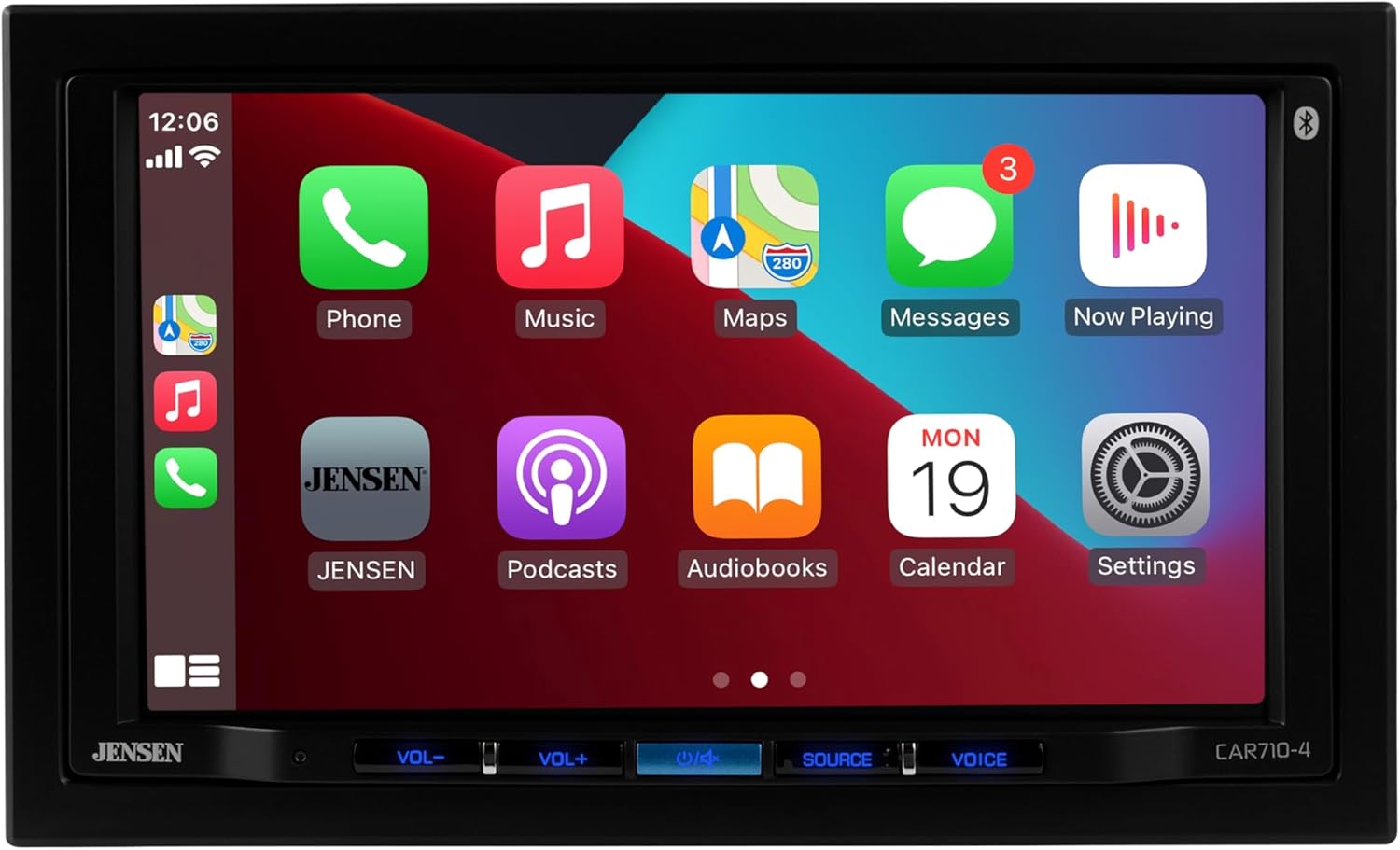
Figure 7: Another front view of the JENSEN CAR710-4, similar to Figure 6, showcasing the vibrant Apple CarPlay display and the physical control buttons located at the bottom of the unit.
- Power On/Off: Press the power button (usually located on the bottom left of the unit) to turn the unit on or off.
- Volume Control: Use the VOL- and VOL+ buttons to adjust the audio volume.
- Source Selection: Press the SOURCE button to cycle through available audio sources (Radio, USB, Bluetooth, CarPlay/Android Auto).
- Voice Assistant: Press the VOICE button to activate Siri (for Apple CarPlay) or Google Assistant (for Android Auto).
Apple CarPlay
Connect your iPhone to the unit's USB port. CarPlay will automatically launch, mirroring your iPhone's essential apps onto the stereo's display. Use Siri voice commands or the touchscreen to navigate, make calls, send messages, and play music.
- Navigation: Access Apple Maps or other compatible navigation apps.
- Phone: Make and receive calls, access voicemail, and view contacts.
- Messages: Send and receive text messages via Siri.
- Music: Play music from Apple Music, Spotify, Podcasts, and other audio apps.
Android Auto
Connect your Android phone to the unit's USB port. Android Auto will launch, providing a simplified interface for safe driving. Use Google Assistant voice commands or the touchscreen.
- Navigation: Use Google Maps or Waze for turn-by-turn directions.
- Communication: Make calls and send messages using voice commands.
- Media: Stream music from compatible apps like Spotify, Pandora, and Google Play Music.
Bluetooth Connectivity
The built-in Bluetooth allows for hands-free calling and audio streaming.
- Go to the Bluetooth settings on the CAR710-4.
- Enable Bluetooth on your mobile device and search for available devices.
- Select "JENSEN CAR710-4" from the list on your device to pair.
- Once paired, you can make/receive calls and stream audio wirelessly.
Audio Settings
Customize your audio experience using the various sound settings.
- EQ Presets: Choose from 8 preset equalizer settings (Default, Custom, Classic, Rock, Jazz, Electric, Pop, Soft) to match your music genre.
- Time Alignment: Adjust audio delays to optimize the soundstage for your listening position.
- Preamp Outputs: Fine-tune the output levels for external amplifiers connected to the Front, Rear, and Subwoofer RCA outputs.
Maintenance
To ensure the longevity and optimal performance of your JENSEN CAR710-4, follow these maintenance guidelines:
- Cleaning the Screen: Use a soft, lint-free cloth to gently wipe the touchscreen. For stubborn smudges, slightly dampen the cloth with water or a screen-safe cleaner. Avoid abrasive materials or harsh chemicals.
- General Cleaning: Keep the unit and surrounding dashboard area free of dust and debris. Use a soft brush or compressed air to clean vents and button crevices.
- Temperature: Avoid exposing the unit to extreme temperatures. Prolonged exposure to direct sunlight or very cold conditions can affect performance and lifespan.
- Connections: Periodically check all wiring connections to ensure they are secure and free from corrosion.
Troubleshooting
If you encounter issues with your CAR710-4, refer to the following common problems and solutions:
| Problem | Possible Cause | Solution |
|---|---|---|
| No Power | Blown fuse; Incorrect wiring; Loose power connection. | Check vehicle's fuse box and unit's fuse; Verify wiring harness connections (constant 12V, accessory 12V, ground); Ensure all power wires are securely connected. |
| No Sound | Volume too low; Mute activated; Incorrect speaker wiring; Amplifier issues (if external). | Increase volume; Deactivate mute function; Check speaker wire connections for correct polarity and secure fit; Verify external amplifier is powered on and connected correctly. |
| CarPlay/Android Auto Not Launching | Faulty USB cable; Phone not compatible; USB port issue; Software glitch. | Use a high-quality, certified USB cable; Ensure your phone's OS is up to date; Try a different USB port if available; Restart both the phone and the head unit. |
| Bluetooth Connection Issues | Device not in pairing mode; Interference; Previously paired device conflict. | Ensure unit and phone are in pairing mode; Move closer to the unit; Delete previous pairings from both devices and re-pair. |
| Touchscreen Unresponsive | Temporary software glitch; Screen calibration needed. | Perform a soft reset (refer to quick start guide for specific method); If issue persists, contact support. |
Specifications
| Feature | Detail |
|---|---|
| Model Number | CAR710-4 |
| Display | 7-inch LED High Resolution Touch Screen (1024 x 600) |
| Compatibility | Apple CarPlay, Android Auto |
| Bluetooth | Built-in Bluetooth for Hands-Free Calling & Music Streaming |
| USB Input | Rear USB input (Front 1.5 Amp Fast Charging) |
| Preamp Outputs | 3 Pairs of 4V RCA preamp outputs (Front/Rear/Subwoofer) |
| Equalizer | 8 EQ presets (Default, Custom, Classic, Rock, Jazz, Electric, Pop & Soft) |
| Power Output | 200 Watts Peak Power (50 Watts x 4) MOSFET |
| Dimensions | Double DIN (8.82 x 8.39 x 5.83 inches) |
| Item Weight | 2.99 pounds |
| Backup Camera Input | RCA input available |
Warranty and Support
Jensen products are designed for reliability and performance. For specific warranty information, please refer to the warranty card included with your product or visit the official Jensen website. Keep your purchase receipt as proof of purchase for warranty claims.
For technical support, troubleshooting assistance, or to inquire about replacement parts, please contact Jensen Customer Service. Contact information can typically be found on the Jensen website or in the quick start guide.
Online Resources:
- Visit the Jensen Store on Amazon for product information and updates.
- Check the official Jensen website for the most current support documents and FAQs.


