
Introduction
Welcome to the user manual for your new Bialetti Gioia Espresso Machine. This compact and elegant coffee machine is designed to bring the authentic Italian espresso experience to your home. It operates exclusively with original Bialetti aluminum capsules, ensuring a creamy and homogeneous espresso every time. Please read this manual carefully before first use to ensure proper operation and maintenance.
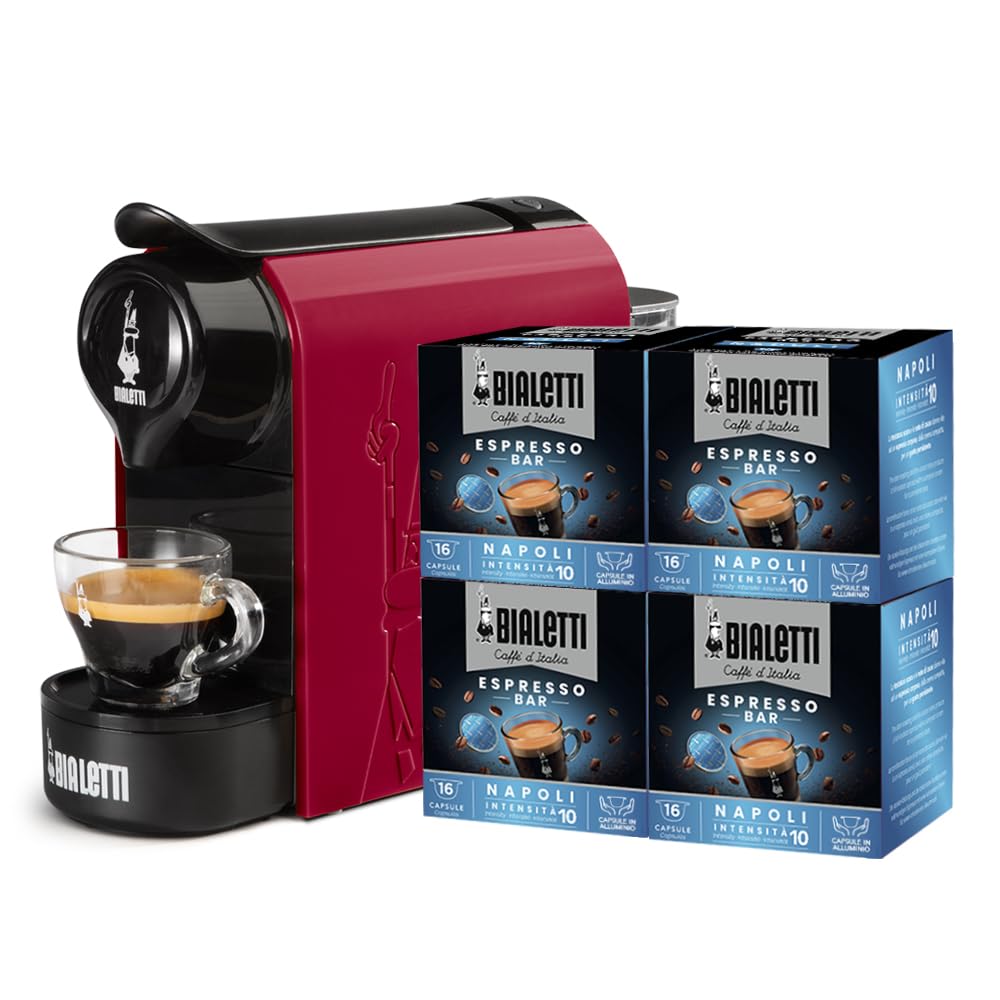
Image: The Bialetti Gioia Espresso Machine in red, accompanied by boxes of Bialetti coffee capsules.
1. Setup
1.1 Unboxing and Initial Placement
Carefully remove all components from the packaging. Place the machine on a stable, flat surface away from heat sources and water. Ensure there is enough space around the machine for proper ventilation and access to the water tank.
1.2 Filling the Water Tank
The Bialetti Gioia features a removable water tank for easy refilling. Use fresh, potable water. Do not exceed the maximum fill line indicated on the tank.
Video: Demonstrates how to remove and fill the water tank with potable water, ensuring not to exceed the MAX level. This is part of the "Procedura di avvio per Macchina Espresso Bialetti Gioia" video.

Image: The compact dimensions of the Bialetti Gioia Espresso Machine, showing its height of 22 cm and depth of 34 cm.
1.3 Connecting to Power
Insert the power plug into a suitable electrical outlet. Ensure the voltage matches your machine's requirements.
Video: Shows how to plug the machine into a power outlet. This is part of the "Procedura di avvio per Macchina Espresso Bialetti Gioia" video.
1.4 First Use and Cleaning Cycle
Before first use, or after a long period of inactivity, it is recommended to perform a cleaning cycle to rinse the internal circuits. Press the power button to turn on the machine. Wait until both coffee buttons show a steady green light, indicating the machine is ready. Then, press and hold both coffee buttons for 5 seconds to start the cleaning cycle. The cycle will finish automatically. Do not insert a capsule during this operation. If the machine does not start, repeatedly raise and lower the water tank to facilitate the operation.
Video: Illustrates turning on the machine, waiting for the ready lights, and initiating the cleaning cycle by holding both coffee buttons. It also shows how to troubleshoot if the machine doesn't start by adjusting the water tank. This is part of the "Procedura di avvio per Macchina Espresso Bialetti Gioia" video.

Image: A close-up of the control panel with the power button and two coffee buttons, showing the green indicator lights.
2. Operation
2.1 Preparing Your Espresso
- Turn On: Press the power button. Wait for the green lights on the coffee buttons to become steady.
- Insert Capsule: Lift the lever, insert a Bialetti aluminum capsule into the dedicated compartment, and close the lever firmly.
- Place Cup: Place your espresso cup on the drip tray.
- Select Coffee Length: Choose between a short or long coffee by pressing the corresponding button. The machine will automatically dispense the coffee.
- Enjoy: Your authentic Italian espresso is ready to be enjoyed.

Image: A close-up view of the capsule compartment, showing a Bialetti aluminum capsule being inserted.
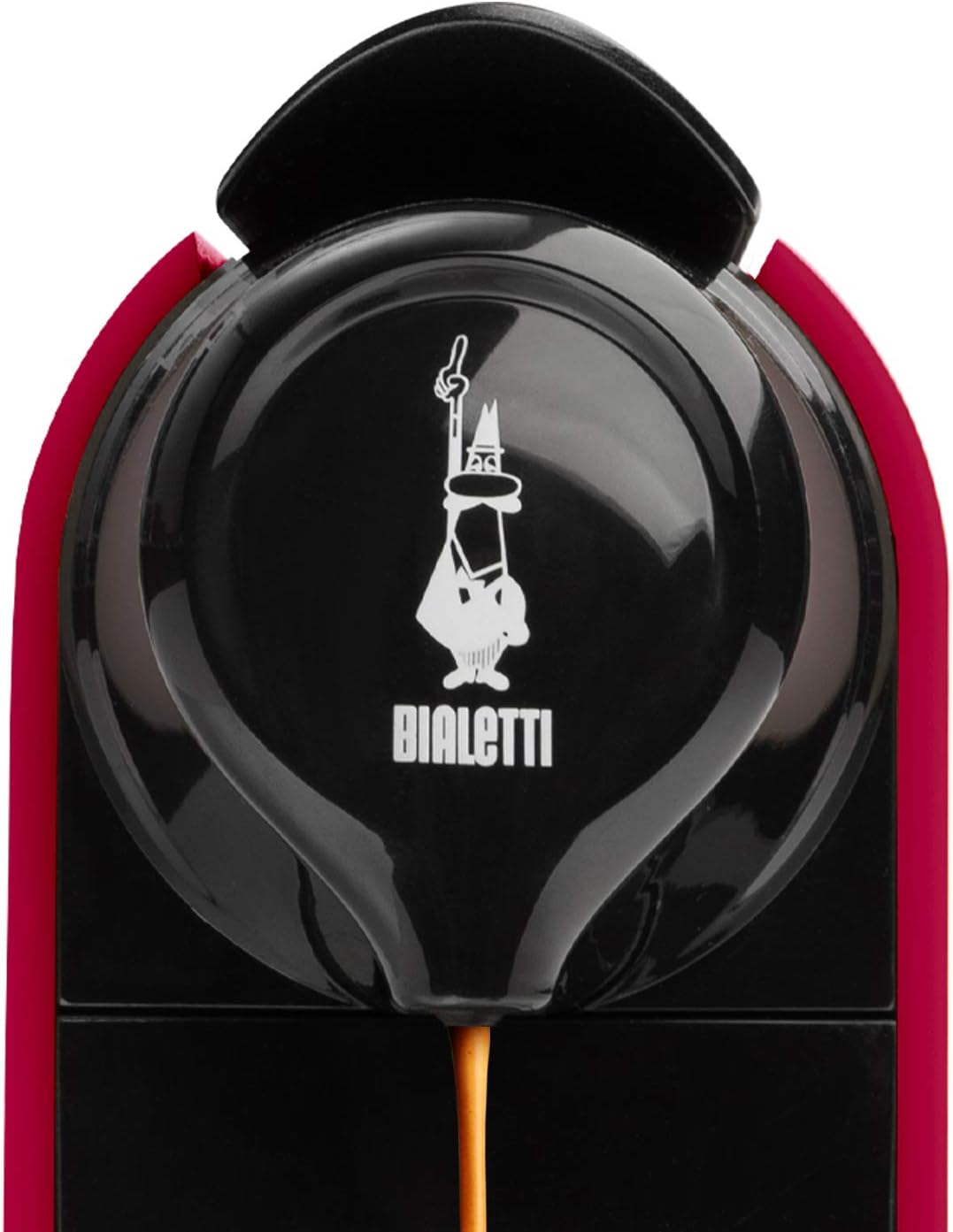
Image: The Bialetti Gioia Espresso Machine dispensing a stream of espresso into a glass cup.
2.2 Customizing Coffee Volume
The machine allows you to personalize the amount of coffee dispensed. To do this, press and hold the desired coffee button (short or long) until the desired volume is reached. Release the button, and the machine will remember this setting for future brews of that type.
3. Maintenance
3.1 Daily Cleaning
- Water Tank: Empty and rinse the water tank daily. Refill with fresh water.
- Drip Tray and Used Capsule Container: Empty and clean the drip tray and the used capsule container regularly. The capsule container can hold up to 8 capsules.
- Machine Exterior: Wipe the exterior of the machine with a soft, damp cloth. Do not use abrasive cleaners or solvents.
3.2 Descaling
Regular descaling is crucial to maintain the performance and longevity of your espresso machine. The frequency depends on water hardness and usage. Refer to the full instruction manual for detailed descaling procedures and recommended descaling solutions.
4. Troubleshooting
| Problem | Possible Cause | Solution |
|---|---|---|
| Machine does not turn on. | No power supply. | Check if the power plug is correctly inserted into the outlet. Ensure the outlet is functional. |
| No water flow or insufficient water. | Water tank empty or not properly seated. Air in the circuit. | Fill the water tank and ensure it is correctly inserted. Repeatedly raise and lower the water tank to prime the pump. Perform a cleaning cycle without a capsule. |
| Coffee is cold. | Machine not preheated sufficiently. | Wait until the green lights on the coffee buttons are steady before brewing. Run a short cycle without a capsule to preheat the system. |
| Capsule not piercing or coffee not dispensing. | Capsule not inserted correctly or lever not fully closed. | Ensure the capsule is correctly placed and the lever is firmly closed. Use only original Bialetti aluminum capsules. |
5. Specifications
- Brand: Bialetti
- Model: 098150529
- Color: Red
- Dimensions (L x W x H): 22 x 39 x 27 cm (approximately 8.7 x 15.4 x 10.6 inches)
- Weight: 4.41 kg (approximately 9.72 lbs)
- Water Tank Capacity: 0.5 liters
- Pump Pressure: 20 bar
- Special Features: Removable water tank, automatic coffee dispensing (customizable volume), used capsule container (up to 8 capsules).
- Compatibility: Exclusively with original Bialetti "Il Caffè d'Italia" aluminum capsules.
6. Warranty & Support
For warranty information, technical support, or service requests, please refer to the warranty card included with your product or visit the official Bialetti website. Keep your proof of purchase for warranty claims.
You can also visit the Bialetti Store on Amazon for more information and products.


