
Nokia TA-1280
Nokia 215 4G User Manual
Model: TA-1280
Introduction
This manual provides essential information for setting up, operating, maintaining, and troubleshooting your Nokia 215 4G mobile phone. The Nokia 215 4G offers clear call quality, social media access, and multiplayer gaming capabilities, all supported by 4G connectivity. It features a long-lasting battery, a precise keymat, and dedicated function keys for easy navigation. Its design includes a curved back for comfort and an easy-grip edge, ensuring a high-end user experience.
Setup
1. Installing the Battery and SIM Card
To begin, remove the back cover of the phone. Insert the included Lithium Ion battery into its compartment, ensuring the contacts align. Next, carefully insert your GSM-compatible SIM card into the designated slot. This device is designed to work with GSM carriers. Please confirm compatibility with your chosen carrier before purchasing, as it will not support AT&T, Verizon, or Verizon subsidiaries.

Image: Front view of the Nokia 215 4G phone, showing its display and keypad.
2. Charging the Device
Connect the included Power Adapter to the USB Cable, then plug the USB Cable into the phone's charging port. Plug the power adapter into a wall outlet. The phone requires approximately 3 hours for a full charge. Ensure the device is fully charged before first use for optimal battery performance.

Image: The Nokia 215 4G phone displayed alongside a list of items included in the box, such as the device, battery, and charger.
Operating Instructions
Making Calls and Sending Messages
Use the keypad to dial numbers and navigate menus. Press the green call button to initiate a call and the red end call button to terminate it. For messaging, select the 'Messages' application from the main menu to compose and send SMS messages.
Internet and Applications
The Nokia 215 4G supports 4G connectivity, allowing for web browsing and access to social media applications. Navigate to the 'Internet' or 'Applications' icon on the home screen to access these features. The phone comes with pre-installed applications like Facebook and the classic Snake game.
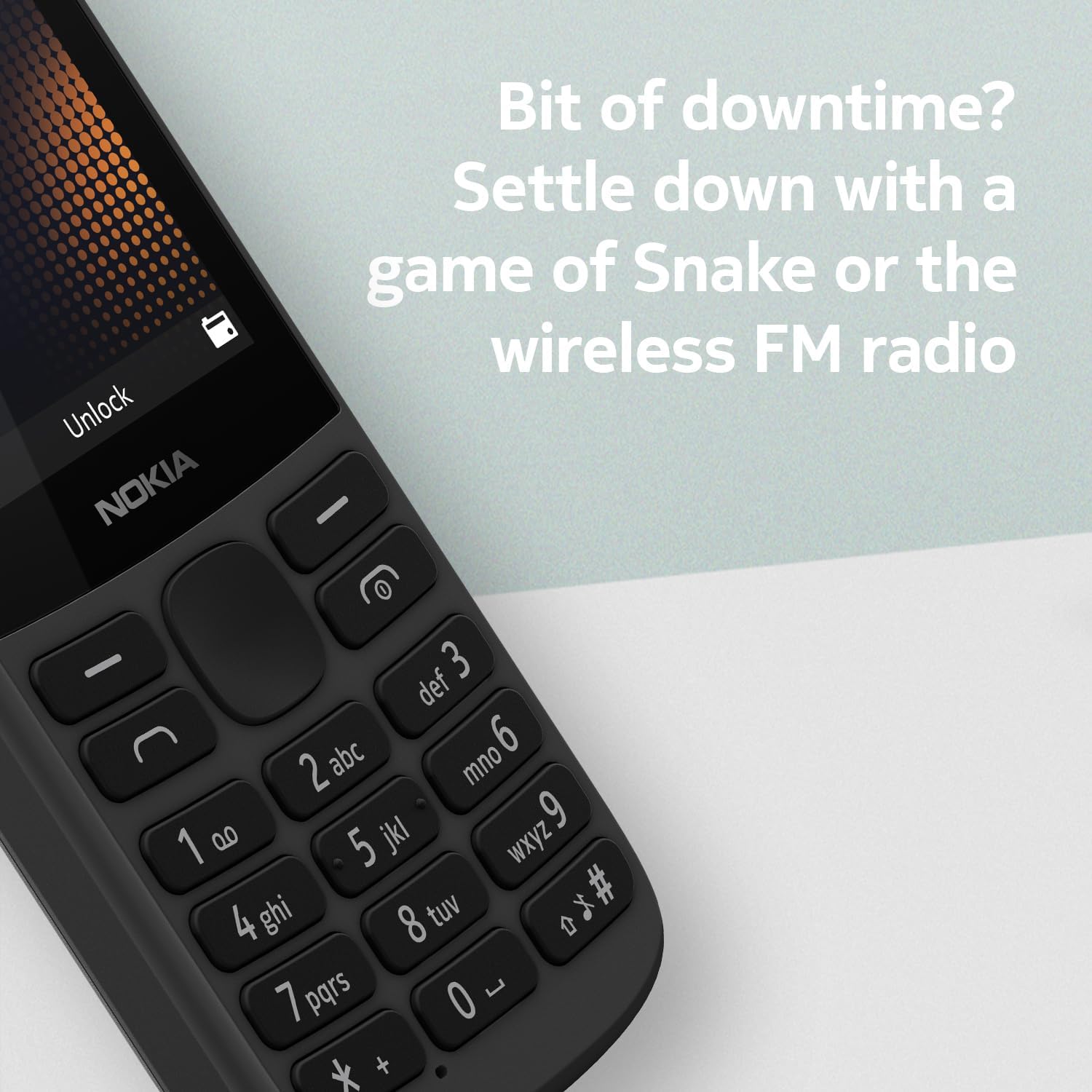
Image: The Nokia 215 4G display showing various application icons, indicating its internet and social media capabilities.
FM Radio
The device includes a wireless FM radio. To use it, navigate to the 'Radio' application. You can listen to your favorite stations without needing a headset connected as an antenna.

Image: The Nokia 215 4G phone displaying its FM radio interface, showing the frequency and controls.
Maintenance
Battery Care
To maximize battery life, avoid exposing the phone to extreme temperatures. Charge the battery fully before it completely drains. The phone is designed for long-lasting battery performance, providing up to 12 hours of talk time.
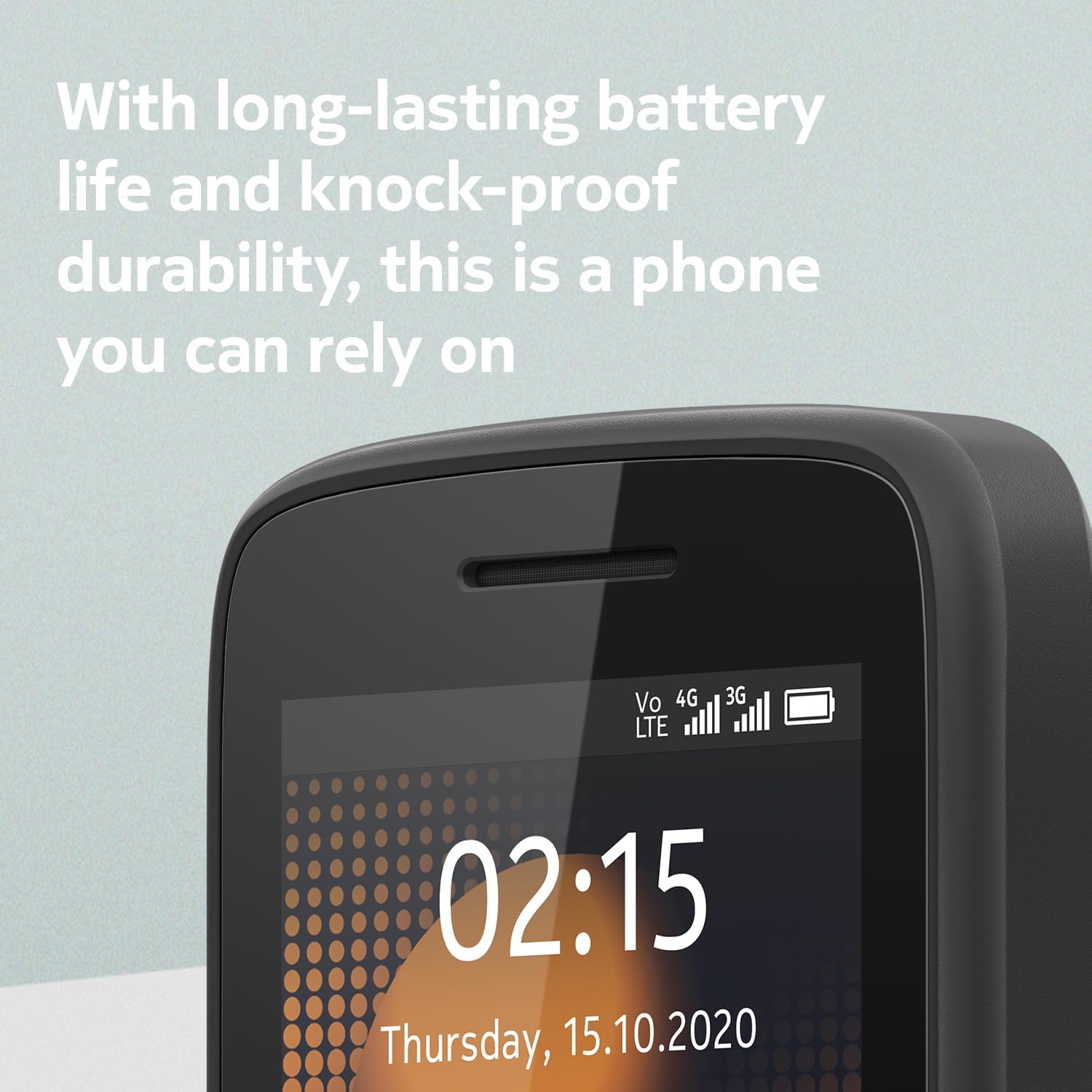
Image: A close-up of the Nokia 215 4G screen, highlighting the battery life indicator and 4G signal strength.
Cleaning Instructions
Use a soft, dry cloth to clean the phone's exterior. Avoid using harsh chemicals or abrasive materials, as these can damage the device's finish and components.

Image: A side profile of the Nokia 215 4G, emphasizing its ergonomic design with a curved back and easy-grip edge.
Troubleshooting
Phone Not Turning On or Unexpected Shutdowns
Ensure the battery is fully charged. If the issue persists, try removing and reinserting the battery. If the phone continues to shut down unexpectedly, contact customer support.
Poor Battery Life
Check if background applications are running. Minimize usage of features like Bluetooth when not needed. Ensure the phone is charged using the original power adapter and USB cable. Battery performance can degrade over time; consider replacing the battery if it's old.
SIM Card Not Detected or Network Issues
Ensure the SIM card is correctly inserted. Verify that your SIM card is active and compatible with GSM networks. If you experience network issues, contact your carrier for assistance in connecting your device to their network. Product connection and signal strength are dependent on location and carrier network.
Specifications
| Feature | Detail |
|---|---|
| Product Dimensions | 4.91 x 2.01 x 0.54 inches |
| Item Weight | 3.19 ounces |
| Item Model Number | TA-1280 |
| Batteries | 1 Lithium Ion batteries required (included) |
| Operating System | Series 30+ |
| Wireless Communication Technologies | Cellular |
| Connectivity Technologies | Bluetooth, USB |
| Special Features | Basic Phone, Expandable Memory |
| Human Interface Input | Microphone, Keypad, Buttons |
| Scanner Resolution | 240 x 320 |
| Audio Jack | 3.5 mm |
| Form Factor | Bar |
| Color | Black |
| Battery Power Rating | 1150 mAh |
| Phone Talk Time | 12 Hours |
| Memory Storage Capacity | 128 MB |
| Standing Screen Display Size | 2.4 Inches |
| RAM Memory Installed Size | 64 MB |
| Charging Time | 3 Hours |
| CPU Speed | 1 GHz |
| Refresh Rate | 60 Hz |
| Wireless Carrier | Unlocked |
What's in the Box
- Nokia 215 4G Device
- Battery
- Power Adapter
- USB Cable
Warranty and Support
For warranty information and technical support, please refer to the documentation provided with your purchase or visit the official Nokia support website. Keep your proof of purchase for any warranty claims.
Related documentsTA-1280


Ask a question about this manual
Ask about setup, troubleshooting, compatibility, parts, safety, or missing instructions. Manuals+ will review the question and use this page’s manual context to help answer it.