
1. Introduction
The Lexar Professional Silver Plus 512GB microSDXC UHS-I Memory Card is engineered for high-speed performance and durability, making it suitable for videographers, gamers, and users of action cameras, drones, and smartphones. This card provides ample storage and fast data transfer rates to support demanding applications like 4K UHD video recording and rapid burst photography.
Included in the package:
- Lexar Professional Silver Plus 512GB microSDXC UHS-I Memory Card
- SD Adapter for microSD
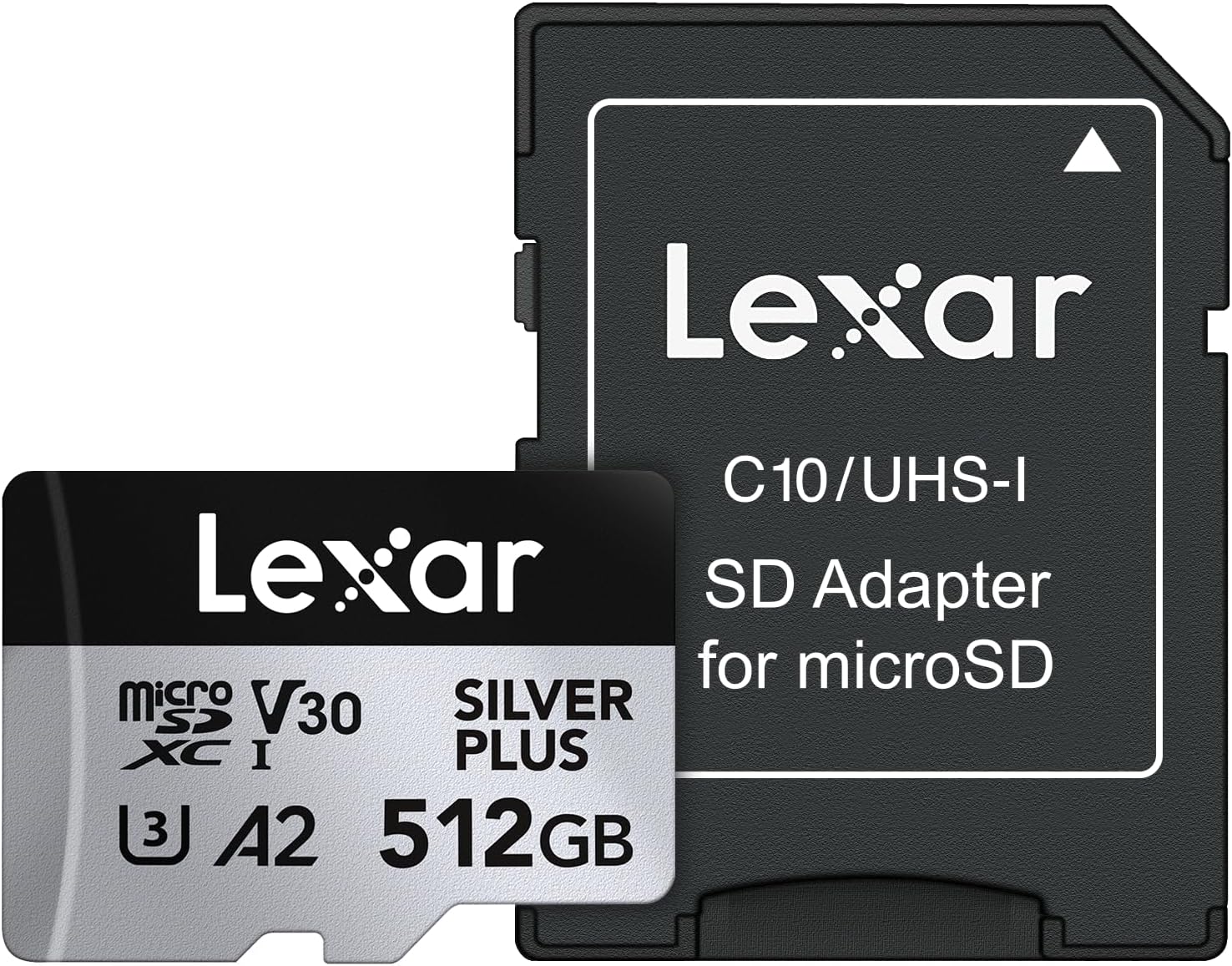
Image 1.1: Lexar Professional Silver Plus 512GB microSDXC card and included SD adapter.
2. Setup
2.1 Inserting the microSD Card
- Locate the microSD card slot on your compatible device (e.g., camera, drone, smartphone, gaming console).
- Ensure the device is powered off before inserting or removing the card.
- Gently insert the microSD card into the slot with the gold contacts facing down (or as indicated by your device's manual) until it clicks into place.
2.2 Using the SD Adapter
The included SD adapter allows you to use your microSD card in devices that accept standard SD cards, such as laptops or card readers.
- Insert the microSD card into the designated slot on the SD adapter until it clicks.
- Insert the SD adapter into the SD card slot of your computer or compatible device.
- To remove, gently push the microSD card further into the adapter to release it, then pull it out.
2.3 Initial Formatting
While many devices can use the card immediately, it is recommended to format the card within your device before first use. This ensures optimal compatibility and performance. Refer to your device's user manual for specific formatting instructions.
3. Operating
3.1 Recording 4K Video and High-Resolution Photos
This Lexar Professional Silver Plus microSDXC card is rated V30 and U3, ensuring sustained write speeds necessary for smooth 4K video recording at up to 60 frames per second and high-speed burst photography.
- Ensure your device's recording settings are configured to utilize the card's capabilities (e.g., selecting 4K resolution, appropriate frame rates).
- For best performance, use the card in devices that support UHS-I speed class.
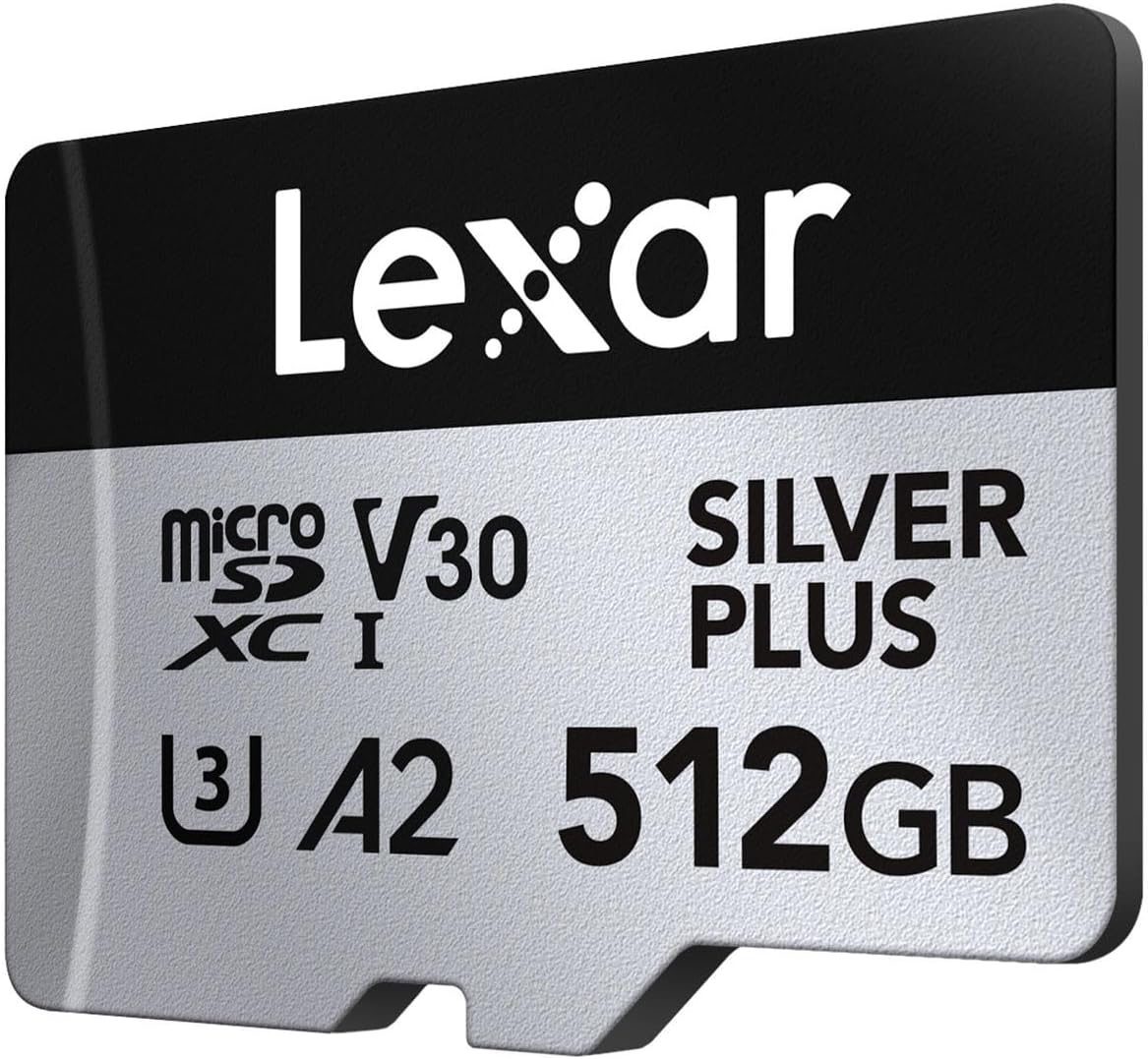
Image 3.1: The Lexar microSD card supports 4K UHD video recording.
3.2 Data Transfer
To transfer files to your computer, insert the microSD card into the SD adapter and then into your computer's SD card slot or a compatible USB card reader. The card will appear as a removable drive, allowing you to copy, move, or delete files.

Image 3.2: High read and write speeds facilitate quick data transfers.
3.3 Compatibility
The Lexar Professional Silver Plus microSDXC card offers extensive compatibility with a wide range of devices, including:
- Action Cameras (e.g., GoPro, DJI Action series)
- Drones (e.g., DJI Mavic series, Phantom)
- Gaming Consoles (e.g., Nintendo Switch, Steam Deck)
- Smartphones and Tablets
- Digital Cameras
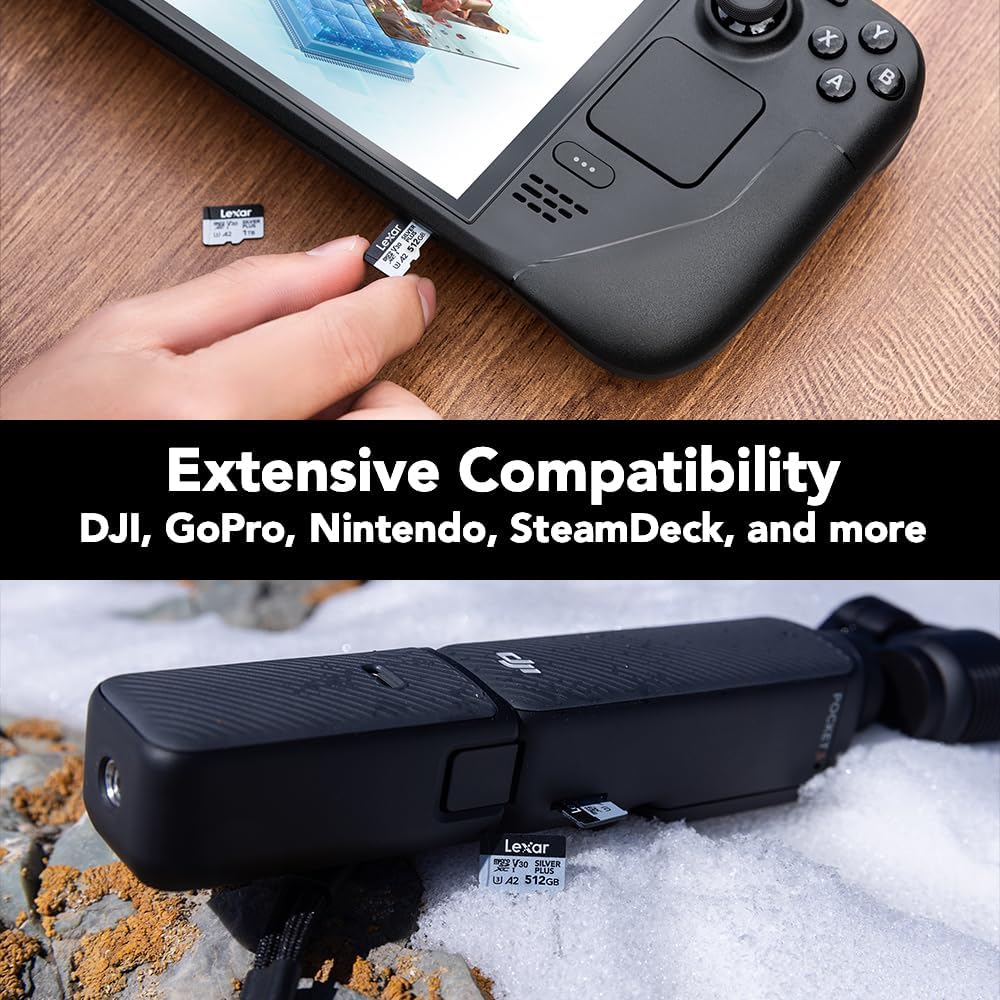
Image 3.3: The card is compatible with various devices like gaming consoles and action cameras.

Image 3.4: Detailed compatibility guide for popular devices.
3.4 Official Product Video
Video 3.5: An official overview of the Lexar Professional Silver Plus microSDXC Memory Card, highlighting its features and performance.
4. Maintenance
4.1 Card Care and Durability
The Lexar Professional Silver Plus microSDXC card is built to withstand various environmental challenges:
- Waterproof: IPX7 rated, protecting against water immersion.
- Temperature-proof: Operates reliably in extreme temperatures.
- X-ray-proof: Safe from airport X-ray scanners.
- Vibration-resistant: Designed to endure vibrations.
- Magnetic-proof: Protected against magnetic interference.
- Shockproof: Resists impacts from drops.
- Wear-proof: Built for long-term use.
- Drop-proof: Withstands accidental drops.
Despite these features, always handle the card with care. Avoid bending, scratching the contacts, or exposing it to excessive force.

Image 4.1: The card is designed for durability against various elements.
4.2 Lexar Recovery Software
The card includes access to Lexar Recovery Software, which can help recover accidentally deleted files. Instructions for accessing and using this software are typically provided with the product packaging or available on the official Lexar support website.

Image 4.2: Lexar Recovery Tool helps restore lost files.
5. Troubleshooting
5.1 Card Not Recognized
- Reinsert: Remove the card and reinsert it firmly into the slot.
- Check Compatibility: Ensure your device supports microSDXC cards and the specific capacity.
- Try Another Device: Test the card in a different compatible device or card reader to determine if the issue is with the card or the original device.
- Clean Contacts: Gently clean the gold contacts on the card with a soft, dry cloth.
5.2 Slow Performance
- Device Limitations: Ensure your device supports UHS-I speeds. Older devices may not fully utilize the card's speed capabilities.
- Card Fullness: Performance can sometimes degrade when a card is nearly full. Try freeing up space.
- File Fragmentation: Regularly backing up data and reformatting the card can help maintain optimal performance.
5.3 Data Corruption
- Safe Removal: Always safely eject the card from your computer or device before physical removal.
- Power Fluctuations: Avoid removing the card during data transfer or when the device is low on battery.
- Lexar Recovery Software: Utilize the included recovery software to attempt to retrieve corrupted files.
6. Specifications
| Feature | Detail |
|---|---|
| Brand | Lexar |
| Model Name | Silver Plus MicroSD |
| Model Number | LMSSIPL512G-BNANU |
| Flash Memory Type | Micro SDXC |
| Memory Storage Capacity | 512 GB |
| Read Speed | Up to 205 MB/s |
| Write Speed | Up to 150 MB/s |
| Speed Class | UHS-I, V30, U3, C10, A2 |
| Durability Features | IPX7 Waterproof, Wear-proof, Drop-proof, Temperature-proof, X-ray-proof, Shockproof, Magnetic-proof, Vibration-resistant |
| Compatible Devices | Camera, Gaming Console, Smartphone, Tablet (DJI, GoPro, Nintendo, SteamDeck) |
| Item Weight | 0.48 ounces (13.61 g) |
| Product Dimensions | 5.5 x 4 x 0.21 inches |
| UPC | 843367135073 |
7. Warranty & Support
7.1 Warranty Information
The Lexar Professional Silver Plus microSDXC Memory Card comes with a Lifetime Limited Warranty for the card itself. The included SD adapter is covered by a One-Year Limited Warranty.
For detailed terms and conditions of the warranty, please refer to the warranty documentation included with your product or visit the official Lexar website.
7.2 Customer Support
For technical assistance, product inquiries, or warranty claims, please visit the official Lexar support website or contact their customer service. You can find more information and a complete list of compatible devices at www.lexar.com/support.


