
ANFIER M3
ANFIER M3 Translator Earbuds Instruction Manual
Model: M3
1. Introduction
The ANFIER M3 Translator Earbuds are designed to facilitate seamless communication across various languages. These earbuds offer real-time translation, audio playback, and call functionality, making them a versatile tool for travel, business, and daily interactions. This manual provides detailed instructions for optimal use and maintenance of your device.

Image 1.1: ANFIER M3 Translator Earbuds and their charging case. The earbuds are black with "Translator" printed on them, and the charging case is also black with a textured finish.
2. Package Contents
Verify that all items are present in your package:
- ANFIER M3 Translator Earbuds (Left and Right)
- Charging Case
- USB Charging Cable (Type-C)
- Multiple sizes of ear tips (typically S, M, L)
- User Manual (this document)

Image 2.1: The retail packaging for the ANFIER M3 Translator Earbuds, displaying product information and specifications.
3. Setup
3.1 Charging the Earbuds and Case
Before first use, fully charge the earbuds and the charging case.
- Place the earbuds into the charging case. Ensure they are correctly seated.
- Connect the USB Type-C charging cable to the charging port on the case and to a power source.
- The indicator lights on the case will show the charging status. A full charge typically takes approximately 90 minutes for the case.
- The earbuds provide up to 5 hours of continuous translation on a single charge, with the charging case extending total battery life to 15 hours.

Image 3.1: Visual representation of the ANFIER M3 Translator Earbuds' battery life, showing 5 hours of continuous translation and 15 hours with the charging case, with a 90-minute full charge time via Type-C port.
3.2 App Installation and Pairing
The ANFIER M3 Translator Earbuds require a dedicated mobile application for full functionality.
- Download the App: Search for the official ANFIER translator application on your smartphone's app store (Google Play Store for Android or Apple App Store for iOS).
- Enable Bluetooth: Ensure Bluetooth is enabled on your smartphone.
- Pairing:
- Open the charging case. The earbuds will automatically enter pairing mode.
- Open the ANFIER app on your smartphone.
- Follow the in-app instructions to connect the earbuds. The app will typically detect the earbuds and prompt you to pair.
- Once connected, the app will display a "device connected" status.

Image 3.2: A smartphone displaying the ANFIER translator application interface, showing various translation modes like Touch Mode, Speaker Mode, Free Talk Mode, Offline Mode, and Photo Translation.
4. Operating Instructions
4.1 Translation Modes
The ANFIER M3 offers five distinct translation modes, accessible via the companion app:
- Touch Mode: Ideal for one-on-one conversations. Each person wears an earbud. Tap your earbud to speak, and the translation will play in the other person's earbud.
- Speaker Mode: Suitable for small groups. One person wears an earbud and speaks, while the translation is broadcast through the smartphone's speaker.
- Free Talk Mode: For natural, continuous conversation. Both participants speak freely, and the earbuds translate in real-time without requiring a tap.
- Offline Mode: Allows translation without an internet connection. This feature may require pre-downloaded language packages or specific product versions. (Note: This specific product variant does not include an offline package by default.)
- Photo Translation: Use your smartphone camera to translate text from images, signs, or documents.
The earbuds support translation for 144 languages and accents with up to 98% accuracy and a rapid response time of 0.5 seconds.

Image 4.1: An infographic detailing the 74 languages and 70 accents supported by the ANFIER M3 Translator Earbuds.

Image 4.2: A smartphone screen showing the photo translation feature, translating a "SPEED LIMIT 25" sign into another language.

Image 4.3: A comparison chart illustrating the differences between the online and offline versions of the translator earbuds, detailing internet requirements, language support, and offline package access. This specific product is the "No Offline Package" variant.
4.2 Audio Playback and Calls
Beyond translation, the ANFIER M3 earbuds function as standard Bluetooth earbuds for music and calls.
- Music Streaming: Once paired, you can stream audio from your smartphone to the earbuds.
- Phone Calls: Answer or make calls using the earbuds. The integrated microphones and noise reduction technology ensure clear communication.
- Noise Reduction: The earbuds feature high-precision ENC (Environmental Noise Cancellation) technology, reducing background noise by up to 35dB for clearer audio.
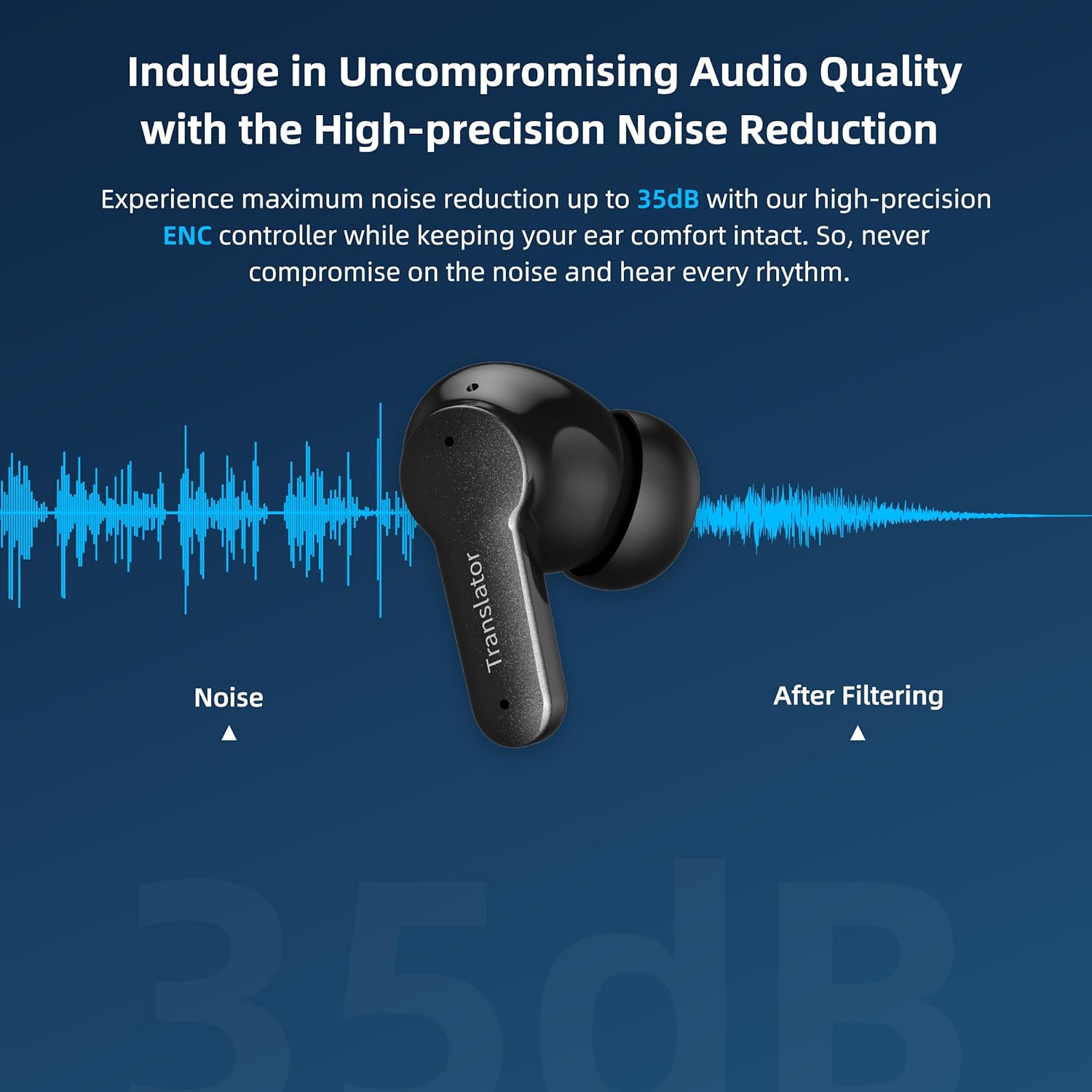
Image 4.4: An ANFIER M3 earbud shown with a sound wave graphic, illustrating the effect of noise reduction technology.
5. Maintenance
Proper maintenance ensures the longevity and optimal performance of your ANFIER M3 Translator Earbuds.
- Cleaning: Regularly clean the earbuds and charging case with a soft, dry, lint-free cloth. Do not use abrasive materials or harsh chemicals.
- Ear Tips: Remove and clean the silicone ear tips periodically with mild soap and water. Ensure they are completely dry before reattaching.
- Storage: When not in use, store the earbuds in their charging case to protect them from dust and damage.
- Avoid Moisture: Keep the earbuds and case away from water and excessive humidity. They are not waterproof.
- Temperature: Avoid exposing the device to extreme temperatures (hot or cold).
6. Troubleshooting
If you encounter issues with your ANFIER M3 Translator Earbuds, refer to the following common solutions:
| Problem | Possible Solution |
|---|---|
| Earbuds not pairing/connecting to app. |
|
| Translation is delayed or inaccurate. |
|
| No sound from earbuds. |
|
| Earbuds disconnect frequently. |
|
7. Specifications
| Feature | Detail |
|---|---|
| Model Number | M3 |
| Brand | ANFIER |
| Package Dimensions | 4.88 x 4.17 x 1.65 inches |
| Item Weight | 7.4 ounces |
| Batteries | 1 Lithium Ion battery (included) |
| Translation Accuracy | Up to 98% |
| Response Time | 0.5 seconds |
| Supported Languages | 144 languages and accents (online) |
| Continuous Translation Time | Up to 5 hours |
| Total Battery Life (with case) | Up to 15 hours |
| Charging Time (case) | Approx. 90 minutes |
| Noise Reduction | Up to 35dB ENC |
8. Warranty and Support
For warranty information and customer support, please refer to the documentation included with your purchase or contact ANFIER directly through their official website or customer service channels. Protection plans offered by third parties are separate from the manufacturer's warranty.
Manufacturer: ANFIER
9. Safety Information
- Do not disassemble, repair, or modify the device.
- Keep out of reach of children and pets.
- Avoid prolonged exposure to high volume levels to prevent hearing damage.
- Dispose of batteries and electronic components responsibly according to local regulations.
Related documentsM3


Ask a question about this manual
Ask about setup, troubleshooting, compatibility, parts, safety, or missing instructions. Manuals+ will review the question and use this page’s manual context to help answer it.