
1. Introduction
The Retevis H-777H Walkie Talkies are portable FRS two-way radios designed for reliable communication in various environments, including retail, church, and club settings. These radios feature a hidden display, USB-C charging, VOX hands-free operation, and a compact design for ease of use and portability. This manual provides detailed instructions for setting up, operating, maintaining, and troubleshooting your H-777H walkie talkies.
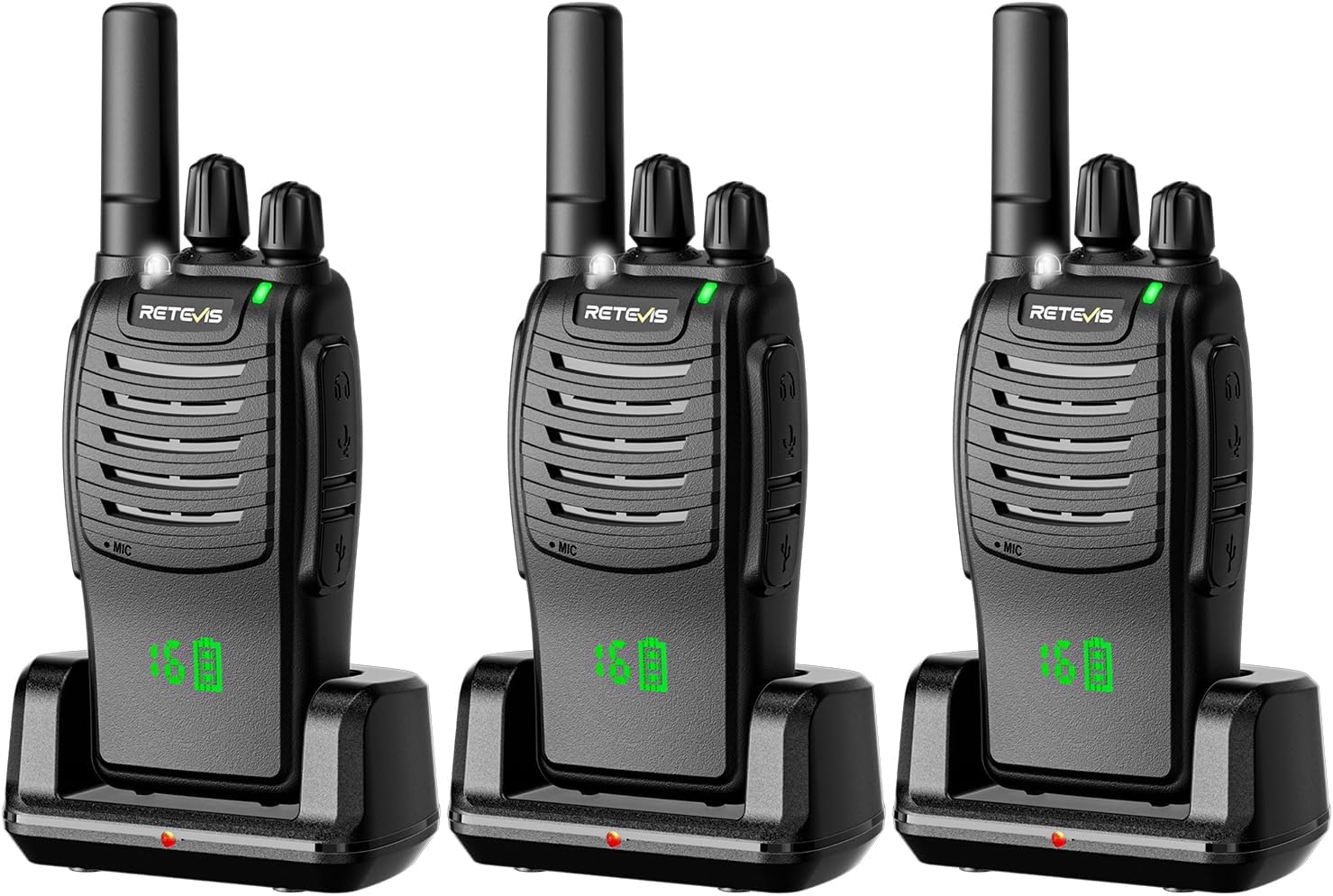
Image 1.1: Retevis H-777H Walkie Talkies (3-Pack)
2. Package Contents
Upon opening your Retevis H-777H package, please verify that all the following items are included:
- 3X Retevis H777H walkie talkie units
- 3X 1000mAh Li-ion batteries
- 3X Desktop Charging Bases
- 3X Type-C Charging Cords
- 3X Power Adapters
- 3X Belt Clips
- 3X User Manuals

Image 2.1: Package Contents
3. Features
The Retevis H-777H walkie talkies offer a range of features designed for convenience and effective communication:
- Shatterproof Hidden Display: Allows users to confirm radio status (channel, battery) without direct operation.
- Type-C Charging: Includes a standard Type-C charging port and a desktop charging base for flexible charging via power bank, computer, or vehicle.
- VOX Function: Enables hands-free communication by speaking directly into the microphone, eliminating the need to press the PTT key.
- H777 Compatibility: Fully compatible with older H777 two-way radios and their accessories.
- Extended Standby Time: 1000mAh Li-ion battery provides up to 12 hours of continuous use and 55 hours of standby time.
- Compact and Lightweight: Integrated antenna and a weight of 116g (0.26Ib) ensure comfortable long-term carry.
- License-Free Operation: Ready-to-use with no complex settings; simply adjust to the same channel for intercommunication.
- LED Flashlight: Built-in flashlight for convenience in low-light conditions, activated by a short press of side key 2.
- Emergency Alarm: Supports remote and local alarm modes for increased safety.
- Key Lock Function: Prevents accidental changes to settings.
4. Setup
4.1 Battery Installation
- Ensure the walkie talkie is powered off.
- Locate the battery compartment on the back of the radio.
- Align the 1000mAh Li-ion battery with the compartment, ensuring the metal contacts on the battery align with those on the radio.
- Gently push the battery into place until it clicks securely.

Image 4.1: Battery Compartment and Battery
4.2 Charging the Battery
The H-777H offers two charging methods:
- Using the Desktop Charging Base:
- Connect the power adapter to the desktop charging base and plug it into a power outlet.
- Place the walkie talkie (with battery installed) into the charging slot of the desktop base. Ensure proper contact.
- The indicator light on the charging base will show the charging status (e.g., red for charging, green for fully charged).
- Direct Type-C Charging:
- Connect the Type-C charging cord directly to the Type-C port on the side of the walkie talkie.
- Connect the other end of the Type-C cord to a compatible USB power source (e.g., power adapter, computer USB port, vehicle USB port).
It is recommended to fully charge the batteries before first use. A full charge typically takes several hours.
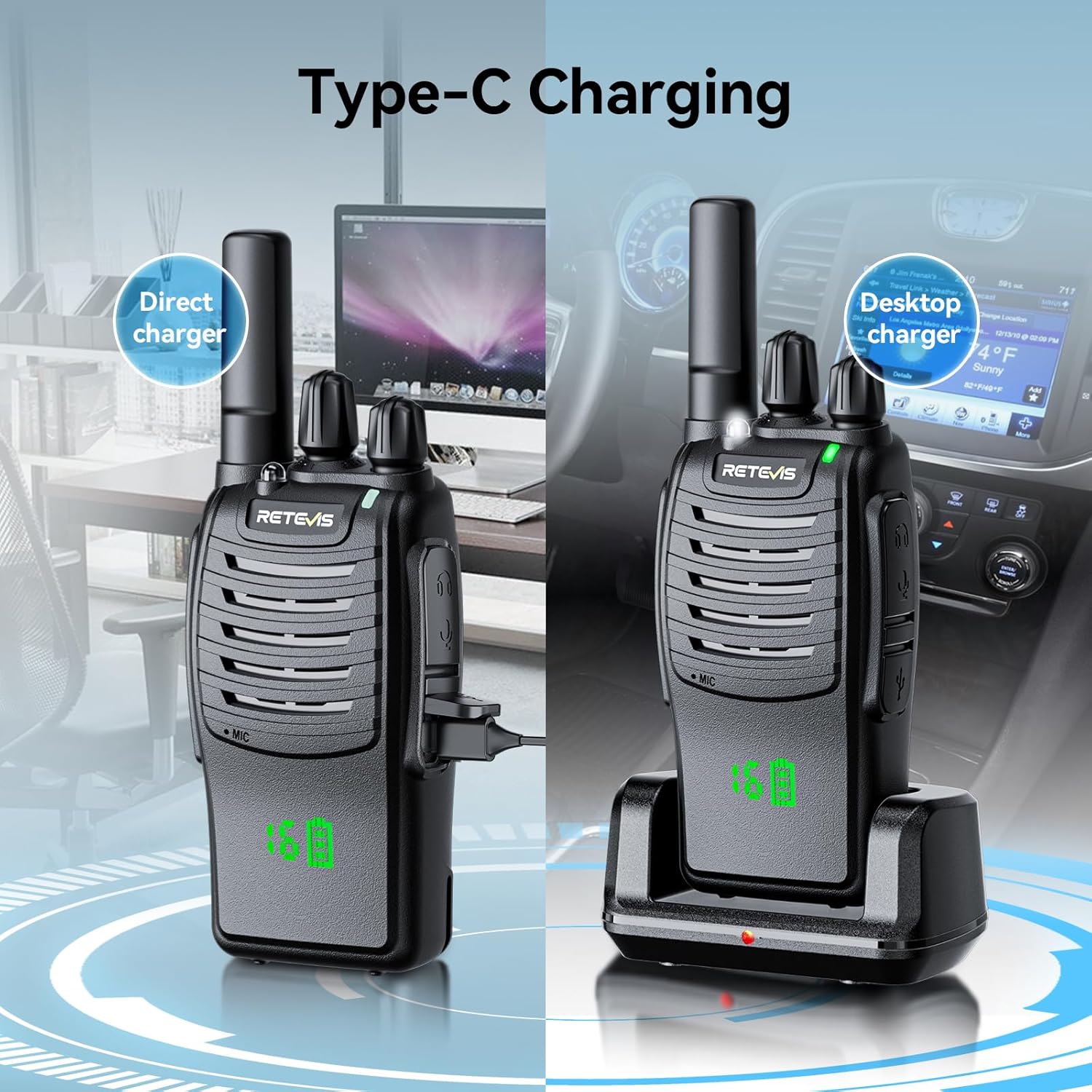
Image 4.2: Type-C and Desktop Charging
5. Operating Instructions
5.1 Power On/Off
To power on the walkie talkie, rotate the power/volume knob clockwise until you hear a click and the radio announces its status. To power off, rotate the knob counter-clockwise until it clicks off.
5.2 Channel Selection
The H-777H has 16 channels. To select a channel, rotate the channel selector knob located on top of the radio. The hidden display will show the current channel number. Ensure all radios you wish to communicate with are set to the same channel.

Image 5.1: Hidden Display showing Channel and Battery
5.3 Push-to-Talk (PTT) Button
To transmit, press and hold the large PTT button on the side of the radio. Speak clearly into the microphone. Release the PTT button to listen for a response.
5.4 VOX Function (Voice Operated Exchange)
The VOX function allows for hands-free transmission. When activated, the radio will automatically transmit when it detects your voice, without needing to press the PTT button. Refer to your specific model's user manual for instructions on how to enable or disable VOX and adjust its sensitivity.
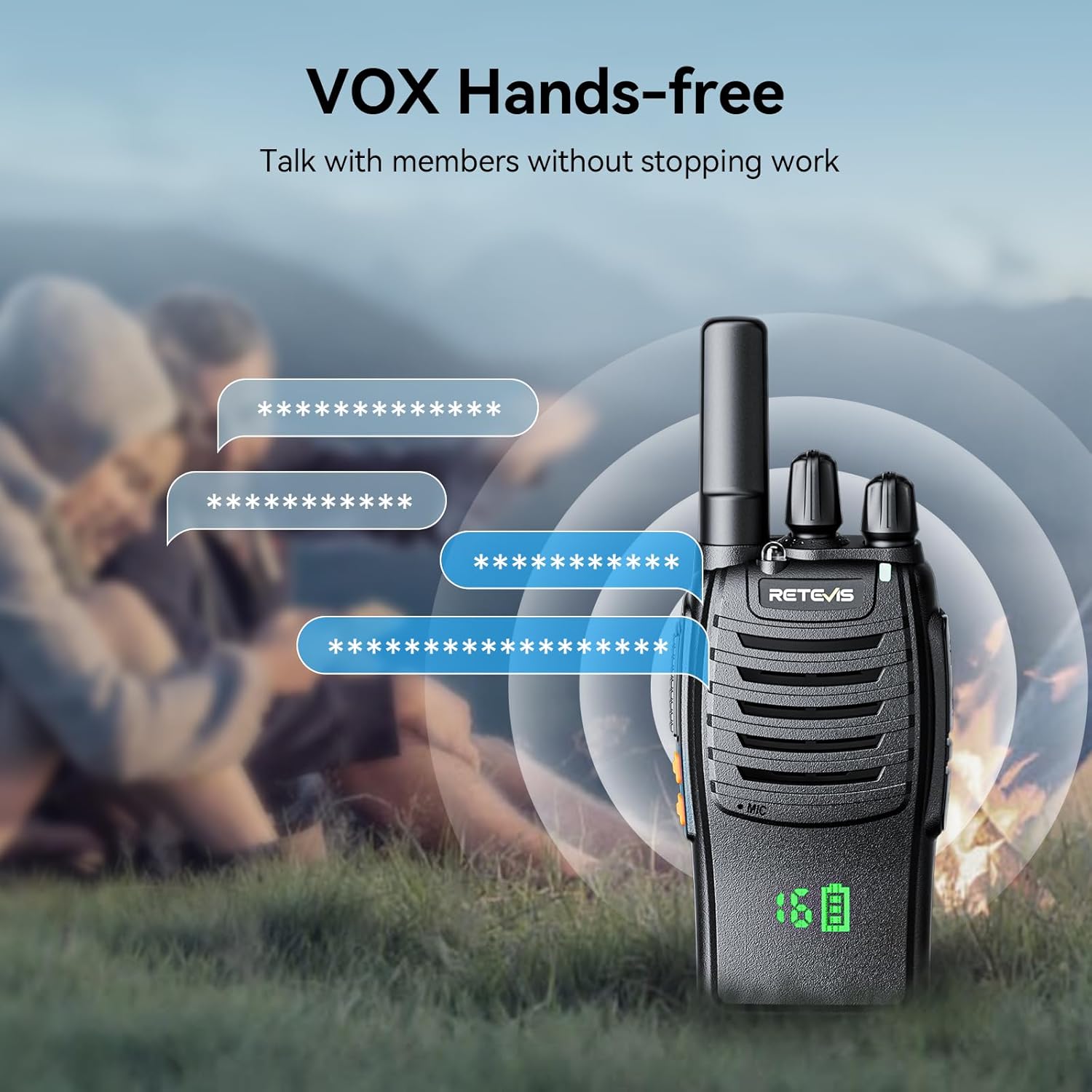
Image 5.2: VOX Hands-free Operation
5.5 LED Flashlight
To activate the built-in LED flashlight, short press side key 2 (typically the lower side button). Short press it again to turn it off. This feature is useful for navigating in dark environments.
5.6 Emergency Alarm
The H-777H includes an emergency alarm function. Consult your specific user manual for details on how to activate and use the remote and local alarm modes. This feature is designed to enhance safety in critical situations.
5.7 Key Lock Function
To prevent accidental changes to your radio's settings, the key lock function can be activated. Refer to your specific user manual for the exact procedure to enable and disable the key lock.
5.8 Compatibility
The Retevis H-777H is designed to be compatible with previous H777 models, allowing you to integrate them seamlessly into your existing radio system and utilize existing accessories.
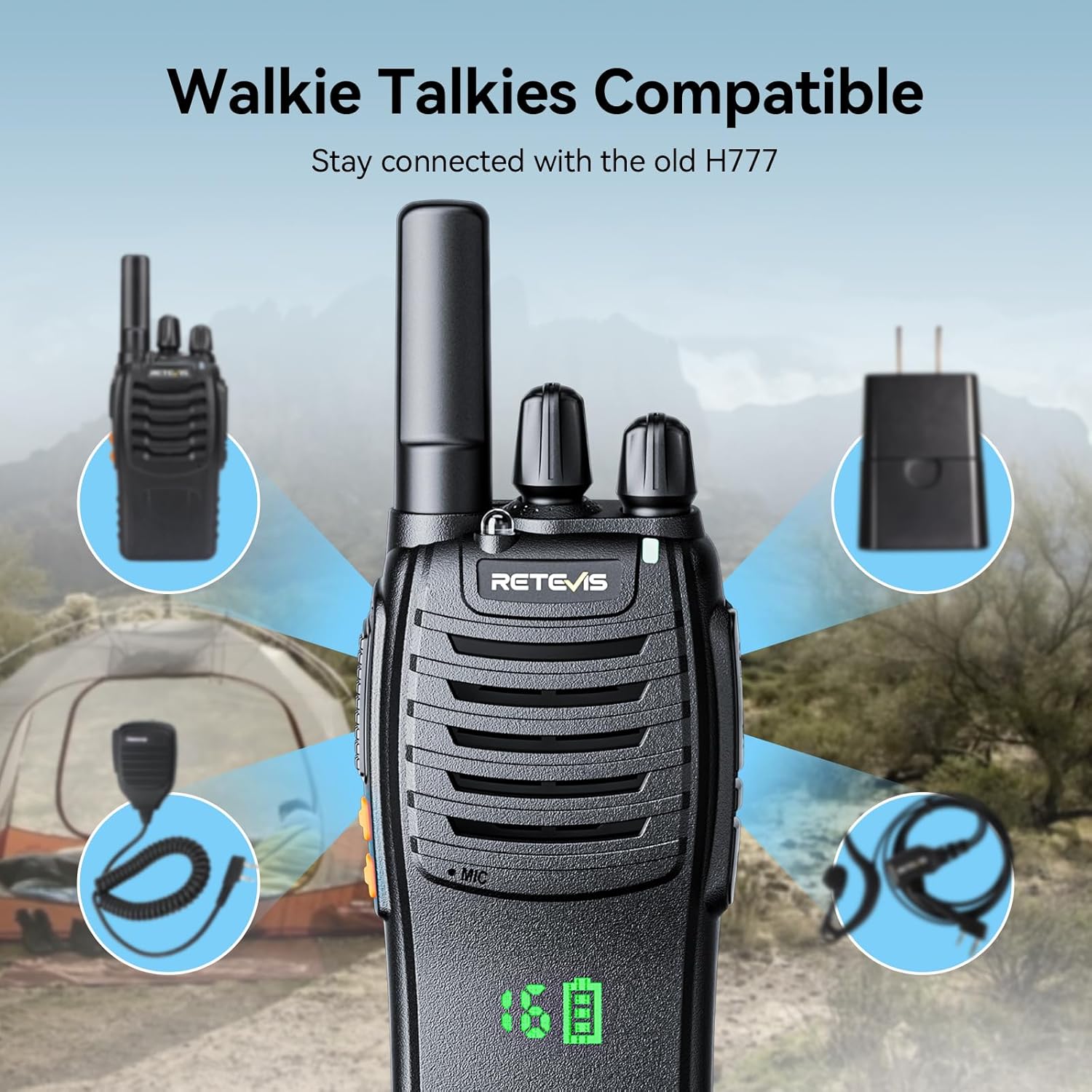
Image 5.3: Compatibility with H777 Accessories
6. Maintenance
6.1 Cleaning
To clean your walkie talkie, use a soft, damp cloth. Do not use harsh chemicals or abrasive cleaners, as these can damage the radio's surface. Ensure the radio is powered off and disconnected from any charging source before cleaning.
6.2 Battery Care
- Avoid overcharging or completely draining the battery.
- Store batteries in a cool, dry place when not in use.
- If the radio will not be used for an extended period, remove the battery.
6.3 Storage
Store your walkie talkies in a dry, dust-free environment away from direct sunlight and extreme temperatures. Protect them from physical impact.
7. Troubleshooting
If you encounter issues with your Retevis H-777H walkie talkies, please refer to the following common problems and solutions:
| Problem | Possible Cause | Solution |
|---|---|---|
| Radio does not power on | Battery is not installed correctly or is depleted. | Ensure battery is securely installed. Charge the battery fully. |
| Cannot communicate with other radios | Radios are on different channels. Out of range. | Verify all radios are set to the same channel. Move closer to the other radio. |
| Static or unclear audio | Weak signal, interference, or low battery. | Move to an open area. Avoid obstacles. Charge the battery. |
| VOX not working | VOX function is disabled or sensitivity is too low. | Enable VOX and adjust sensitivity as per the detailed user manual. |
| Battery drains quickly | Frequent transmission, old battery, or extreme temperatures. | Reduce transmission time. Replace battery if old. Avoid extreme temperatures. |
If the problem persists after attempting these solutions, please contact Retevis customer support for further assistance.
8. Specifications
| Feature | Detail |
|---|---|
| Model Number | A9104JX3 |
| Product Dimensions | 1.25 x 2.34 x 4.49 inches |
| Item Weight | 2.14 pounds (for the pack) |
| Batteries | 3 Lithium Ion batteries required (included) |
| Battery Capacity | 1000mAh |
| Voltage | 3.7 Volts |
| Number of Channels | 16 |
| Frequency Range | FRS |
| Special Features | Hidden display, USB-C Charging, Short antenna, Rechargeable, VOX, Emergency alarm, Key lock |
| Color | Black |
| Water Resistance Level | Water Repellent |
| Manufacturer | Retevis |
| Country of Origin | China |
| Date First Available | July 16, 2024 |
9. Warranty and Support
Retevis provides comprehensive customer support for the H-777H Walkie Talkies:
- Warranty: A 2-year warranty is provided for the radio body, and a 1-year warranty for accessories.
- Return Policy: 30 days no-reason return policy.
- Customer Support: Lifetime customer support is available. If you have any questions or issues, please contact Retevis customer service on Amazon. Responses are typically provided within 12 hours.
For the latest support information and contact details, please visit the official Retevis website or your purchase platform.


