
Edifier EDF800013
Edifier Mini Hearing Aids User Manual
Brand: Edifier | Model: EDF800013
1. Introduction
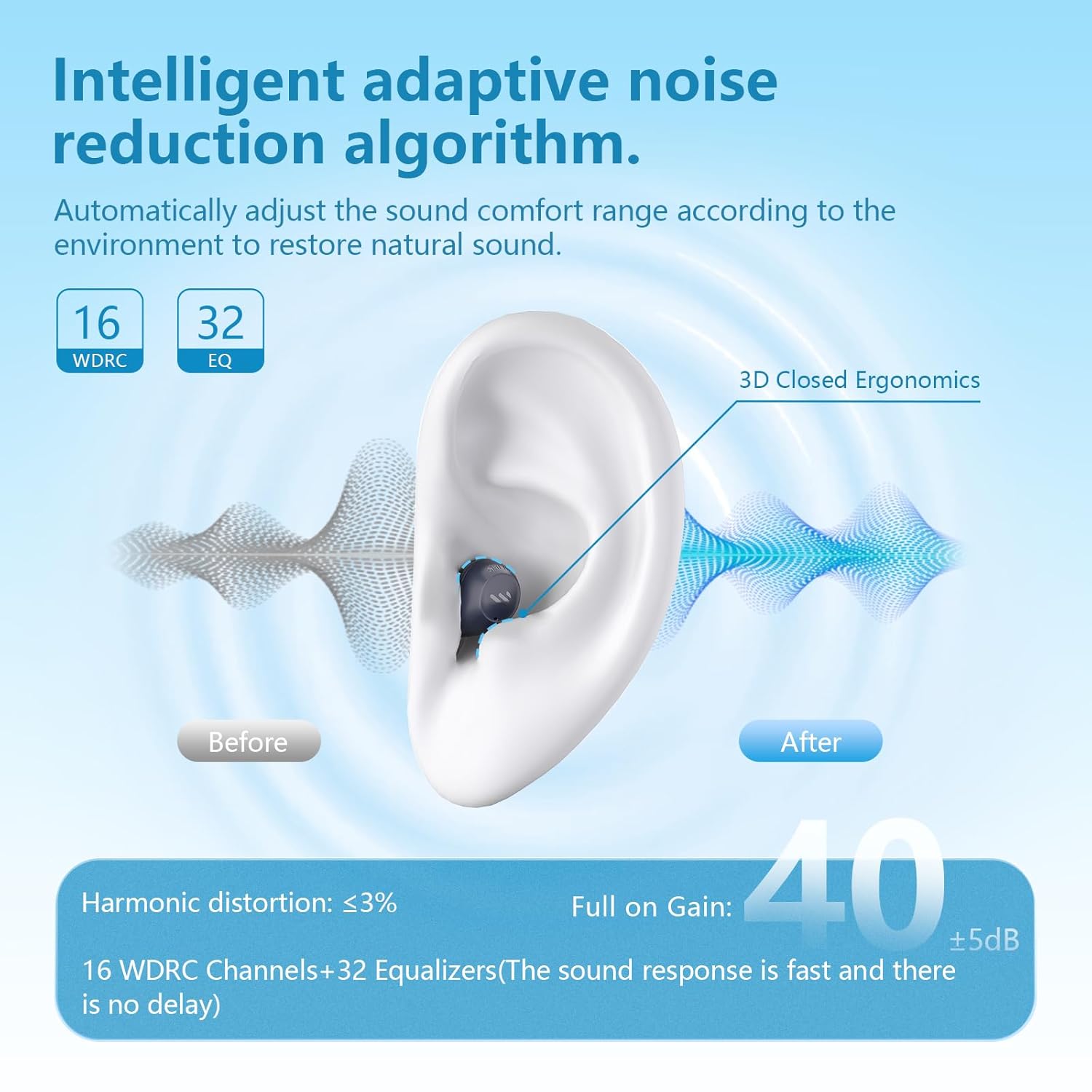
The Edifier Mini Hearing Aids are designed to provide enhanced hearing with advanced features such as intelligent noise reduction, multiple hearing modes, and seamless Bluetooth connectivity. Their compact and nearly invisible design ensures comfort for all-day wear. This manual provides essential information for setting up, operating, maintaining, and troubleshooting your device.

2. What's in the Box
Please verify that all items listed below are included in your package:
- Packing box
- User manual
- EDIFIER Assist app user manual
- Earbud tips (multiple sizes)
- Charging case
- Eclarity Mini OTC Hearing Aids (Left and Right)
- Type-C charging cable
- Cerumen caps and tool
- Cleaning brush
- Pouch
Important: Choose the right size earplugs to reduce acoustic feedback.

3. Setup
3.1 Initial Pairing (Bluetooth)
- For initial use, open the charging case. The earbuds will automatically enter Bluetooth pairing mode.
- The indicator light on the earbuds will blink white and green.
- On your device (e.g., smartphone), go to Bluetooth settings and select "EDIFIER Eclarity Mini" from the list to connect.
- Once connected, the indicator light will stop blinking.
3.2 Re-entering Pairing Mode
If you need to re-enter Bluetooth pairing mode, press and hold the "R" button on the charging case. The indicator light will blink white and green again.
3.3 EDIFIER Assist App Installation
For full control and customization of your hearing aids, download the "EDIFIER Assist" app.
- Connect the earbuds to your phone via Bluetooth first.
- Search for "EDIFIER Assist" in your device's app store (App Store for iOS, Google Play for Android).
- Install the app and open it.

4. Operating Instructions
4.1 Basic Controls (Physical Buttons)
- Accept/End a Call: Press either earbud once.
- Adjust Volume: Tap either earbud once.
- Switch Modes: Press and hold either earbud for a few seconds.

4.2 App Control (EDIFIER Assist)
The EDIFIER Assist app allows for advanced control and customization:
- Volume Control: Adjust the hearing aid volume for each ear independently.
- Scene Modes: Switch between five versatile hearing modes: Outdoor, Indoor, Voice Enhancement, Tinnitus Masking, and Music mode. Tinnitus Masking and Music Mode can only be enabled in the app.
- Customize Equalizer: Tailor the equalizer settings to your unique hearing preferences for each ear.
- Find My Earbuds: Use the app to locate misplaced earbuds by playing a tune.


4.3 Bluetooth Streaming
The Edifier Mini Hearing Aids support Bluetooth streaming, allowing you to listen to music, podcasts, or take calls directly through your hearing aids. The device features automatic switching between Bluetooth and hearing aid modes in real-time.
5. Maintenance
5.1 Cleaning and Care
To ensure optimal performance and longevity of your Edifier Mini Hearing Aids:
- Regularly clean the earbuds and ear tips with the provided cleaning brush and tool to remove earwax and debris.
- Store the hearing aids in their charging case when not in use to protect them from dust and damage.
- Avoid exposing the devices to extreme temperatures or direct sunlight.
5.2 Water Resistance
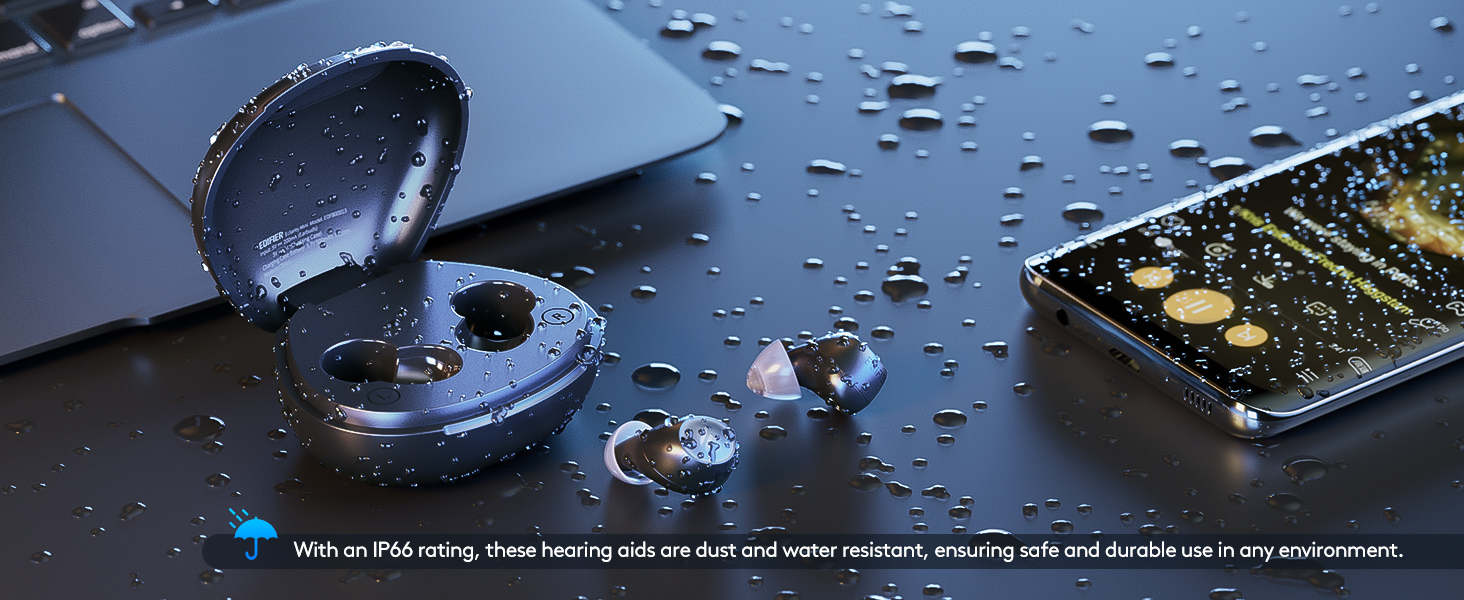
The Edifier Mini Hearing Aids have an IP66 rating, meaning they are dust and water resistant. This provides protection against strong jets of water and dust ingress, making them suitable for various environments. However, they are not designed for submersion in water.
6. Troubleshooting
If you encounter issues with your Edifier Mini Hearing Aids, please refer to the following common problems and solutions:
| Problem | Possible Cause / Solution |
|---|---|
| Loud screeching feedback (whistling) | Ensure ear tips are properly fitted and create a tight seal in your ear. Try different sizes of ear tips provided. Clean earwax from the ear tips and speaker. |
| Bluetooth connection drops or is unstable | Ensure the hearing aids are fully charged. Re-pair the earbuds with your device. Keep the device within the recommended Bluetooth range. |
| Battery life is shorter than expected | Ensure the hearing aids and charging case are fully charged. Battery life can vary based on usage (e.g., continuous Bluetooth streaming will consume more power). |
| Uncomfortable fit | Experiment with the different sizes of ear tips included in the package to find the most comfortable and secure fit for your ears. |
| Cannot connect to the EDIFIER Assist app | Ensure the earbuds are already paired with your phone via Bluetooth. Restart the app or your phone. Check for app updates. |
If the problem persists, please contact Edifier customer support for further assistance.
7. Specifications
| Feature | Detail |
|---|---|
| Model Name | Eclarity Mini |
| Item Model Number | EDF800013 |
| Brand | Edifier |
| Material | Silicone |
| Power Source | Battery Powered |
| Batteries Required | 1 Lithium Ion battery |
| Battery Life (Hearing Aid Mode) | Up to 14 hours per charge (Bluetooth off) |
| Total Battery Life (with Charging Case) | Up to 84 hours (6 additional charge cycles) |
| Charging | Fast-charging support (10 mins charge for ~2 hours use) |
| Special Feature | Rechargeable, Portable |
| Water Resistance Rating | IP66 (Dust and Water Resistant) |
| Package Dimensions | 6.57 x 4.13 x 1.93 inches; 9.59 ounces |
| Date First Available | August 2, 2024 |
8. Warranty and Support
Edifier is committed to providing comprehensive after-sales service to ensure your satisfaction. We offer:
- A dedicated customer service team available to answer your questions and address concerns.
- Regular software updates to keep your hearing aids performing at their best.
- A range of accessories and maintenance tools to help you keep your hearing aids in top condition.
For support, please visit the official Edifier website or contact their customer service directly. You can also visit the Edifier Store on Amazon for more information and resources.
Related documentsEDF800013


Ask a question about this manual
Ask about setup, troubleshooting, compatibility, parts, safety, or missing instructions. Manuals+ will review the question and use this page’s manual context to help answer it.