
Introduction
This manual provides essential instructions for the assembly, operation, and maintenance of your FLEXISPOT QB2M-1880-IE Height-Adjustable Desk. Please read this manual thoroughly before use to ensure proper function and safety. This desk is designed to provide a versatile workspace, allowing seamless transitions between sitting and standing positions.

Image: The FLEXISPOT QB2M-1880-IE Height-Adjustable Desk in a typical office setup, showcasing its spacious maple desktop and white dual-motor frame.
Safety Information
- Maximum Load Capacity: Do not exceed the recommended maximum load of 120 kg (264 lbs). Overloading can cause instability and damage.
- Stable Positioning: Ensure the desk is positioned on a flat, stable surface to prevent tipping or collisions during height adjustments.
- Clear Surroundings: Keep the area around the desk clear of obstructions during height adjustments to avoid pinching or damage to objects.
- Children and Pets: Keep children and pets away from the desk during operation.
- Power Cord: Ensure the power cord is not pinched or damaged. Disconnect power before cleaning or maintenance.
- Anti-Collision System: The desk is equipped with an anti-collision system. However, always exercise caution and monitor the desk's movement.
Package Contents
Verify that all components are present and undamaged before beginning assembly. If any parts are missing or damaged, contact customer support.
- Desktop (multi-piece)
- Desk Frame (legs, crossbar)
- Dual Motors
- Control Panel
- Power Adapter and Cable
- Hardware Kit (screws, tools)
- Instruction Manual
Setup and Assembly
Follow these general steps for assembling your FLEXISPOT height-adjustable desk. Refer to the included assembly diagram for detailed illustrations.
- Unpack Components: Carefully remove all parts from the packaging and lay them out on a clean, soft surface to prevent scratches.
- Assemble the Frame: Attach the desk legs to the crossbar using the provided hardware. Ensure all connections are secure.
- Install Motors: Secure the dual motors within the frame structure as indicated in the assembly guide.
- Attach Desktop: Place the desktop sections onto the assembled frame. The desktop is composed of multiple parts designed to connect securely. Fasten the desktop to the frame using the appropriate screws.
- Connect Control Panel: Mount the control panel to the underside of the desktop in a convenient location. Connect the control panel and motors to the power adapter unit.
- Cable Management: Use cable ties or clips (if provided) to organize and secure all cables, preventing them from interfering with desk movement.
- Initial Power-Up: Plug the power cable into a wall outlet. The desk may perform an initial calibration cycle.

Image: Product details showing the desk dimensions (180cm x 80cm) and illustrating that the desktop is made of 4 parts.
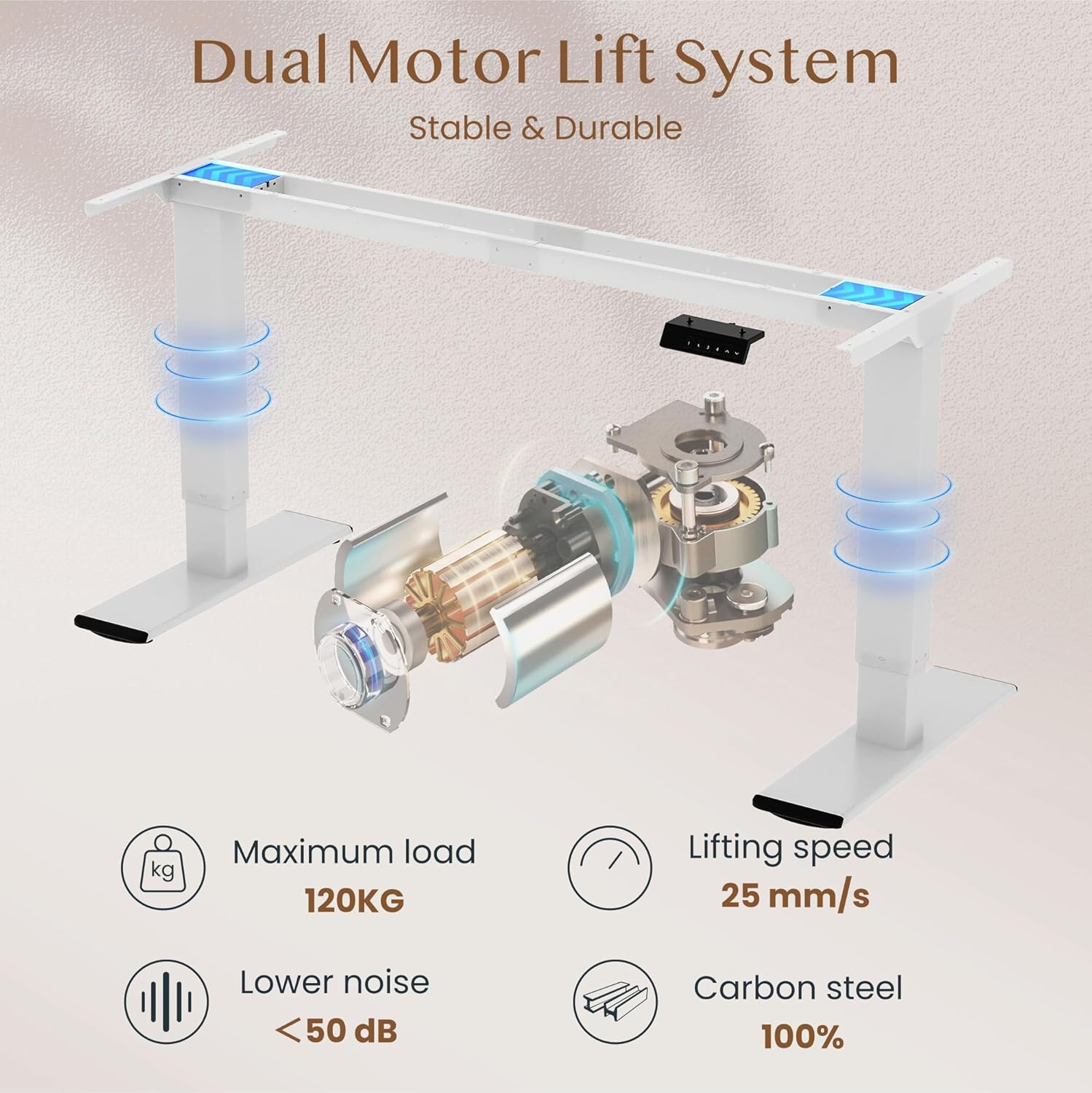
Image: Diagram illustrating the dual motor lift system, highlighting its stability, 120kg maximum load, 25 mm/s lifting speed, and quiet operation (<50 dB).
Operating Instructions
Control Panel Functions
The intelligent control panel allows for easy height adjustment and memory presets.

Image: Close-up of the intelligent control panel with buttons for up/down adjustment, four memory presets, and an LED screen.
- Up/Down Buttons (^ / v): Press and hold to continuously adjust the desk height. Release to stop at the desired position.
- Memory Presets (1, 2, 3, 4):
- Adjust the desk to your desired height using the Up/Down buttons.
- Press the "M" or "SET" button (if present, otherwise directly press the number) followed by one of the number buttons (1, 2, 3, or 4) within 3 seconds. The LED display will show "S-" followed by the number, indicating the height is saved.
- To recall a saved height, simply press the corresponding number button (1, 2, 3, or 4). The desk will automatically move to the saved position.
- Anti-Collision Function: The desk is equipped with an anti-collision system. If the desk encounters an obstruction during movement, it will automatically stop and reverse slightly to prevent damage.

Image: Illustration of the desk's height adjustment range, from 72cm (sitting) to 121cm (standing).

Image: Comparison showing the anti-collision function preventing an object from being crushed (left) versus a system without it (right).
Maintenance
- Cleaning: Wipe the desktop and frame with a soft, damp cloth. Avoid abrasive cleaners or harsh chemicals that could damage the finish.
- Inspection: Periodically check all screws and connections to ensure they remain tight. Retighten if necessary.
- Cable Management: Ensure cables are neatly organized and not interfering with the desk's movement.
- Lubrication: The lifting mechanism is generally maintenance-free. Do not attempt to lubricate internal components unless specifically instructed by FLEXISPOT support.
Troubleshooting
| Problem | Possible Cause | Solution |
|---|---|---|
| Desk does not move. | Power cable disconnected; overload; motor error. | Check power connections. Reduce load on desk. Unplug and replug power to reset. |
| Desk moves unevenly or makes unusual noises. | Loose connections; uneven load; obstruction. | Check all assembly screws. Redistribute weight evenly. Check for obstructions. |
| Anti-collision system triggers frequently. | Sensitivity setting; actual obstruction. | Ensure no objects are in the path of movement. Consult manual for sensitivity adjustment if available. |
| Memory presets not working. | Presets not saved correctly. | Re-save your desired height presets following the operating instructions. |
If you encounter issues not listed here or if solutions do not resolve the problem, please contact FLEXISPOT customer support.
Specifications
| Brand | FLEXISPOT |
| Model Number | QB2M-1880-IE |
| Dimensions (L x W x H) | 180 cm x 80 cm x 72-119 cm (adjustable) |
| Weight | 38.7 kg |
| Material | Maple desktop, Metal frame |
| Color | White frame + Maple desktop |
| Motor System | Dual Motors |
| Lifting Speed | Up to 25 mm/s |
| Static Load Capacity | 120 kg |
| Dynamic Load Capacity | 100 kg |
| Noise Level | Below 50 dB |
| Special Features | Height adjustable, 4 memory presets, Anti-collision system |

Image: Close-up of the thickened table legs (70cm height shown) designed for enhanced stability.

Image: Visual representation of the desk's 120kg weight capacity and the thick 75x45mm table legs ensuring stability.
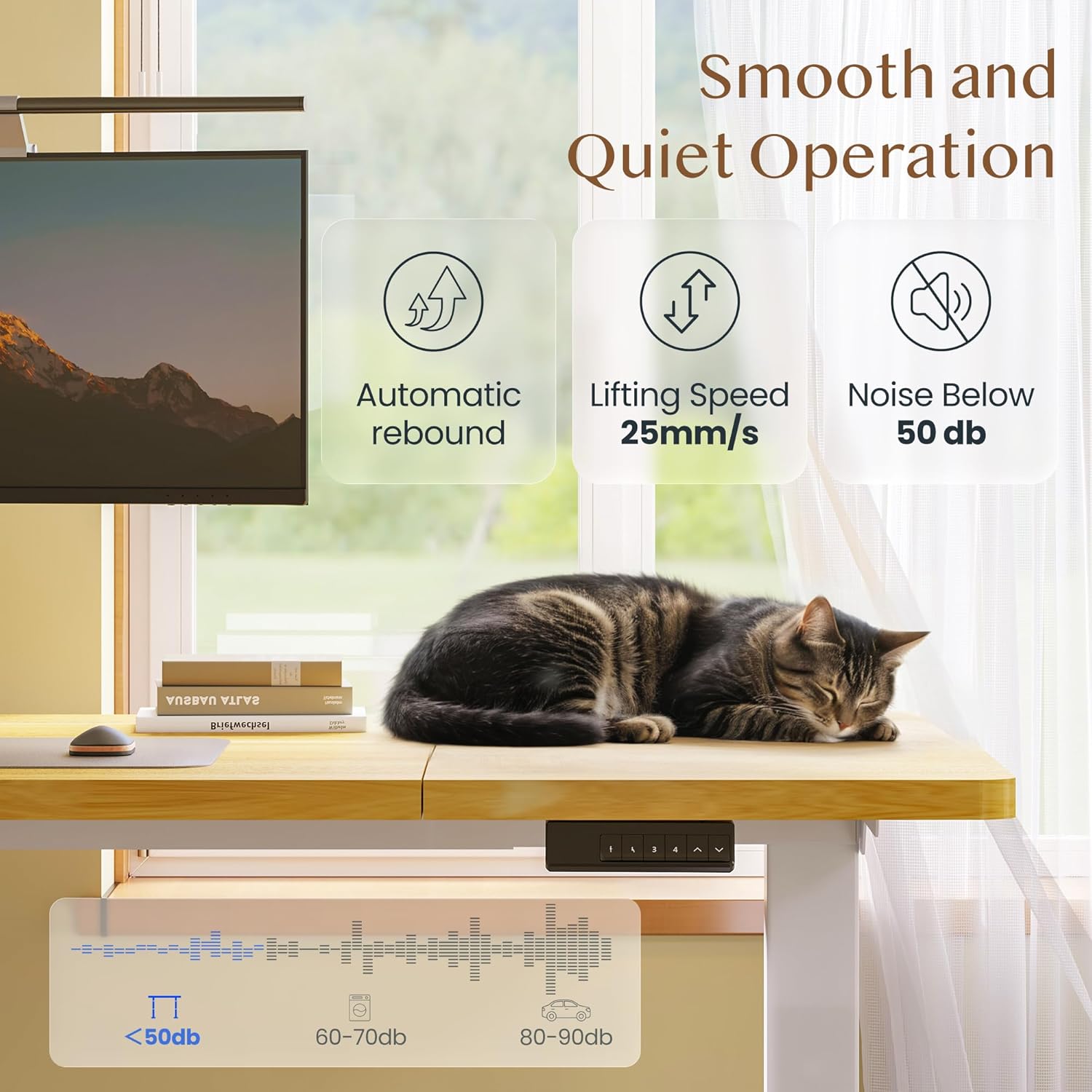
Image: Depiction of the desk's smooth and quiet operation, highlighting automatic rebound, 25mm/s lifting speed, and noise level below 50 dB.
Warranty and Support
For warranty information, technical support, or to inquire about replacement parts, please refer to the warranty card included with your product or visit the official FLEXISPOT website. Please have your model number (QB2M-1880-IE) and purchase date ready when contacting support.


