
Introduction
This manual provides detailed instructions for the Gearelec Shark Pro Bluetooth Headset, designed for motorcycle helmets. It covers setup, operation, maintenance, and troubleshooting to ensure optimal performance and user experience. Please read this manual thoroughly before using the device.
Package Contents
Verify that all items listed below are included in your package:
- Shark Pro Headset Unit
- User Manual
- Speakers Set
- Hard/Soft Microphone
- USB Charging Cable
Setup and Installation
Component Identification
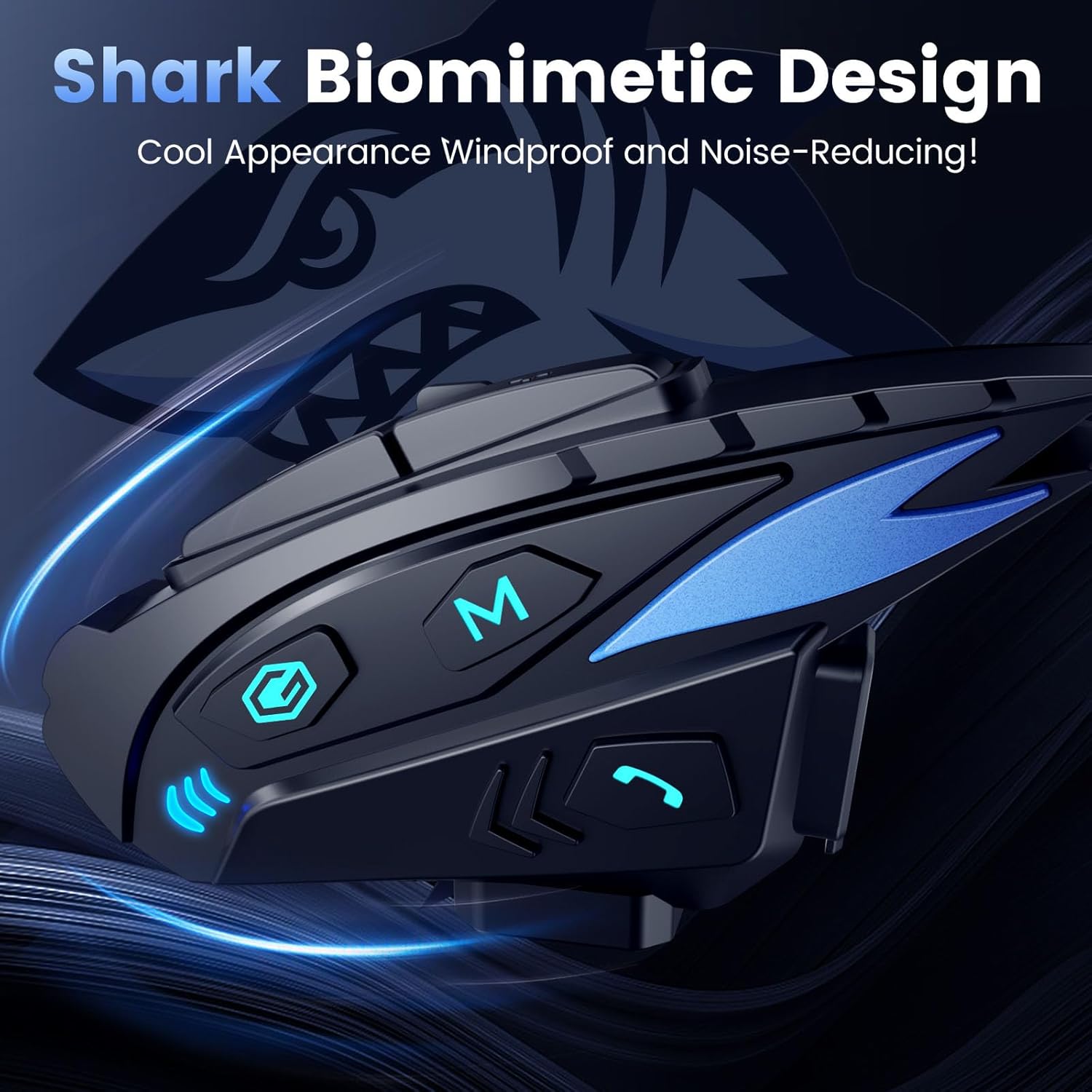
Familiarize yourself with the main unit and its components.

Image showing the main unit of the Gearelec Shark Pro Bluetooth Headset with its various buttons and indicators.
Helmet Installation
The Shark Pro headset can be installed using either a clip mount or an adhesive mount, depending on your helmet type and preference. Ensure the unit is securely attached to the side of your helmet.
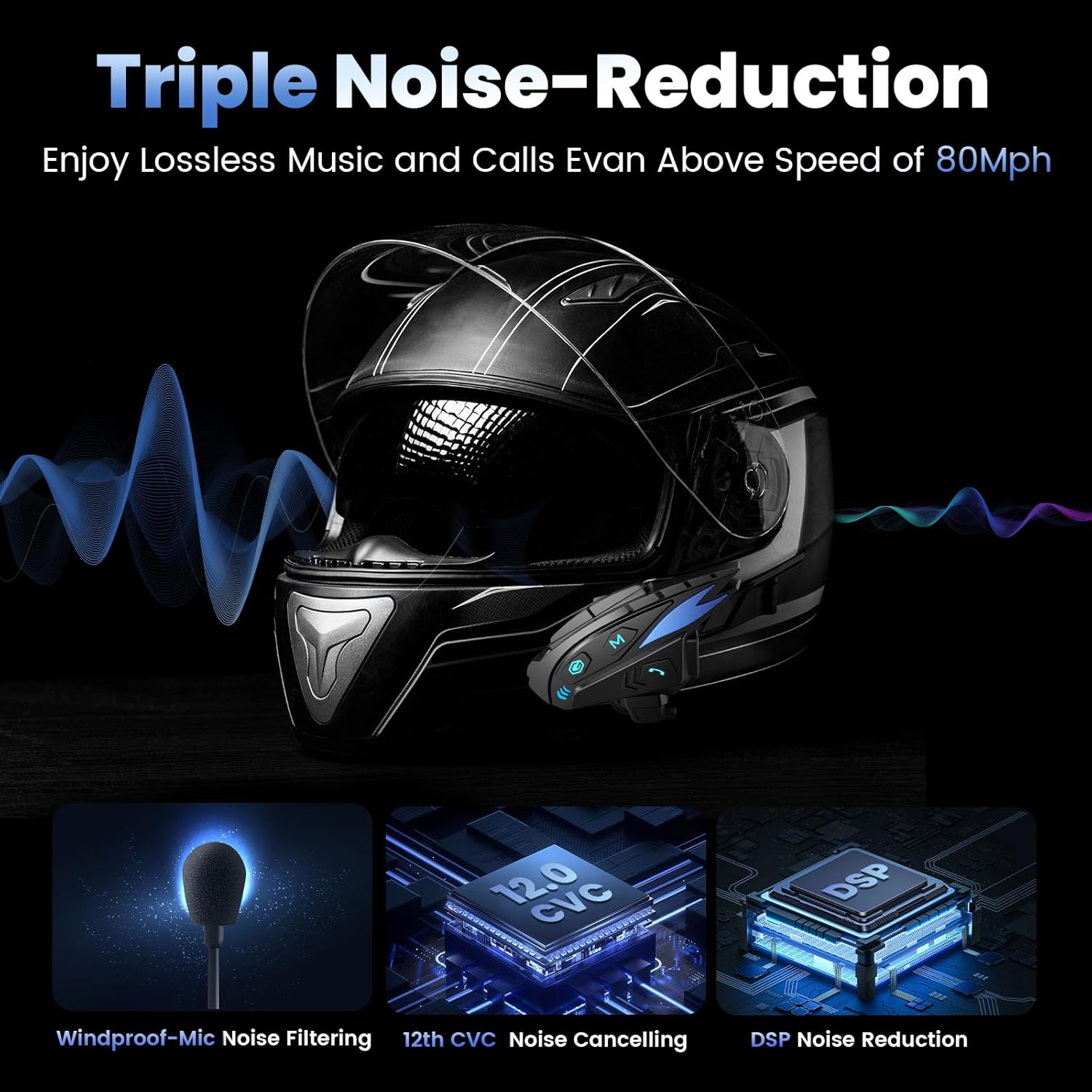
Image illustrating the Gearelec Shark Pro Bluetooth Headset mounted on a motorcycle helmet, demonstrating its sleek profile.
Position the speakers inside the helmet's ear pockets, ensuring they are aligned with your ears for optimal sound. Attach the microphone to a suitable location near your mouth, ensuring clear voice pickup.
Another view of the headset installed on a helmet, highlighting the interchangeable color strips.
Charging the Device
Before first use, fully charge the headset. Connect the provided USB charging cable to the headset's charging port and a compatible USB power source. The charging indicator will show the charging status. A full charge takes approximately 2 hours.

Image depicting the 1000mAh battery capacity and charging indicators, showing 2 hours charging time for 28 hours talk time and 33 hours music playback.
Operating Instructions
Power On/Off
- Power On: Press and hold the Power button for 3 seconds until the indicator light flashes.
- Power Off: Press and hold the Power button for 5 seconds until the indicator light turns off.
Bluetooth Pairing
To pair the headset with your mobile phone:
- Ensure the headset is off.
- Press and hold the Power button for approximately 7 seconds until the indicator light flashes red and blue alternately, indicating pairing mode.
- On your mobile phone, enable Bluetooth and search for "Shark Pro".
- Select "Shark Pro" from the list of available devices to connect. Once connected, the indicator light will flash blue slowly.
Intercom Function
The Shark Pro supports up to 8 riders for intercom communication with a maximum range of 2000 meters in open terrain. Refer to the detailed pairing instructions in the included user manual for multi-unit intercom setup.

Diagram illustrating the 2000-meter, 8-rider intercom capability, showing multiple riders connected.
Music Playback and Sharing
Once paired with your phone, you can play music. The headset features a music sharing function, allowing you to share your audio with another Shark Pro headset.

Image demonstrating the music sharing feature, allowing two riders to listen to the same audio.
The 40mm high-output speakers provide Hi-Fi sound quality with deep bass and crystal-clear audio, even at speeds up to 120km/h.
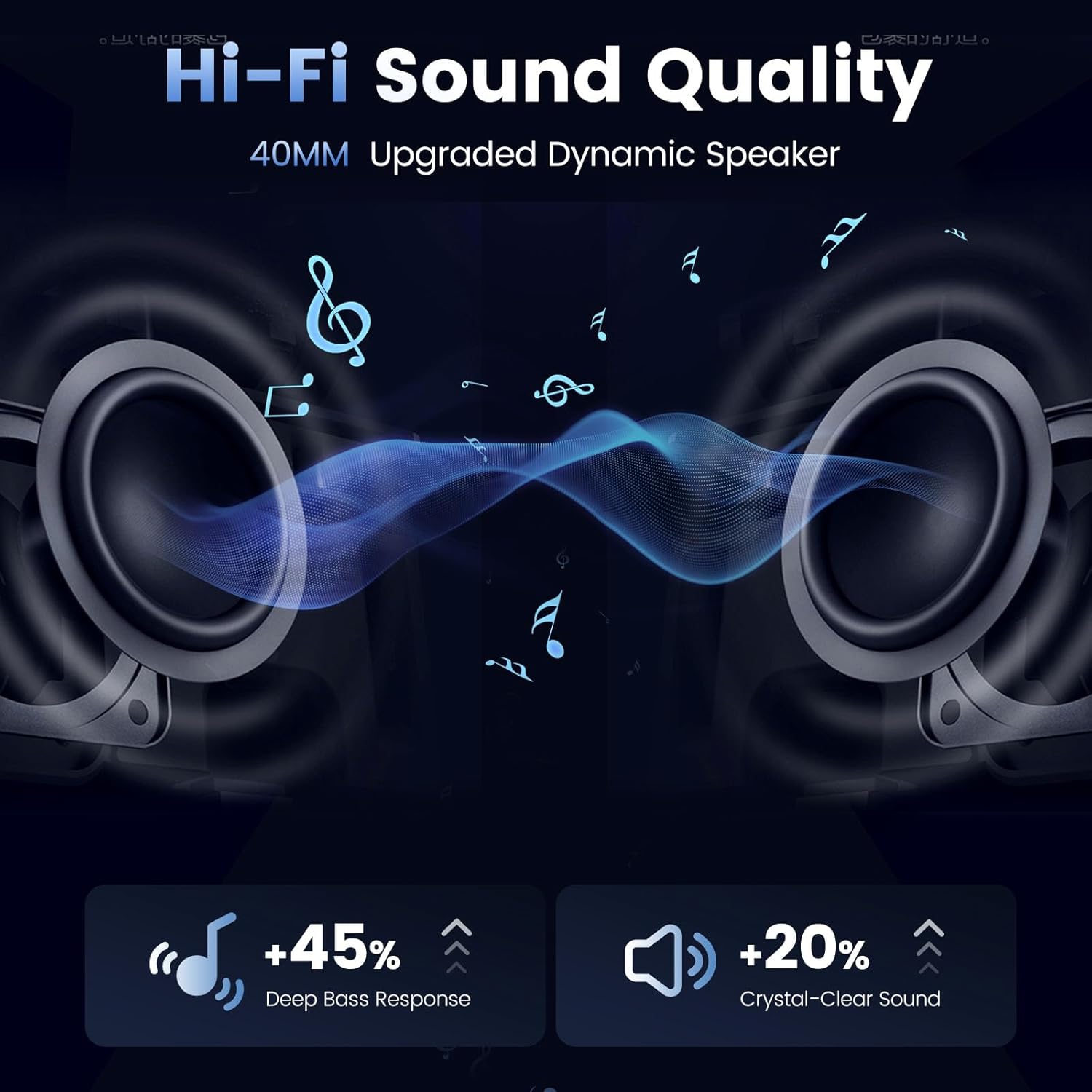
Graphic detailing the Hi-Fi sound quality with 40mm upgraded dynamic speakers, emphasizing deep bass and crystal-clear sound.
FM Radio
The headset includes an FM radio function. Press the FM button to activate or deactivate the radio. Use the volume buttons to change stations.
Voice Assistant
Long-press the designated function button to activate your phone's voice assistant (Siri or Google Assistant). This allows for hands-free control of your device while riding.

Image illustrating the Qualcomm 5.2 Bluetooth chip for stable connection and support for voice commands like Siri and Google Assistant.
Noise Reduction
The Shark Pro features Qualcomm BT Dual-Chip noise reduction (DSP and CVC Dual-Chip) for clear communication and audio, even at high speeds.

Illustration of the triple noise reduction technology, including windproof microphone filtering, 12th CVC noise cancelling, and DSP noise reduction.
Maintenance and Care
Cleaning
Wipe the headset with a soft, damp cloth. Do not use harsh chemicals or abrasive cleaners.
Waterproofing
The headset is IP65 waterproof and dustproof, allowing for use in various weather conditions. However, avoid submerging the device in water.

Image highlighting the IP65 waterproof and dustproof rating, alongside battery life details: 28 hours talk time, 33 hours music playback, and 500 hours standby.
Battery Care
To prolong battery life, avoid fully discharging the battery frequently. Charge the device regularly, especially if it will be stored for an extended period.
Troubleshooting
- Device not powering on: Ensure the battery is charged. Connect to a power source and try again.
- Cannot pair with phone: Make sure the headset is in pairing mode (alternating red and blue light). Ensure Bluetooth is enabled on your phone and try restarting both devices.
- Intercom not connecting: Verify all units are within range and in intercom pairing mode. Follow the multi-unit pairing instructions carefully.
- Poor sound quality/muffled audio: Check speaker placement inside the helmet. Ensure the microphone is positioned correctly and not obstructed. Verify volume levels on both the headset and connected device.
- Voice assistant not responding: Ensure your phone's voice assistant is enabled and the headset is properly connected. Try long-pressing the function button again.
- Buttons unresponsive: Ensure the device is not wet or dirty. If wearing gloves, ensure they allow for sufficient tactile feedback.
Technical Specifications
| Feature | Specification |
|---|---|
| Model Name | Shark Pro |
| Connectivity Technology | Wireless (Bluetooth) |
| Bluetooth Version | 5.2 |
| Noise Control | Active Noise Cancellation, Passive Noise Cancellation, Sound Isolation |
| Intercom Range | Up to 2000 meters (8 riders) |
| Battery Capacity | 1000mAh |
| Talk Time | 28 hours |
| Music Playback Time | 33 hours |
| Standby Time | 550 hours |
| Charging Time | Approx. 2 hours |
| Water Resistance Level | IP65 Waterproof |
| Speaker Size | 40 Millimeters |
| Material | Acrylonitrile Butadiene Styrene (ABS) |
| Control Type | Touch, Voice |
Official Product Videos
No official product videos from the seller are available for embedding in this manual.
Warranty and Customer Support
The Gearelec Shark Pro Bluetooth Headset comes with a standard manufacturer's warranty. For detailed warranty information, technical support, or service inquiries, please refer to the contact information provided on the product packaging or the official Gearelec website. Please retain your proof of purchase for warranty claims.


