
1. Introduction
Thank you for choosing the UBON AIR Tiger PRO BT-70 True Wireless Earbuds. This manual provides essential information for setting up, operating, and maintaining your earbuds to ensure optimal performance and longevity. Please read these instructions carefully before use.
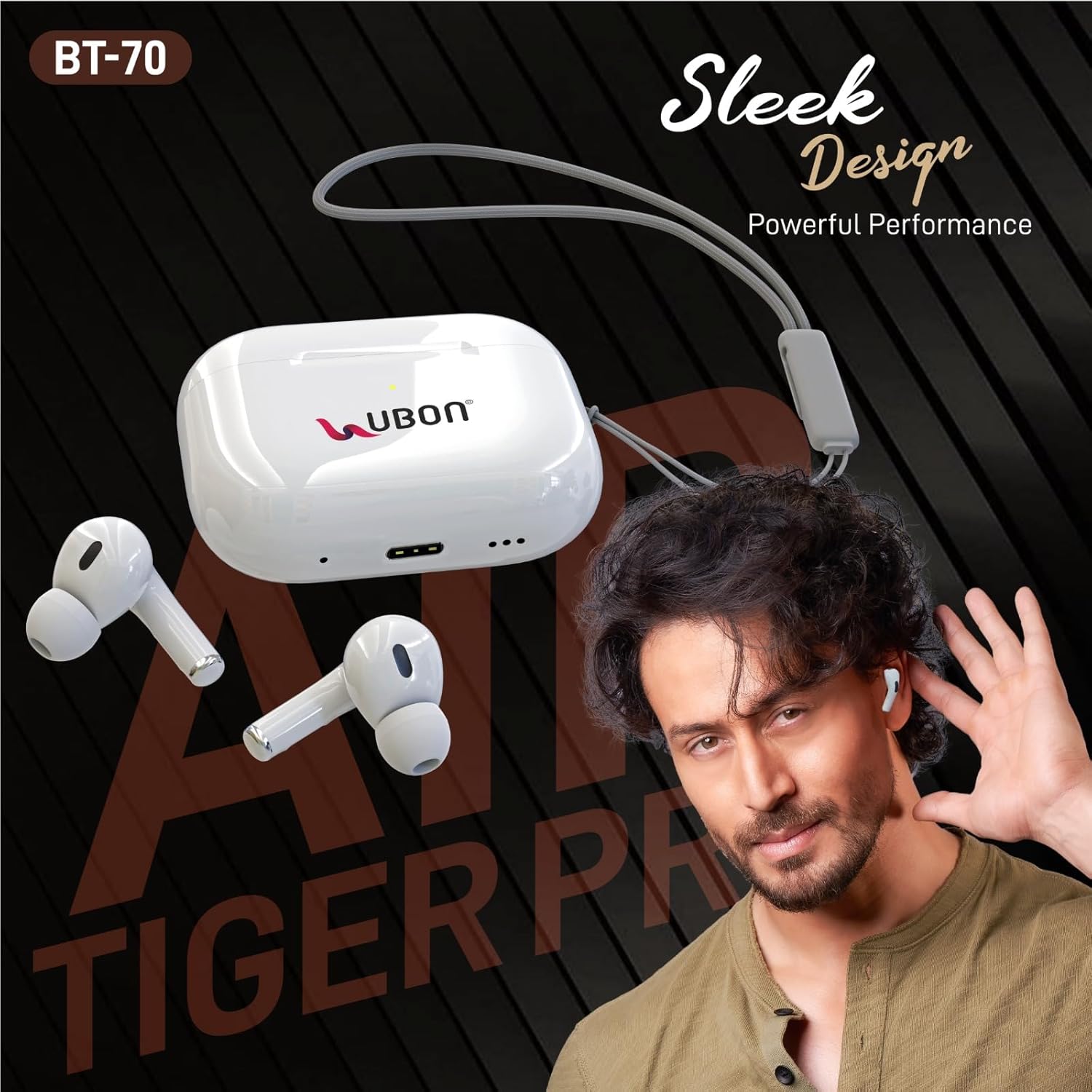
Image: UBON AIR Tiger PRO BT-70 True Wireless Earbuds and charging case.
2. What's in the Box
Verify that all items are present in your package:
- UBON AIR Tiger PRO BT-70 True Wireless Earbuds
- Protective Charging Case
- USB Charging Cable
- Spare Earcaps (Small & Large sizes)
- Case String
- User Manual Book
3. Setup
3.1. Charging the Earbuds and Case
Before first use, fully charge the earbuds and the charging case.
- Connect the provided USB charging cable to the charging port on the case.
- Connect the other end of the cable to a USB power adapter (not included) or a computer's USB port.
- The indicator light on the charging case will show charging status. A full charge typically takes 1-2 hours.
- Once fully charged, disconnect the charging cable.

Image: Charging case with 230mAh battery capacity.
3.2. Pairing with a Device
The earbuds use Bluetooth v5.3 for a stable wireless connection.
- Ensure the earbuds are charged and placed inside the charging case.
- Open the charging case lid. The earbuds will automatically enter pairing mode, indicated by flashing LED lights.
- On your smartphone, tablet, or other Bluetooth-enabled device, go to the Bluetooth settings.
- Search for available devices and select "UBON AIR Tiger PRO BT-70" from the list.
- Once connected, the earbud indicator lights will stop flashing.
- The earbuds will automatically reconnect to the last paired device when removed from the case, if Bluetooth is enabled on the device.

Image: Earbuds in charging case, illustrating wireless charging capability.
4. Operating the Earbuds
The UBON AIR Tiger PRO BT-70 earbuds feature touch controls for various functions.
4.1. Touch Controls
- Play/Pause Music: Single tap on either earbud.
- Next Track: Double tap on the right earbud.
- Previous Track: Double tap on the left earbud.
- Answer/End Call: Single tap on either earbud.
- Reject Call: Press and hold either earbud for 2 seconds.
- Activate Voice Assistant: Triple tap on either earbud.
4.2. Power On/Off
- Power On: Open the charging case lid, or press and hold the touch area on both earbuds for 3 seconds.
- Power Off: Place the earbuds back into the charging case and close the lid, or press and hold the touch area on both earbuds for 5 seconds.

Image: Earbuds in case, highlighting features like lightweight design, real music sound, sporty design, 1-2 hours charging time, 10 meters wireless distance, and comfortable fit.
5. Maintenance
Proper maintenance ensures the longevity and performance of your earbuds.
- Cleaning: Use a soft, dry, lint-free cloth to clean the earbuds and charging case. Do not use harsh chemicals or abrasive materials.
- Earcaps: Regularly remove and clean the earcaps with a damp cloth. Ensure they are completely dry before reattaching.
- Storage: When not in use, store the earbuds in their charging case to protect them from dust and damage.
- Avoid Water: The earbuds are not water-resistant. Avoid exposure to water, sweat, or high humidity.
- Temperature: Do not expose the earbuds to extreme temperatures (hot or cold).
6. Troubleshooting
If you encounter issues, try the following solutions:
- Earbuds not pairing: Ensure both earbuds are charged. Place them back in the case, close the lid, then open it again to re-enter pairing mode. Make sure Bluetooth is enabled on your device and try pairing again.
- No sound from one earbud: Try resetting the earbuds. Place both earbuds in the charging case, close the lid, wait a few seconds, then open it. If the issue persists, try unpairing and re-pairing with your device.
- Earbuds not charging: Check the charging cable and power source. Ensure the charging contacts on the earbuds and inside the case are clean and free of debris.
- Poor sound quality: Ensure the earbuds are properly seated in your ears. Try different sized earcaps for a better seal. Check the audio source and volume levels.
- Connection drops: Ensure your device is within the 10-meter Bluetooth range. Avoid obstacles between the earbuds and your device.
7. Specifications
| Model Name | AIR Tiger PRO (BT-70) |
| Wireless Version | v5.3 |
| Playtime | Up to 24 Hours (at moderate volume) |
| Standby Time | Up to 230 Hours |
| Charging Time | 1-2 Hours |
| Battery Capacity | 230mAh (Charging Case) |
| Wireless Range | Up to 10 meters |
| Control Method | Touch |
| Noise Control | Sound Isolation |
| Frequency Response | 20 KHz |
| Impedance | 32 Ohms |
| Material | Plastic |
| Item Weight | 140 g |

Image: Earbuds highlighting 24 hours of playtime.
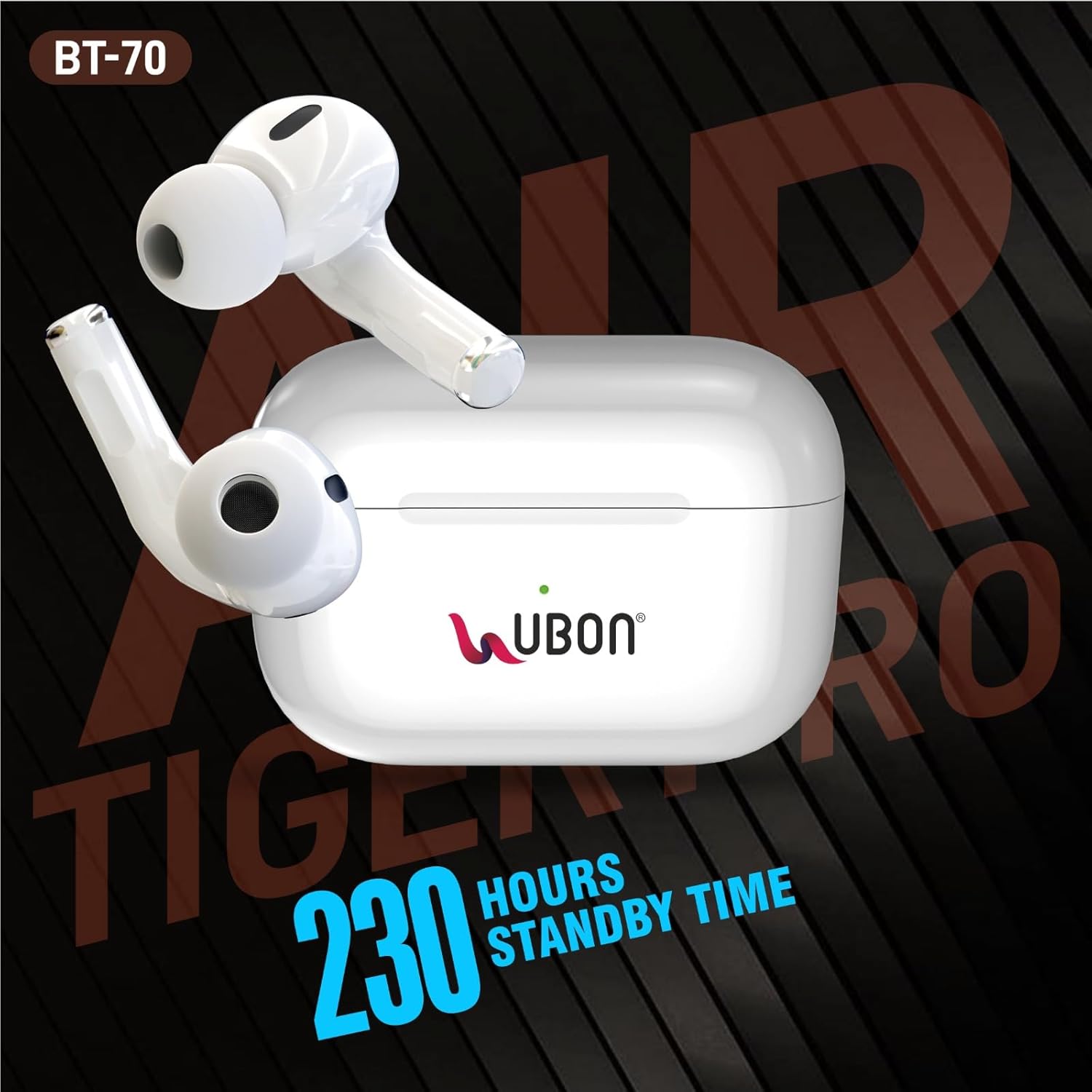
Image: Earbuds highlighting 230 hours of standby time.
8. Warranty and Support
UBON provides a limited warranty for its products. For specific warranty terms and conditions, please refer to the warranty card included in your product packaging or visit the official UBON website.
For technical support, service, or warranty claims, please contact the manufacturer directly:
Manufacturer: CAPITAL SERVICE CENTRE
Address: Ubon Office Unit No.1,2, Basement, Ashok Vihar, Ph-II, New Delhi-52
Please retain your proof of purchase for warranty purposes.