1. Introduction
Welcome to the user manual for your new Truely F8 Pro Max Mini Smartphone. This guide provides essential information on setting up, operating, maintaining, and troubleshooting your device. Please read this manual carefully to ensure optimal performance and longevity of your smartphone.
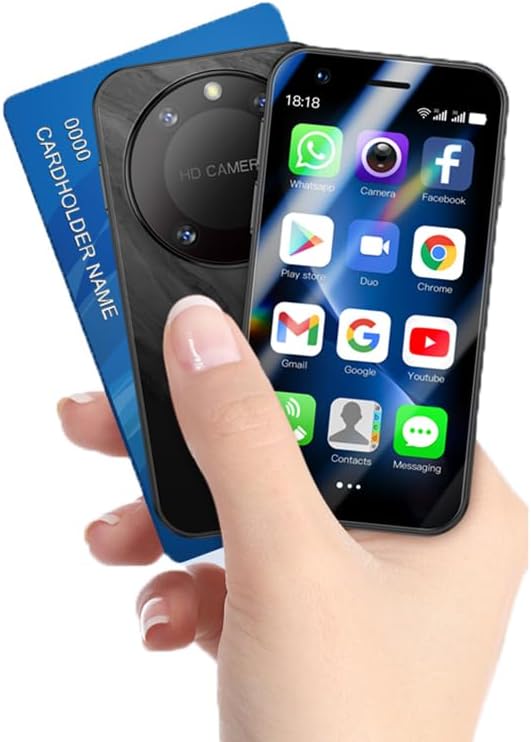
This image shows the Truely F8 Pro Max mini smartphone held in a hand, illustrating its compact size, comparable to a credit card. The phone's front display is visible, showing various application icons.
2. What's in the Box
Please check the contents of your package. If any items are missing or damaged, contact customer support.
- Truely F8 Pro Max Mini Smartphone
- Phone Case
- Screen Protector
- Power Adapter
- SIM Tray Ejector
- USB Cable (Type-C)
3. Device Overview
The Truely F8 Pro Max is designed for portability and ease of use. It features a compact body with a 3.0-inch HD display.
3.1 Physical Features
- Display: 3.0-inch HD touch screen (480*854 resolution)
- Rear Camera: 2.0MP with a distinctive concentric ring design
- Front Camera: 0.3MP
- Charging Port: Type-C
- SIM/TF Card Slot: Supports 2 Nano SIM cards or 1 Nano SIM + 1 TF memory card
- Dimensions: Approximately 89.65mm (L) x 45.80mm (W) x 12mm (H)

A detailed view of the smartphone's rear camera module, featuring a clear concentric ring design. The image also shows the device's side profile, emphasizing its construction.
4. Setup
4.1 SIM Card and TF Card Installation
- Locate the SIM card tray on the side of your phone.
- Insert the SIM tray ejector tool into the small hole next to the tray and press gently until the tray pops out.
- Place your Nano SIM card(s) and/or TF memory card into the designated slots on the tray. Ensure the gold contacts face downwards.
- Carefully reinsert the tray into the phone until it clicks into place.
4.2 Initial Charging
- Connect the USB Type-C cable to the charging port at the bottom of your phone.
- Connect the other end of the USB cable to the power adapter.
- Plug the power adapter into a wall outlet.
- Allow the phone to charge completely before first use. A full charge typically takes a few hours.
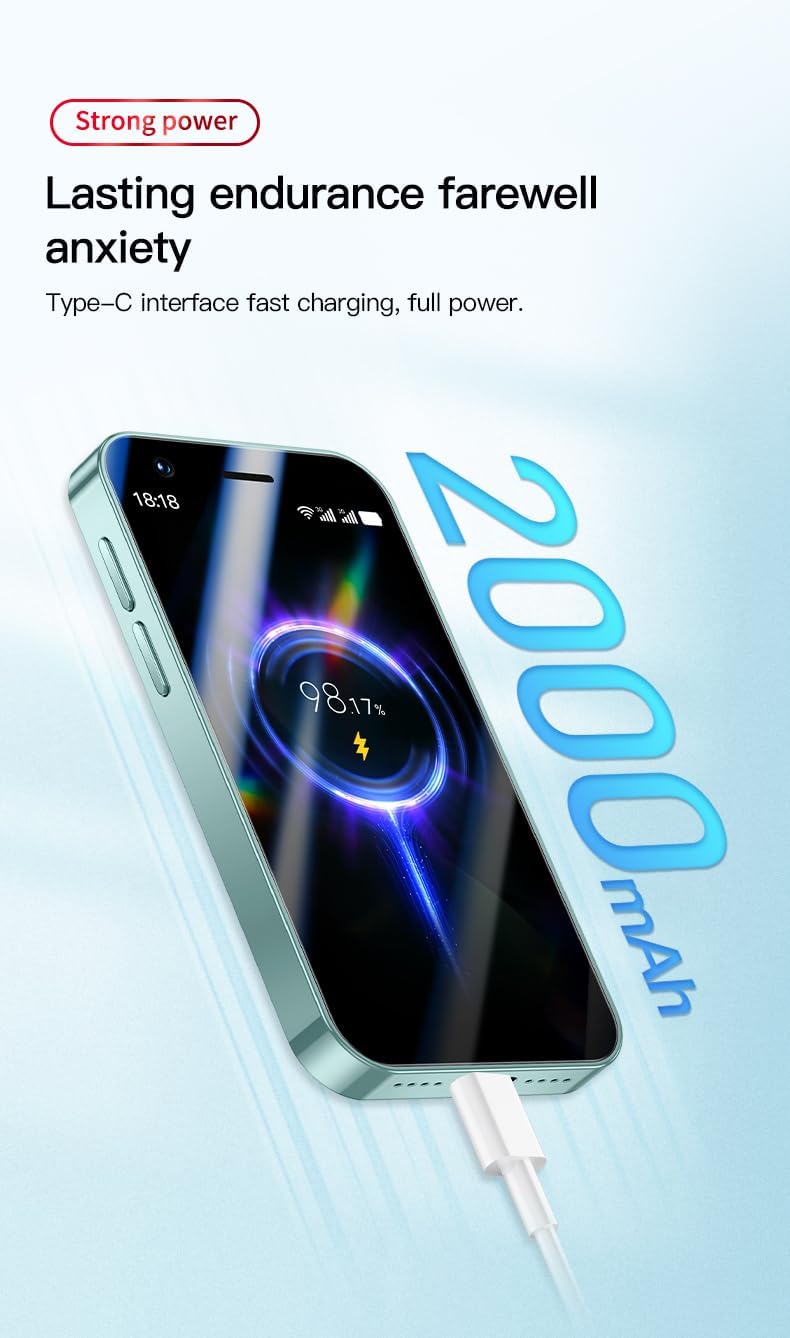
The image illustrates the Truely F8 Pro Max mini smartphone being charged via its Type-C port. The screen shows a battery icon with a charging animation and a 98% charge level, indicating fast charging capability.
4.3 Powering On/Off
- To Power On: Press and hold the Power button (usually on the side) until the Truely logo appears.
- To Power Off: Press and hold the Power button until the power options appear on the screen, then select "Power Off."
4.4 Initial Configuration
Upon first power-on, follow the on-screen prompts to set up your device:
- Select your language.
- Connect to a Wi-Fi network.
- Sign in with your Google account or create a new one.
- Set up screen lock (PIN, pattern, or password).
- Configure Face Recognition (see section 5.4).
5. Operating Your Smartphone
5.1 Basic Navigation
Your Truely F8 Pro Max uses a touch screen for navigation:
- Tap: To select an item or open an app.
- Swipe: To scroll through screens or lists.
- Pinch: To zoom in or out on photos and web pages.
- Long Press: To access contextual menus or move app icons.
5.2 Calls and Messages
- Making Calls: Open the Phone app, dial the number, and tap the call icon.
- Sending Messages: Open the Messages app, tap the new message icon, enter the recipient and your message.
5.3 Internet and Connectivity
- Wi-Fi: Go to Settings > Network & internet > Wi-Fi to connect to available networks.
- Mobile Data (3G): Ensure your SIM card is active and mobile data is enabled in Settings > Network & internet > Mobile network. The device supports WCDMA/B1/B2/B5/B8 and GSM 850/900/1800/1900 networks.
- Bluetooth: Connect to Bluetooth devices via Settings > Connected devices > Bluetooth.
5.4 Camera Usage
The Truely F8 Pro Max features a 2.0MP rear camera and a 0.3MP front camera.
- Open the Camera app from your home screen or app drawer.
- Tap the shutter button to take a photo.
- Tap the camera switch icon to toggle between the front and rear cameras.
5.5 Face Recognition
Unlock your phone quickly and securely using face recognition.
- Go to Settings > Security & location > Face Unlock.
- Follow the on-screen instructions to register your face. Ensure you are in a well-lit area.
- Once registered, simply look at your phone's front camera when the screen is on to unlock it.
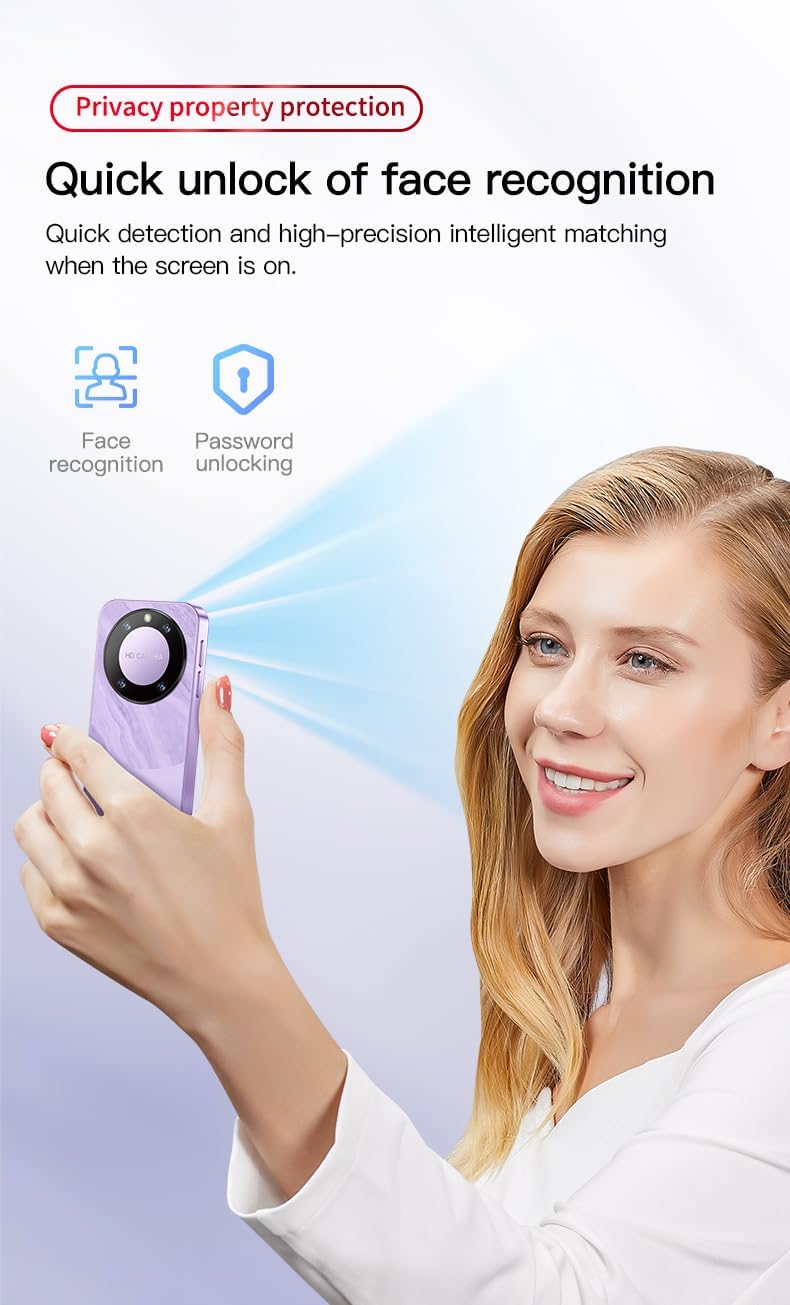
This image demonstrates the face recognition feature of the Truely F8 Pro Max. A user is shown unlocking the device by simply looking at the screen, with visual cues indicating the face recognition and password unlocking options.
5.6 App Management and Storage
The phone comes with 16GB of internal storage, expandable via a TF card.
- Downloading Apps: Use the Google Play Store to download and install applications.
- Managing Storage: Go to Settings > Storage to view storage usage and manage files.
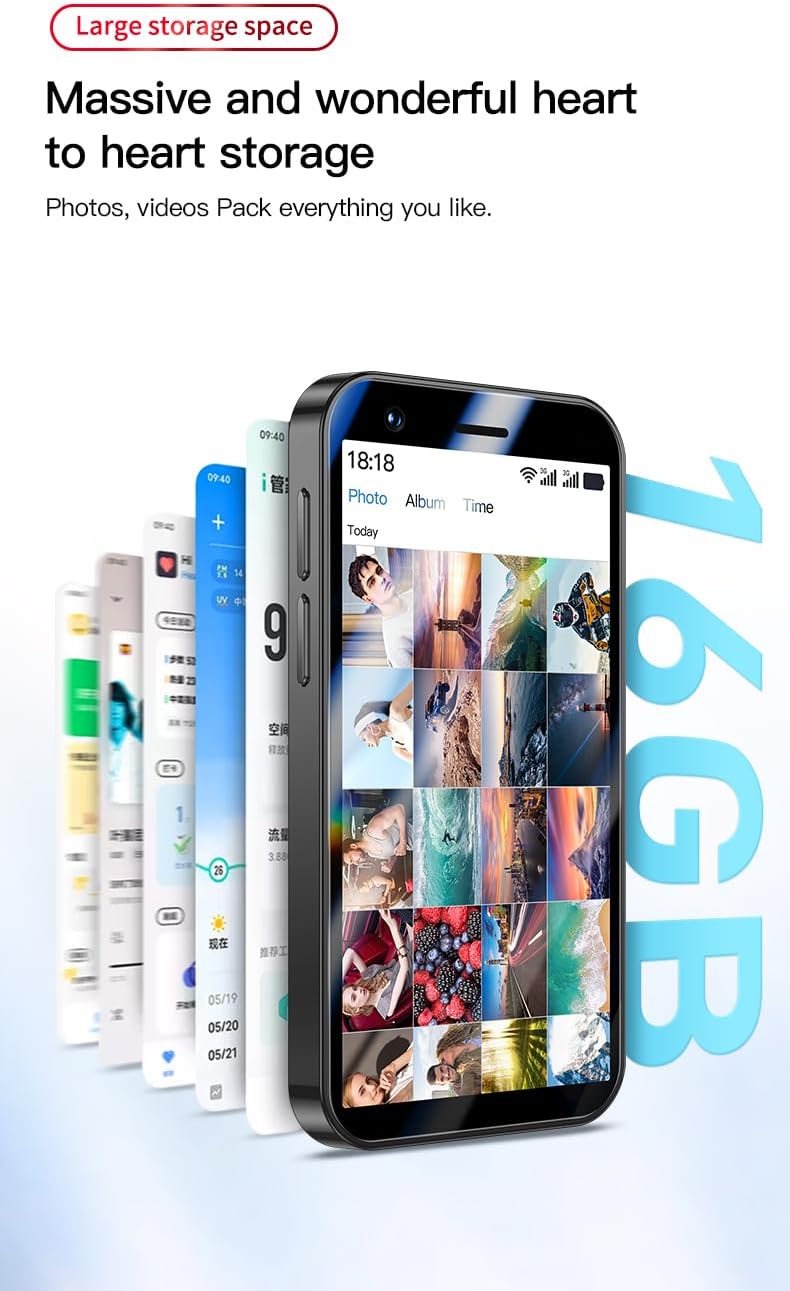
This image highlights the 16GB internal storage of the Truely F8 Pro Max. The phone's screen displays a collection of photos and videos, demonstrating its capacity for media storage.
6. Maintenance
6.1 Cleaning Your Device
- Use a soft, lint-free cloth to clean the screen and body of the phone.
- Avoid using harsh chemicals or abrasive materials.
- Do not expose the phone to excessive moisture.
6.2 Battery Care
- Avoid extreme temperatures, as they can affect battery life.
- Use only the provided charger and cable.
- Do not leave the phone charging for extended periods after it reaches 100%.
6.3 Software Updates
Periodically check for software updates to ensure your device has the latest features and security patches. Go to Settings > System > System update.
6.4 Data Backup
Regularly back up your important data (photos, contacts, documents) to a cloud service or a computer to prevent data loss.
7. Troubleshooting
If you encounter issues with your Truely F8 Pro Max, try the following solutions:
| Problem | Solution |
|---|---|
| Phone does not power on | Ensure the battery is charged. Connect to the charger for at least 30 minutes. If still unresponsive, perform a force restart by holding the Power button for 10-15 seconds. |
| Cannot connect to Wi-Fi | Check if Wi-Fi is enabled in Settings. Restart your phone and the Wi-Fi router. Ensure you have the correct password. |
| No mobile network signal | Check if the SIM card is properly inserted. Ensure mobile data is enabled. Restart the phone. Verify with your carrier that your plan is active and supports the phone's network bands. |
| Apps are crashing or freezing | Close and reopen the app. Clear the app's cache (Settings > Apps & notifications > [App Name] > Storage & cache > Clear cache). Restart your phone. |
| Face Recognition not working | Ensure you are in a well-lit environment. Clean the front camera lens. Re-register your face in Settings > Security & location > Face Unlock. |
8. Specifications
Detailed technical specifications for the Truely F8 Pro Max Mini Smartphone:
| Feature | Detail |
|---|---|
| Model | F8 Pro Max |
| CPU | MTK6580M Quad Core 1.3GHz |
| Operating System | Android 8.1 |
| Screen Size | 3.0 inch HD (480x854) |
| RAM | 1GB |
| ROM | 16GB (Supports TF card expansion) |
| Battery Capacity | 2000mAh |
| Charging Interface | Type-C |
| Rear Camera | 2.0MP |
| Front Camera | 0.3MP |
| SIM Card Support | Dual SIM (2x Nano SIM or 1x Nano SIM + 1x TF Card) |
| Network Bands | WCDMA/B1/B2/B5/B8, GSM 850/900/1800/1900 |
| Connectivity | Bluetooth, Wi-Fi |
| Security Features | Face Recognition |
| Dimensions | 89.65mm x 45.80mm x 12mm |
9. Warranty and Support
Your Truely F8 Pro Max Mini Smartphone is covered by a standard manufacturer's warranty. Please refer to the warranty card included in your package for specific terms and conditions.
For technical support, troubleshooting assistance, or warranty claims, please contact Truely customer service through the retailer where you purchased the device or visit the official Truely website for contact information.


