
havit HAVIT LIGHT
User Manual: havit Light Open Ear Headphones
Model: HAVIT LIGHT
Introduction
The havit Light Open Ear Headphones are designed for active lifestyles, offering a unique air conduction technology that allows you to enjoy audio while remaining aware of your surroundings. These lightweight headphones feature an integrated LED beacon string for enhanced visibility during nighttime activities, a long-lasting battery, and Bluetooth 5.3 for stable connectivity.

Image: The havit Light Open Ear Headphones, showcasing their sleek design and the prominent orange LED band.
What's in the Box
- havit Light Open Ear Headphones
- Charging Cable
- User Manual
Setup
1. Charging the Headphones
Before first use, fully charge your havit Light headphones. Connect the provided charging cable to the charging port on the headphones and a USB power source. The LED indicator will show charging status.

Image: The havit Light headphones connected to their charging cable.
2. Bluetooth Pairing
- Ensure the headphones are powered off.
- Press and hold the power button until the LED indicator flashes rapidly (usually blue and red), indicating pairing mode.
- On your device (smartphone, tablet, etc.), enable Bluetooth and search for available devices.
- Select "HAVIT LIGHT" from the list of devices.
- Once connected, the LED indicator will stop flashing and remain solid blue (or turn off, depending on the model).

Image: A graphic illustrating the Bluetooth 5.3 connectivity for stable and low-latency connections.
Operating Instructions
Power On/Off
- Power On: Press and hold the power button for 3 seconds.
- Power Off: Press and hold the power button for 5 seconds.
Music Playback
- Play/Pause: Single press the Multi-function Button.
- Next Track: Double press the Multi-function Button.
- Previous Track: Triple press the Multi-function Button.
- Volume Up: Single press the Volume + button.
- Volume Down: Single press the Volume - button.
Call Management
- Answer/End Call: Single press the Multi-function Button.
- Reject Call: Press and hold the Multi-function Button for 2 seconds.
LED Beacon String Control
The LED light strip enhances your visibility, especially during low-light conditions. You can cycle through different modes:
- Double-click to switch: Quickly double-click the dedicated LED control button to change modes.
- Breathing Light: The light will gently fade in and out.
- Flashing (Strobe): The light will flash rapidly.
- Steady Light (Long Bright): The light will remain continuously on.
- Off: Cycle through modes until the light turns off.
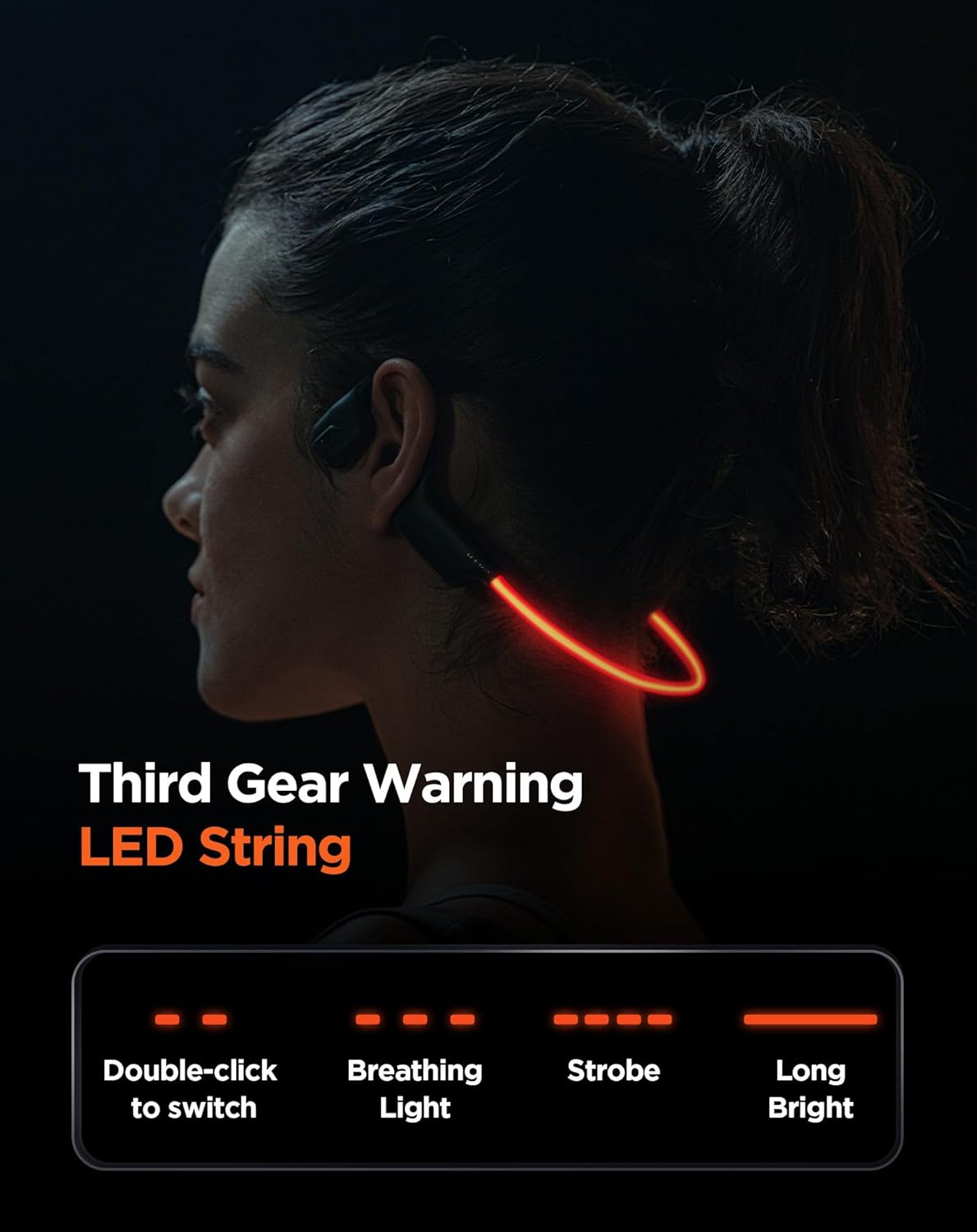
Image: A visual representation of the havit Light headphones demonstrating the different LED light modes: breathing, flashing, and steady on.
Maintenance
- Cleaning: Wipe the headphones with a soft, damp cloth. Do not use harsh chemicals or abrasive materials.
- Storage: Store the headphones in a cool, dry place away from direct sunlight and extreme temperatures.
- Water Resistance: The headphones are IPX5 water-resistant, meaning they can withstand splashes and sweat. Do not submerge them in water.
- Battery Care: To prolong battery life, avoid fully discharging the headphones frequently. Charge them regularly, even if not in use for extended periods.
Troubleshooting
| Problem | Possible Cause | Solution |
|---|---|---|
| Headphones won't power on. | Low battery. | Charge the headphones fully. |
| Cannot pair with device. | Headphones not in pairing mode; Bluetooth off on device; device too far. | Ensure headphones are in pairing mode (flashing LED). Turn on Bluetooth on your device. Move device closer to headphones (within 10 meters). |
| No sound or low volume. | Volume too low on headphones or device; not connected properly. | Increase volume on both headphones and connected device. Re-pair the headphones. |
| LED light not working. | Light mode is off; malfunction. | Double-click the LED control button to cycle through modes. If still not working, contact support. |
Specifications
| Feature | Detail |
|---|---|
| Model Name | HAVIT LIGHT |
| Connectivity Technology | Bluetooth 5.3 |
| Audio Driver Size | 16.2mm |
| Battery Life | Up to 16 Hours |
| Water Resistance Level | IPX5 |
| Item Weight | 24 grams (0.85 ounces) |
| Ear Placement | Open Ear |
| Control Type | Button Control |
| Material | Acrylonitrile Butadiene Styrene (ABS) |
| Frequency Range | 20 Hz - 20,000 Hz |
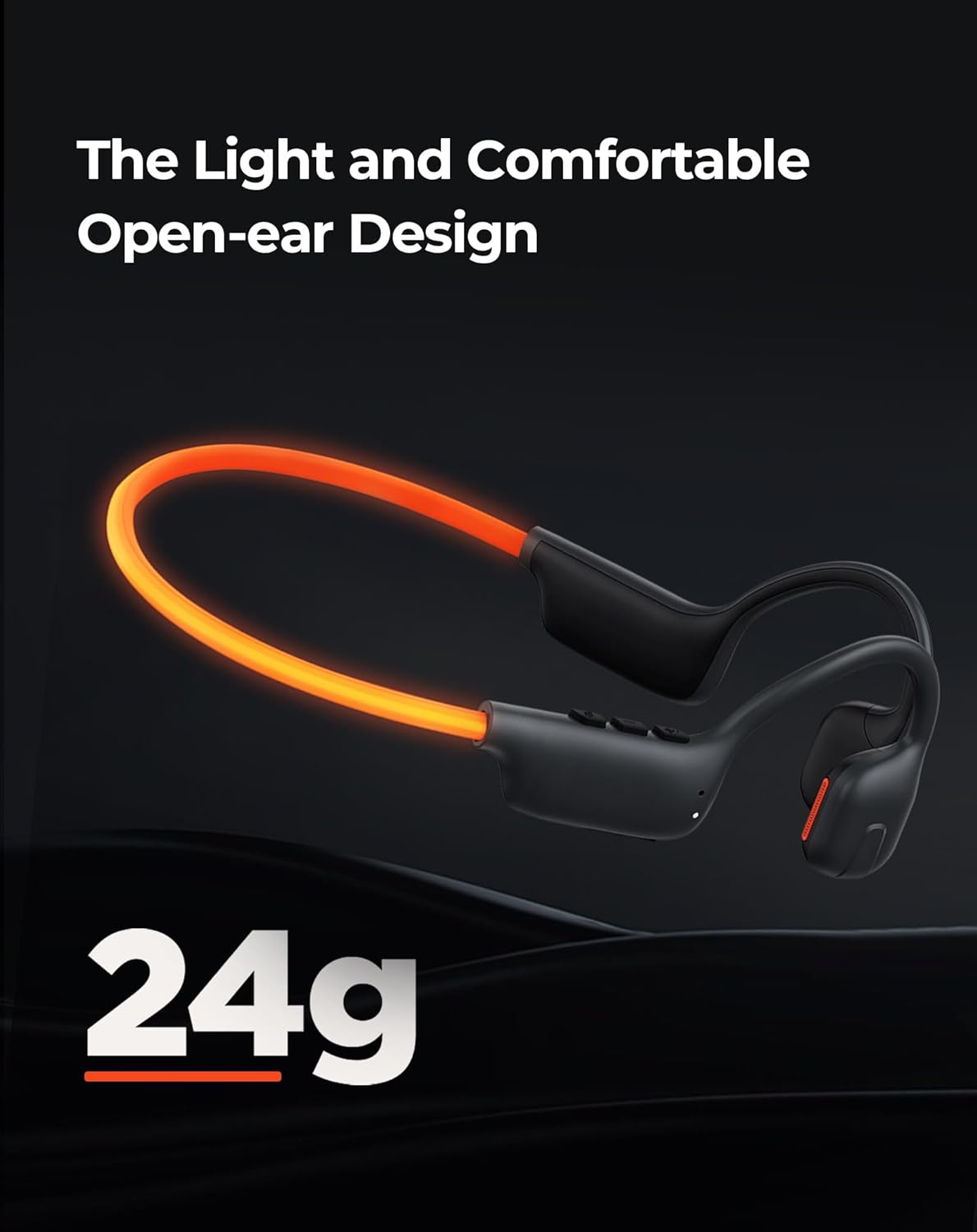
Image: The havit Light headphones highlighting their ultra-lightweight design at 24 grams.

Image: A graphic illustrating the 16-hour battery life and quick charge capability of the headphones.
Warranty and Support
For warranty information and customer support, please refer to the official havit website or contact their customer service directly. Keep your purchase receipt for any warranty claims.
You can visit the havit Store on Amazon for more product information and support resources.