
Kircuit MAMX3
Kircuit 5V Power Supply Adapter for Moukey MAMX3 8-Channel Mixer Instruction Manual
Introduction
This manual provides instructions for the safe and effective use of your Kircuit 5V Power Supply Adapter, designed specifically for the Moukey MAMX3 8-Channel Mixer. Please read this manual thoroughly before use and retain it for future reference.
Safety Information
- Ensure the power adapter is used with devices that match its voltage and current specifications (5V).
- Do not expose the adapter to water, moisture, or extreme temperatures.
- Avoid dropping or subjecting the adapter to strong impacts.
- Do not attempt to disassemble or repair the adapter. Refer to qualified personnel for service.
- Unplug the adapter from the power outlet when not in use for extended periods.
- Keep out of reach of children.
Package Contents
Verify that all items are present in the package:
- 1 x Kircuit 5V Power Supply Adapter
- 1 x Power Cable
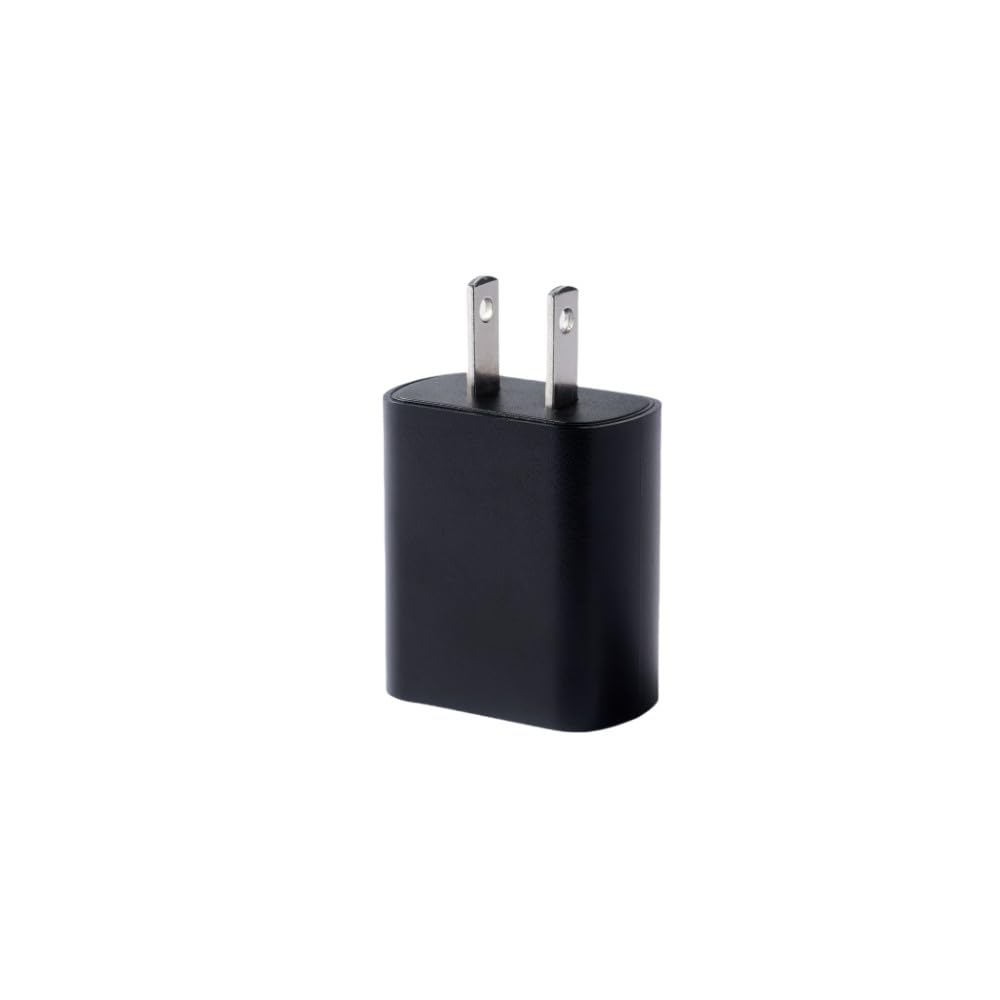
Image showing the Kircuit 5V Power Supply Adapter, featuring the main adapter unit with its power cord and connector.
Setup
- Identify the Device: Ensure your device is the Moukey MAMX3 8-Channel Mixer. This adapter is specifically designed for this model.
- Connect the Power Cable: Insert the power cable into the adapter's input port.
- Connect to Mixer: Plug the adapter's output connector into the designated power input port on your Moukey MAMX3 8-Channel Mixer.
- Connect to Power Outlet: Insert the power cable's plug into a standard 100V-240V AC electrical outlet.
Operating Instructions
- Once the adapter is correctly connected to both the Moukey MAMX3 mixer and a power outlet, the mixer should receive power.
- Turn on your Moukey MAMX3 mixer using its power switch.
- To disconnect power, first turn off the mixer, then unplug the adapter from the electrical outlet.
Maintenance
- Keep the adapter clean by wiping it with a dry, soft cloth.
- Do not use liquid cleaners or abrasive materials.
- Store the adapter in a cool, dry place when not in use.
- Regularly inspect the cable for any signs of damage, such as fraying or cuts. If damage is found, discontinue use immediately.
Troubleshooting
No Power to Mixer
- Check Connections: Ensure the adapter is securely plugged into both the Moukey MAMX3 mixer and the electrical outlet.
- Verify Outlet: Test the electrical outlet with another device to confirm it is functioning correctly.
- Inspect Adapter/Cable: Look for any visible damage to the adapter or power cable. If damaged, discontinue use.
- Device Compatibility: Confirm that your device is indeed the Moukey MAMX3 8-Channel Mixer, as this adapter is designed for specific compatibility.
If issues persist, refer to the support information section.
Specifications
| Brand | Kircuit |
| Input Voltage | 100V-240V AC |
| Output Voltage | 5V |
| Compatible Devices | Moukey MAMX3 8-Channel Mixer |
| Connector Type | USB |
| Included Components | 1 adapter, 1 power cable |
| Special Feature | Built-in Dynamic IC, Charger IC & Power fuse for rapid charging and over charge protection. |
Warranty Information
This Kircuit product is covered by a standard manufacturer's warranty against defects in materials and workmanship. Please retain your proof of purchase for warranty claims. For specific warranty terms and conditions, refer to the documentation provided at the time of purchase or contact Kircuit customer support.
Support
For technical assistance, troubleshooting, or further inquiries regarding your Kircuit 5V Power Supply Adapter, please contact Kircuit customer support. Contact information can typically be found on the product packaging or the official Kircuit website.
Ask a question about this manual
Ask about setup, troubleshooting, compatibility, parts, safety, or missing instructions. Manuals+ will review the question and use this page’s manual context to help answer it.