
1. Product Overview
The Deli DL331040B is a versatile laser range finder designed for precise distance measurement in various applications. It offers an extended range capability of up to 50 meters with a high measurement accuracy of ±3mm. This tool is equipped with a user-friendly interface and generous data storage for up to 30 groups of measurements, making it suitable for both indoor and outdoor use by professionals and DIY enthusiasts.
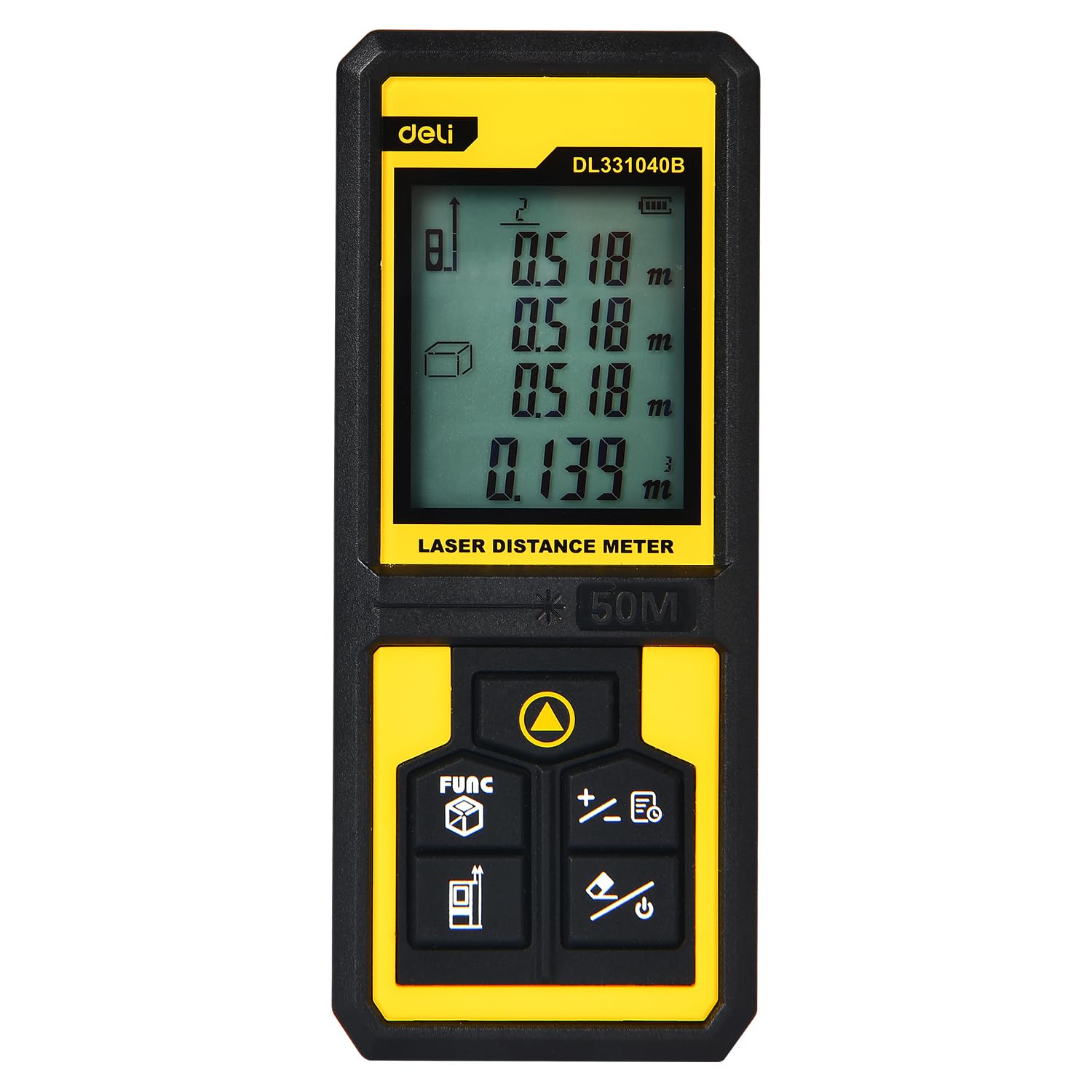
Image 1.1: The Deli DL331040B Laser Range Finder showing its digital display with multiple distance readings.
2. Safety Information
Laser Radiation: This device emits Class 2 laser radiation (630-670nm, <1mW). Do not stare into the laser beam or direct it at other people or reflective surfaces. Direct eye exposure can cause eye injury.
- Always wear appropriate eye protection when operating the device.
- Keep the device out of reach of children.
- Do not attempt to disassemble or modify the device. Servicing should only be performed by qualified personnel.
- Ensure the measurement area is clear of obstacles and personnel before activating the laser.
3. Setup
3.1 Battery Installation
The Deli DL331040B requires 2 AAA batteries (not included). To install the batteries:
- Locate the battery compartment cover on the back of the device.
- Slide the cover open in the direction indicated by the arrow.
- Insert two AAA batteries, ensuring correct polarity (+/-).
- Close the battery compartment cover until it clicks securely into place.
3.2 Power On/Off
Press and hold the Power button (usually marked with a power symbol) to turn the device on or off. The display will illuminate upon activation.
4. Operating Instructions
4.1 Basic Distance Measurement
To perform a single distance measurement:
- Turn on the device.
- Point the laser emitter (see Image 4.1) at the target surface.
- Press the Measure button (often a triangular symbol). The laser will activate, and the measured distance will appear on the display.
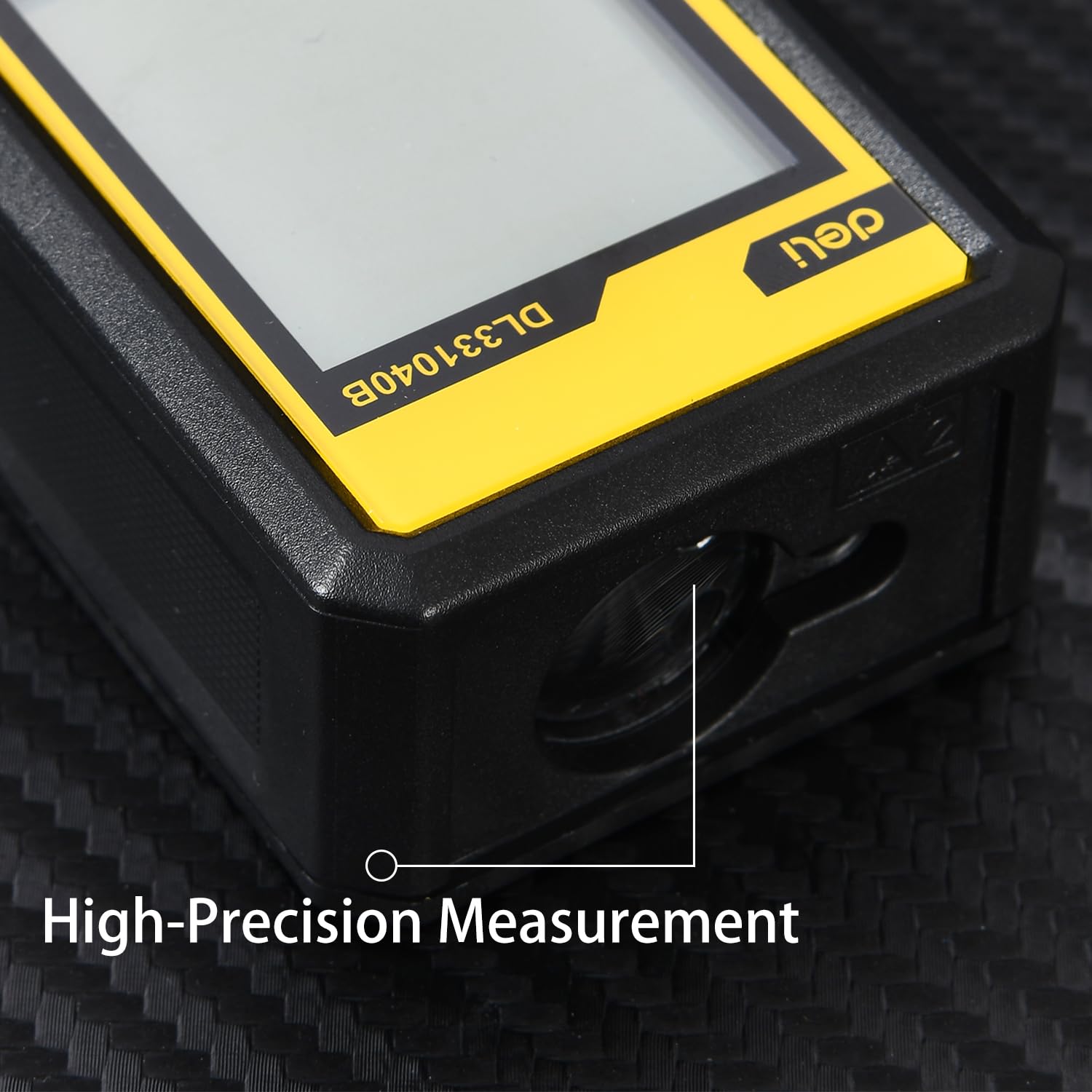
Image 4.1: Close-up view of the high-precision laser emitter on the device.
4.2 Continuous Measurement Mode
For continuous measurement (tracking mode):
- Press the Measure button once. The device will continuously measure and display the distance as you move it.
- Press the Measure button again to stop continuous measurement.
4.3 Function Selection (FUNC Button)
The FUNC button (often labeled 'FUNC' or with a cube icon) allows you to cycle through different measurement modes, such as area, volume, and Pythagorean calculations. Refer to the on-screen icons for the selected mode.

Image 4.2: Detail of the intuitive button operation, including the FUNC button for mode selection.
4.4 Data Storage and Retrieval
The device can store up to 30 sets of measurement data. Use the arrow buttons (if available) to navigate through stored records. Consult the on-screen prompts for saving and recalling measurements.

Image 4.3: The compact and portable design of the laser range finder, shown in a pocket and displaying measurement data.
5. Maintenance
- Cleaning: Wipe the device with a soft, damp cloth. Do not use abrasive cleaners or solvents.
- Storage: Store the device in a dry, cool place away from direct sunlight and extreme temperatures. Remove batteries if the device will not be used for an extended period.
- Lens Care: Keep the laser emission and reception lenses clean. Use a soft lens cloth to gently wipe away dust or smudges.
6. Troubleshooting
| Problem | Possible Cause | Solution |
|---|---|---|
| Device does not power on | Low or dead batteries; incorrect battery installation | Replace batteries; ensure correct polarity |
| Inaccurate measurements | Obstructed laser path; dirty lenses; measuring highly reflective/absorbent surfaces | Clear path; clean lenses; use a target plate for difficult surfaces |
| Laser not visible | Bright ambient light; laser not activated | Use in lower light conditions; press the Measure button to activate laser |
7. Specifications
- Model Number: DL331040B
- Measuring Range: Up to 50 meters
- Measuring Accuracy: ±3mm
- Laser Type: Class 2, Red Light 630-670nm
- Data Storage: 30 sets
- Power Source: 2 x AAA Batteries (not included)
- Material: PP Material
- Color: Yellow & Black
- Item Weight: 134 Grams
- Item Dimensions (L x W x H): 17L x 13W x 6H Centimeters
- Water Resistance Level: Waterproof
- Country Of Origin: China
8. What's in the Box
The package for the Deli DL331040B Laser Range Finder typically includes:
- 1 x Deli DL331040B Laser Range Finder
- User Manual (this document)
Note: AAA Batteries are not included and must be purchased separately.
9. Warranty and Support
This product may be eligible for an extended warranty. For details, please refer to the specific warranty information provided at the point of purchase or contact the manufacturer directly. For customer support, you may reach out to Deli Group Co., Ltd at +86-0574-5997-6624.
Manufacturer: Deli Group Co., Ltd, 301 Xuxiake Rd. Ninghai, Ningbo, Zhejiang, China.
Importer: ALLIN IMPEX SERVICES PRIVATE LIMITED
10. Brand Overview
Deli Tools is committed to providing high-quality, durable, and user-friendly tools. The brand focuses on ergonomic design, advanced manufacturing processes, and strict quality control to ensure product reliability and user satisfaction. This video provides a general overview of Deli's commitment to quality and innovation across its tool range.
Video 10.1: An overview of Deli Tools' commitment to quality, design, and manufacturing processes.