
Introduction
Thank you for purchasing the FUSOU Vanity Desk with Power Outlet and LED Lights. This manual provides essential information for the safe assembly, operation, and maintenance of your new vanity desk. Please read this manual thoroughly before use and retain it for future reference.

Image: The FUSOU Vanity Desk, featuring a large mirror with LED lights, multiple drawers, and a matching stool.
Safety Information
- Ensure all components are present and undamaged before assembly.
- Follow assembly instructions carefully to prevent injury or damage to the product.
- Do not overload drawers or shelves.
- Keep electrical components (power outlet, lights) away from water.
- Use only the provided power cord and ensure it is properly plugged into a suitable electrical outlet.
- Unplug the vanity desk from the power outlet before cleaning or performing any maintenance.
Possible Electrical Safety Warnings: As with any electrical appliance, exercise caution. Do not use if the power cord is damaged. Do not attempt to repair electrical components yourself. Contact qualified personnel for service.
Setup and Assembly
Your FUSOU Vanity Desk requires assembly. Detailed installation instructions and necessary accessories are included in the package. Each part of the product is marked with a code to facilitate the assembly process.
- Unpacking: The item typically arrives in two separate boxes. Carefully unpack all components and verify against the parts list provided in the assembly manual.
- Preparation: Choose a clean, flat, and spacious area for assembly. Lay out all parts and hardware.
- Assembly Steps: Follow the step-by-step instructions provided in the separate assembly guide. Ensure all screws and fasteners are tightened securely.
- Mirror Installation: Carefully attach the mirror unit to the desk base as instructed.
- Stool Assembly: Assemble the vanity stool according to its specific instructions.
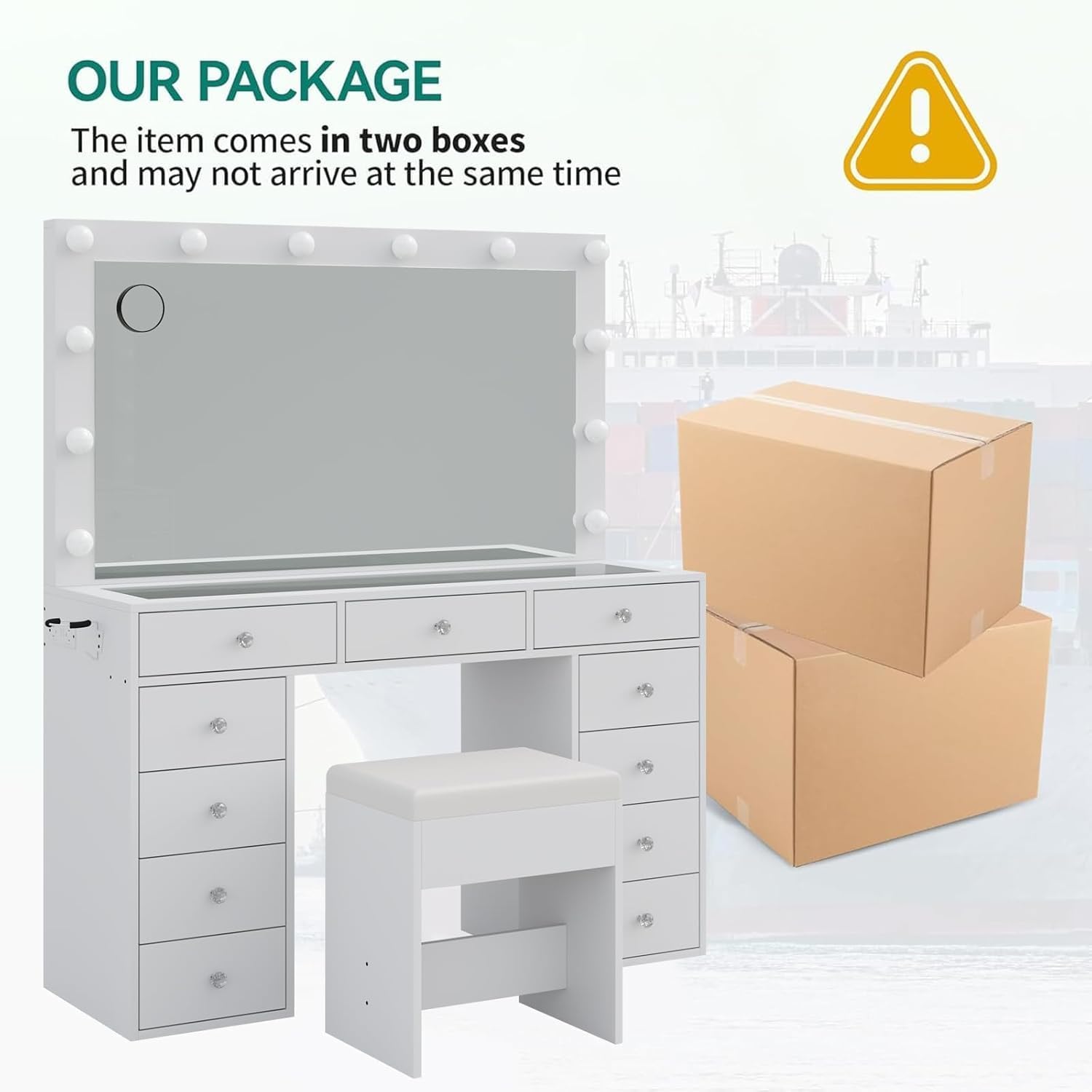
Image: The FUSOU Vanity Desk packaging, indicating that the item ships in two separate boxes.
Operating Instructions
LED Lighting System
The vanity mirror is equipped with 12 Hollywood-style LED light bulbs offering three adjustable lighting modes:
- Cold Light: Bright, clear illumination suitable for detailed tasks.
- Natural Light: Mimics daylight, ideal for everyday makeup application.
- Warm Light: Soft, ambient lighting for evening looks or relaxed settings.
To change the lighting color mode, long-press the switch located on the mirror frame. To adjust the brightness within each mode, continue to long-press the switch until the desired brightness level is achieved.
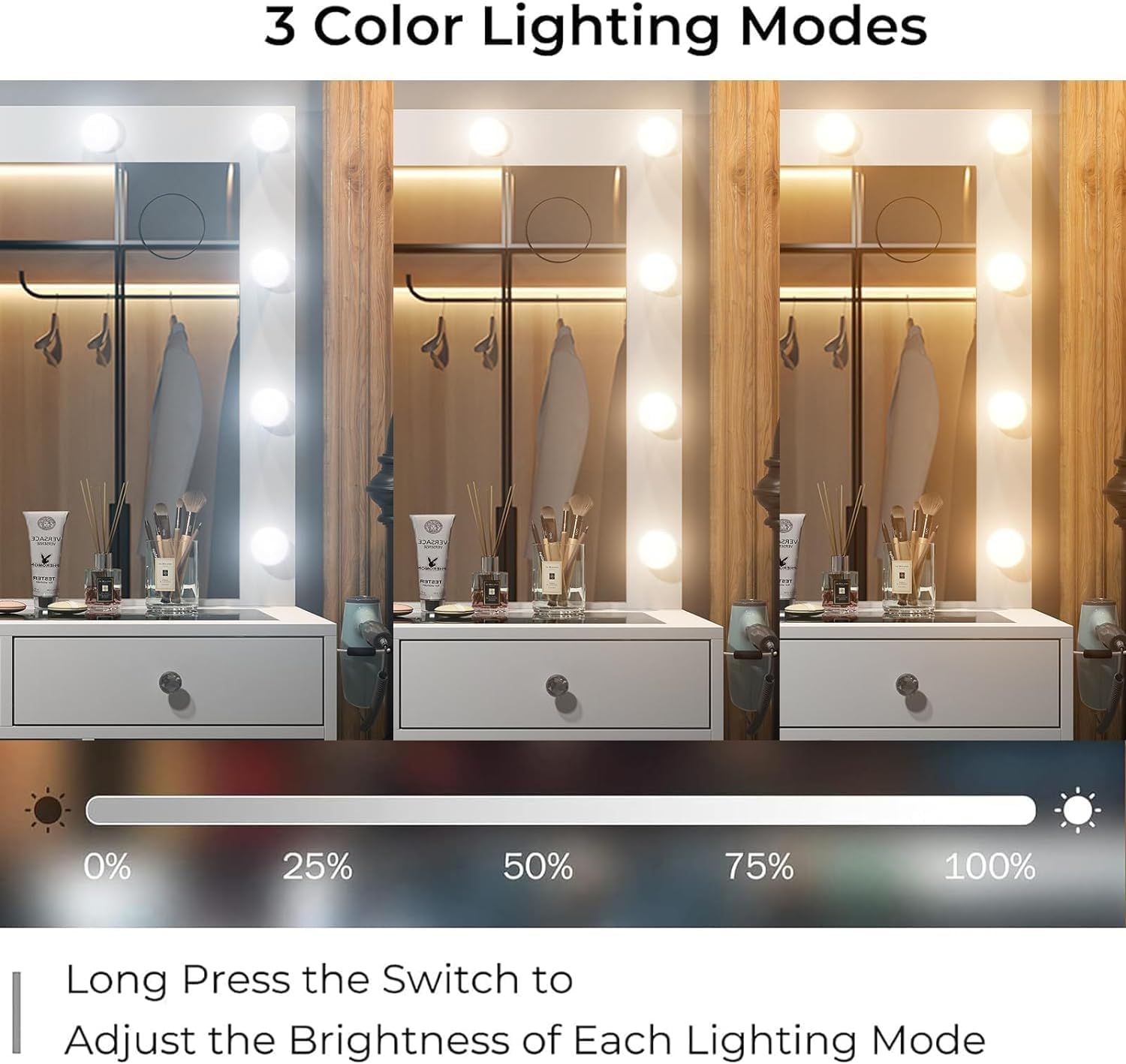
Image: Illustration of the three adjustable lighting modes (cold, natural, warm) available on the vanity mirror, with a brightness adjustment slider.
Integrated Power Outlet
The vanity desk includes a built-in charging station with 2 standard AC plug sockets (125V/12A) and 2 USB ports (5V/2A). This allows convenient connection of various electronic devices such as hair dryers, curling irons, mobile phones, tablets, and laptops directly at your vanity.
A dedicated hair dryer stand is also integrated for easy access and storage.
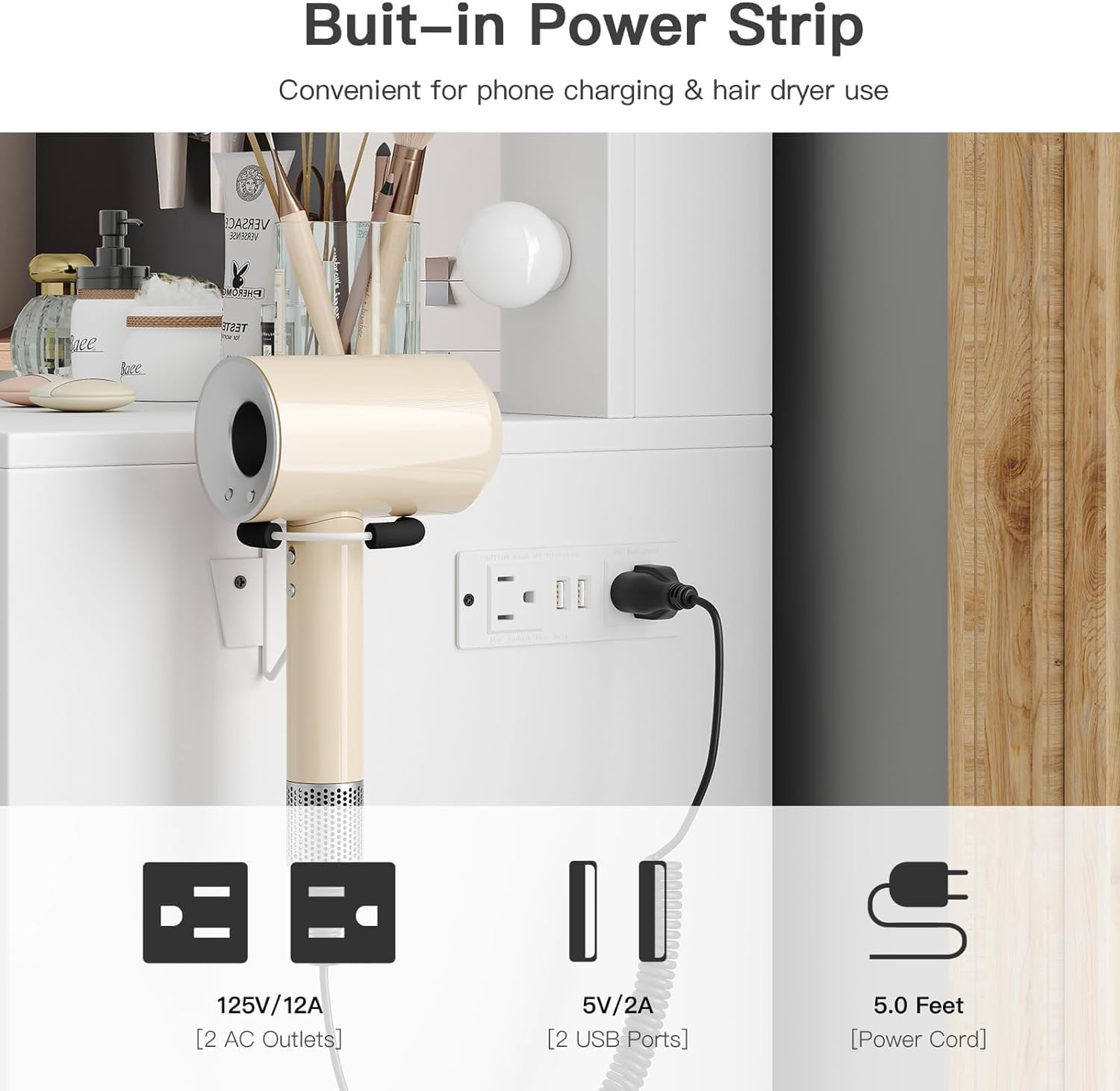
Image: Close-up view of the built-in power strip on the vanity desk, showing two AC outlets and two USB ports, with a hair dryer plugged in.
Storage and Organization
The vanity desk features a total of 11 drawers designed for comprehensive storage:
- 3 Main Drawers: Located directly under the glass top, these are suitable for storing hair accessories, jewelry, and frequently used cosmetics. The transparent glass top allows for easy visibility and access to items.
- 8 Deep Drawers: Positioned on the sides, these provide ample space for larger items such as skincare products, additional cosmetics, office supplies, or personal items.
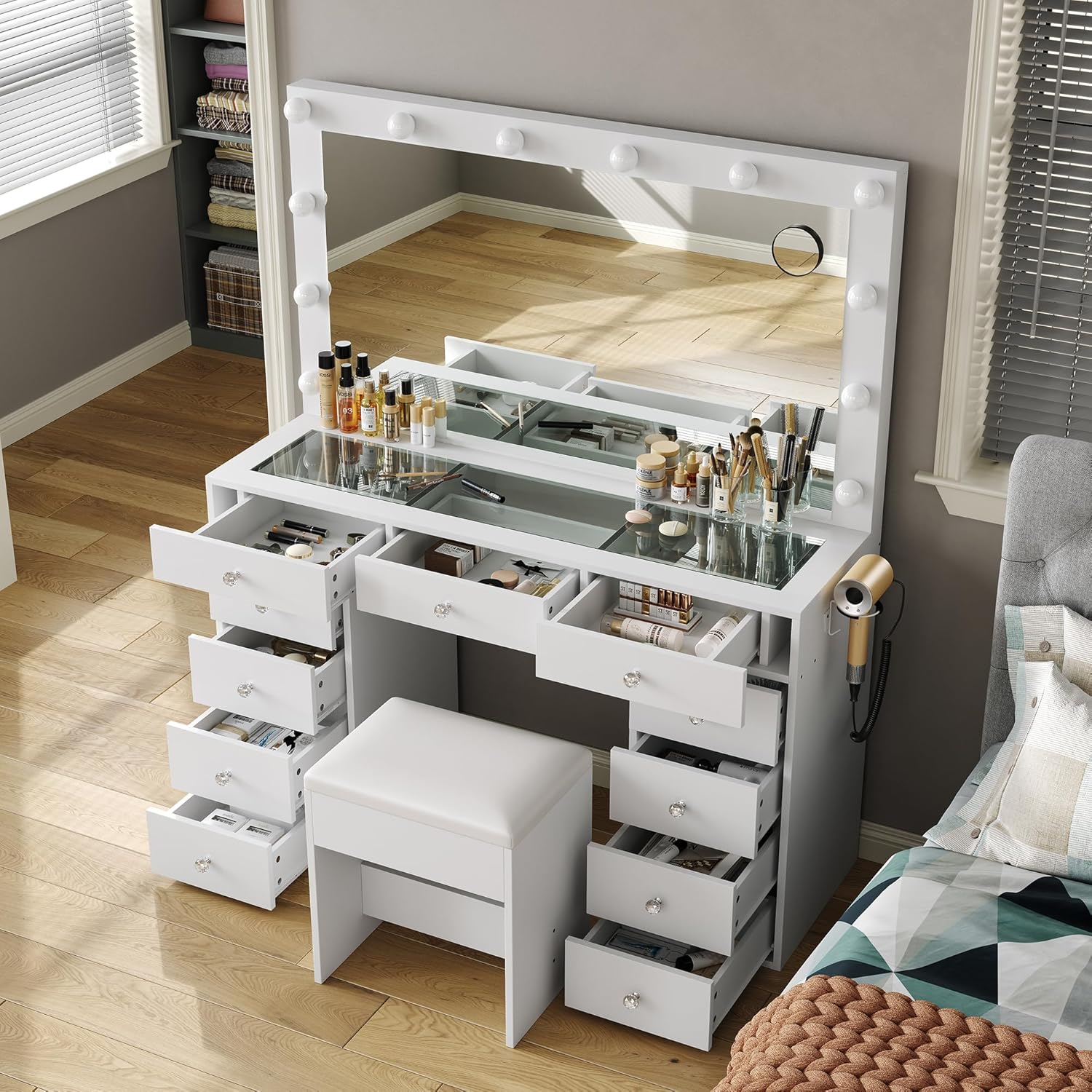
Image: An aerial view of the vanity desk with several drawers open, showcasing the storage capacity and the glass top revealing organized cosmetics.

Image: Close-up of the embedded tempered glass tabletop, allowing visibility of items stored in the top drawers.
Maintenance and Care
Cleaning the Vanity Desk
- Surface Cleaning: For the engineered wood surfaces, wipe with a soft, damp cloth. Avoid abrasive cleaners or harsh chemicals that may damage the finish.
- Glass Top: Use a glass cleaner and a microfiber cloth for streak-free cleaning.
- Mirror: Clean the mirror with a standard glass cleaner. Ensure no liquid seeps into the light bulb sockets.
- LED Bulbs: Gently wipe the LED bulbs with a dry, soft cloth when the power is off.
Stool Care
The vanity stool features a PU fabric cushion. This material is easy to clean; simply wipe with a wet cloth to remove spills or dirt.
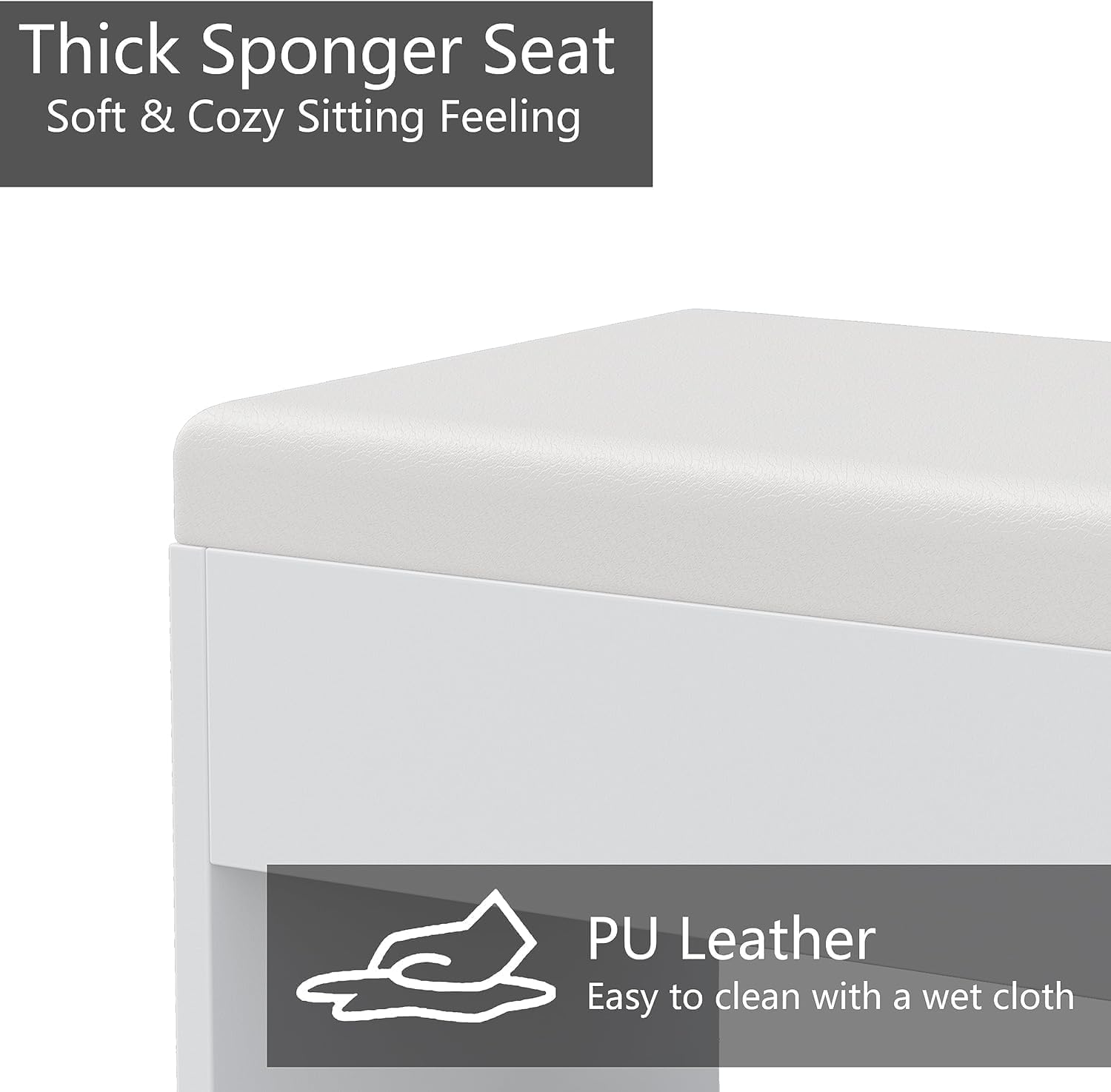
Image: Close-up of the vanity stool's cushion, highlighting its thick sponge and easy-to-clean PU leather material.
General Maintenance
- Periodically check all screws and fasteners to ensure they remain tight.
- Avoid placing hot items directly on the desk surface without protection.
- Do not expose the vanity desk to excessive moisture or direct sunlight for prolonged periods.
Troubleshooting
| Problem | Possible Cause | Solution |
|---|---|---|
| Lights not turning on. | Power cord not plugged in; loose connection; bulb issue. | Ensure the power cord is securely plugged into a working outlet. Check all connections. If individual bulbs are replaceable, check them. |
| Power outlet not working. | Vanity not plugged in; device not plugged in correctly; circuit overload. | Verify the vanity's main power cord is connected. Ensure devices are fully inserted into the outlets/USB ports. Avoid plugging in too many high-power devices simultaneously. |
| Drawers are stiff or misaligned. | Incorrect assembly; obstruction; loose hardware. | Review assembly instructions for drawer slides. Check for any objects blocking the drawer path. Tighten any loose screws on the drawer slides. |
| Vanity feels unstable. | Loose fasteners; uneven floor. | Check and tighten all assembly screws. Ensure the vanity is placed on a level surface. |
If you encounter issues not listed here or require further assistance, please contact FUSOU customer support.
Specifications
| Feature | Detail |
|---|---|
| Brand | FUSOU |
| Model Number | VD003 |
| Product Dimensions | 15.8"D x 46"W x 55"H (40.1cm D x 116.8cm W x 139.7cm H) |
| Item Weight | 120 pounds (54.4 kg) |
| Frame Material | Engineered Wood |
| Color | White |
| Drawers | 11 (3 main with glass top, 8 deep side drawers) |
| Lighting | 12 LED bulbs, 3 adjustable modes (Cold, Natural, Warm) |
| Power Outlet | 2 AC outlets (125V/12A), 2 USB ports (5V/2A) |
| Stool Seat Material | PU Fabric, Engineered Wood |
| Assembly Required | Yes |

Image: Detailed diagram showing the dimensions of the FUSOU Vanity Desk and its accompanying stool.
Warranty Information
Specific warranty details for the FUSOU Vanity Desk are not provided in this manual. Please refer to the product packaging, any included warranty cards, or contact FUSOU customer support for information regarding warranty coverage and terms.
Customer Support
For any questions regarding the assembly, operation, maintenance, or troubleshooting of your FUSOU Vanity Desk, please do not hesitate to contact our customer support team. We are available to assist you with any inquiries.
Please visit the official FUSOU store page on Amazon for potential contact information or support resources: FUSOU Store


