
1. Product Overview
The Techkey USB Bluetooth 5.4 Adapter (Model 5.4BT) provides advanced Bluetooth connectivity for your desktop PC. Featuring Bluetooth 5.4+EDR technology and an extended antenna, this adapter offers a long transmission range and efficient wireless communication for various devices.
Key Features:
- Bluetooth 5.4+EDR: Utilizes the latest Bluetooth 5.4 technology with Enhanced Data Rate (EDR) for faster speeds and improved anti-interference capabilities. It is backward compatible with Bluetooth 5.3, 5.2, 4.2, 4.0, and earlier versions.
- Extended Range: Equipped with Class 1 radio technology and an external antenna, providing a transmission range of up to 500 feet (150 meters) in open environments.
- Plug & Play: Designed for easy installation on supported Windows operating systems without the need for additional driver software.
- Multi-Device Support: Connects up to 5 Bluetooth wireless devices simultaneously, including headphones, keyboards, mice, speakers, and printers.
- System Compatibility: Exclusively compatible with Windows 11, Windows 10, and Windows 8.1. Not compatible with Mac OS, Linux, car stereo systems, XBOX, PS4, or TVs.

Image 1.1: The Techkey USB Bluetooth 5.4 Adapter with its external antenna.
2. Package Contents
Please verify that all items are present in the package:
- 1 x Techkey USB Bluetooth Network Adapter (Model 5.4BT)
3. Setup Instructions
Follow these steps to install and configure your Techkey USB Bluetooth 5.4 Adapter:
- Prepare your PC: Ensure your desktop PC is running Windows 11, Windows 10, or Windows 8.1. If your PC has a built-in Bluetooth adapter, it is recommended to disable it through Device Manager before installing the Techkey adapter to avoid conflicts.
- Insert the Adapter: Plug the Techkey USB Bluetooth 5.4 Adapter into an available USB port on your desktop PC. For optimal performance and range, consider using a USB 3.0 port if available.
- Automatic Installation: The adapter is designed for 'Plug & Play' functionality on supported Windows operating systems. Your system should automatically detect the new hardware and install the necessary drivers. This process may take a few moments.
- Verify Installation: Once the installation is complete, navigate to your PC's Bluetooth settings (typically found in 'Settings' > 'Devices' > 'Bluetooth & other devices' on Windows 10/11). Ensure that Bluetooth is turned 'On' and the adapter is recognized.

Image 3.1: The adapter connected to a desktop PC, illustrating the Plug & Play setup.
Driver Information:
For Windows 11, 10, and 8.1, the adapter typically functions without manual driver installation. If you encounter any issues, ensure your Windows operating system is up to date. The product is not compatible with operating systems other than Windows 11/10/8.1.
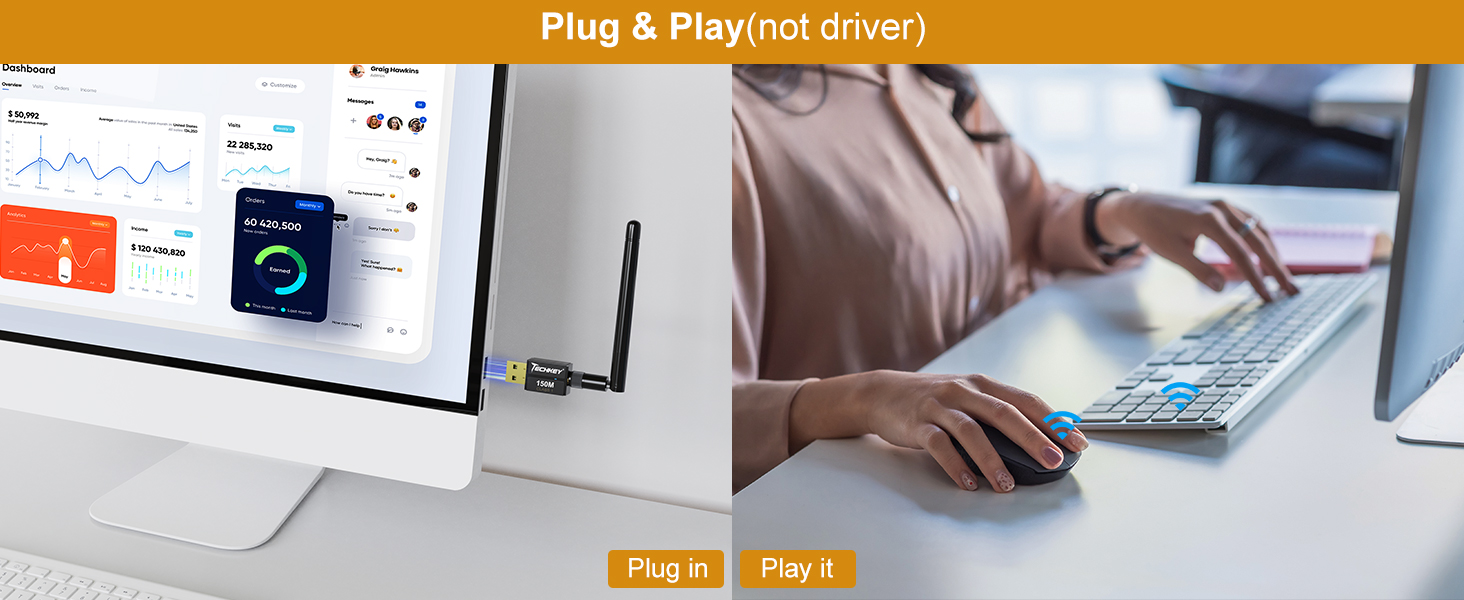
Image 3.2: Visual representation of the adapter's Plug & Play feature.
4. Operating Instructions
Pairing Bluetooth Devices:
- Ensure Bluetooth is enabled on your PC (Settings > Devices > Bluetooth & other devices).
- Put your Bluetooth device (e.g., headphones, mouse, keyboard) into pairing mode. Refer to your device's manual for specific instructions.
- On your PC, click 'Add Bluetooth or other device' and select 'Bluetooth'.
- Your PC will scan for nearby Bluetooth devices. Select your device from the list and follow any on-screen prompts to complete the pairing process.
Connecting Multiple Devices:
The Techkey USB Bluetooth 5.4 Adapter supports simultaneous connections with up to 5 Bluetooth wireless devices. Repeat the pairing process for each device you wish to connect.

Image 4.1: The adapter's capability to connect up to 5 devices simultaneously.
Understanding Transmission Range:
The adapter offers an extended range of up to 500 feet (150 meters) in open areas. However, physical obstructions such as walls, furniture, and other wireless interference (e.g., Wi-Fi routers, microwaves) can significantly reduce the actual transmission range and signal quality. For best performance, maintain a clear line of sight between the adapter and your connected devices.

Image 4.2: Illustration of wide Bluetooth coverage within a home environment.
Data Transfer Rate:
With EDR technology and Bluetooth Low Energy (BLE) configuration, this adapter achieves data transfer speeds of up to 3Mbps, ensuring efficient and fast wireless data connections.
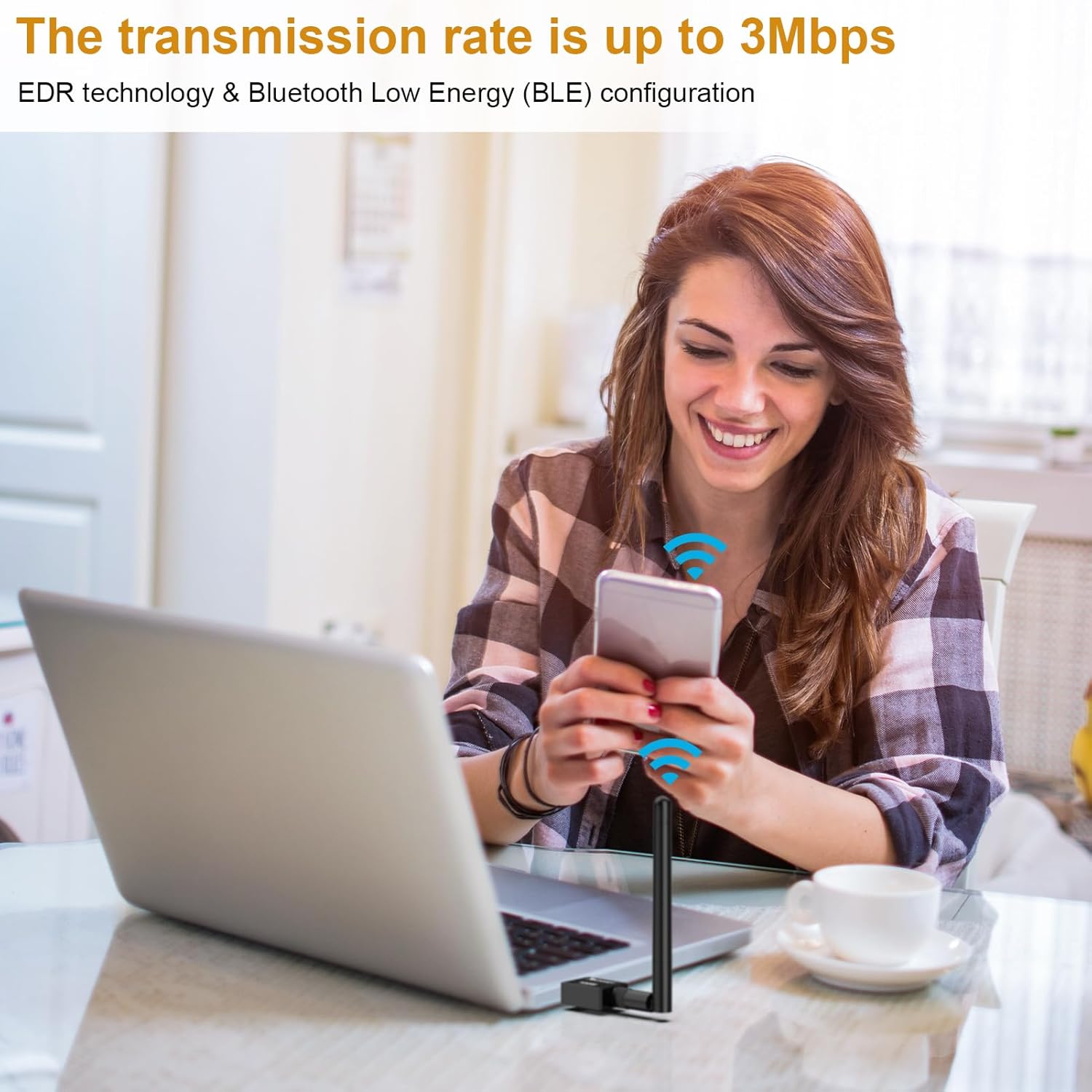
Image 4.3: Visualizing the 3Mbps transmission rate for efficient data transfer.
5. Maintenance
To ensure the longevity and optimal performance of your Techkey USB Bluetooth 5.4 Adapter, consider the following:
- Keep Clean: Periodically clean the adapter with a soft, dry cloth. Avoid using liquid cleaners or solvents.
- Protect from Damage: Avoid physical impact, extreme temperatures, and moisture. Do not bend or force the antenna.
- Proper Storage: When not in use for extended periods, store the adapter in a cool, dry place.
6. Troubleshooting
If you encounter issues with your Techkey USB Bluetooth 5.4 Adapter, refer to the following common problems and solutions:
- Device Not Detected:
- Ensure the adapter is securely plugged into a USB port.
- Try a different USB port.
- Restart your PC.
- Verify that your operating system is Windows 11, 10, or 8.1.
- Cannot Pair Devices:
- Ensure Bluetooth is enabled on your PC.
- Confirm your device is in pairing mode and discoverable.
- Move the device closer to the adapter.
- Remove any previously paired instances of the device from your PC's Bluetooth settings and attempt to pair again.
- Poor Connection Quality or Limited Range:
- Reduce physical obstructions between the adapter and the connected device.
- Minimize interference from other wireless devices (e.g., Wi-Fi routers, cordless phones).
- Ensure the adapter's antenna is positioned optimally.
- Update your PC's operating system to the latest version.
- Audio Stuttering or Disconnections (for audio devices):
- Ensure no other high-bandwidth Bluetooth devices are actively transferring data simultaneously.
- Check for and disable any conflicting built-in Bluetooth adapters on your PC.
- Try moving the adapter to a different USB port, preferably a USB 3.0 port.
7. Specifications
| Feature | Specification |
|---|---|
| Model | 5.4BT |
| Bluetooth Version | 5.4 + EDR (Enhanced Data Rate) |
| Backward Compatibility | Bluetooth 5.3/5.2/4.2/4.2 LE/4.0/2.1+EDR |
| Hardware Interface | USB |
| Transmission Range | Up to 500ft / 150m (in open areas) |
| Data Transfer Rate | Up to 3 Megabits Per Second (Mbps) |
| Compatible Operating Systems | Windows 11, Windows 10, Windows 8.1 |
| Incompatible Operating Systems | Mac OS, Linux, Car Stereo Systems, XBOX, PS4, TVs |
| Simultaneous Device Connections | Up to 5 devices |
| Compatible Devices | Headphones, Keyboards, Mice, Speakers, Printers, etc. |
| Item Weight | 1.44 ounces (approx. 0.04 kg) |
| Package Dimensions | 4.25 x 3.7 x 0.67 inches |
| Manufacturer | Shenzhen Denos Trade Co., Ltd. |

Image 7.1: Supported operating systems for the adapter.
8. Warranty Information
Specific warranty details for the Techkey USB Bluetooth 5.4 Adapter are typically provided at the point of purchase or within the product packaging. Please refer to your purchase documentation or contact the seller for information regarding warranty coverage and terms.
9. Support
For technical assistance, troubleshooting beyond this manual, or inquiries regarding your Techkey USB Bluetooth 5.4 Adapter, please contact Techkey customer support through the retailer's platform or the official Techkey website. When contacting support, please have your product model (5.4BT) and purchase information readily available.
