Introduction
This manual provides comprehensive instructions for the operation, maintenance, and troubleshooting of your BAOFENG K5 PLUS Ham Radio. Please read this manual thoroughly before using the device to ensure safe and optimal performance.
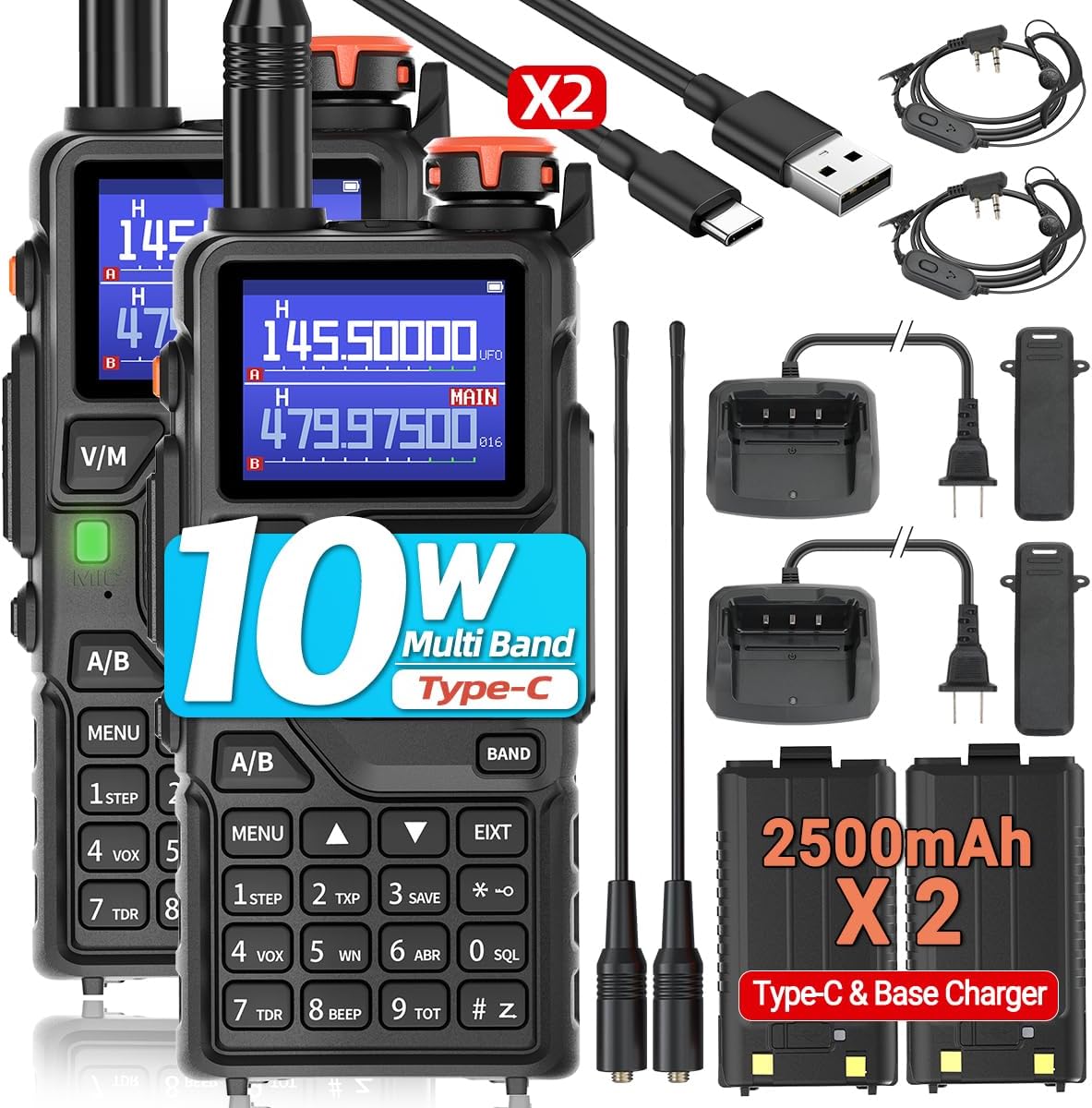
Figure 1: BAOFENG K5 PLUS Ham Radio Full Kit. This image displays the complete package contents, including two K5 PLUS radios, two antennas, two 2500mAh batteries, two USB-C charging cables, two desktop chargers, two belt clips, and two headsets, providing a visual overview of what is included with the product.
Package Contents
Verify that all items listed below are present in your package:
- 2 x BAOFENG K5 PLUS Walkie Talkie
- 2 x Original Antenna
- 2 x USB-C Cable
- 2 x Desktop Charger
- 2 x 2500mAh Battery
- 2 x Belt Clip
- 2 x Headsets
- 1 x User's Manual (this document)
Product Overview
The BAOFENG K5 PLUS is an advanced handheld ham radio designed for reliable long-range communication. It features a 1.77-inch LED color screen, 999 channels, and supports multiple frequency bands including VHF, VHF2, UHF, FM, and AM. Key functionalities include NOAA Weather reception, quick frequency copying, and versatile charging options.

Figure 2: BAOFENG K5 PLUS Radio Parts. This diagram labels the various components of the radio, including the antenna, LED flashlight, power/volume knob, color LCD screen, battery release latch, V/M mode key, speaker and microphone, Push-to-Talk (PTT) key, accessory jack, SK1 (Broadcast FM and Alarm) key, SK2 (Flashlight and Monitor) key, MENU key, navigation keys, BAND key, A/B select key, EXIT key, numeric keypad, Type-C charging port, and Type-C charging indicator.
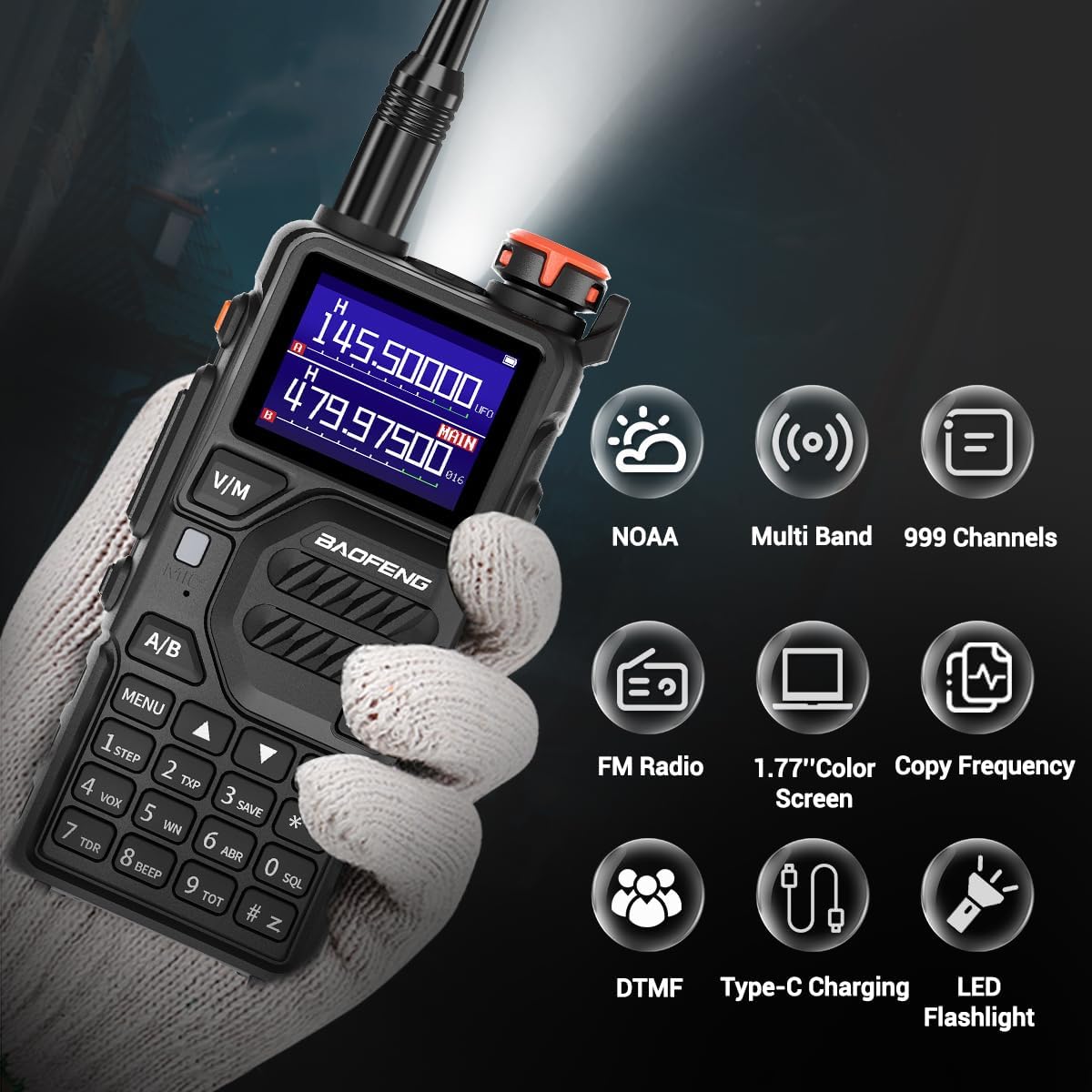
Figure 3: Key Features of BAOFENG K5 PLUS. This image highlights the main features of the radio, including NOAA weather reception, multi-band capability, 999 channels, FM radio, a 1.77-inch color screen, frequency copy function, DTMF support, Type-C charging, and an integrated LED flashlight.
Setup
1. Battery Installation and Charging
The BAOFENG K5 PLUS comes with a 2500mAh rechargeable Lithium Ion battery. Ensure the battery is fully charged before first use.
- Install Battery: Align the battery with the compartment on the back of the radio and slide it into place until it clicks securely.
- Charge Battery:
- Using Desktop Charger: Place the radio (with battery installed) into the desktop charging cradle. Ensure the charging indicator light illuminates.
- Using USB-C Cable: Connect the USB-C cable to the Type-C charging port on the side of the radio and plug the other end into a compatible USB power source (e.g., wall adapter, power bank, computer). The Type-C Charging indicator will show charging status.
2. Antenna Installation
Screw the antenna clockwise into the antenna connector on the top of the radio until it is finger-tight. Do not overtighten.
3. Belt Clip Installation
Attach the belt clip to the designated slot on the back of the radio using the provided screws.
Operating Instructions
1. Power On/Off and Volume Control
Rotate the Power/Volume knob clockwise to turn the radio on and increase volume. Rotate counter-clockwise to decrease volume and turn the radio off.
2. Channel and Frequency Selection
The K5 PLUS supports 999 channels and operates on VHF/VHF2/UHF frequency bands.
- V/M Mode Key: Press this key to switch between Frequency Mode (VFO) and Channel Mode (MR).
- Numeric Keypad: In Frequency Mode, directly input desired frequencies. In Channel Mode, input channel numbers.
- A/B Select Key: Switches between the A (upper) and B (lower) frequency displays.
- BAND Key: Cycles through available frequency bands (VHF, UHF).
3. Transmitting and Receiving
To transmit, press and hold the PTT (Push-to-Talk) key on the side of the radio. Speak clearly into the microphone. Release the PTT key to receive.
4. Quick Copy Frequency
This feature allows for rapid frequency replication from another radio without manual input.

Figure 4: Quick Copy Frequency Steps. This image illustrates the three-step process for quickly copying a frequency from another radio: 1. Power on your radio and press the "BAND" key to initiate a search. 2. Press and hold the PTT button on the transmitting radio, and then press "MENU" on your K5 PLUS to confirm the frequency capture. 3. Switch to channel mode to begin communication on the newly copied frequency.
- Step 1: Power on your BAOFENG K5 PLUS radio. Press the BAND key. The display will show "Search".
- Step 2: Have the other walkie talkie transmit on the desired frequency. On your K5 PLUS, press and hold the MENU key to confirm the frequency capture.
- Step 3: Switch to Channel Mode (if not already) and the display will show the copied frequency. You can now communicate.
5. NOAA Weather Receiver
The K5 PLUS includes 10 NOAA channels for receiving weather alerts.
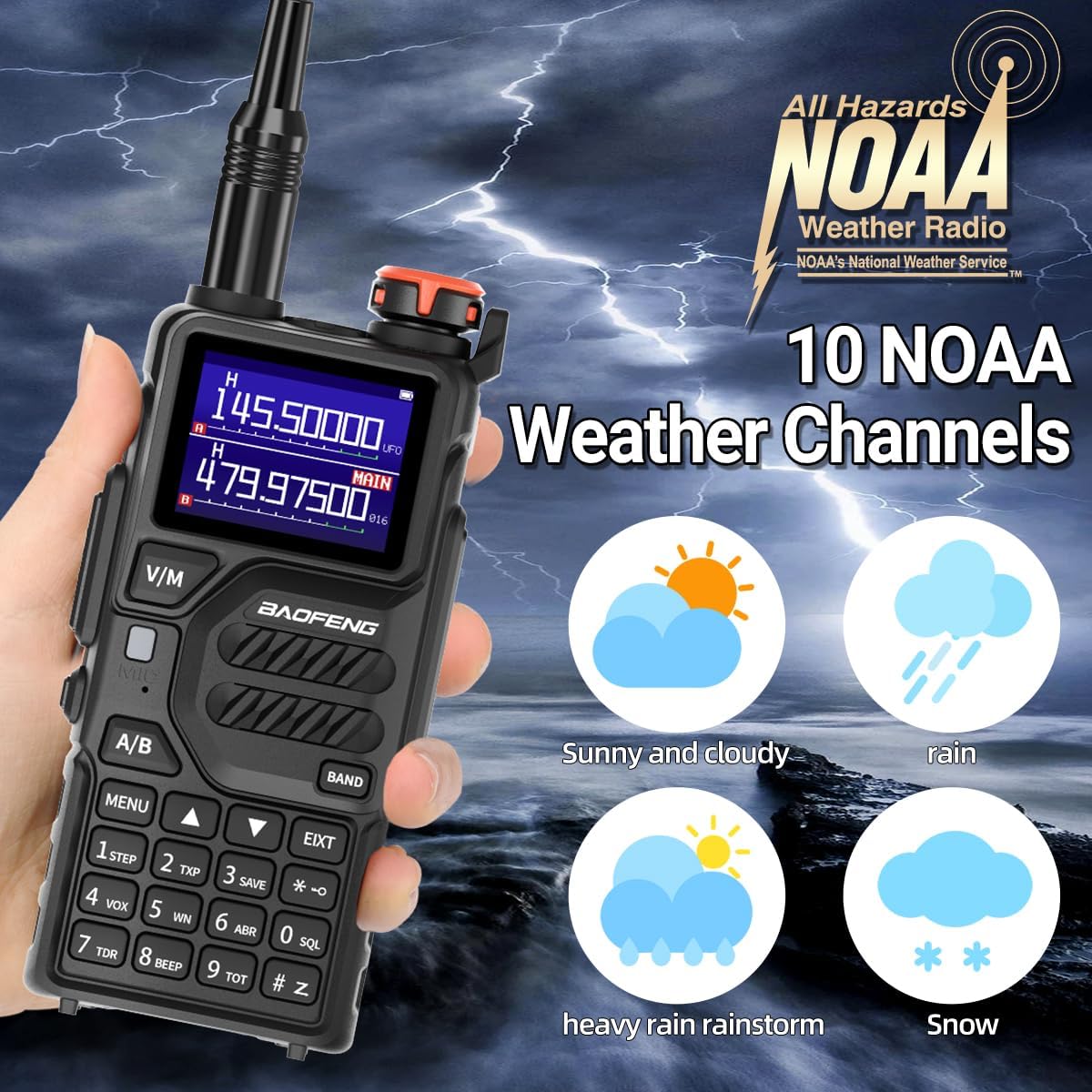
Figure 5: NOAA Weather Channels. This image illustrates the radio's capability to receive NOAA weather broadcasts, showing icons for various weather conditions such as sunny and cloudy, rain, heavy rain/rainstorm, and snow, indicating its utility for outdoor activities and emergency preparedness.
To access NOAA channels, navigate to the dedicated NOAA weather band or use the specific function key if available (refer to the detailed menu guide in the full user manual for specific key assignments).
6. DTMF Function
The DTMF (Dual-Tone Multi-Frequency) function allows for various signaling capabilities, including single call, group call, and full call.
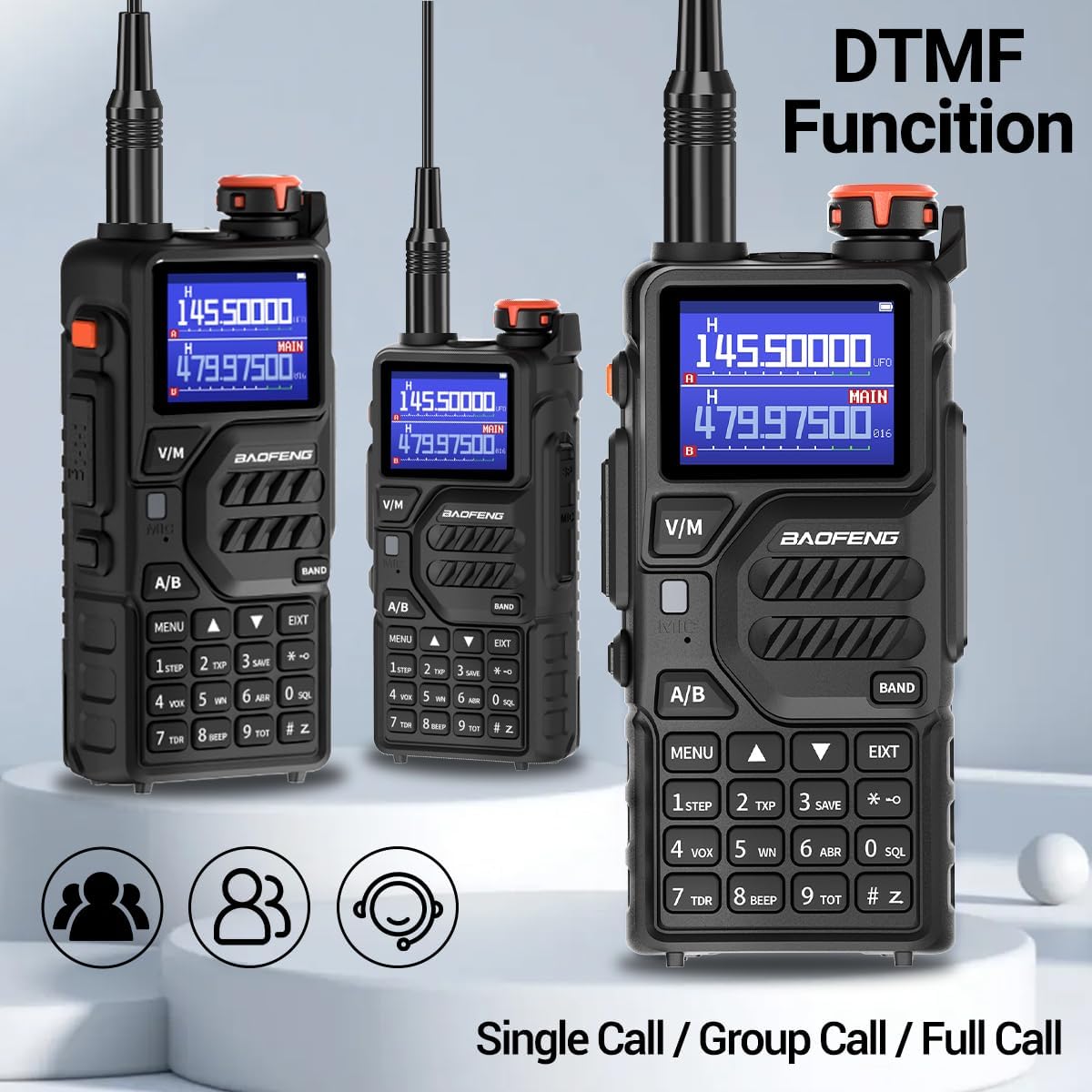
Figure 6: DTMF Functionality. This image demonstrates the DTMF (Dual-Tone Multi-Frequency) capabilities of the BAOFENG K5 PLUS, highlighting its support for single calls, group calls, and full calls, which are essential for advanced communication setups.
Refer to the advanced programming section of the full user manual for detailed instructions on setting up and using DTMF codes for specific call types.
7. LED Flashlight
The radio is equipped with an integrated LED flashlight for illumination in low-light conditions.

Figure 7: Integrated LED Flashlight. This image shows the BAOFENG K5 PLUS with its built-in LED flashlight activated, emphasizing its utility for illumination when needed, alongside the clear display of the 1.77-inch color screen.
To activate the flashlight, press the SK2 (Flashlight and Monitor) key. Press again to turn off.
Maintenance
- Cleaning: Use a soft, damp cloth to clean the radio's surface. Do not use harsh chemicals or abrasive cleaners.
- Battery Care: Store batteries in a cool, dry place. Avoid overcharging or fully discharging batteries frequently to prolong their lifespan.
- Storage: When not in use for extended periods, remove the battery and store the radio in a dry, dust-free environment.
- Water Resistance: This product is Not Water Resistant. Avoid exposure to water or high humidity.
Troubleshooting
| Problem | Possible Cause | Solution |
|---|---|---|
| Radio does not power on. | Battery is low or not installed correctly. | Charge the battery or re-install it securely. |
| Cannot transmit or receive. | Incorrect frequency/channel, antenna not connected, or out of range. | Verify frequency/channel settings. Ensure antenna is securely attached. Move closer to the other radio. |
| Poor audio quality. | Low battery, weak signal, or incorrect squelch setting. | Charge battery. Adjust squelch level. Ensure clear line of sight. |
| NOAA weather alerts not received. | Not on a NOAA channel or out of broadcast range. | Ensure you are tuned to one of the 10 NOAA channels. Check local NOAA broadcast availability. |
Specifications
| Feature | Detail |
|---|---|
| Model Number | K5PLUS |
| Brand | BAOFENG |
| Number of Channels | 999 |
| Frequency Range | VHF 1.25M UHF |
| Battery Capacity | 2500mAh Lithium Ion (included) |
| Charging Methods | USB-C, Desktop Base Charger |
| Screen Type | 1.77'' LED Color Screen |
| Special Features | Integrated Flashlight, Keypad Lock, Long Range, Rechargeable, Weather Alert (NOAA), VOX, DTMF, Copy Frequency |
| Talking Range Maximum | 5 Kilometer |
| Voltage | 3.7 Volts (DC) |
| Water Resistance Level | Not Water Resistant |
| Item Weight | 2.77 pounds (for the pair) |
| Package Dimensions | 9.53 x 8.23 x 4.45 inches |
Warranty and Support
For warranty information and technical support, please refer to the contact details provided by your retailer or visit the official BAOFENG website. Keep your purchase receipt as proof of purchase for warranty claims.
Manufacturer: BAOFENG


