
1. Introduction
1.1 Product Overview
The Behringer B1X is an all-in-one portable 250-watt speaker system designed for versatile audio applications. It features battery operation, a digital mixer, built-in effects, and remote control capabilities via iOS/Android mobile apps. The system also supports Bluetooth audio streaming and wireless microphone options.
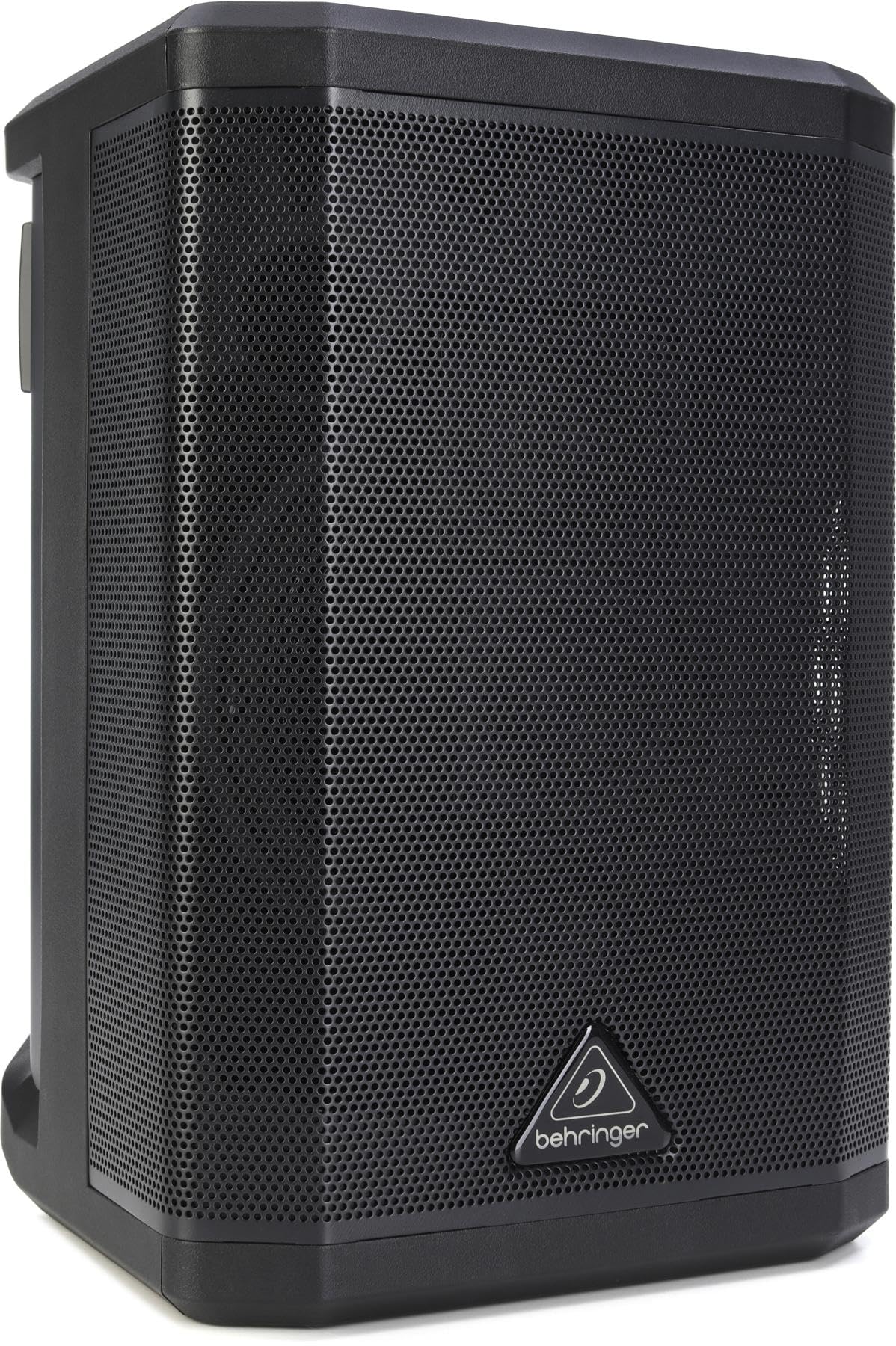
Figure 1: Behringer B1X Portable 250-Watt Speaker. This image displays the compact design and front panel of the B1X speaker, showcasing its controls and input ports.
1.2 Key Features
- Powerful and Versatile: 250-watt Class-D power amplifier with a 6.5" long-excursion driver and three angled 2.5" full-range drivers.
- Built-In Digital Mixer: 4-channel digital mixer with two combo jack/XLR connectors, rotary push-encoder, and backlit LCD display for DSP functions and mixer parameters.
- Wireless Connectivity: Integrated Bluetooth for audio streaming and readiness for ULM Series wireless microphones (sold separately).
- Ultra-Portability: Features a convenient carry handle and an onboard Lithium battery pack for extended operation.
- Klark Teknik Technology: Incorporates custom-engineered Klark Teknik technology for enhanced audio quality.
2. Safety Instructions
Before operating the Behringer B1X, please read and follow all safety instructions to prevent electric shock, fire, or injury.
- Do not open the unit. No user-serviceable parts inside. Refer all servicing to qualified service personnel.
- Do not expose this appliance to rain or moisture.
- Do not use this apparatus near water.
- Clean only with a dry cloth.
- Do not block any ventilation openings. Install in accordance with the manufacturer's instructions.
- Do not install near any heat sources such as radiators, heat registers, stoves, or other apparatus (including amplifiers) that produce heat.
- Protect the power cord from being walked on or pinched, particularly at plugs, convenience receptacles, and the point where they exit from the apparatus.
- Only use attachments/accessories specified by the manufacturer.
- Unplug this apparatus during lightning storms or when unused for long periods of time.
3. What's in the Box
Upon unpacking your Behringer B1X, ensure all items are present and in good condition:
- Behringer B1X Portable 250-Watt Speaker
- Quick Start Guide
- Power Cable
- 1 AA battery (included for remote control, if applicable)
If any items are missing or damaged, contact your dealer immediately.
4. Setup
4.1 Powering On/Off
The B1X can be powered via its internal Lithium battery or by connecting it to an AC power source using the provided power cable. Connect the power cable to the AC inlet on the unit and then to a suitable power outlet. Press the power button to turn the unit on or off. The battery charges automatically when connected to AC power.
4.2 Connecting Audio Sources
- XLR/Combo Inputs: Use the two combo jack/XLR connectors for balanced or unbalanced microphones, instruments, or line-level devices. Adjust the input gain for each channel using the digital mixer interface.
- Bluetooth Audio Streaming: To connect a Bluetooth device, activate Bluetooth on your smartphone or tablet and search for available devices. Select "Behringer B1X" from the list. Once paired, you can stream audio wirelessly to the speaker.
4.3 Wireless Microphone Setup
The B1X is ready for Behringer ULM Series wireless microphones (sold separately). Simply plug the ULM receiver into the designated USB port on the B1X. The system will automatically detect and pair with the ULM microphone. Adjust microphone volume and settings via the digital mixer.
4.4 Mobile App Control
Download the dedicated Behringer B1X control app from your device's app store (iOS/Android). Connect your mobile device to the B1X via Bluetooth. The app provides comprehensive remote control over the digital mixer, DSP functions, effects, and other parameters, offering enhanced flexibility during performances or events.
5. Operating Instructions
5.1 Digital Mixer Interface
The B1X features an intuitive digital mixer with a rotary push-encoder and a backlit LCD display. Use the encoder to navigate through menus and adjust parameters. Press the encoder to confirm selections. The LCD provides visual feedback on channel levels, effects, and system settings.
5.2 DSP Functions and Presets
Access the Digital Signal Processing (DSP) functions through the mixer interface. The B1X includes various presets optimized for different applications (e.g., speech, music, live performance). Select a preset to quickly configure the speaker's sound characteristics. Fine-tune individual parameters such as EQ, compression, and effects (reverb, delay) as needed.
5.3 Bluetooth Audio Streaming
Once paired with a Bluetooth device, audio playback can be controlled directly from your source device. The B1X's mixer allows for volume adjustment of the Bluetooth input relative to other connected sources.
5.4 Sound Adjustment
Utilize the mixer's EQ and effects sections to tailor the sound to your environment and preferences. Experiment with different settings to achieve optimal clarity and presence for vocals and instruments.
6. Maintenance
Proper maintenance ensures the longevity and optimal performance of your Behringer B1X speaker.
- Cleaning: Wipe the exterior surfaces with a soft, dry cloth. Do not use abrasive cleaners or solvents.
- Storage: Store the unit in a cool, dry place away from direct sunlight and extreme temperatures.
- Battery Care: For optimal battery life, avoid fully discharging the battery frequently. If storing for extended periods, charge the battery to approximately 50% every few months.
- Ventilation: Ensure ventilation openings are clear of obstructions to prevent overheating.
7. Troubleshooting
If you encounter issues with your Behringer B1X, refer to the following common problems and solutions:
- No Power: Ensure the power cable is securely connected and the power outlet is functional. If using battery, check battery charge level.
- No Sound: Verify all audio cables are correctly connected. Check input gain levels on the mixer. Ensure master volume is not muted or set too low. Confirm Bluetooth device is paired and playing audio.
- Distorted Sound: Reduce input gain levels to prevent clipping. Check for damaged cables. Ensure speaker is not overloaded.
- Bluetooth Connection Issues: Ensure the B1X is in pairing mode or already paired. Move your Bluetooth device closer to the speaker. Try unpairing and re-pairing the device.
- Battery Not Charging: Ensure the power cable is connected and the AC outlet is active. If issues persist, contact support.
For persistent issues, consult the Behringer support website or contact customer service.
8. Specifications
| Feature | Specification |
|---|---|
| Brand | Behringer |
| Model Number | 0313-AHY |
| Speaker Maximum Output Power | 250 Watts |
| Connectivity Technology | XLR, Bluetooth |
| Mounting Type | Floor Standing |
| Material | Plastic |
| Speaker Type | Portable Soundbar |
| Color | Black |
| Speaker Size | 6.5 Inches (woofer), 2.5 Inches (full-range drivers) |
| Item Dimensions (D x W x H) | 11.42"D x 9.45"W x 14.25"H |
| Compatible Devices | Smartphone, Microphones, Instruments |
| Number of Batteries | 1 AA batteries required (included) |
| UPC | 644216659500 |
9. Warranty and Support
For warranty information and technical support, please visit the official Behringer support website:
community.musictribe.com/support
The manufacturer is Music Tribe. Please have your model number (0313-AHY) and UPC (644216659500) available when contacting support.


