
1. Introduction
Thank you for choosing Minetom C9 Smart LED Christmas Lights. This manual provides detailed instructions to help you set up, operate, and maintain your new smart lighting system. These 99-foot string lights feature 150 RGB C9 LED bulbs, offering versatile control via a mobile application or remote, music synchronization, and scheduling capabilities for both indoor and outdoor use.
2. Safety Information
Please read and understand all safety instructions before installation and use. Failure to follow these instructions may result in electric shock, fire, or serious injury.
- Ensure the power adapter and transformer are protected from water during outdoor use. The lights are IP44 waterproof, but the power components require protection.
- Do not connect more than 300 bulbs in total to a single power source.
- Always unplug the lights from the power source before installation, removal, or maintenance.
- Do not attempt to repair or modify the lights. Contact customer support for assistance.
- Keep away from children and pets.
- Ensure all connections are secure to prevent electrical hazards.
3. Package Contents
Verify that all items are present in your package:
- Minetom C9 Smart LED String Lights (99 Ft, 150 LED bulbs)
- Power Adapter (24V low-voltage)
- Remote Control
- User Manual (this document)
4. Setup Instructions
4.1 Physical Installation
Carefully uncoil the string lights. The lights are connectable, allowing you to extend the length up to 300 bulbs. Ensure connections are tight and sealed, especially for outdoor use.

Image: Minetom C9 LED Christmas Lights installed on a house, showcasing various colors and patterns. The image also shows the remote control and a smartphone displaying the "Hello Fairy" app interface.
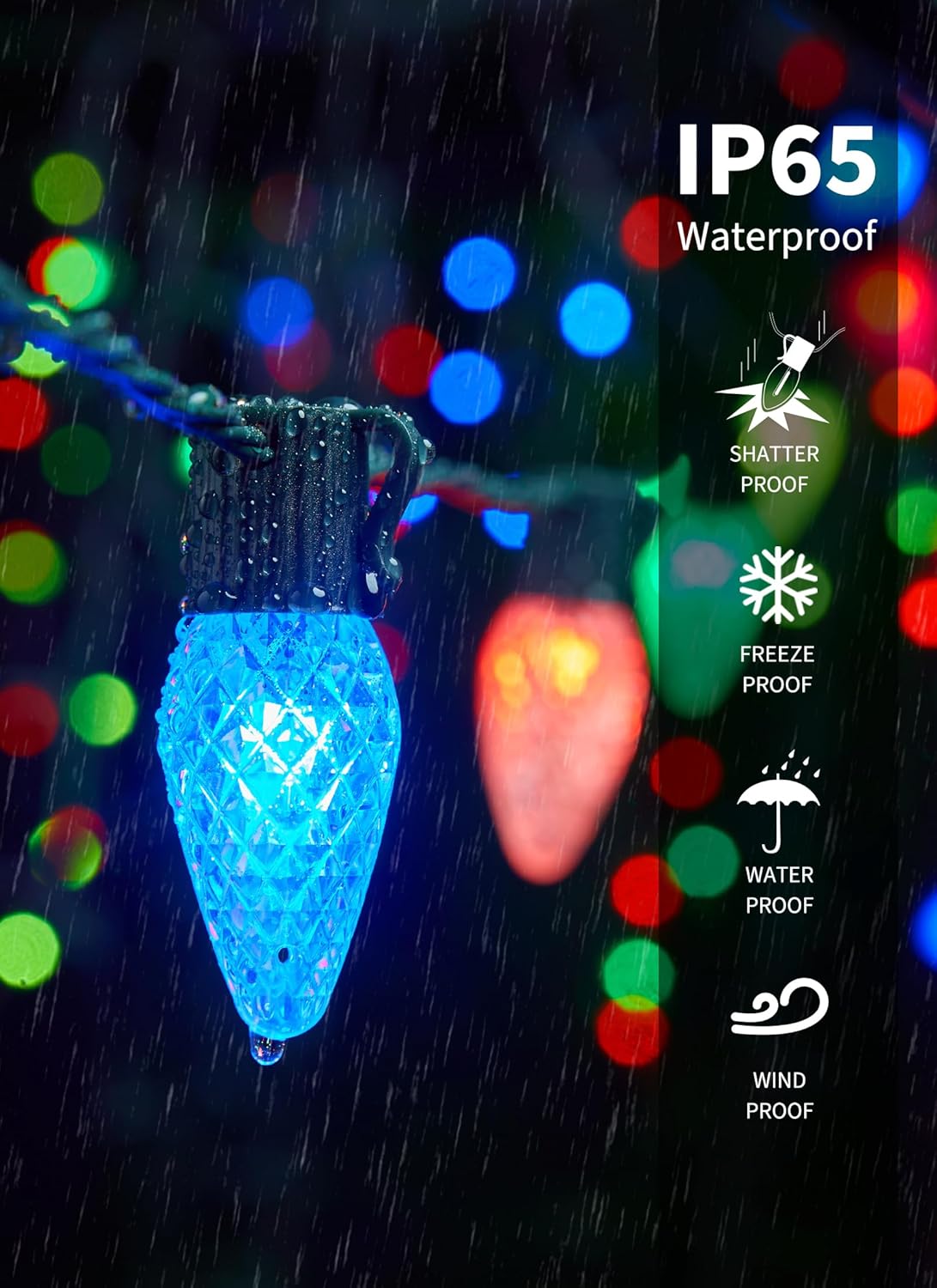
Image: Close-up of a blue Minetom C9 LED bulb with water droplets, illustrating its IP44 waterproof rating and shatterproof design. Text overlays indicate "IP44 Waterproof", "Shatter Proof", "Freeze Proof", "Water Proof", and "Wind Proof".
Video: This video demonstrates the features of the Minetom C9 Smart LED Christmas Lights, including app control, remote control, music sync, and various preset scenes. It shows the lights installed on a house, changing colors and patterns.
4.2 App Installation and Connection
- Download the "Hello Fairy" app from your smartphone's app store (iOS or Android).
- Plug in the Minetom C9 LED Christmas Lights.
- Open the "Hello Fairy" app and follow the on-screen instructions to connect to your lights via Bluetooth.
- Once connected, you can control the lights directly from the app.

Image: A smartphone screen displaying the "Hello Fairy" app interface, showing a color wheel for selecting from 16 million colors and various color options. This illustrates the app's color customization feature.
5. Operating Instructions
5.1 App Control Features
The "Hello Fairy" app provides extensive control over your Minetom C9 LED Christmas Lights:
- Color Selection: Choose from 16 million colors and 16 single colors using the color wheel or predefined options.
- Preset Scenes: Access 58 preset modes for various occasions like Christmas, Halloween, or general decorative lighting.
- DIY Mode: Create and save your own custom lighting patterns and color sequences.
- Music Sync: Utilize the built-in high-sensitivity microphone to synchronize lights with music. Choose from 4 music modes: Energy, Rhythm, Roll, and Spectrum.
- Scheduling & Timer: Set automated schedules for turning lights on/off, changing modes, and adjusting brightness at specific times and days. A countdown feature is also available.
- Group Control: Group multiple sets of Minetom lights to control them simultaneously for large-scale displays.
- Brightness Adjustment: Adjust the brightness from 1% to 100%.
- Memory Function: The lights will remember your last settings when powered off and on.

Image: A smartphone screen displaying the "Hello Fairy" app's scheduling interface, allowing users to customize daily schedules for the lights. The background shows a house decorated with Christmas lights.

Image: An outdoor patio scene at night, illuminated by colorful Minetom C9 LED Christmas Lights. A sound wave graphic indicates the music sync feature, where lights change in rhythm with music.
5.2 Remote Control Operation
The included remote control provides quick access to basic functions:
- On/Off: Power the lights on or off.
- Color Selection: Select individual colors (Red, Green, Blue, White, etc.) or multi-color options.
- Mode Selection: Cycle through various lighting modes and effects.
- Brightness/Speed: Adjust the brightness level and the speed of dynamic modes.
- Timer: Set basic timer functions (e.g., 1H, 2H, 4H, 8H).
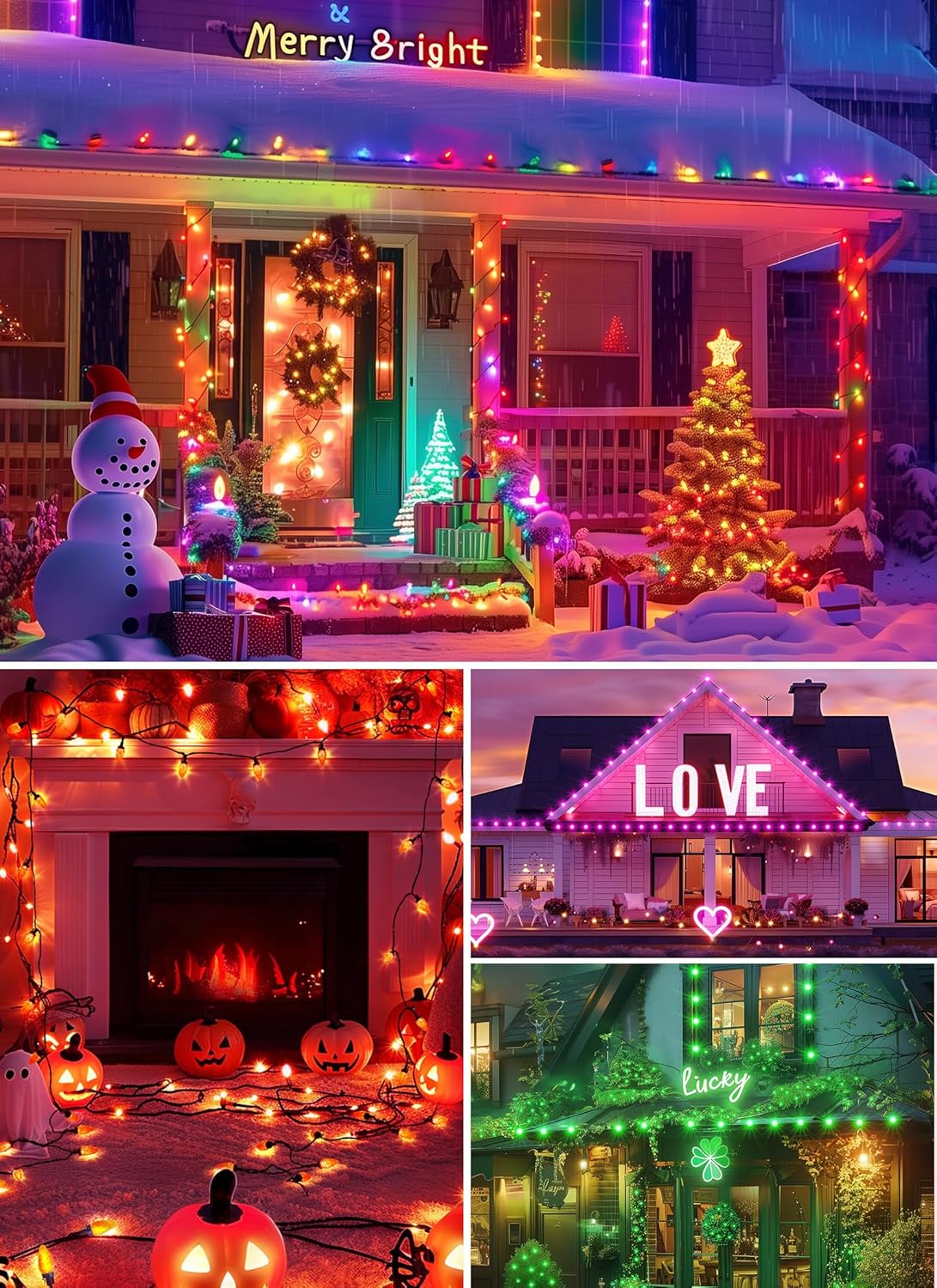
Image: A close-up of the "Hello Fairy" remote control, showing various buttons for power, color selection (R, G, B, W, and mixed colors), mode selection (Mode 1-8, Auto), and timer functions (1H, 2H, 4H, 8H).
6. Maintenance
- Cleaning: Wipe the bulbs and wires with a soft, dry cloth. Do not use harsh chemicals or abrasive cleaners.
- Storage: When not in use, store the lights in a cool, dry place, away from direct sunlight. Coil the string neatly to prevent tangling.
- Water Protection: While the lights are IP44 waterproof, ensure the power adapter and controller are protected from direct exposure to heavy rain or snow.
7. Troubleshooting
| Problem | Possible Cause | Solution |
|---|---|---|
| Lights do not turn on. | No power, loose connection, faulty adapter. | Check power outlet. Ensure all connections are secure. Test with another power source if possible. |
| App cannot connect to lights. | Bluetooth off, lights out of range, app glitch. | Ensure Bluetooth is enabled on your device. Move closer to the lights. Restart the app or your phone. Re-pair the device in the app. |
| Remote control not working. | Dead battery, remote out of range, obstruction. | Replace remote battery. Ensure line of sight to the controller. Move closer to the lights. |
| Lights are flickering or inconsistent. | Loose connection, power fluctuation, damaged wire. | Check all connections. Ensure power source is stable. Inspect wires for damage. |
8. Specifications
- Model: BMSL19
- Length: 99 Feet
- Number of Lights: 150 LED bulbs
- Bulb Type: C9, Diamond Faceted
- Light Color: RGBW (16 Million Colors)
- Control Method: App Control ("Hello Fairy" app), Remote Control
- Music Sync: Yes (4 modes)
- Connectable: Yes, up to 300 bulbs
- Voltage: 24V (low-voltage adapter)
- Waterproof Rating: IP44
- Certifications: UL588, FCC
- Material: Plastic
- Item Weight: 5.19 pounds
- Manufacturer: Minetom
9. Warranty and Support
Minetom products are designed for quality and reliability. For warranty information, technical support, or any questions regarding your C9 Smart LED Christmas Lights, please refer to the contact information provided on the product packaging or visit the official Minetom website. Please retain your proof of purchase for warranty claims.