
1. Introduction
Thank you for choosing Minetom C9 LED Christmas Lights. These smart RGB string lights are designed for both indoor and outdoor decorative lighting, offering a wide range of colors, effects, and smart control options. This manual provides essential information for safe installation, operation, and maintenance of your lights.
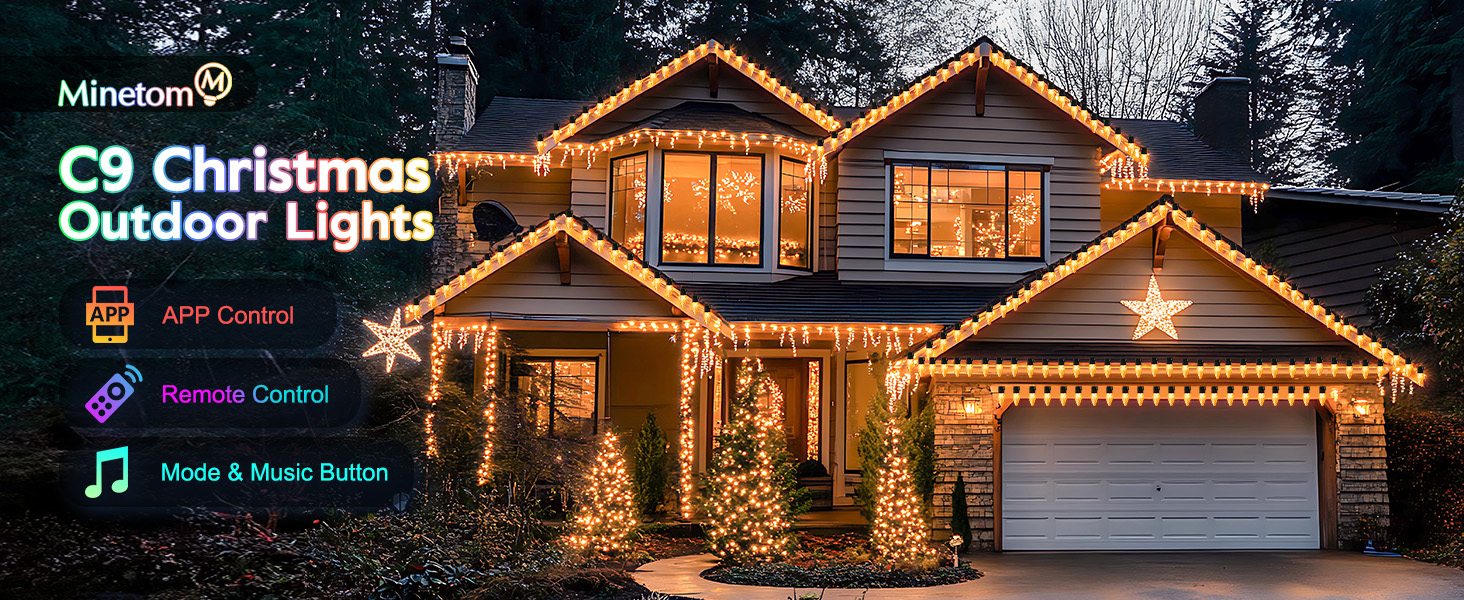
Image 1.1: Overview of Minetom C9 LED Christmas Lights, showcasing app and remote control options.
2. Safety Information
Please read all safety instructions carefully before installation and use. Retain this manual for future reference.
- Power Source: Use only the provided 24V low-voltage power adapter. Do not connect the lights directly to 120V AC power without the adapter.
- Water Protection: The lights are IP44 waterproof for outdoor use. However, the power adapter and transformer must be protected from direct water exposure (e.g., rain, snow). Place them in a waterproof enclosure or a sheltered location.
- Installation: Ensure all connections are secure before plugging into a power outlet. Do not mount or place near gas or electric heaters, fireplaces, candles, or other similar sources of heat.
- Damage: Do not operate the lights if the cord or bulbs are damaged. Do not attempt to repair the product yourself. Contact customer support for assistance.
- Connectability: These lights are connectable up to a maximum of 300 bulbs. Do not exceed this limit to prevent overload.
- Children and Pets: Keep the product out of reach of children and pets to prevent entanglement or ingestion of small parts.

Image 2.1: Illustration of the lights' durability against various weather conditions, emphasizing the need to protect the power adapter.
3. Package Contents
Verify that all items are present in your package:
- Minetom C9 Smart LED String Lights (100 bulbs, 66ft)
- 24V Low-Voltage Power Adapter
- Remote Control
- User Manual (this document)
4. Setup
4.1 Physical Installation
- Unpack: Carefully remove the lights from the packaging.
- Placement: Determine the desired location for your lights. These lights are suitable for trees, eaves, patios, gardens, and other indoor/outdoor areas.
- Connect (Optional): If connecting multiple strands, align the connectors and twist securely. Ensure the total number of connected bulbs does not exceed 300.
- Power Connection: Connect the string lights to the 24V low-voltage power adapter.
- Secure Adapter: Place the power adapter and transformer in a dry, sheltered location, protected from water.
- Plug In: Plug the power adapter into a standard 120V AC power outlet. The lights should illuminate.

Image 4.1: Illustration of the connectable feature, showing how multiple strands can be linked together, along with bulb dimensions.
4.2 App Installation and Connection
The Minetom C9 LED Christmas Lights can be controlled via the "Hello Fairy" app.
- Download App: Scan the QR code provided on the packaging or search for "Hello Fairy" in your smartphone's app store (iOS or Android).
- Install and Open: Install the app and open it.
- Bluetooth Pairing: Ensure your phone's Bluetooth is enabled. The app will automatically search for nearby Minetom C9 LED Christmas Lights.
- Connect: Select your device from the list to establish a connection. Once connected, you can control the lights via the app.

Image 4.2: The "Hello Fairy" app interface demonstrating Bluetooth control for the lights.
5. Operating Instructions
5.1 App Control (Hello Fairy App)
The "Hello Fairy" app provides comprehensive control over your Minetom C9 LED Christmas Lights:
- Color Selection: Choose from 16 million colors and 16 single colors.
- Preset Modes: Access 58 pre-programmed lighting modes for various occasions.
- Brightness Adjustment: Adjust brightness from 1% to 100%.
- Music Sync: Activate music modes (Energy, Rhythm, Roll, Spectrum) to synchronize lights with audio.
- Scheduling & Timer: Set automated schedules for turning lights on/off and changing modes.
- Group Control: Group multiple Minetom devices for synchronized control.
- Memory Function: The lights retain the last setting after being turned off.

Image 5.1: The "Hello Fairy" app displaying options for customizing lighting schedules and automation.
5.2 Remote Control
The included remote control offers quick access to essential functions:
- Power On/Off: Turn the lights on or off.
- Color Selection: Cycle through various colors.
- Mode Selection: Change between different lighting effects.
- Brightness Adjustment: Increase or decrease light intensity.
- Timer: Set basic timer functions (e.g., 1H, 2H, 4H, 8H).
5.3 Music Synchronization
The built-in microphone allows the lights to react to music and sounds.
- Activate: Select a music mode (Energy, Rhythm, Roll, or Spectrum) via the app or remote.
- Placement: For optimal performance, ensure the control box with the microphone is positioned where it can best pick up audio.

Image 5.2: Lights dynamically changing colors and patterns in sync with music, enhancing an outdoor gathering.
5.4 Scheduling and Timer
Automate your lighting experience using the app's scheduling features.
- Set Schedules: In the "Hello Fairy" app, navigate to the scheduling section. You can set specific days, times, and lighting modes for the lights to activate or deactivate.
- Countdown Timer: Utilize the countdown feature to set a duration after which the lights will turn off.
5.5 Group Control
Manage multiple sets of Minetom C9 LED Christmas Lights simultaneously.
- Create Group: In the "Hello Fairy" app, select the option to create a new group.
- Add Devices: Add all desired Minetom C9 LED Christmas Lights to this group.
- Control: Once grouped, any changes made to the group settings will apply to all lights within that group.

Image 5.3: An example of group control, where different sections of lights on a house are managed collectively through the app.
6. Maintenance
Proper maintenance ensures the longevity and optimal performance of your Minetom C9 LED Christmas Lights.
- Cleaning: Disconnect from power before cleaning. Wipe bulbs and cords with a soft, dry cloth. Do not use harsh chemicals or abrasive cleaners.
- Storage: When not in use, store the lights in a cool, dry place, away from direct sunlight and extreme temperatures. Coil the string neatly to prevent tangling and damage to the wires.
- Inspection: Periodically inspect the cord, bulbs, and connections for any signs of wear or damage. Replace if necessary.
- Power Adapter Protection: Always ensure the power adapter and transformer are protected from water, especially during outdoor use.
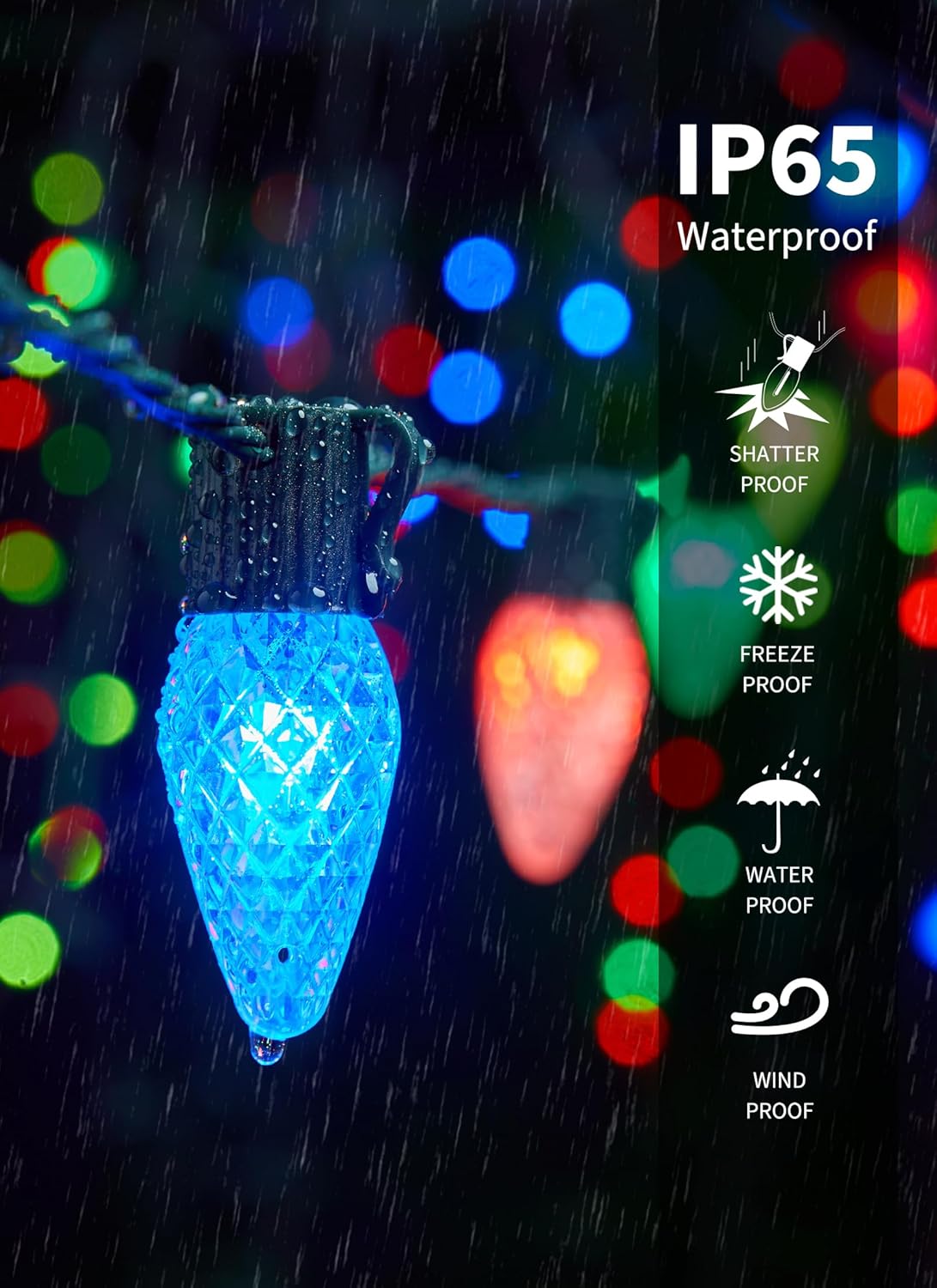
Image 6.1: A close-up view of a C9 LED bulb demonstrating its IP65 waterproof rating, suitable for various weather conditions.
7. Troubleshooting
If you encounter issues with your Minetom C9 LED Christmas Lights, refer to the following solutions:
| Problem | Possible Cause | Solution |
|---|---|---|
| Lights do not turn on. | No power, loose connection, damaged adapter. | Check power outlet. Ensure all connections are secure. Verify power adapter is functioning. |
| App cannot connect to lights. | Bluetooth off, lights out of range, app issue. | Ensure phone Bluetooth is on. Move closer to lights. Restart app and lights. |
| Remote control not working. | Battery depleted, obstruction, out of range. | Replace remote battery. Remove obstructions. Ensure remote is pointed at the control box. |
| Lights are flickering or inconsistent. | Loose connection, power fluctuation, damaged bulb. | Check all connections. Try a different power outlet. Inspect bulbs for damage. |
| Music sync not responsive. | Microphone obstructed, low volume, incorrect mode. | Ensure control box microphone is clear. Increase music volume. Select appropriate music mode in app. |
8. Specifications
| Feature | Detail |
|---|---|
| Model Number | BMSL18 |
| Bulb Type | C9 LED |
| Number of Bulbs | 100 |
| Light Color | RGBW (16 Million Colors) |
| Length | 66 ft |
| Connectable Length | Up to 300 bulbs total |
| Power Source | Corded Electric (24V Low-Voltage Adapter) |
| Control Method | App (Hello Fairy), Remote Control |
| Waterproof Rating | IP44 (Lights), Adapter/Transformer requires protection |
| Certifications | UL588, FCC |
| Material | Plastic |
| Item Weight | 3.65 pounds |
| Package Dimensions | 7.95 x 7.24 x 7.01 inches |
9. Warranty and Support
Minetom products are designed for quality and reliability. For warranty information or technical support, please refer to the contact details provided with your purchase or visit the official Minetom website.
If you experience any issues not covered in this manual, please contact Minetom customer service for assistance.
Manufacturer: Minetom
Website: Minetom Store on Amazon