
PLEGBLE PL-511
PLEGBLE PL-511 Drone User Manual
Model: PL-511
Drones with Camera for Adults 4K, Brushless Motor Drone for Kids Beginners
1. Introduction to Your PL-511 Drone
The PLEGBLE PL-511 is a high-performance, foldable drone designed for both beginners and experienced pilots. It features an ultra-clear 4K UHD camera, powerful brushless motors for stable flight, and an impressive 45-minute flight time with three modular batteries. This manual provides essential information for safe and effective operation.

Figure 1: The PLEGBLE PL-511 Drone and its included components.
2. What's in the Box
Your PLEGBLE PL-511 package includes the following items:
- PLEGBLE PL-511 Drone with 4K Camera
- Remote Control
- 3 x Modular Lithium Polymer Batteries (1200 mAh each)
- Carrying Case
- USB-C/PD Charging Cable
- Spare Propellers
- Screwdriver and Screws
- User Manual

Figure 2: Contents of the PLEGBLE PL-511 drone package.
3. Setup Guide
3.1 Battery Installation & Charging
Ensure all three modular batteries are fully charged before first use. Connect the provided USB-C/PD charging cable to each battery and a compatible power source. Charging typically takes 60 minutes per battery. Insert the charged batteries into the drone and remote control as indicated in the diagrams.

Figure 3: Modular batteries and charging details.
3.2 Drone Assembly & Pre-Flight Checks
Unfold the drone arms carefully until they click into place. Ensure propellers are securely attached. For optimal performance, perform a visual inspection of the drone for any damage before each flight.

Figure 4: The drone in its folded and unfolded states.
3.3 Connecting to the App (PLRC)
Download the 'PLRC' application from your device's app store. Power on the drone and remote control. Connect your smartphone to the drone's Wi-Fi network (usually named 'PL-511_XXXX'). Open the PLRC app to establish connection and view the live FPV feed.
4. Operating Instructions
4.1 Basic Flight Controls
The PL-511 drone is designed for easy control, even for beginners. Use the remote control joysticks to maneuver the drone. Key functions include:
- One-Key Takeoff/Landing: Press the designated button for automatic ascent or descent.
- Headless Mode: Simplifies controls by orienting the drone relative to the pilot, regardless of the drone's front direction.
- Altitude Hold: Maintains a stable hovering height for easier control and clearer footage.
- 3 Speed Modes: Switch between Low, Medium, and High speeds to suit your skill level and flying environment.
- 360° Flips: Execute impressive aerial acrobatics with a single button press.
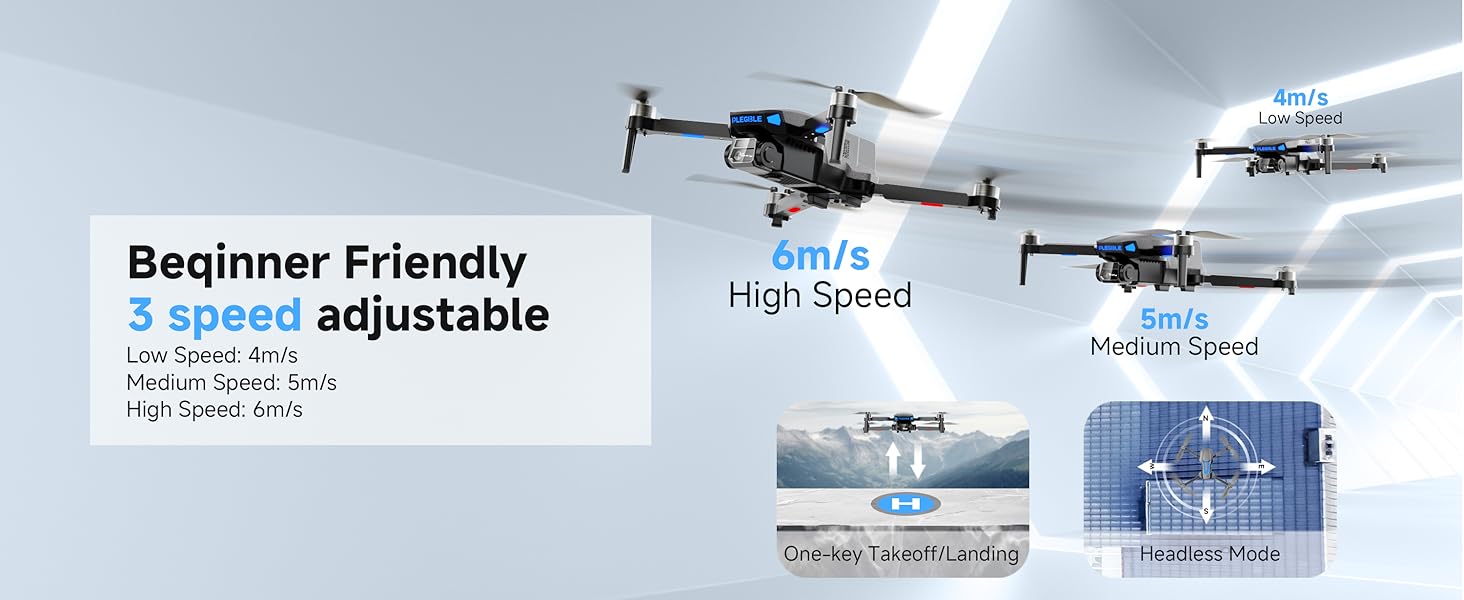
Figure 5: Adjustable speed modes for varied flight experience.
4.2 Camera Operation & FPV
The integrated 4K HD camera offers a 120° wide-angle lens and a 90° adjustable lens for versatile shooting. The FPV (First Person View) transmission provides a real-time view on your connected smartphone. Use gesture control for hands-free photo and video capture.

Figure 6: Detail of the 4K UHD camera with adjustable lens.
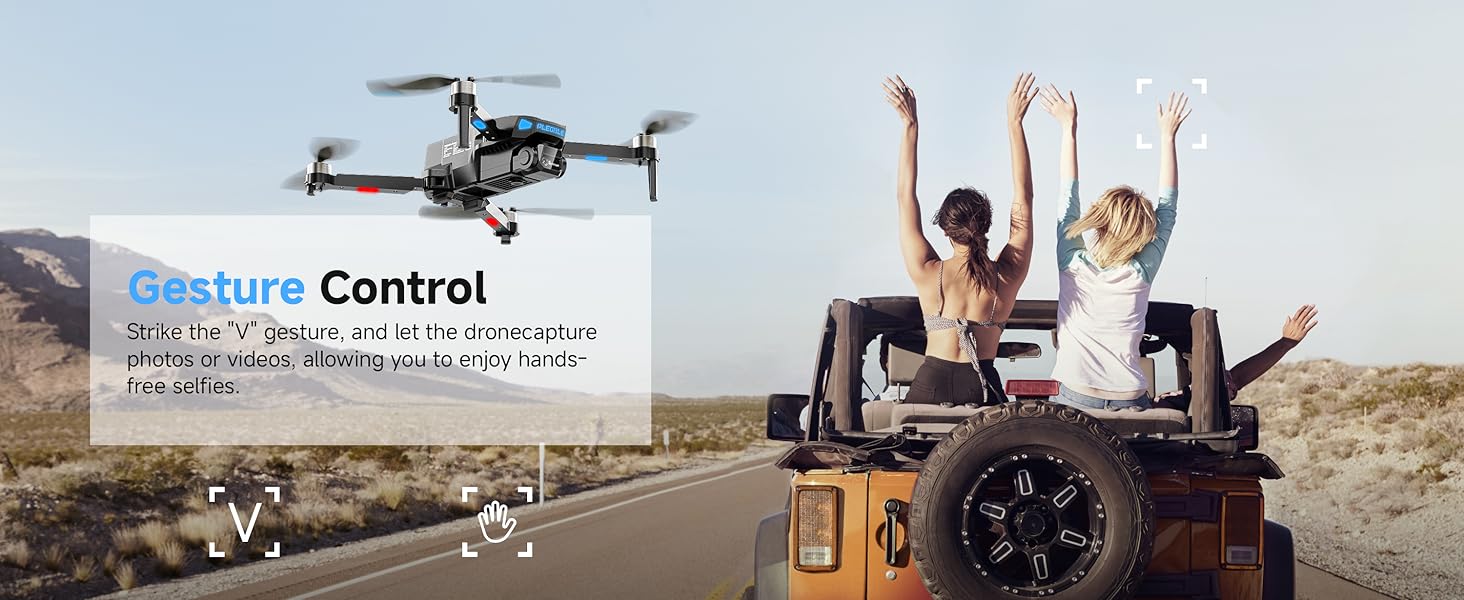
Figure 7: Gesture control for convenient photo and video capture.
5. Maintenance
Regular maintenance ensures the longevity and optimal performance of your drone.
- Battery Care: Store batteries in a cool, dry place. Avoid overcharging or completely draining them. For long-term storage, charge batteries to about 50%.
- Propeller Inspection: Regularly check propellers for any cracks, bends, or damage. Replace damaged propellers immediately using the provided spares and screwdriver.
- Cleaning: Use a soft, dry cloth to clean the drone body and camera lens. Avoid using harsh chemicals or abrasive materials.
6. Troubleshooting
If you encounter issues with your PL-511 drone, refer to the following common solutions:
- Drone Unresponsive: Ensure both the drone and remote control are fully charged and properly paired. Recalibrate the drone if necessary.
- Poor Camera Quality/Lagging FPV: Ensure a strong Wi-Fi connection between your phone and the drone. Fly in well-lit conditions.
- Beyond-Range Loss Alert: The system warns you when the drone is approaching its maximum range (328-393 feet). If flying outdoors, especially in windy conditions, use Medium or High speed modes to maintain better control and prevent loss. Immediately bring the drone back within range upon receiving an alert.
- Unstable Flight: Perform a calibration of the drone's gyroscopes and accelerometers via the app. Check for any bent or damaged propellers.
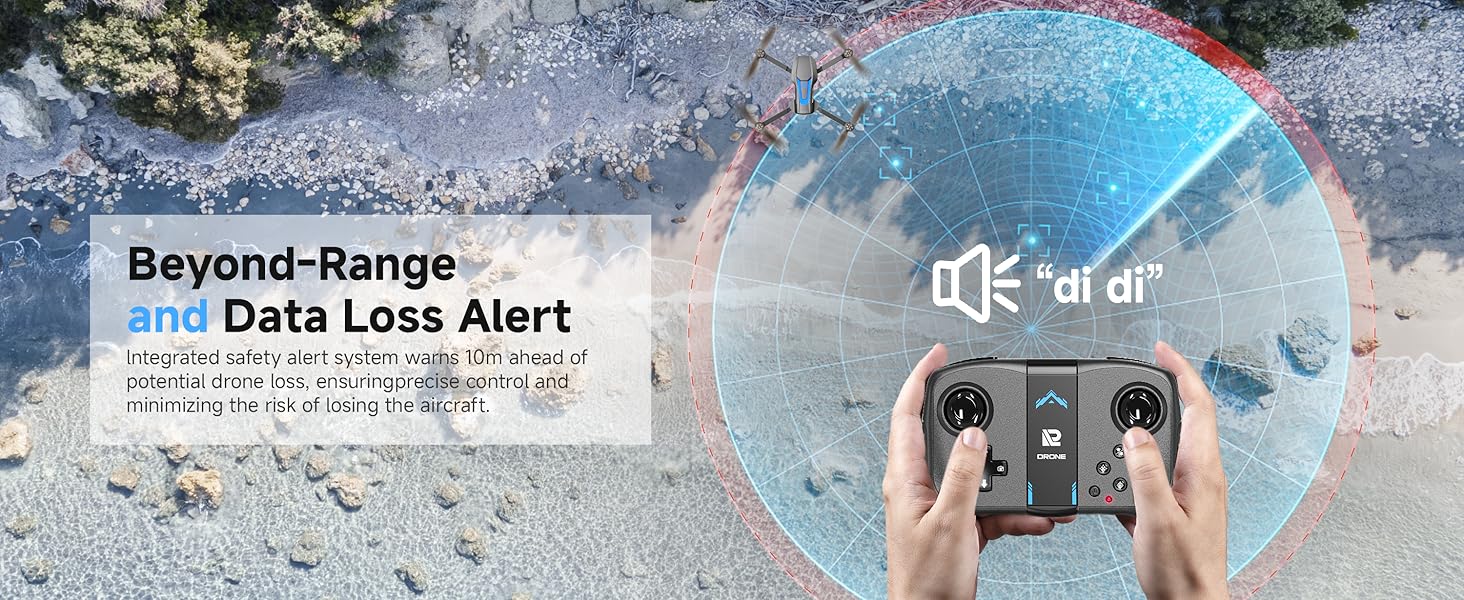
Figure 8: Understanding the Beyond-Range Loss Prevention Alarm System.
7. Specifications
| Feature | Specification |
|---|---|
| Brand | PLEGBLE |
| Model Name | PL-511 |
| Video Capture Resolution | 4K |
| Effective Still Resolution | 8 MP |
| Connectivity Technology | Wi-Fi |
| Item Weight | 0.17 Kilograms (6 ounces) |
| Battery Capacity | 1200 Milliamp Hours (per battery) |
| Maximum Flight Time | 45 minutes (with 3 batteries) |
| Maximum Range | 230 Feet |
| Product Dimensions | 8.35"L x 7.01"W x 3.11"H (unfolded) |
| Special Features | 360 Degree Flip, Foldable, Brushless Motor, Optical Flow Positioning, Beyond-Range Loss Alert |
8. Warranty and Support
PLEGBLE is committed to elevating your drone experience. If your PL-511 drone experiences a breakdown within 45 days of delivery due to normal usage, we will replace it at no cost to you. You can extend your coverage period up to 24 months by scanning the QR code below.
For further assistance or detailed video tutorials, please visit our official support channels. Need assistance during drone operation? Reach out to our customer support for immediate problem-solving.
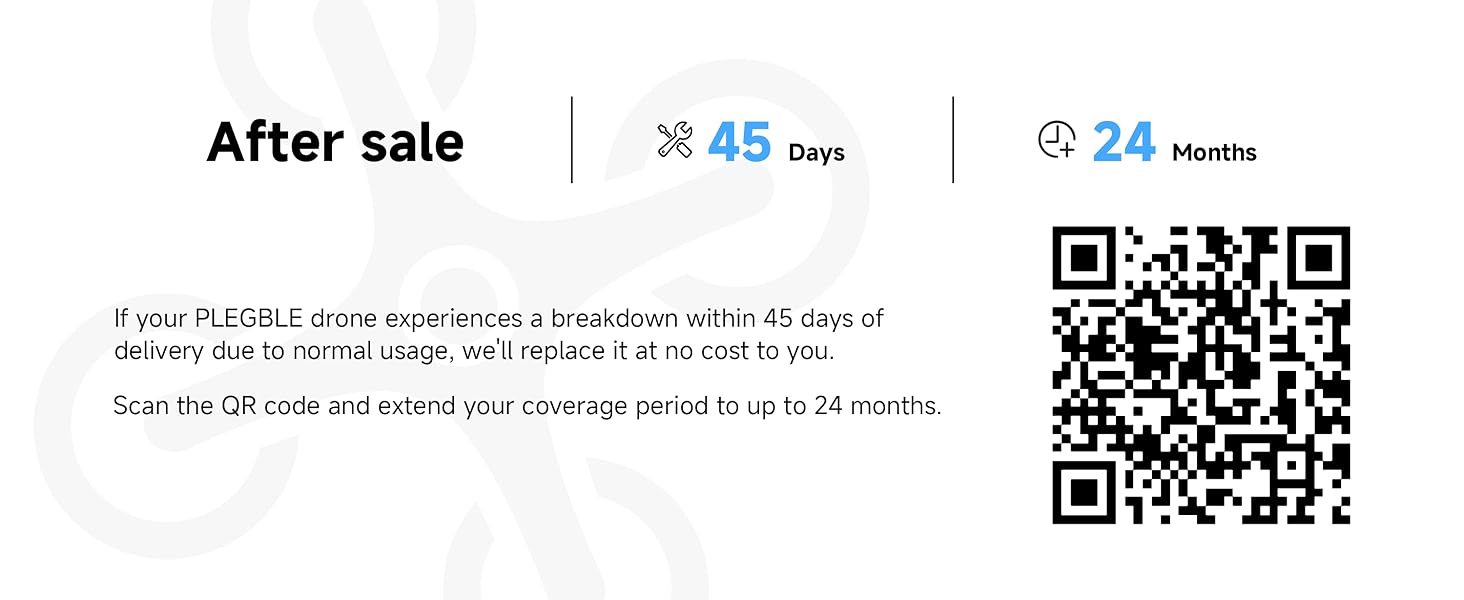
Figure 9: Scan for warranty extension and support.
Official Support Link: https://linktr.ee/plegble_drone

Figure 10: Dedicated customer support is available for your needs.
Related documentsPL-511

Ask a question about this manual
Ask about setup, troubleshooting, compatibility, parts, safety, or missing instructions. Manuals+ will review the question and use this page’s manual context to help answer it.