
1. Important Safety Information
Please read this entire manual carefully before assembling, installing, or operating this product. Failure to do so could result in electric shock, fire, or other injuries that could be fatal or cause permanent damage.
- Electrical Safety: Always disconnect power at the circuit breaker or fuse box before beginning installation or performing any maintenance.
- GFCI Outlet: The built-in GFCI (Ground Fault Circuit Interrupter) outlet provides enhanced safety against electrical shocks. Ensure it is properly installed and tested before use. Press the "TEST" button monthly and "RESET" if tripped.
- Qualified Electrician: If you are unsure about the installation process, consult a qualified electrician.
- Proper Grounding: This fixture must be properly grounded.
- Bulb Type: Use only bulbs with an E26 base, up to 60W. Do not exceed the maximum wattage.
- Outdoor Use: This product is designed for outdoor use and is waterproof. However, ensure all connections are sealed and protected from direct water exposure during installation.
2. Package Contents
Verify that all components listed below are included in your package:
- Outdoor Porch Light (1)
- Instruction Manual (1)
- Mounting Hardware (1 set)
- Mounting Screws (1 set)
Note: Light bulb is not included.
3. Product Overview
The Slypadan Porch Light with Outlet is a 16.5-inch large outdoor wall light designed for enhanced convenience and safety. It features a smart dusk-to-dawn sensor for automatic operation and a built-in GFCI outlet for safe outdoor power access.
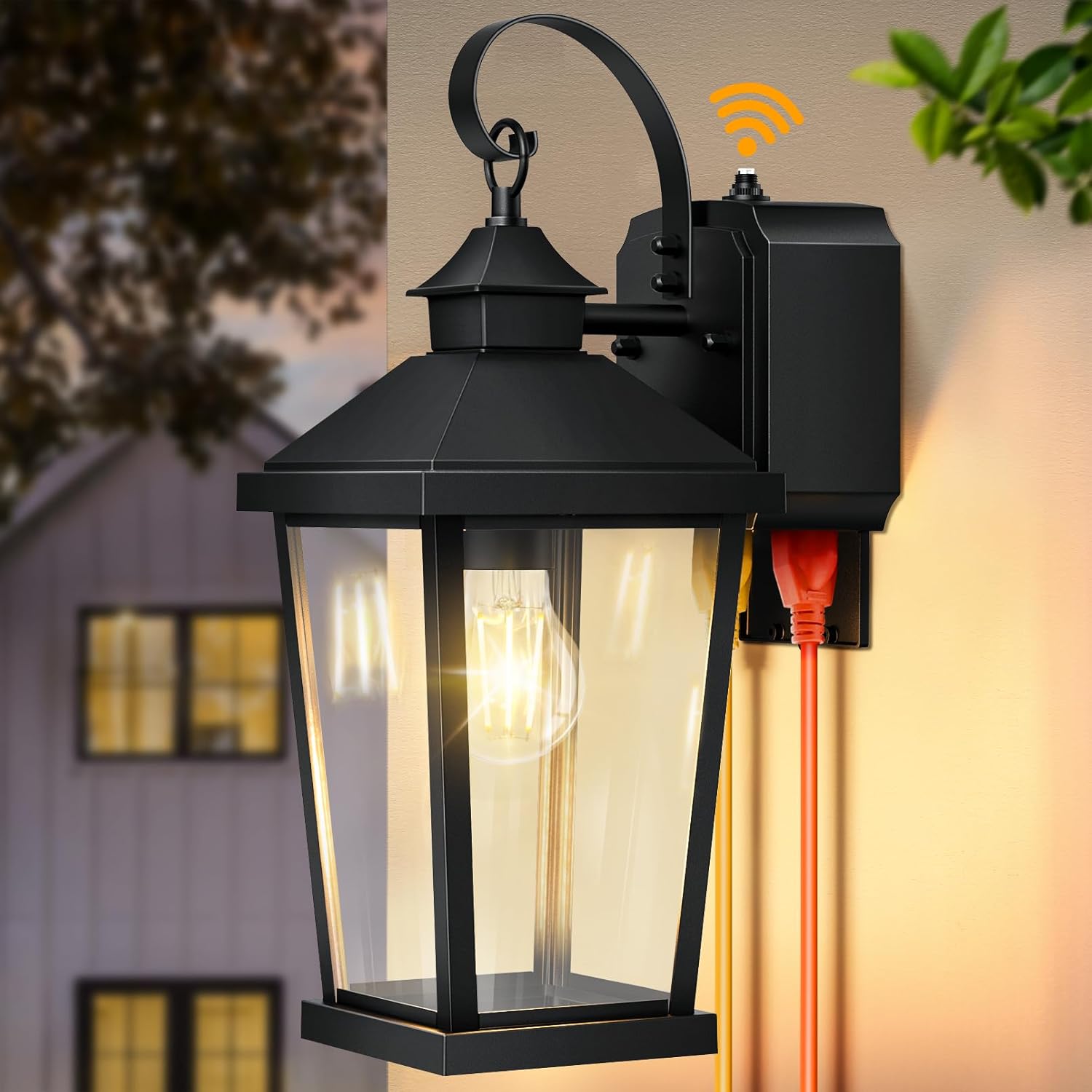
Figure 3.1: Overview of the Slypadan Porch Light with Outlet.
Key Features:
- Smart Dusk to Dawn Sensor: Automatically turns the light on at dusk (LUX < 20) and off at dawn (LUX > 100), optimizing energy usage.
- Built-in GFCI Outlet: Features two receptacles compatible with two-pronged and three-pronged plugs, providing safe outdoor power. The downward open design prevents rain ingress. Protects circuits up to 14.5A and 1740W.
- Durable Construction: Made from 100% aluminum with reinforced tempered clear glass panes, ensuring corrosion resistance, rust prevention, and all-weather durability (waterproof, high temperature, snowproof, storm resistance).
- Universal E26 Socket: Compatible with LED, CFL, incandescent, and halogen bulbs (up to 60W).
- Thoughtful Design: 16.5-inch height for better illumination and aesthetic appeal. Open-bottom design for easy bulb replacement and cleaning.

Figure 3.2: Smart Dusk to Dawn Sensor operation.

Figure 3.3: Detail of the built-in GFCI Outlet.
4. Setup and Installation
This outdoor wall lantern comes pre-assembled. Installation typically takes only a few minutes with the included accessories and clear instructions.
Before You Begin:
- Ensure power is turned OFF at the circuit breaker.
- Gather necessary tools (screwdriver, wire strippers, electrical tape, etc.).
Installation Steps:
- Prepare Wiring: Carefully pull the electrical wires from the junction box.
- Attach Mounting Plate: Secure the mounting plate to the junction box using the provided mounting screws. Ensure it is firmly attached.
- Connect Wires:
- Connect the black wire from the fixture to the black (hot) wire from the junction box.
- Connect the white wire from the fixture to the white (neutral) wire from the junction box.
- Connect the green or bare copper ground wire from the fixture to the ground wire from the junction box.
- Secure all wire connections with wire nuts and electrical tape.
- Mount Fixture: Carefully align the fixture with the mounting plate and secure it using the provided screws. Ensure the fixture is flush against the wall.
- Install Bulb: Insert an E26 base bulb (not included) into the socket. Do not exceed 60W.
- Restore Power: Turn the power back ON at the circuit breaker.
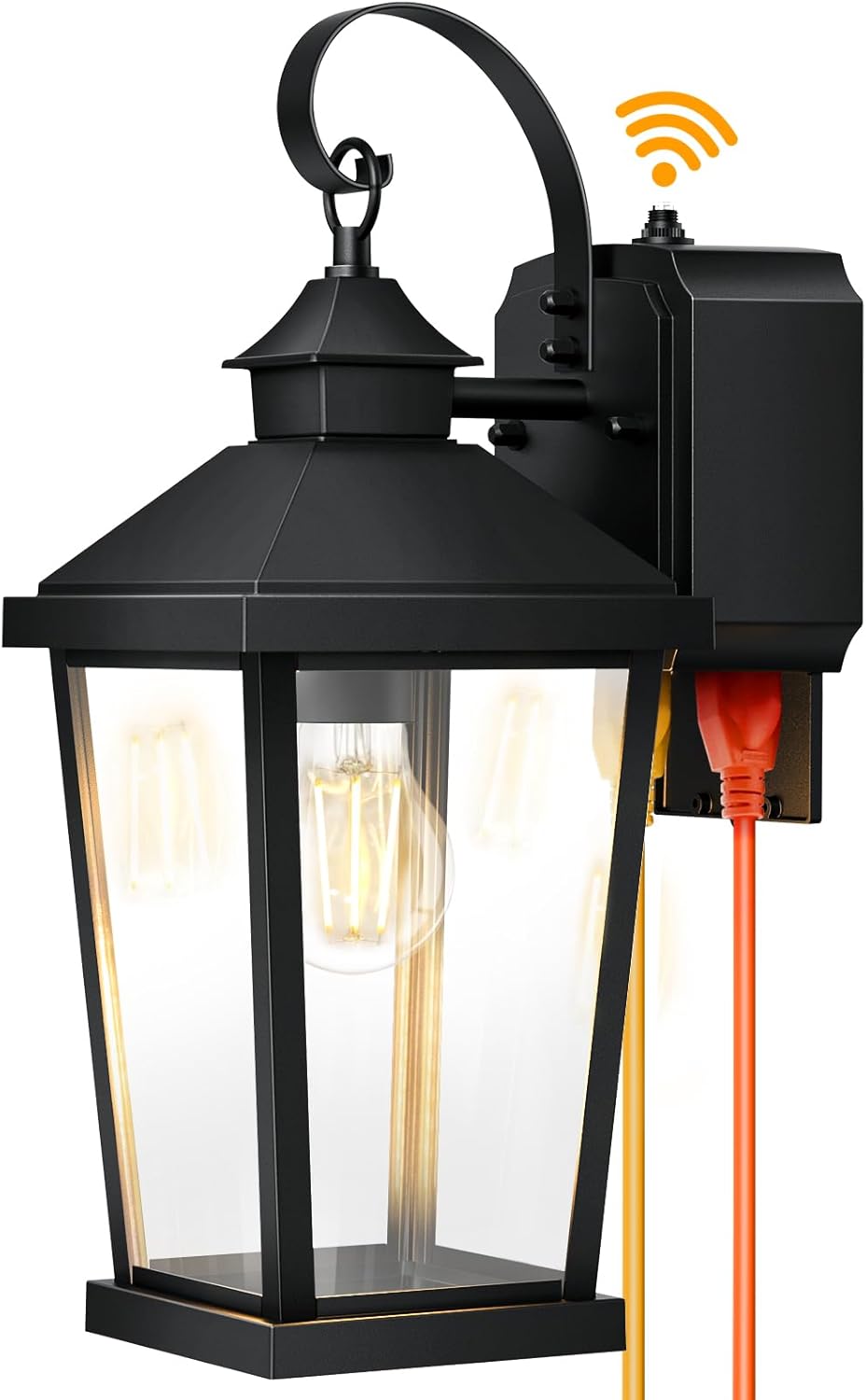
Figure 4.1: Product dimensions and key components for installation reference.
5. Operating Instructions
Dusk to Dawn Sensor:
The integrated dusk-to-dawn sensor automatically controls the light fixture based on ambient light levels. No manual switching is required for the light function.
- The light will turn ON automatically when the ambient light drops below approximately 20 LUX (at dusk).
- The light will turn OFF automatically when the ambient light rises above approximately 100 LUX (at dawn).
Ensure the sensor is not obstructed by objects or direct artificial light sources, as this may interfere with its operation.
Using the GFCI Outlet:
The built-in GFCI outlet provides convenient and safe power for outdoor devices.
- Open Cover: Gently pull down the protective cover of the GFCI outlet located at the bottom of the fixture.
- Plug In Device: Insert your two-pronged or three-pronged plug into one of the two receptacles.
- Test/Reset: After installation and periodically (monthly), press the "TEST" button on the GFCI outlet. The "RESET" button should pop out, and power to the outlet should cease. Press "RESET" to restore power. If the GFCI trips during use, press "RESET" to restore power. If it continues to trip, consult a qualified electrician.
- Close Cover: When not in use, ensure the protective cover is closed to prevent rain ingress and protect the outlet.

Figure 5.1: Examples of devices that can be powered by the GFCI outlet.
6. Maintenance
Cleaning:
To maintain the appearance and performance of your light fixture, clean it regularly.
- Ensure power is OFF before cleaning.
- Wipe the fixture with a soft, damp cloth.
- Do not use abrasive cleaners or solvents, as they may damage the finish or glass.
- The open-bottom design allows for easy cleaning of the interior glass and bulb.
Bulb Replacement:
The fixture uses a standard E26 socket, allowing for easy bulb replacement.
- Ensure power is OFF at the circuit breaker before replacing the bulb.
- Allow the old bulb to cool completely before touching it.
- Unscrew the old bulb and screw in a new E26 base bulb (max 60W).
- Restore power after replacement.
7. Troubleshooting
If you encounter issues with your Slypadan Porch Light, refer to the table below for common problems and solutions.
| Problem | Possible Cause | Solution |
|---|---|---|
| Light does not turn on at dusk. |
|
|
| Light stays on during the day. |
|
|
| GFCI outlet is not working (no power). |
|
|
8. Specifications
| Attribute | Detail |
|---|---|
| Brand | Slypadan |
| Model Name | 0468-WD-GFPC-BUS |
| Color | Black |
| Material | Aluminum, Glass |
| Product Dimensions (L x W x H) | 7.48" x 11.42" x 16.93" |
| Item Weight | 4.6 pounds |
| Power Source | Corded Electric |
| Voltage | 120 Volts |
| Bulb Base | E26 |
| Max Wattage | 60W |
| Special Features | 100% aluminum, Anti-Rust, Waterproof, Dusk to Dawn Sensor, Wall Mount |
| GFCI Outlet Max Load | 14.5A, 1740W |
| Indoor/Outdoor Usage | Outdoor |
| Certification | ETL Listed |
9. Warranty and Support
Slypadan is committed to customer satisfaction. This product comes with a Limited Warranty.
If you have any questions, concerns, or require assistance with your product, please do not hesitate to contact Slypadan customer support. We are always here to solve your problem and question.
For support, please email us immediately. Refer to your purchase documentation or the official Slypadan website for specific contact details.
"Light up your home corner with Slypadan" is our philosophy and pursuit.