
Little Tikes 642050
Little Tikes Tractor & Cart Foot-to-Floor Ride-On User Manual
Brand: Little Tikes | Model: 642050
1. Introduction
Welcome to the world of imaginative play with the Little Tikes Tractor & Cart Foot-to-Floor Ride-On. This durable and engaging toy is designed to encourage active play and the development of large motor skills in children aged 1-5 years. Little farmers can enjoy hauling their harvests around with this realistic tractor, complete with a working steering wheel and an easily attachable cart.
Important Note: The maximum weight capacity for this product is 50 lbs (22.6 kg).

Image: The Little Tikes Tractor & Cart set, showcasing the green tractor with its black steering wheel and yellow horn, and the detachable green cart.
Video: An official overview of the Little Tikes Tractor & Cart, highlighting its features and play potential.
2. Safety Information
Please read and understand all safety warnings and instructions before allowing a child to use this product. Failure to do so may result in serious injury.
- Adult Supervision Required: Always supervise children during play.
- Age Range: Suitable for children aged 1 to 5 years.
- Weight Limit: Do not exceed the maximum weight of 50 lbs (22.6 kg).
- Safe Play Area: Use on flat, level surfaces away from stairs, swimming pools, public roads, and other hazards.
- Footwear: Children should wear appropriate footwear while riding.
- No Modifications: Do not modify the product in any way.
3. Parts List
Ensure all components are present before beginning assembly:
- Green Tractor
- Attachable Green Cart
- Steering Wheel with Horn
- Wheels (various sizes for tractor and cart)
- Axles and Fasteners (for wheel assembly)
4. Assembly
Adult assembly is required. Please follow these general steps. Refer to the included printed instructions for detailed diagrams and specific fastener information.
- Attach Rear Wheels to Tractor: Secure the rear wheels onto the tractor's axle using the provided fasteners. Ensure they are firmly in place.
- Attach Front Wheel and Steering Column: Insert the front wheel assembly into the tractor's front housing. Connect the steering column and steering wheel, ensuring the horn mechanism is correctly aligned.
- Assemble Cart Wheels: Attach the wheels to the cart's axle.
- Apply Stickers: Affix any decorative stickers to the designated areas on the tractor and cart.
Video: A user-provided guide demonstrating the assembly process for the Little Tikes Tractor & Cart.
5. Operating Instructions
The Little Tikes Tractor & Cart is designed for intuitive, foot-to-floor operation, promoting active play and motor skill development.
- Riding the Tractor: The child sits on the tractor seat and uses their feet to push themselves forward. The working steering wheel allows for directional control.
- Using the Horn: Press the red button on the steering wheel to activate the horn.
- Attaching the Cart: The cart easily attaches to the back of the tractor. Simply align the cart's handle with the hitch point on the tractor and push down until it clicks securely into place.
- Detaching the Cart: To detach, gently pull the cart's handle upwards from the tractor's hitch point. The cart can also be used independently as a pull-along wagon.

Image: A child happily riding the green Little Tikes Tractor with the cart attached, demonstrating its use.

Image: A detailed view of the tractor's steering wheel and the functional red horn button.
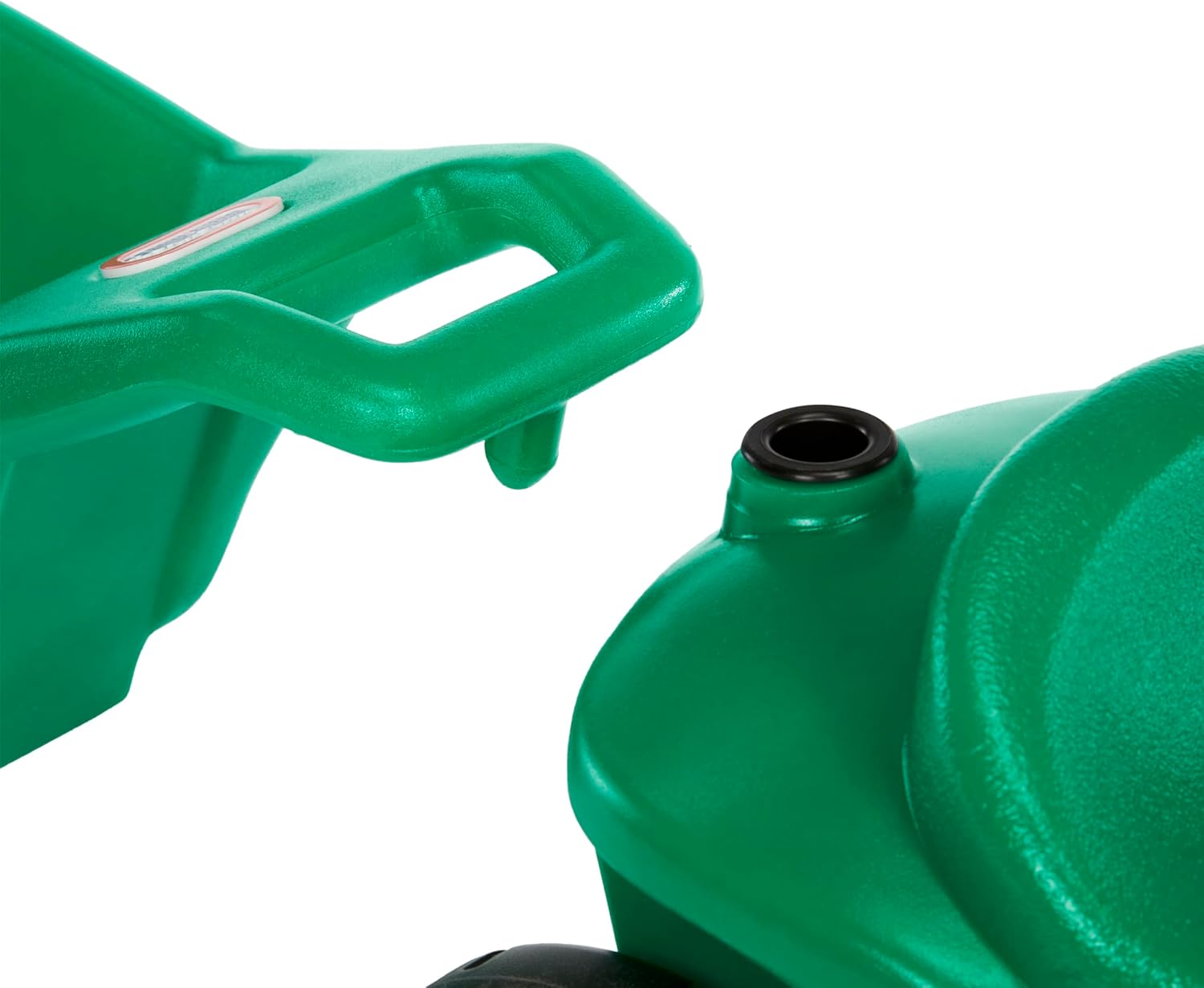
Image: A close-up showing how the cart attaches to the tractor, highlighting the simple connection point.
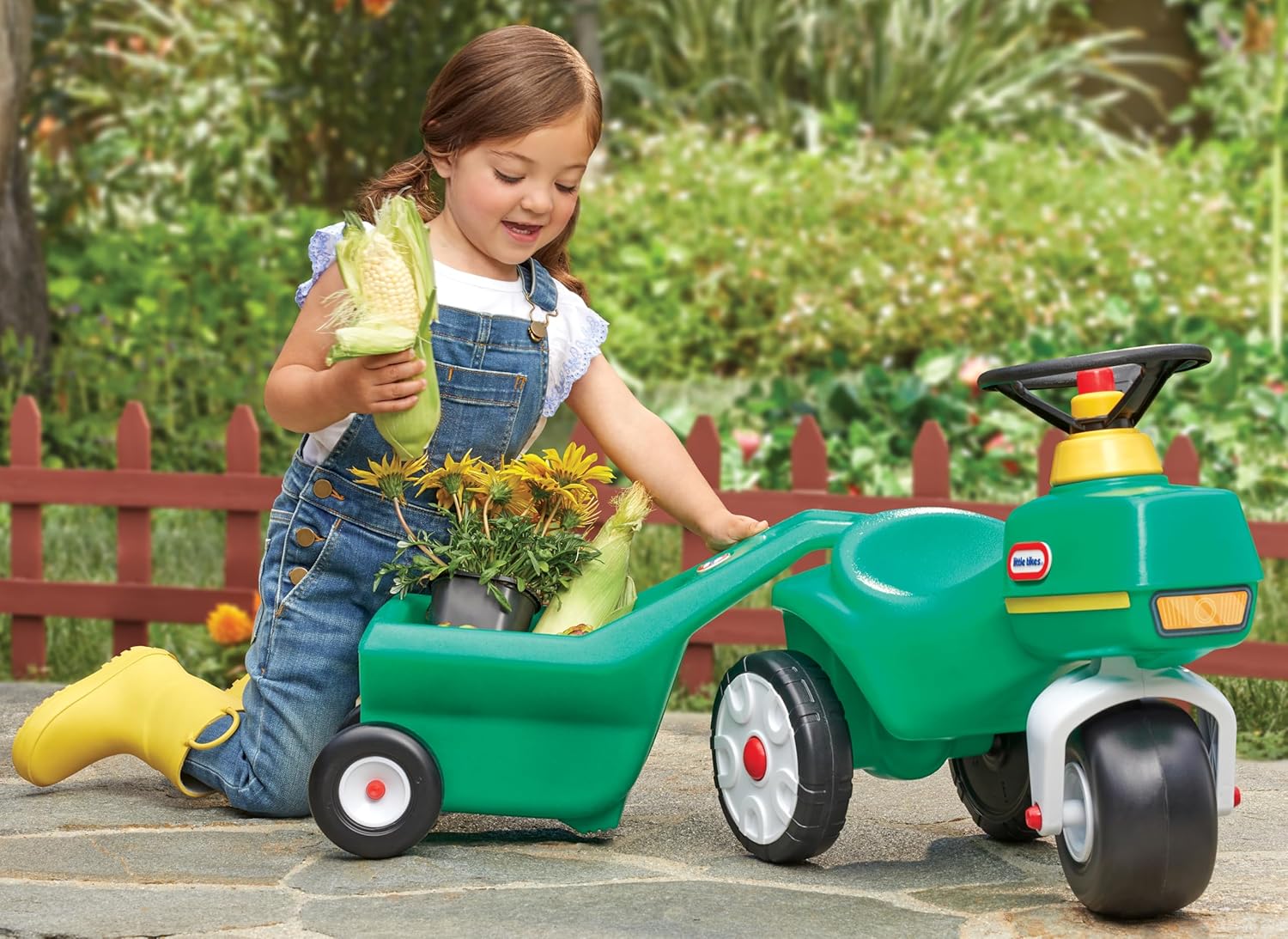
Image: A child engaging in imaginative play, loading items into the detachable cart.

Image: A child demonstrating the independent use of the cart, pulling it by its handle.
6. Maintenance
To ensure the longevity and safe operation of your Little Tikes Tractor & Cart, follow these maintenance guidelines:
- Cleaning: Wipe down the tractor and cart with a damp cloth and mild soap as needed. Rinse thoroughly and dry. Do not use abrasive cleaners.
- Storage: Store the product in a cool, dry place away from direct sunlight when not in use to prevent material degradation.
- Inspection: Periodically check all parts for wear, damage, or loose fasteners. Replace any damaged parts immediately. The tires are designed for durability but should be inspected for excessive wear.
7. Troubleshooting
If you encounter any issues with your Little Tikes Tractor & Cart, refer to the following common solutions:
- Steering Difficulty: Ensure the steering column is correctly assembled and not obstructed. Check for any debris around the front wheel.
- Cart Detaches Easily: Verify that the cart is fully engaged with the tractor's hitch point. A firm click should be heard upon attachment.
- Horn Not Working: Check if the horn button is pressed firmly. If it still doesn't work, contact customer support.
- General Instability: Ensure the product is used on a flat, level surface. Do not exceed the maximum weight limit.
8. Specifications
| Feature | Detail |
|---|---|
| Brand | Little Tikes |
| Model Number | 642050 |
| UPC | 050743642050 |
| Age Range | 1-5 Years (Manufacturer Minimum Age: 18 Months, Maximum Age: 60 Months) |
| Material Type | Plastic |
| Item Dimensions (L x W x H) | 44.88"L x 18.44"W x 18.44"H |
| Weight Capacity Maximum | 50 Pounds |
| Assembly Required | Yes (One-time adult assembly) |
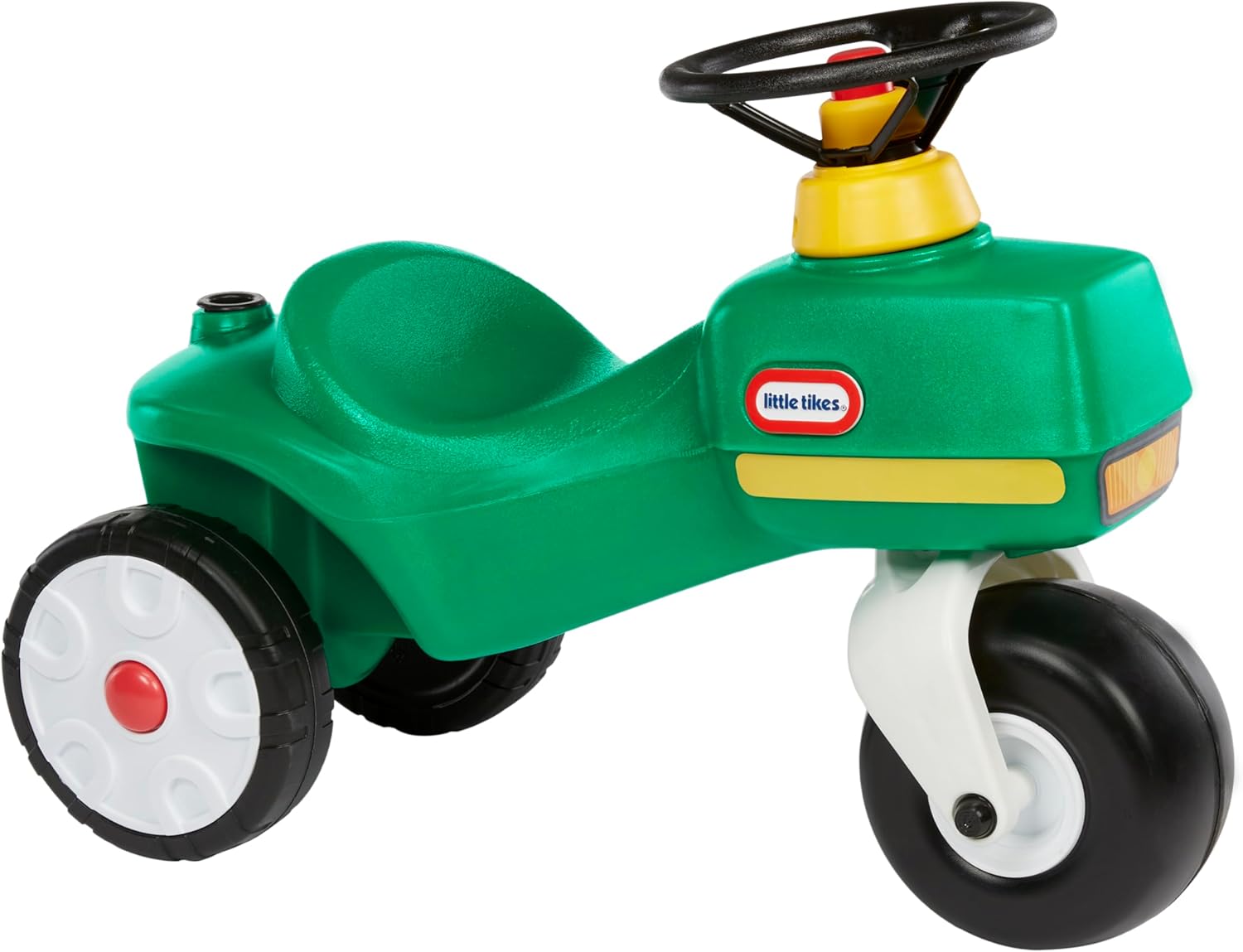
Image: A side profile of the Little Tikes Tractor & Cart, showing its overall dimensions.
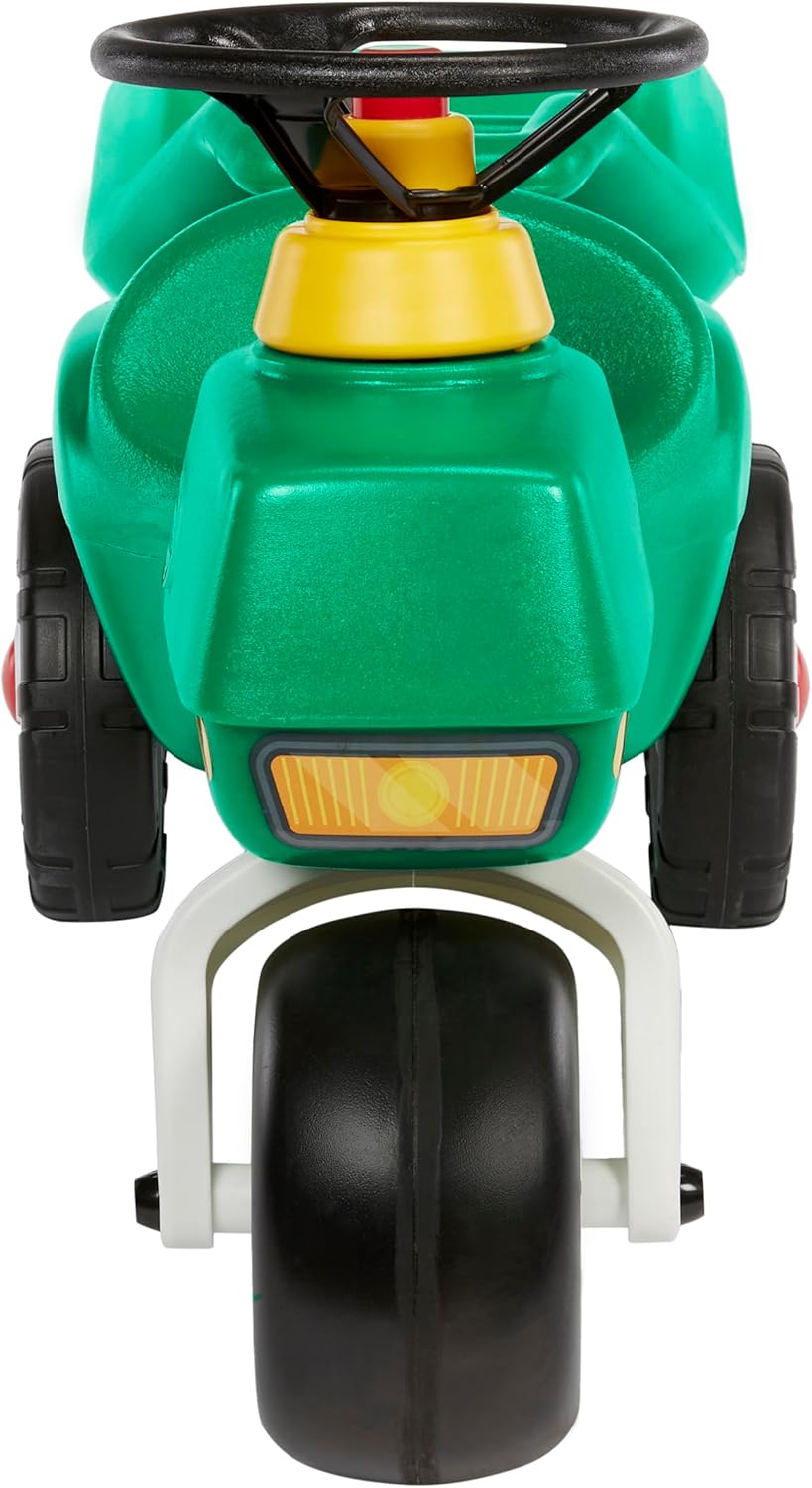
Image: A front view of the Little Tikes Tractor, highlighting its single front wheel and headlights.
9. Warranty and Support
Little Tikes products are manufactured with high-quality materials and craftsmanship. For specific warranty information, please refer to the warranty card included with your product or visit the official Little Tikes website. For customer support, replacement parts, or further assistance, please contact Little Tikes customer service directly.
Manufacturer: MGA Entertainment
Website: www.littletikes.com
Related documents642050


Ask a question about this manual
Ask about setup, troubleshooting, compatibility, parts, safety, or missing instructions. Manuals+ will review the question and use this page’s manual context to help answer it.