
senri A9
Instruction Manual
senri 3 Pack Hidden Camera (Model A9)
Product Overview
The senri 3 Pack Hidden Camera (Model A9) provides discreet and effective surveillance for your home or office. These mini cameras offer high-definition video recording, wide-angle viewing, and essential security features in a compact design.
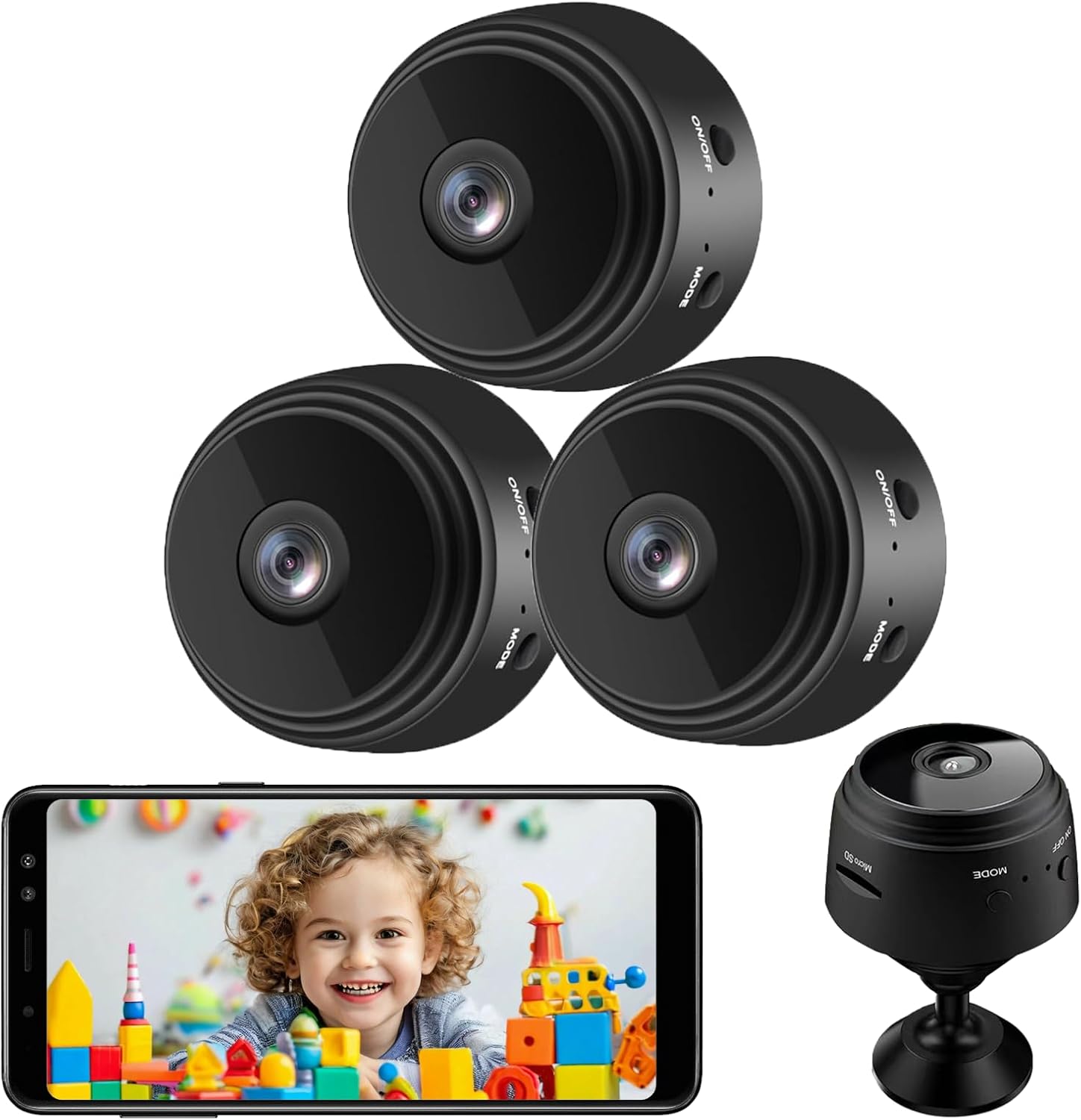
Image: Overview of the senri 3 Pack Hidden Camera system, showing three cameras and a live view on a smartphone.
Each camera features 1080P HD resolution and a 150° wide-angle lens, ensuring clear and comprehensive coverage. They are designed for both indoor and outdoor use, with a compact form factor that allows for easy concealment.

Image: Key features of the senri Mini Hidden Camera, including its compact size, magnetic base, Wi-Fi connectivity, SD card storage, remote viewing, motion detection, and night vision capabilities.
Equipped with 6 invisible infrared lights, these cameras provide excellent night vision up to 5 meters, making them suitable for 24/7 monitoring. The built-in rechargeable battery offers approximately 120 minutes of continuous recording, with the option for continuous operation when connected to a power source. Please note that these cameras do not have an audio recording function.
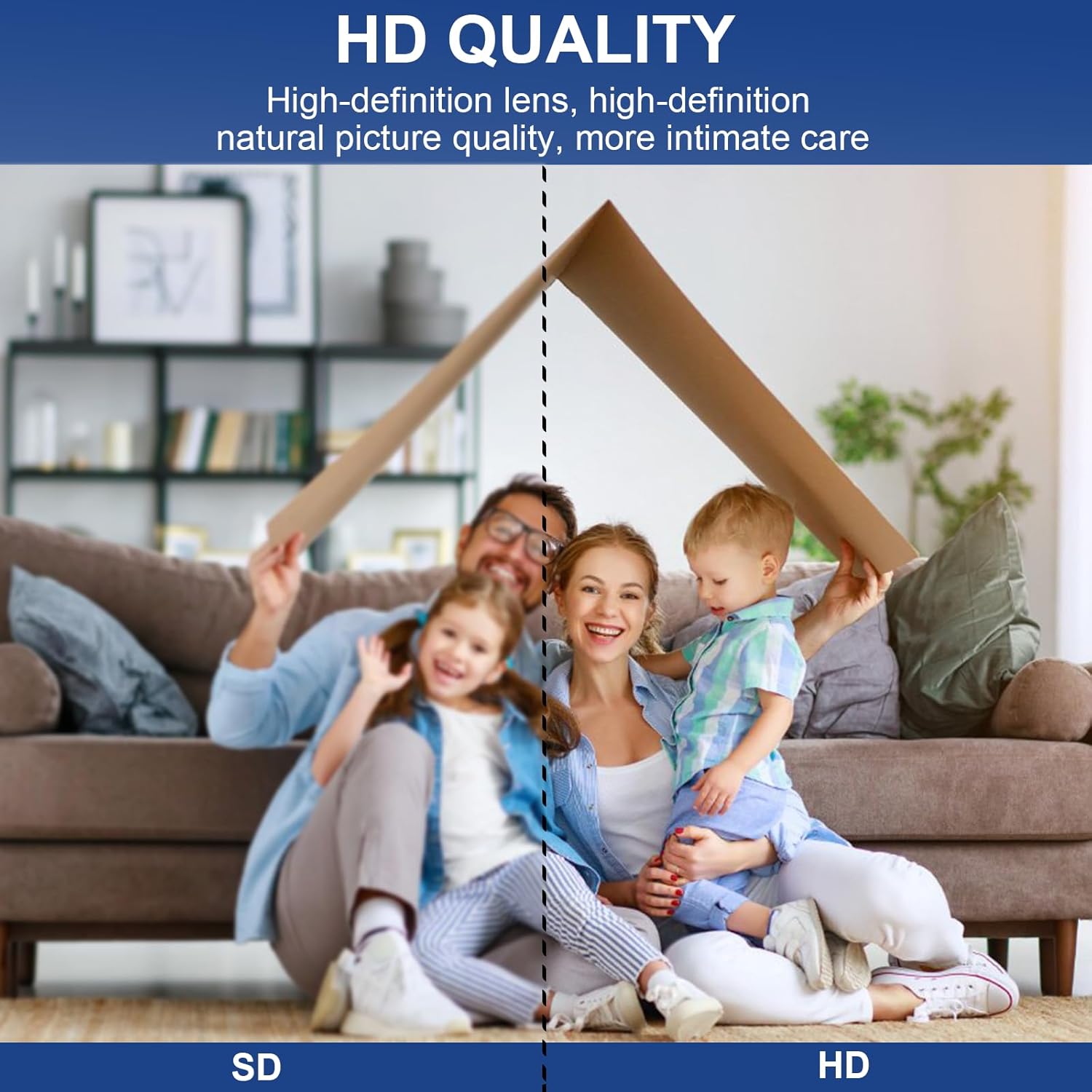
Image: Visual comparison illustrating the superior clarity of HD quality video from the camera compared to standard definition.
What's in the Box
- 3 x senri WiFi Mini Cameras
- 3 x Support Frames
- 3 x USB Charging Cables
- 1 x User Manual
Setup Guide
Setting up your senri hidden camera is a quick and straightforward process, typically taking only 3 minutes to get started.
- Download the APP: Scan the QR code provided in the included manual or search for the designated application on your mobile device's app store (e.g., "HDMiniCam" or similar, as per the product's specific app).
- Power On and Connect: Turn on the camera. Enable Bluetooth on your mobile device and open the downloaded APP. The APP will guide you to scan for and connect to the camera's Wi-Fi signal.
- Connect to Home Wi-Fi: Within the APP settings, select your home or office Wi-Fi network and enter the password to connect the camera to your local network. This allows for remote viewing.
- Insert Micro SD Card (Optional but Recommended): For video storage, insert a micro SD card (2GB to 128GB, not included) into the designated slot on the camera. Ensure the card is formatted correctly if prompted by the app.

Image: Step-by-step guide illustrating how to connect the camera to your smartphone and Wi-Fi network.
Once connected, you can view live video feeds, adjust settings, and access recorded footage directly from the APP on your mobile phone, tablet, or computer.
Operating Instructions
The senri hidden camera is designed for user-friendly operation through its dedicated mobile application.
- Live View: Open the APP to access the live video feed from your camera. You can monitor your space in real-time from anywhere with an internet connection.
- Video Recording: The camera supports 24/7 loop recording when connected to a power source and an inserted micro SD card. Older footage will be overwritten automatically as the card fills up.
- Motion Detection: Activate motion detection alerts in the APP settings. The camera will notify you on your device when motion is detected within its field of view.
- Night Vision: The camera automatically switches to night vision mode in low-light conditions, providing clear black-and-white footage up to 5 meters.
- Wide-Angle Coverage: Benefit from the 150° wide-angle lens, which provides a broad view of the monitored area, reducing blind spots.

Image: Illustration of the camera's 150-degree wide-angle shooting capability, providing extensive coverage of a room.

Image: Comparison demonstrating the camera's night vision capabilities, showing a clear view in darkness.

Image: Depiction of the multi-user viewing feature, allowing multiple individuals to access the camera feed simultaneously.
Maintenance
Proper maintenance ensures the longevity and optimal performance of your senri hidden camera.
- Charging: Charge the camera fully before first use. For continuous operation, keep the camera connected to a power source using the provided USB cable.
- SD Card Management: Regularly check the storage status of your micro SD card via the APP. Format the card periodically to maintain optimal recording performance and prevent data corruption.
- Cleaning: Gently wipe the camera lens and body with a soft, dry cloth to remove dust or smudges. Avoid using harsh chemicals or abrasive materials.
- Placement: Ensure the camera is placed in a location where it is protected from extreme temperatures, direct sunlight, and moisture.
Troubleshooting
If you encounter issues with your senri hidden camera, refer to the following common troubleshooting tips:
| Problem | Possible Solution |
|---|---|
| Camera not connecting to Wi-Fi/APP |
|
| Short battery life |
|
| No recording or footage not saving |
|
| Poor video quality or blurry images |
|
Specifications
| Feature | Detail |
|---|---|
| Model Name | A9 |
| Video Capture Resolution | 1080p |
| Wide Angle Lens | 150° |
| Night Vision Range | Up to 5m (16.4 ft) |
| Connectivity Technology | Wireless (Wi-Fi) |
| Power Source | Battery Powered (1 Lithium Ion battery included) |
| Battery Life (Continuous Recording) | Approx. 120 minutes |
| Storage Support | Micro SD Card (2GB to 128GB, not included) |
| Control Method | APP |
| Alert Type | Motion Only |
| Indoor/Outdoor Usage | Outdoor, Indoor |
| Color | Black |
| Material | Acrylonitrile Butadiene Styrene (ABS) |
| Product Dimensions (L x W x H) | 0.8 x 0.8 x 0.4 inches |
| Item Weight | 4.6 ounces |
| Manufacturer | senri |
| Country of Origin | China |
Warranty and Support
senri stands behind its products with comprehensive support:
- Money Back Guarantee: 30 days money back policy.
- Technical Support: 3 years of technical support.
If you encounter any problems or have questions regarding your senri cameras, please contact senri customer support for assistance. Contact information can typically be found on the product packaging or the official senri website.
Related documentsA9

Ask a question about this manual
Ask about setup, troubleshooting, compatibility, parts, safety, or missing instructions. Manuals+ will review the question and use this page’s manual context to help answer it.