
Aoxun 80in-16:9-Black
Aoxun 80" Projector Screen with Stand Instruction Manual
Model: 80in-16:9-Black
1. Introduction
Thank you for choosing the Aoxun 80" Projector Screen with Stand. This portable and versatile projection screen is designed for both indoor and outdoor use, offering a 16:9 HD viewing experience. Its pull-up design and stable tripod stand make it ideal for movies, office presentations, and various temporary occasions. Please read this manual thoroughly before setup and operation to ensure proper use and longevity of your product.
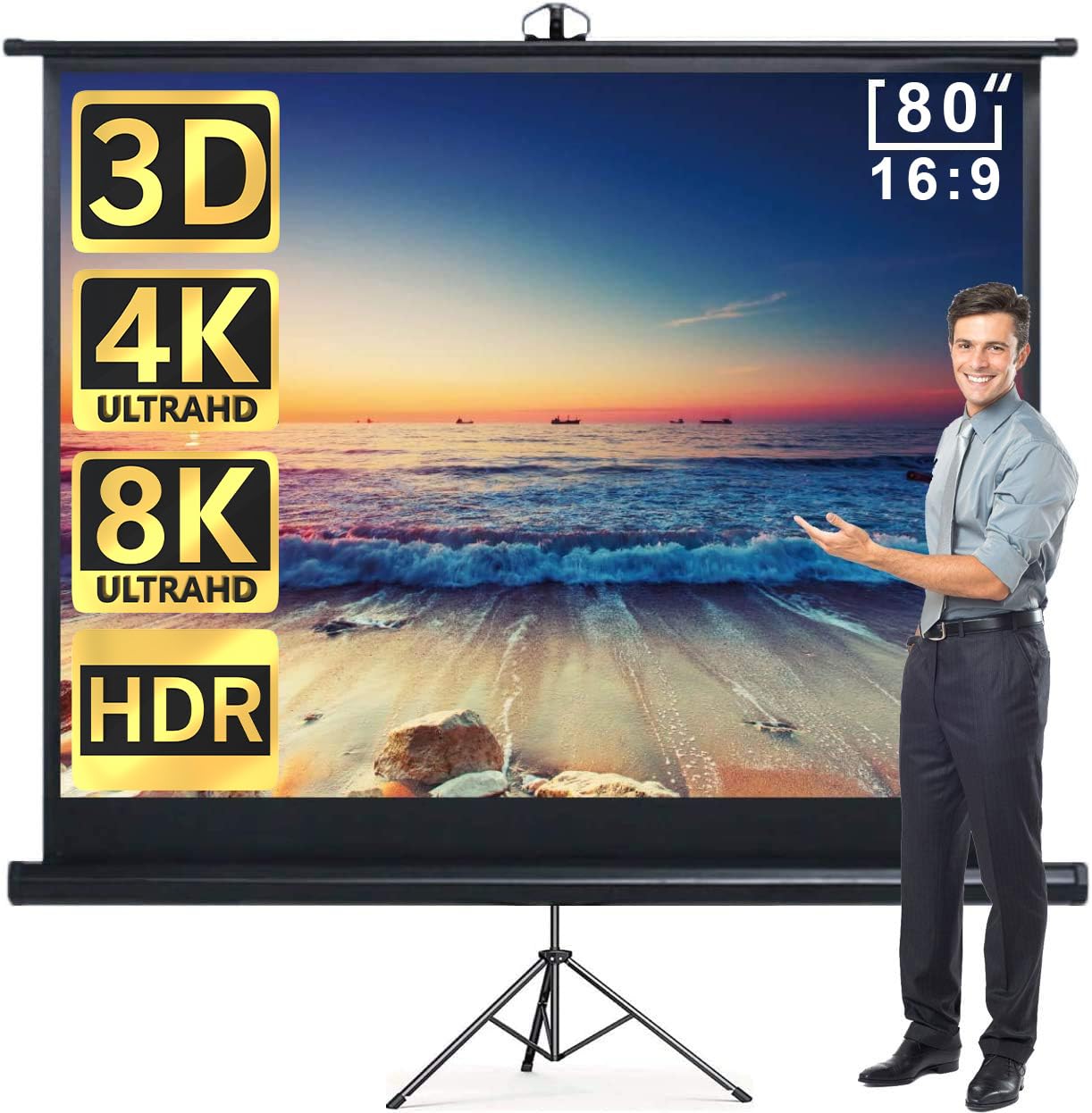
Image 1: The Aoxun 80-inch Projector Screen with its integrated tripod stand, ready for use.
2. Safety Information
- Ensure the projector screen is placed on a stable, level surface to prevent tipping.
- Keep the screen away from open flames, heat sources, and direct sunlight for prolonged periods.
- Do not attempt to disassemble or modify the product. Contact customer support for assistance.
- Keep out of reach of children to prevent accidental damage or injury.
- Avoid using abrasive cleaners or sharp objects on the screen surface.
3. Package Contents
Upon opening the package, please verify that all components are present and undamaged:
- 1 x Aoxun 80" Projector Screen with integrated casing
- 1 x Tripod Stand (pre-attached)
- 1 x User Manual
4. Setup Instructions
The Aoxun 80" Projector Screen is designed for quick and easy setup, requiring no complex assembly. Follow these steps:
- Unpack the Screen: Carefully remove the projector screen from its packaging.
- Position the Tripod: Place the integrated tripod stand on a flat, stable surface. Extend the tripod legs to provide a wide and secure base.
- Raise the Screen: Gently pull the screen upwards from its casing. The screen features a simple adjustment technology and auto-locking mechanism, allowing you to stop it at your desired height.
- Adjust Viewing Angle: Once the screen is extended, you can slightly adjust the angle of the screen on the tripod for optimal viewing.
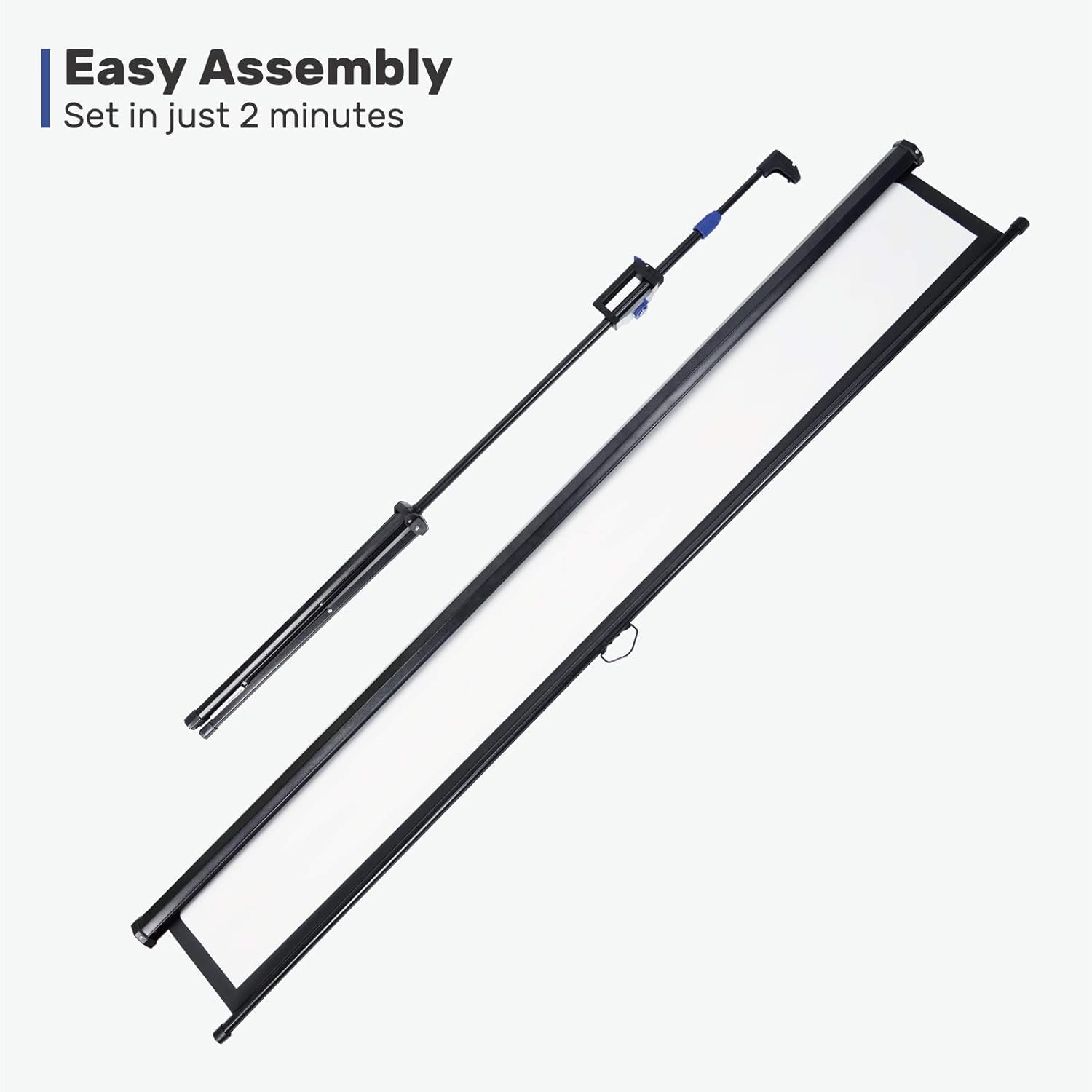
Image 2: Visual representation of the easy assembly process, highlighting the minimal steps required.

Image 3: Close-up of the screen's simple adjustment technology and auto-locking feature for height control.
5. Operating Instructions
Using your Aoxun projector screen is straightforward:
- Extending the Screen: Gently pull the screen upwards from its housing. The internal mechanism will allow it to extend smoothly. Release the screen at the desired height, and the auto-locking feature will hold it in place.
- Retracting the Screen: To retract, gently pull the screen down slightly to disengage the locking mechanism, then guide it slowly back into its casing. Avoid letting it snap back quickly to prevent damage.
- Projector Placement: Position your projector in front of the screen, ensuring it is centered and at an appropriate distance to fill the screen area. Adjust the projector's focus and keystone correction as needed.
6. Features
- Ultra-Stable Tripod Stand: The screen comes with a super stable tripod stand, designed for indoor use, ensuring it remains upright and secure. Its freestanding design eliminates the need for wall hooks.
- Suitable for 3D and 4K: With a 1.2 gain and a 160° viewing angle, this screen provides excellent image quality for 3D and 4K content. The wide viewing angle means you don't need to sit directly in front of the screen for an optimal experience. The 16:9 aspect ratio is particularly suitable for movies.
- 4-Layer PVC Construction: The screen is constructed with four layers for enhanced performance:
- Black Back Layer: Blocks back light and enhances contrast.
- Glass Fiber Layer: Ensures excellent wrinkle-free performance.
- Image Sensitive Layer: Enhances light reflection for a brighter image.
- HD Layer: Reduces diffuse reflection and offers a gain effect for clearer visuals.
- No Assembly Required: The screen is ready to use almost immediately out of the box, with setup taking approximately 2 minutes.
- Portable: Convenient for temporary use in offices, schools, or outdoor movie screenings. Its compact design allows for easy transportation in a car trunk or SUV with folded seats.
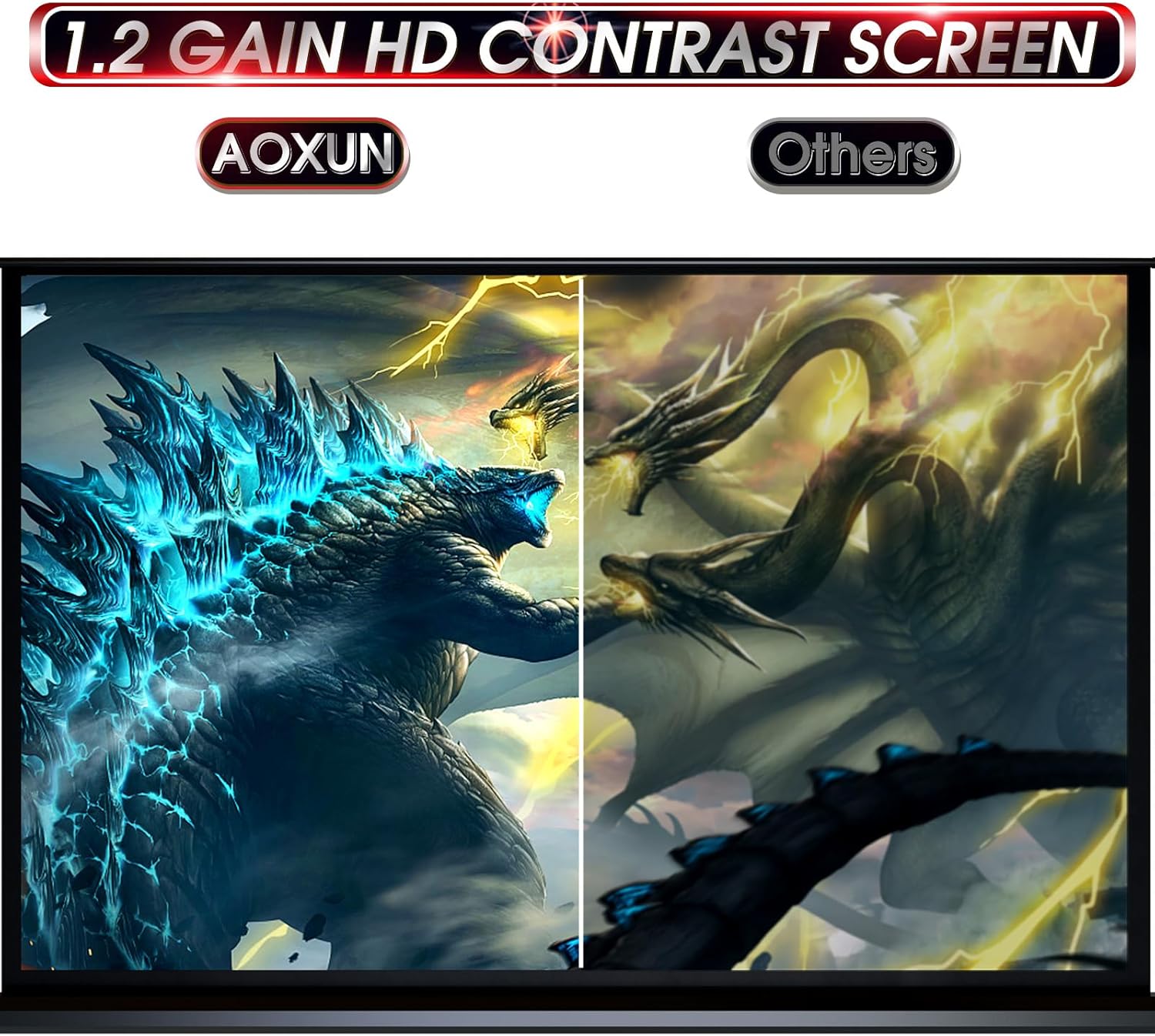
Image 4: Illustration demonstrating the wide 160-degree viewing angle of the projector screen.

Image 5: Exploded view diagram illustrating the four distinct layers of the PVC screen material.
7. Specifications
| Specification | Detail |
|---|---|
| Brand | Aoxun |
| Model Number | 80in-16:9-Black |
| Mounting Type | Tripod Mount |
| Display Dimensions | 80 inch |
| Product Dimensions (W x H) | 71.65"W x 83.86"H |
| Material | Plastic (4-layer PVC screen) |
| Screen Finish | Matte |
| Viewing Angle | 160 Degrees |
| Operation Mode | Automatic (Pull-up with auto-lock) |
| Item Weight | 15.4 Pounds |
| UPC | 799413404467 |

Image 6: Detailed diagram showing the dimensions of the 80-inch projector screen.
8. Maintenance
- Cleaning the Screen: Use a soft, damp cloth with mild soap and water to gently wipe the screen surface. Do not use harsh chemicals or abrasive materials. Allow the screen to air dry completely before retracting.
- Storage: When not in use, retract the screen fully into its casing. Store the screen in a cool, dry place, away from direct sunlight and extreme temperatures.
- Tripod Care: Periodically check the tripod legs and locking mechanisms for any signs of wear or damage. Ensure all parts are clean and free of debris.
9. Troubleshooting
- Screen Does Not Stay Up: Ensure the screen is pulled up firmly until the auto-locking mechanism engages. If the issue persists, check for any obstructions in the retraction mechanism.
- Wrinkles on Screen: The 4-layer PVC material is designed to be wrinkle-free. If minor wrinkles appear, try extending the screen fully for a period in a warm environment. Avoid folding or creasing the screen.
- Unstable Stand: Ensure the tripod legs are fully extended and locked into position on a flat, stable surface. Adjust the leg spread for maximum stability.
10. Warranty and Support
This Aoxun projector screen comes with a 1-year warranty. For warranty claims, technical support, or any questions regarding your product, please contact Aoxun customer service through the retailer where the product was purchased. Please retain your proof of purchase for warranty validation.
For additional information or to explore other Aoxun products, visit the Aoxun Store on Amazon.
Ask a question about this manual
Ask about setup, troubleshooting, compatibility, parts, safety, or missing instructions. Manuals+ will review the question and use this page’s manual context to help answer it.