
Introduction
This manual provides detailed instructions for the setup, operation, and maintenance of your voijump Wireless Voice Amplifier with Lavalier Microphone. Please read this manual thoroughly before using the product to ensure proper function and longevity.
Package Contents
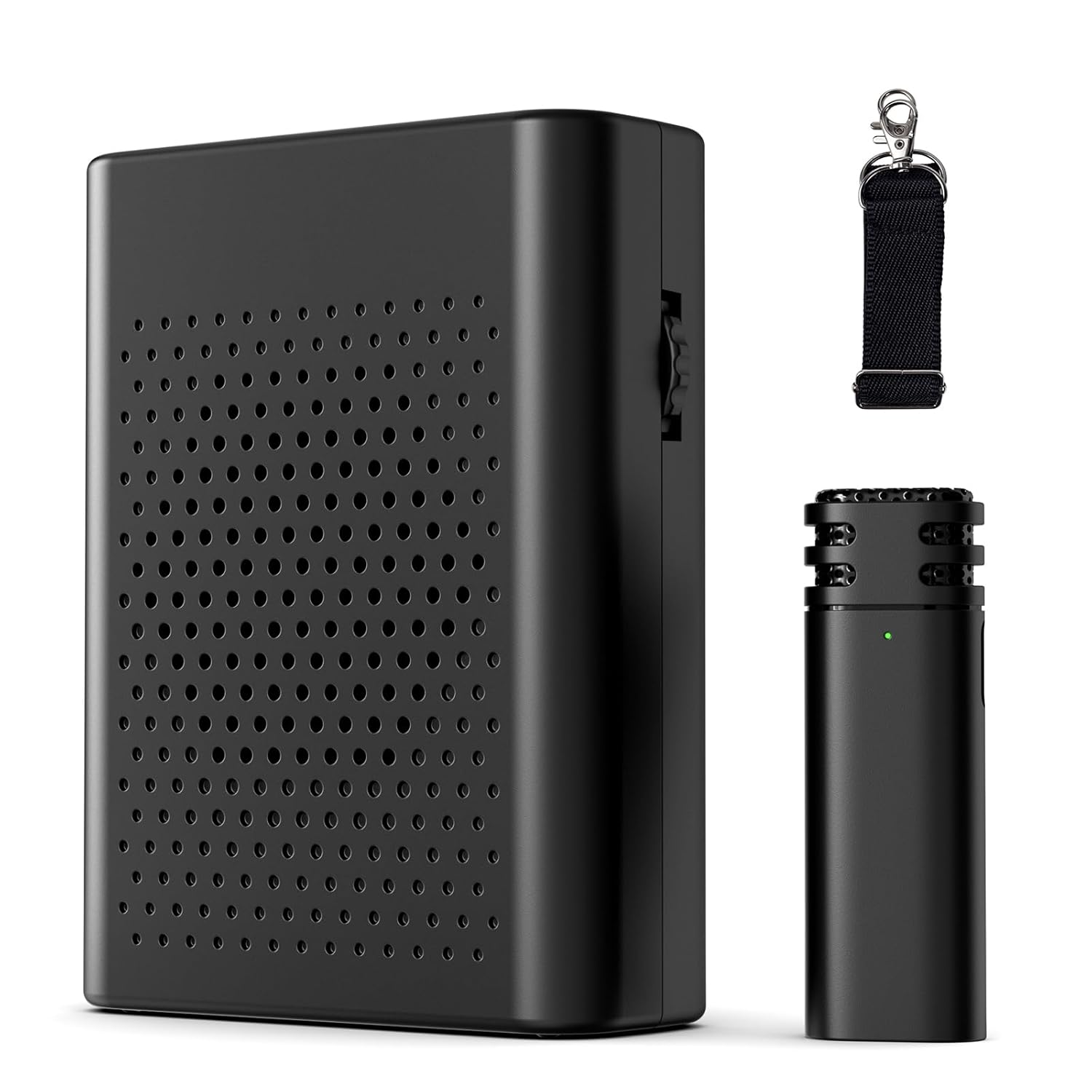
- Wireless Voice Amplifier (1 unit)
- Wireless Lavalier Microphone (1 unit)
- Strap (1 unit)
- User Manual (1 unit)
Setup Guide
1. Charging the Devices
Before first use, fully charge both the Wireless Voice Amplifier and the Wireless Lavalier Microphone. Use the provided USB Type-C cable (not explicitly listed in contents but implied by 'Connector: USB Type-C' in specs) to connect each device to a power source.
- Wireless Voice Amplifier: Approximately 3-4 hours for a full charge, providing 10-12 hours of use.
- Wireless Lavalier Microphone: Approximately 1-1.5 hours for a full charge, providing 6-8 hours of use.

2. Initial Pairing
The amplifier and microphone are designed for automatic pairing. Follow these steps:
- Step 1: Turn on the receiver (Wireless Voice Amplifier) by rotating the knob switch to the 'ON' position. A green light will flash.
- Step 2: Short press the power button of the microphone for 2 seconds. The indicator light on the microphone will illuminate.
- Step 3: The indicator light on the receiver will become solid, indicating successful pairing. Clip the microphone to your clothing in an appropriate position for optimal sound capture.
Note: If pairing is unsuccessful, turn off both devices and repeat the steps.

Operating Instructions
1. Power On/Off
To power on the amplifier, rotate the side knob switch to 'ON'. To power off, rotate it to 'OFF'. For the microphone, press and hold the power button for 2 seconds to turn on, and repeat to turn off.
2. Volume Control
Adjust the volume of the amplifier by rotating the knob switch on the side. Rotate clockwise to increase volume and counter-clockwise to decrease it.
3. Wearing the Devices
The voice amplifier is lightweight and portable. It features a clip on the back for attachment to clothing or a belt. The included strap allows for comfortable wearing around the waist or neck. The lavalier microphone should be clipped to your collar or lapel, approximately 6-8 inches from your mouth, for optimal sound capture.


4. Noise Reduction Feature
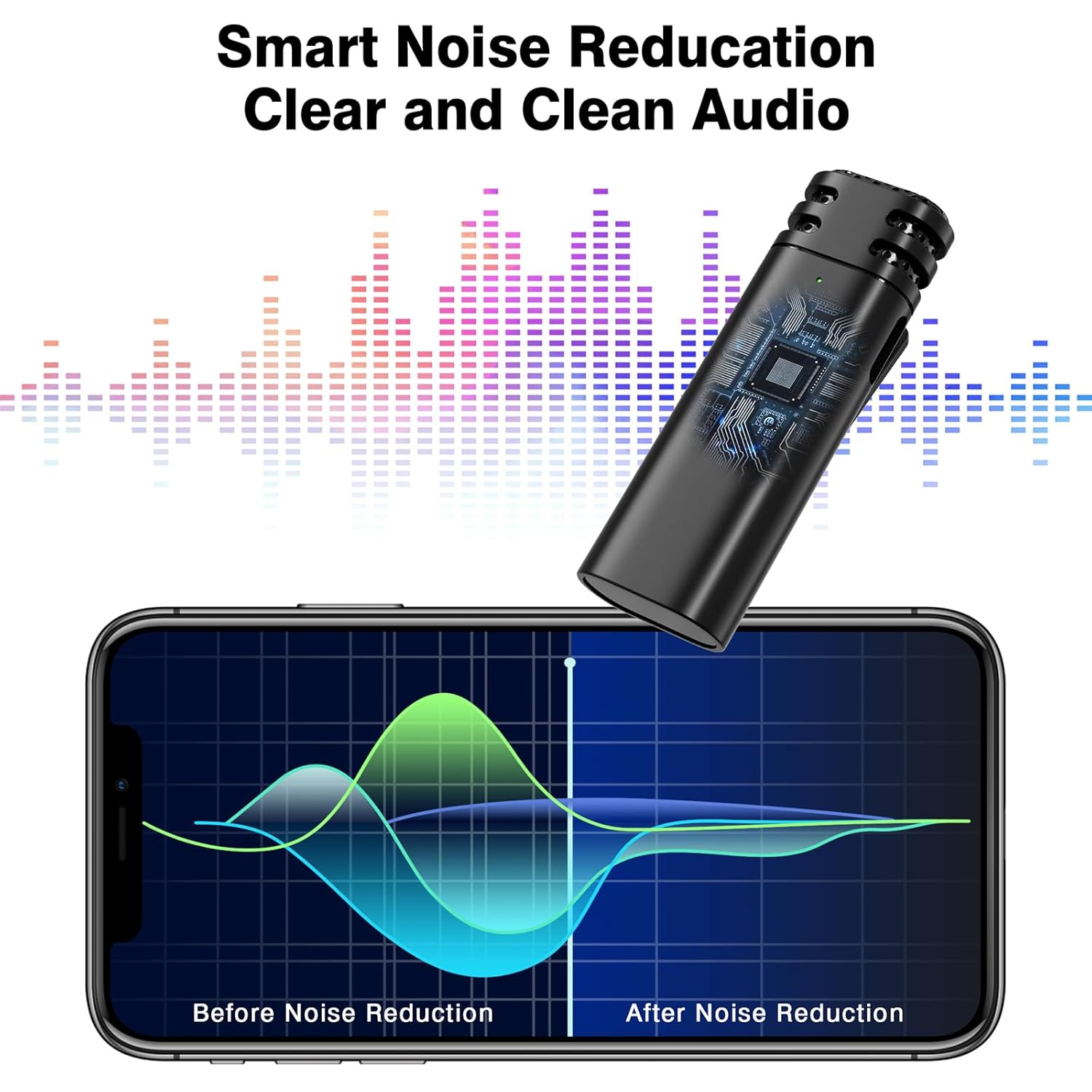
The system incorporates intelligent active noise reduction chips and an AI algorithm to filter out ambient noise, ensuring clear sound quality even in noisy environments. The high-density spray-proof sponge on the microphone further reduces wind noise and clutter.
5. Using with Wired Headphones
The Wireless Voice Amplifier includes a 3.5mm port, allowing you to connect wired headphones for personal monitoring or alternative audio output.

Maintenance
- Cleaning: Use a soft, dry cloth to clean the surfaces of the amplifier and microphone. Avoid using harsh chemicals or abrasive materials.
- Storage: Store the devices in a cool, dry place away from direct sunlight and extreme temperatures.
- Battery Care: To prolong battery life, avoid fully discharging the devices frequently. Recharge them regularly, even if not in constant use.
- Handling: Handle the devices with care to prevent damage from drops or impacts.
Troubleshooting
| Issue | Possible Cause | Solution |
|---|---|---|
| No sound from amplifier | Amplifier or microphone is off; low battery; devices not paired. | Ensure both devices are powered on. Charge both devices. Re-pair the amplifier and microphone as per 'Initial Pairing' instructions. |
| Sound is distorted or unclear | Microphone too far/close; interference; volume too high. | Adjust microphone position (6-8 inches from mouth). Move away from potential sources of interference. Lower the amplifier volume. |
| Echo or delayed feedback | Acoustic feedback; device placement. | Ensure the microphone is not pointing directly at the amplifier speaker. Adjust the distance between the microphone and amplifier. Reduce volume if necessary. |
| Short battery life | Incomplete charging; aging battery. | Ensure devices are fully charged before use. If battery life significantly degrades, contact customer support. |
| Devices not pairing | Incorrect pairing procedure; interference. | Turn off both devices and repeat the 'Initial Pairing' steps carefully. Ensure no other wireless devices are causing interference. |
Product Specifications
| Feature | Specification |
|---|---|
| Product Dimensions | 10.92 x 3.3 x 8.38 cm |
| Item Weight | 299 g |
| Model Number | Wireless Voice Amplifier |
| Color | Black |
| Compatible Devices | Amplifier |
| Connector Type | USB Type-C |
| Material | Plastic |
| Power Source | Battery Powered |
| Amplifier Battery Life | 10-12 hours (after 3-4 hours charge) |
| Microphone Battery Life | 6-8 hours (after 1-1.5 hours charge) |
| Wireless Range | Up to 20 meters |
Support
For any questions or assistance, please contact voijump customer service. We provide 24-hour online support to address your concerns.
Please refer to your purchase documentation for specific warranty details.