
Introduction
This manual provides essential instructions for the safe and effective use of your Gavigain Portable Combination Lockbox. Please read this manual thoroughly before using the product and retain it for future reference.
The Gavigain Portable Combination Lockbox is designed to secure small valuables such as phones, cards, cash, and keys during outdoor activities. It features a 4-digit combination lock, durable construction, and internal cushioning for protection.
Safety Information
- Do not attempt to force the lockbox open if the combination is forgotten or incorrect.
- Keep the lockbox away from extreme temperatures or direct sunlight for prolonged periods to prevent material degradation.
- Ensure the lockbox is securely closed and the combination is scrambled after each use to maintain security.
- This product is designed for temporary storage and security. It is not intended for long-term storage of highly valuable or irreplaceable items.
Package Contents
Verify that all items are present in the package:
- 1 x Gavigain Portable Combination Lockbox
- 1 x Lanyard (Cable)
- 1 x User Manual (This document)
Specifications
| Brand: | Gavigain |
| Model Number: | Gavigainf2k6gbtzc7 |
| Material: | Environmentally Friendly Plastic |
| Color: | Blue |
| External Dimensions (L x W x H): | Approx. 24 x 14 x 5.8 cm (9.4 x 5.5 x 2.3 inches) |
| Weight: | Approx. 691g (24.4 oz) |
| Cable Length: | Approx. 50 cm (19.7 inches) |
| Cable Diameter: | Approx. 6.3 mm (0.2 inches) |
| Lock Type: | 4-Digit Combination Lock |
| Special Features: | Waterproof, Dust-proof, Shock-resistant (internal cushioning foam), Lightweight, Portable |

Image: The Gavigain Lockbox shown open with key dimensions labeled, including length, width, height, and cable specifications.
Setup
Setting Your Combination
The lockbox comes with a factory preset combination, usually 0-0-0-0. Follow these steps to set your personal combination:
- Open the Lockbox: Ensure the lockbox is open. The default combination is typically 0-0-0-0. Align the numbers to the indicator line and pull the latch to open.
- Locate the Reset Lever/Button: Inside the lockbox, usually on the back of the combination mechanism, you will find a small lever or button. (Refer to image below for typical location).
- Set to Reset Position: Use a pen or a pointed object to push the reset button or move the lever to the "SET" or "RESET" position. Some models require turning the lever 90 degrees.
- Choose Your New Combination: While the reset mechanism is engaged, rotate the dials to your desired 4-digit combination. Choose a memorable but secure combination.
- Confirm New Combination: Return the reset lever/button to its original position. Your new combination is now set.
- Test the Combination: Scramble the dials, then enter your new combination and attempt to open the lockbox to verify it works correctly.

Image: The Gavigain Lockbox shown open, highlighting the internal combination lock mechanism. The reset lever/button is typically located near the dials on the inside.
Important: Write down your combination and store it in a safe place. If you forget your combination, there is no master key or override function to open the lockbox without potentially damaging it.
Operating Instructions
Opening the Lockbox
- Align the 4-digit combination to your set code on the indicator line.
- Pull the latch mechanism to release the lid.
- Open the lid to access the contents.
Closing and Securing the Lockbox
- Place your items inside the lockbox. Ensure the internal cushioning foam is properly positioned to protect your valuables.
- Close the lid firmly until the latch clicks into place.
- Scramble the combination dials to lock the box and prevent unauthorized access.
Using the Lanyard (Cable)
The included lanyard provides an additional security measure, allowing you to tether the lockbox to a fixed object.
- Locate the cable attachment points on the lockbox.
- Thread the lanyard through a secure, immovable object (e.g., a tree branch, a table leg, a fence post).
- Securely attach both ends of the lanyard to the lockbox's attachment points.
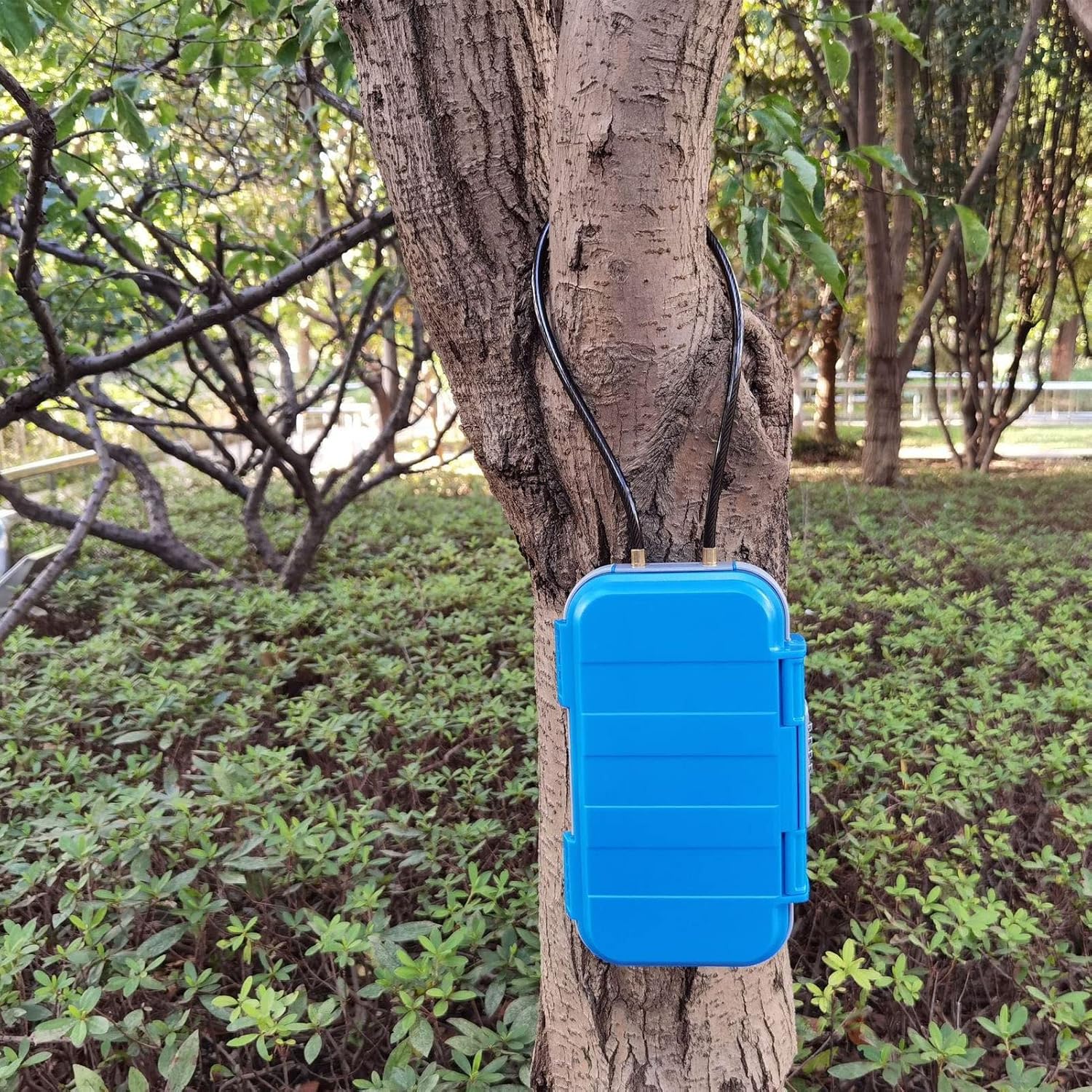
Image: The Gavigain Lockbox shown secured to a tree trunk using its integrated cable lanyard, demonstrating its outdoor use.
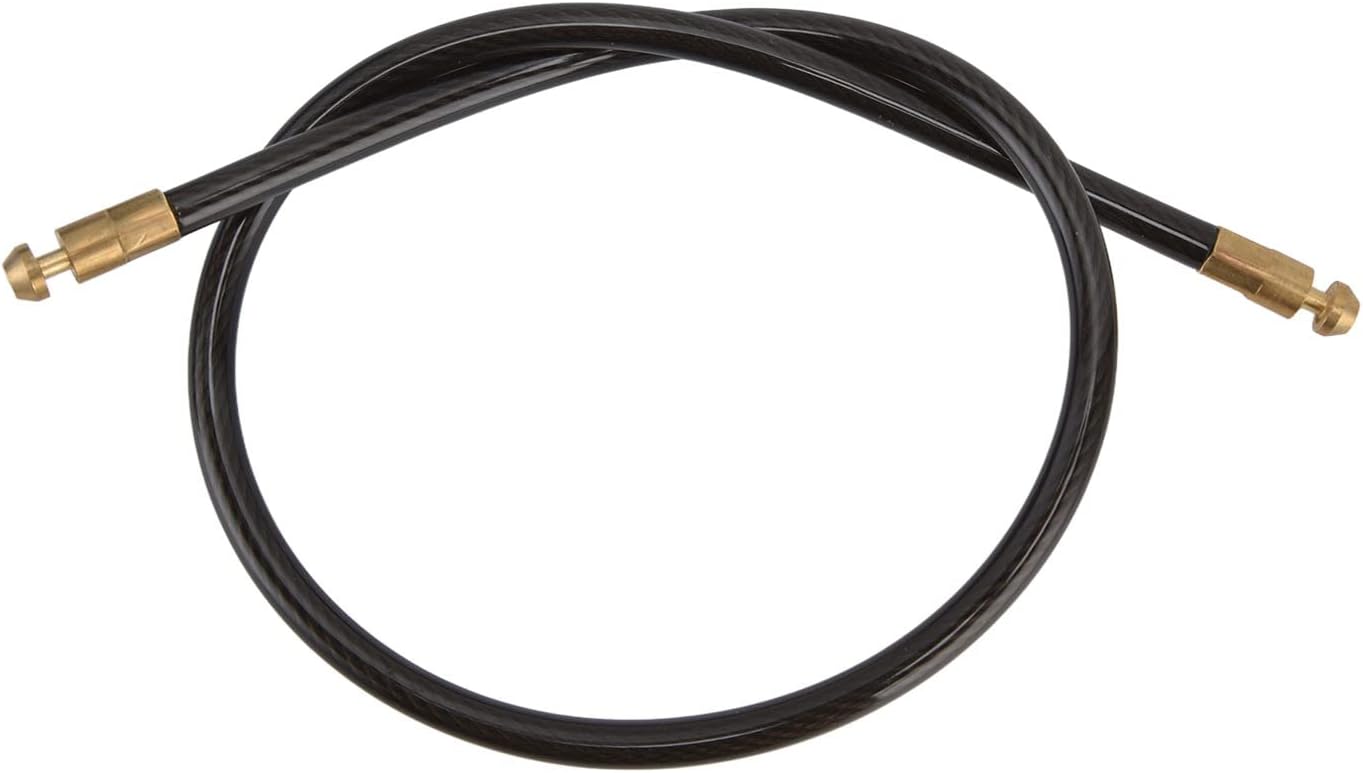
Image: A close-up view of the black cable lanyard with brass ends, designed for securing the lockbox to an external object.
Maintenance
- Cleaning: Wipe the exterior of the lockbox with a damp cloth. Avoid using harsh chemicals or abrasive cleaners, as these may damage the plastic.
- Internal Foam: Periodically check the internal cushioning foam for wear and tear. Replace if necessary to maintain shock resistance.
- Combination Dials: Ensure the combination dials move freely. If they become stiff, a small amount of silicone-based lubricant can be applied, but avoid oil-based lubricants.
- Storage: When not in use, store the lockbox in a cool, dry place away from direct sunlight.
Troubleshooting
| Problem | Possible Cause | Solution |
|---|---|---|
| Lockbox will not open. | Incorrect combination entered. | Double-check your combination. Ensure each number is precisely aligned with the indicator line. |
| Combination dials are stiff. | Dirt or debris accumulation; lack of lubrication. | Clean the dials with a soft cloth. Apply a small amount of silicone-based lubricant if necessary. |
| Lid does not close properly. | Items inside are obstructing the closure; debris in the seal. | Rearrange contents to ensure nothing blocks the lid. Check the rubber seal for any debris and clean if needed. |
| Forgot combination. | Combination was not recorded or remembered. | Unfortunately, there is no master key or override. If the combination is lost, the lockbox may need to be forced open, which will damage it. Always record your combination in a secure location. |
Warranty and Support
Gavigain products are manufactured to high-quality standards. For specific warranty information, please refer to the documentation included with your purchase or contact Gavigain customer support directly.
For technical assistance, product inquiries, or to report any issues, please visit the official Gavigain website or contact their customer service department. Contact details are typically found on the product packaging or the brand's official online presence.
You can visit the Gavigain store on Amazon for more information: Gavigain Store