
Introduction
This manual provides essential information for the setup, operation, and maintenance of your new TuTu 43 Inch 4K UHD LED Smart TV. Please read this manual thoroughly before using the product to ensure proper and safe operation. Keep this manual for future reference.
Important Note: When activating the TV for the first time, a Samsung account is required. Without a Samsung account, the TV cannot be activated. If you do not have a Samsung account, please register one from the Samsung official website.
What's in the Box
Verify that all components are present in the packaging:
- TV *1
- Remote Control *1
- Stand *2
- User Manual *1
- Accessories Bag *1 (includes 2 AAA batteries for remote)
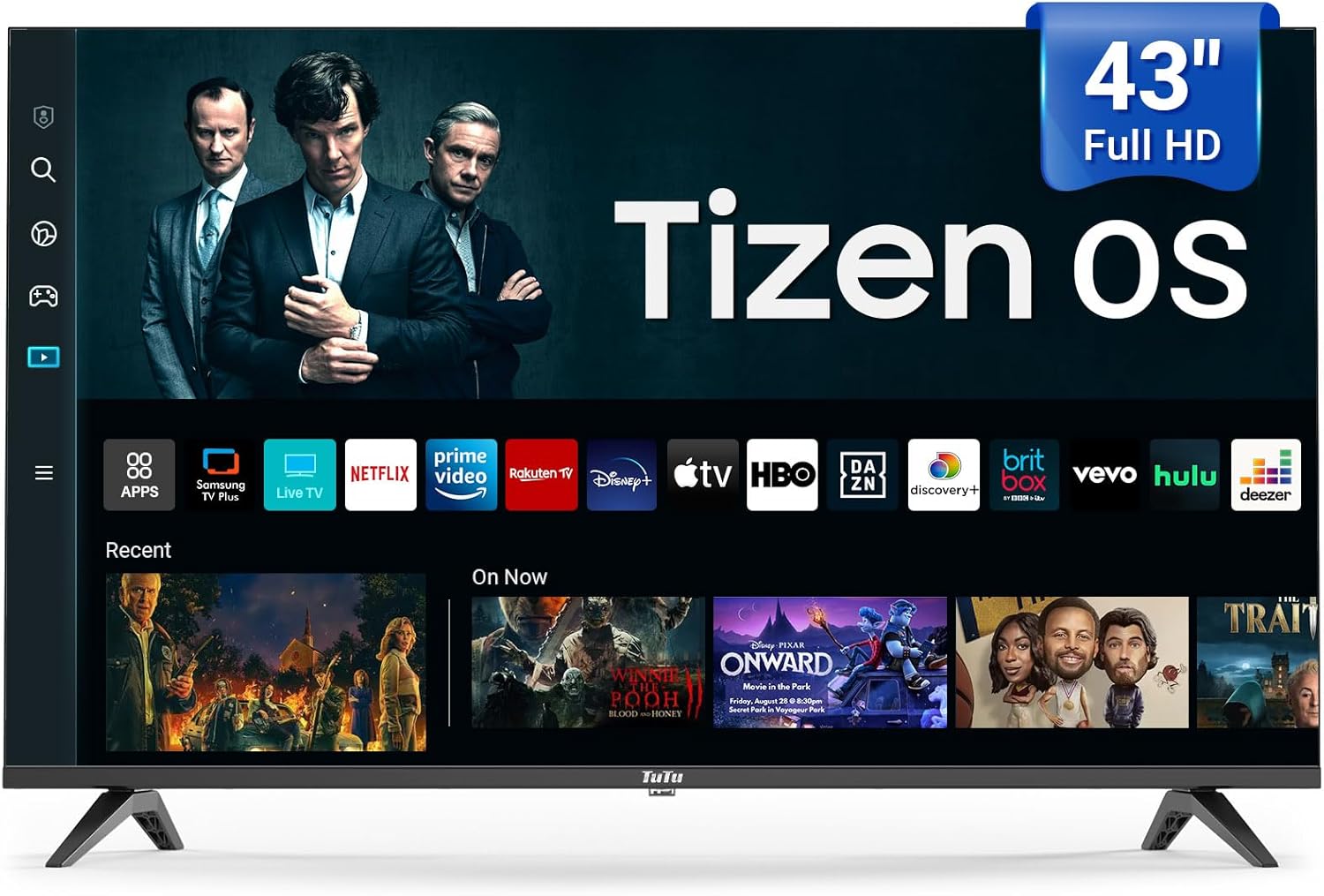
Image: The TuTu 43 Inch 4K UHD LED Smart TV, showcasing its sleek design and Tizen OS interface with various streaming app icons.
Setup
1. Attaching the Stand
- Carefully place the TV screen-down on a soft, flat surface to prevent scratches.
- Align the two stand pieces with the corresponding slots on the bottom of the TV.
- Secure the stands using the screws provided in the accessories bag. Ensure they are tightened firmly.
2. Connecting Peripherals
Your TV offers various connectivity options. Refer to the back panel for port locations.

Image: Rear view of the TuTu Smart TV, highlighting the USB, RF, HDMI, Optical, RCA, and RJ45 input ports for connecting external devices.
- HDMI: Connect Blu-ray players, game consoles, or set-top boxes.
- USB: For media playback from USB drives.
- RF: For antenna or cable connection.
- Optical: For digital audio output to soundbars or home theater systems.
- RCA (Video L-IN-R): For older devices using composite video and stereo audio.
- RJ45 (Ethernet): For wired internet connection.
3. Power Connection
Plug the power cord into the TV's power input, then into a wall outlet. The TV will enter standby mode.
4. Initial Setup and Samsung Account Activation
Upon first power-on, the TV will guide you through the initial setup process, including language selection, network connection (Wi-Fi or Ethernet), and channel scanning. As noted, a Samsung account is mandatory for full TV activation and access to smart features. Follow the on-screen prompts to log in or create a Samsung account.
Operating Your TV
Remote Control
The included remote control provides easy navigation and access to all TV functions. Insert the two AAA batteries (included) into the remote control, observing polarity.

Image: The remote control for the TuTu Smart TV, showing dedicated buttons for popular streaming services and navigation.
Picture Quality Features
- 4K UHD Resolution: Experience stunning visual clarity with 4K Ultra HD Resolution. This allows for a more detailed and vivid TV picture, bringing every scene to life with incredible sharpness and vibrant colors.
- HDR10: Upgrade your viewing experience with HDR10. This technology allows you to perceive every nuance and shade, enhancing your entertainment experience with a wider range of colors and contrast.
- MEMC (Motion Estimation, Motion Compensation): The smart TV supports MEMC technology to bring smoother, clearer motion. This reduces blurring and judder in fast-moving scenes, making action sequences, sports events, and fast-paced movies flow smoothly and look crystal clear.
- 4K Upscaling: Tizen OS's 4K Upscaling boosts content quality to near-4K, giving users clearer, more detailed visuals for non-4K content.
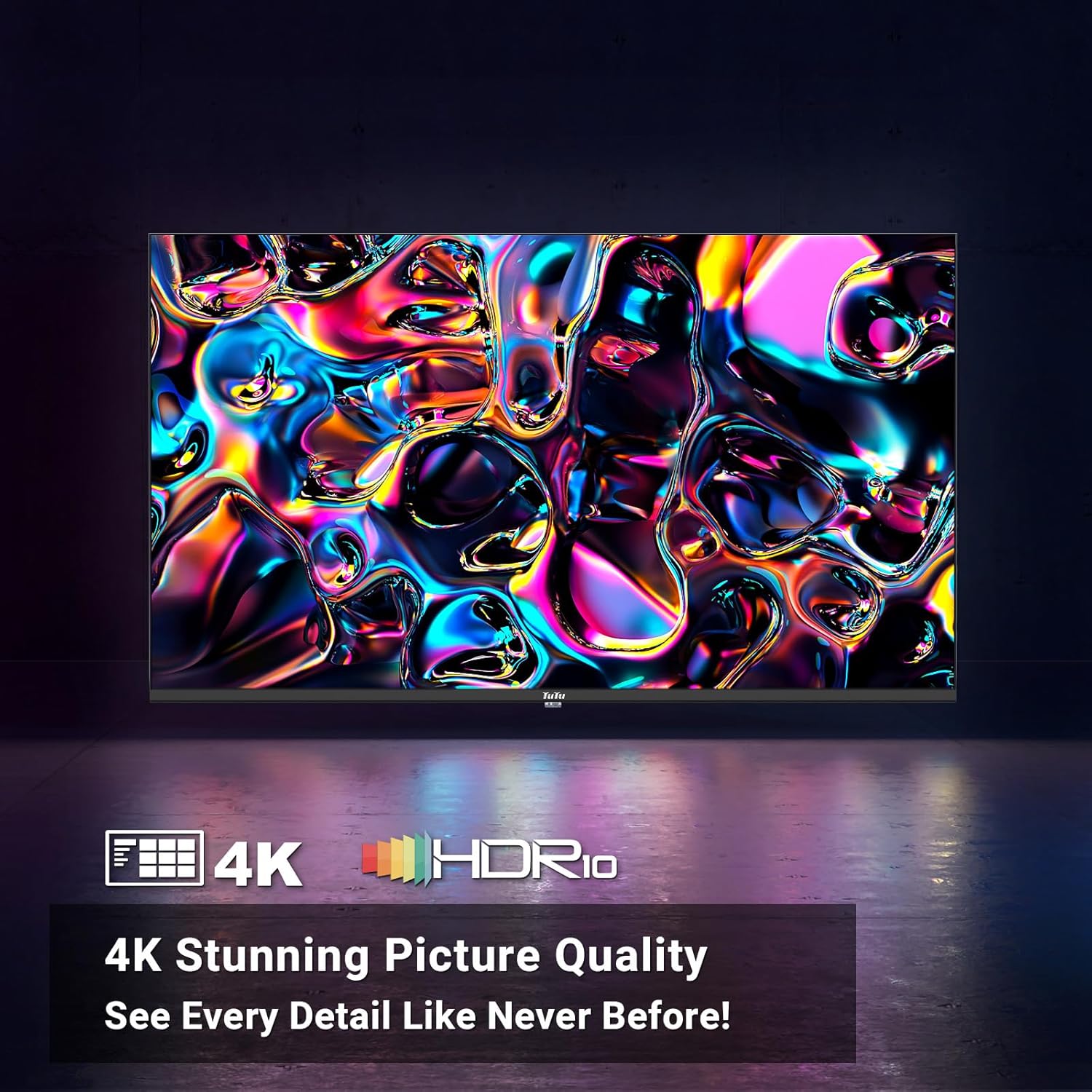
Image: A vibrant abstract image demonstrating the stunning picture quality achieved with 4K UHD and HDR10 technologies.

Image: A split image illustrating the effect of MEMC technology, showing a clear, sharp image of a skier on one side (with MEMC) and a blurred image on the other (without MEMC).
Audio Features
- Dolby Audio: The smart TV supports Dolby Audio, allowing you to immerse yourself in crystal-clear audio. Enjoy enhanced dialogue clarity, deeper bass, and a more lifelike soundstage, making every movie, TV show, and game come alive.

Image: A couple enjoying a movie with sound waves emanating from the TV, representing the immersive experience provided by Dolby Audio.
Smart TV Features (Tizen OS)
The Tizen OS is built into the smart TV, transforming it into a smart hub. Enjoy a sleek and intuitive interface for easy content discovery.

Image: A dynamic view of the Tizen OS interface, showcasing popular streaming service icons like YouTube, Netflix, Disney+, and more, floating above the TV screen.
- Quick Access to Streaming Services: With Tizen OS, you get quick access to popular streaming services like YouTube, Netflix, Disney+, and many more.
- Samsung TV Plus: Primarily offers free live TV channels, covering various genres such as news, sports, entertainment, music, and family-friendly content. It's a completely free streaming service with no subscription fees or credit card details required.
- Universal Guide: Pulls in all your favorite shows, movies, and music from different streaming apps and serves them up on one easy-to-browse platform.
- Gaming Hub: The ultimate home for gaming on your Smart TV powered by Tizen.
- Ambient Mode: Lets your TV show dynamic content like weather, news, and art when idle, and can also play music for a lively atmosphere.
- Bixby Voice Control: Explore your Smart TV with the convenience of Bixby. Tell Bixby to search, watch, or play various features for you. Bixby Voice Control makes your TV experience more dynamic and fun.
- Smart Capabilities: Tizen OS includes smart features like voice control for hands-free operation, making it easy to manage your TV and find content.
- Samsung Health: Enjoy free premium classes and start new wellness routines, all from the comfort of your home.
Connectivity
- Seamless Connectivity: Connect seamlessly with Bluetooth and Wi-Fi capabilities to stream your favorite content.
- Bluetooth: For connecting wireless headphones, soundbars, or other Bluetooth-enabled devices.
- Wi-Fi: For wireless internet access and streaming.
Maintenance
Cleaning the Screen
To clean the screen, gently wipe it with a soft, lint-free cloth. For stubborn marks, slightly dampen the cloth with water or a screen-cleaning solution specifically designed for electronics. Never spray liquid directly onto the screen.
Cleaning the TV Body
Wipe the TV's body and stand with a soft, dry cloth. Avoid using abrasive cleaners or solvents that could damage the finish.
Ventilation
Ensure adequate ventilation around the TV. Do not block the ventilation openings on the back or sides of the TV, as this can lead to overheating.
Troubleshooting
If you encounter issues with your TV, refer to the following common solutions:
| Problem | Possible Cause / Solution |
|---|---|
| TV does not turn on. | Check if the power cord is securely plugged into the TV and the wall outlet. Ensure the wall outlet has power. Try pressing the power button on the TV itself, not just the remote. |
| No picture or poor picture quality. | Verify the correct input source is selected. Check cable connections (HDMI, RF, etc.). Adjust picture settings (brightness, contrast, sharpness) in the TV menu. For 4K content, ensure your source device and cables support 4K. |
| No sound or poor sound quality. | Check the volume level and ensure the TV is not muted. Verify audio cable connections if using external speakers. If using internal speakers, check audio settings in the TV menu. Ensure Dolby Audio is enabled if desired. |
| Remote control not working. | Replace the batteries in the remote control. Ensure there are no obstructions between the remote and the TV's IR sensor. |
| Cannot connect to Wi-Fi or internet. | Ensure your Wi-Fi router is on and functioning. Re-enter the Wi-Fi password. Try restarting both the TV and the router. Consider using a wired Ethernet connection if Wi-Fi issues persist. |
| Smart features/apps not working. | Ensure the TV is connected to the internet. Verify that you have successfully activated the TV with a Samsung account. Some streaming services require a separate subscription. |
Specifications
| Feature | Detail |
|---|---|
| Brand Name | TuTu |
| Model Number | 43Q1 |
| Screen Size | 43 Inches |
| Display Technology | LED |
| Resolution | 4K UHD (3840 x 2160) |
| Refresh Rate | 60 Hz |
| Operating System | Tizen OS |
| HDR Support | HDR10 |
| Motion Technology | MEMC |
| Audio Technology | Dolby Audio |
| Connectivity | Bluetooth, Ethernet, HDMI (multiple), USB (multiple), RF, Optical, RCA, RJ45, Wi-Fi |
| Aspect Ratio | 16:9 |
| Product Dimensions (D x W x H) | 4.5" x 41" x 24.8" |
| Item Weight | 19.66 pounds |
| Color | Black |
| Output Wattage | 135 Watts |
| Voltage | 120 Volts |
| Batteries Required | 2 AAA (included for remote) |
| On-mode power consumption | 135 watts |
| Visible screen diagonal | 43" / 110 cm |
| Energy consumption (annual) | 135 Kilowatt Hours Per Year (based on 4 hours/day) |
Warranty and Support
For warranty information and customer support, please refer to the documentation included with your product or contact TuTu customer service. Keep your purchase receipt for warranty claims.


