
Introduction
The XDeer 125-Key Wall Mount Key Cabinet is designed to provide a secure and organized solution for managing a large number of keys. Constructed from durable steel with a powder-coated finish, this cabinet is suitable for various environments including offices, hotels, car dealerships, and property management. It features a combination lock for secure access and a convenient key drop slot for returns.
Product Features
- Durable Construction: Made of thick steel with a powder-coated, scratch-resistant black exterior for long-lasting use.
- High Capacity: Adjustable key rack with 125-position metal key hooks for extensive key organization.
- Secure Locking Mechanism: Equipped with a combination lock to ensure only authorized personnel can access keys.
- Key Drop Slot: Convenient side slot for returning keys without needing to open the main cabinet.
- Wall Mountable: Pre-drilled mounting holes and included hardware for easy and stable wall installation.
- Versatile Application: Ideal for homes, hotels, valet services, offices, property management, and car dealerships.
Package Contents
Please ensure all items are present before proceeding with installation and use:
- XDeer 125-Key Wall Mount Key Cabinet (Black)
- 200 Colorful Key Tags
- 2 Keys for the lock
- Wall Mounting Accessories (4 wall studs and anchors)
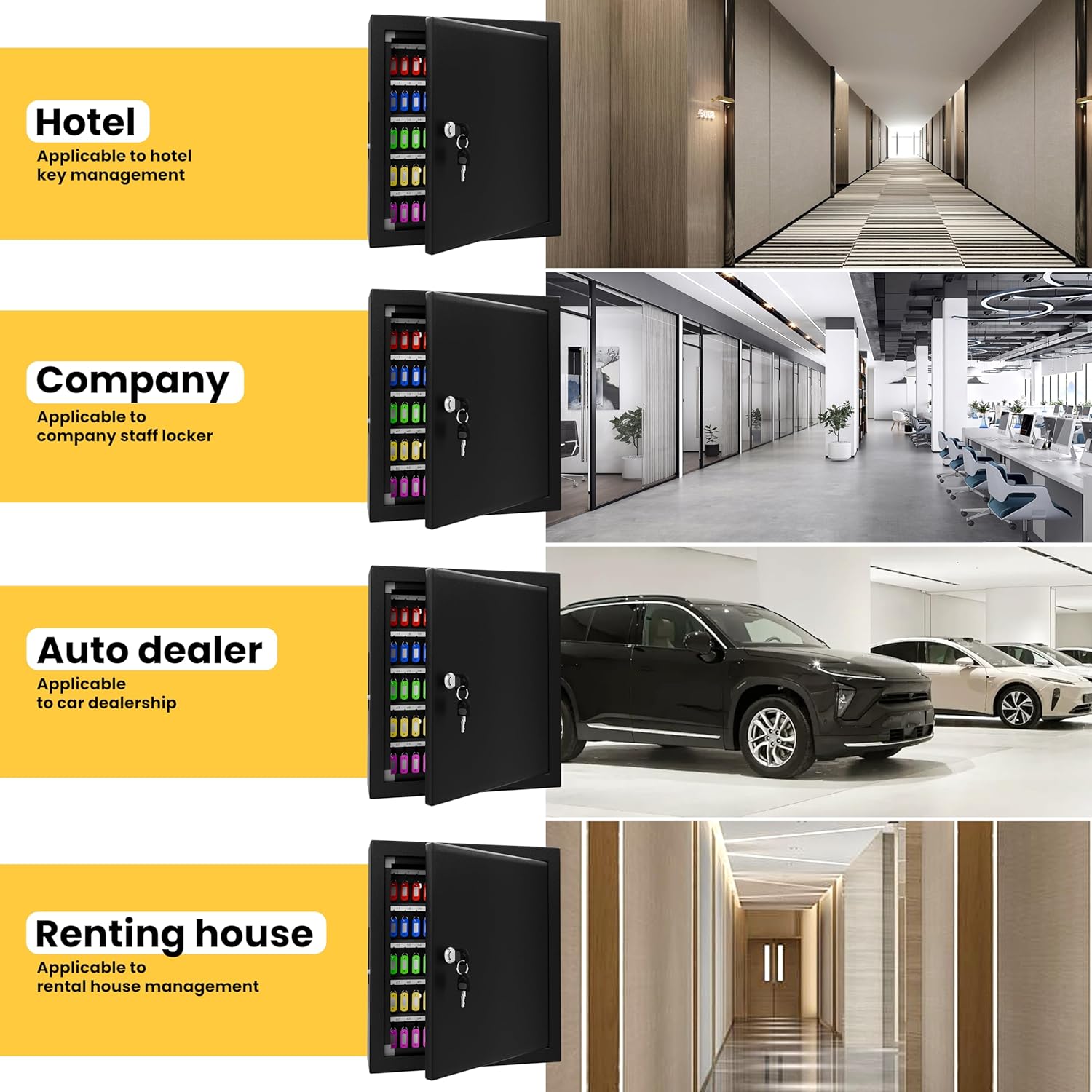
Image: Package contents including the key cabinet, key tags, keys, and mounting hardware.
Setup and Installation
The XDeer Key Cabinet is designed for secure wall mounting. Follow these steps for proper installation:
- Choose a Location: Select a sturdy wall location that can support the weight of the cabinet and its contents. Ensure it is a secure and accessible area.
- Mark Drilling Points: Use the pre-drilled holes on the back of the cabinet as a template to mark the drilling points on the wall.
- Drill Holes: Drill pilot holes at the marked locations. For drywall or plasterboard, insert the provided anchors. For wood-framed walls, screws can be directly inserted into studs.
- Mount the Cabinet: Align the cabinet with the drilled holes and secure it to the wall using the provided screws and anchors. Ensure the cabinet is level and firmly attached.

Image: XDeer Key Cabinet mounted on a wall.
Installation Video
Video: This video demonstrates the installation process and features of the XDeer Wall Mounted Key Organizer, including how to mount the cabinet and use the key hooks.
Operation
Opening and Closing the Cabinet
- To Open: Insert one of the provided keys into the lock on the front of the cabinet. Turn the key to unlock and open the door.
- To Close: Close the cabinet door firmly. Insert the key and turn it to the locked position. Remove the key.
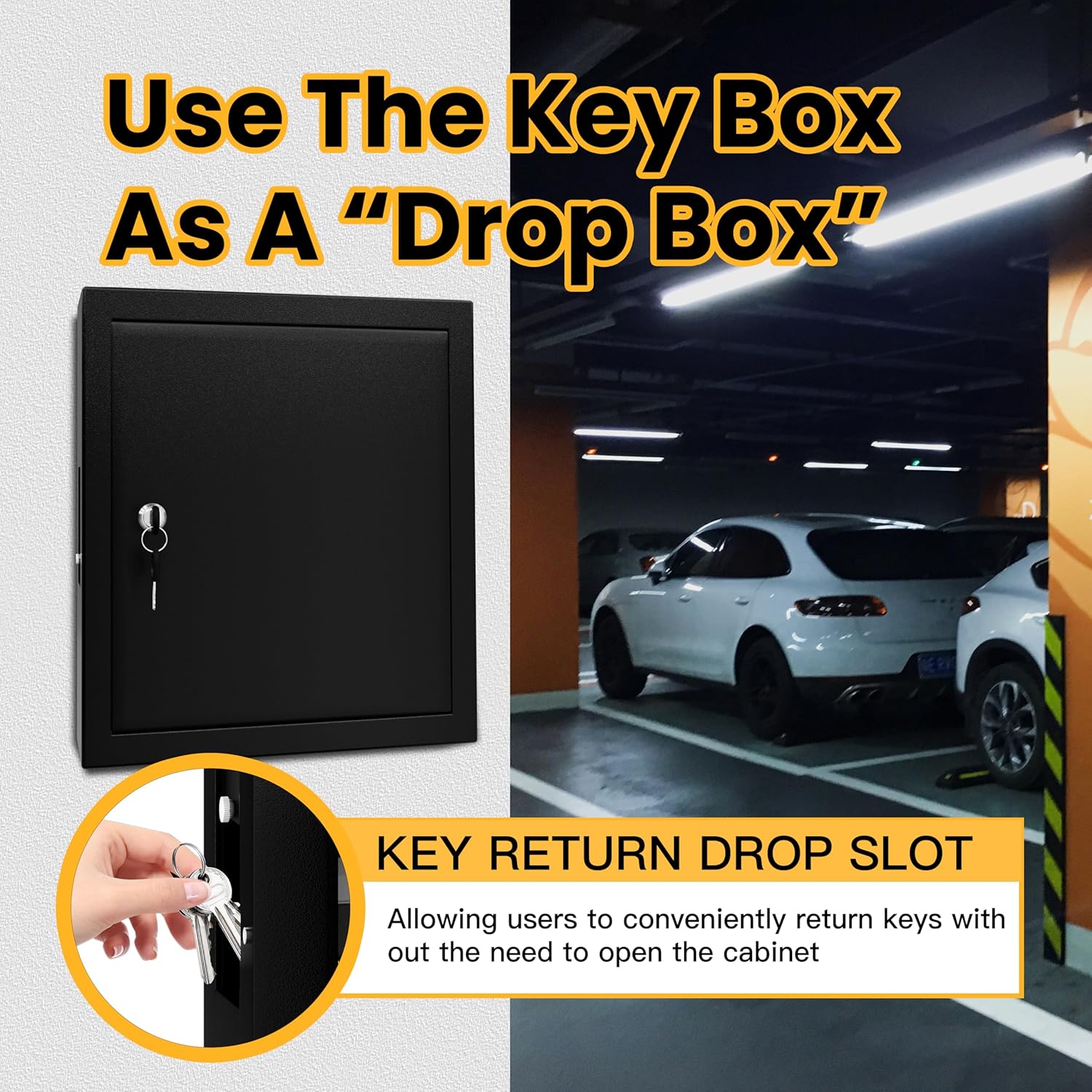
Image: Interior of the key cabinet with numbered hooks.
Using Key Tags and Hooks
- Attach each key to a colorful key tag. The tags allow for easy identification and labeling.
- Hang the tagged keys on the numbered hooks inside the cabinet. The hooks are arranged to accommodate up to 125 keys.
- Maintain a record of which key corresponds to which number for efficient management.
Using the Key Drop Slot
The key cabinet features a convenient key drop slot on the side, allowing users to return keys without needing to unlock and open the main door.
- Locate the key drop slot on the side of the cabinet.
- Insert the key into the slot. The key will drop into a secure compartment at the bottom of the cabinet.
- Access to the dropped keys requires unlocking the main cabinet door.

Image: Key drop slot on the side of the cabinet.
Operation Video
Video: This video demonstrates the XDeer Wall Mount Key Box, including its sturdy construction, key tags, and the key drop-off slot. It shows how to unlock and access the interior.
Maintenance
To ensure the longevity and proper functioning of your XDeer Key Cabinet, follow these simple maintenance guidelines:
- Cleaning: Wipe the exterior and interior surfaces with a soft, damp cloth. Avoid using abrasive cleaners or solvents that could damage the finish.
- Lock Care: Periodically check the lock mechanism for smooth operation. If it becomes stiff, apply a small amount of graphite lubricant to the keyhole.
- Mounting Security: Regularly inspect the mounting screws and anchors to ensure they remain tight and secure. Tighten if necessary.
- Key Tags: Replace worn or illegible key tags to maintain clear organization.
Troubleshooting
If you encounter any issues with your XDeer Key Cabinet, refer to the following common troubleshooting tips:
- Cabinet Door Not Closing Properly: Check for any obstructions around the door frame or hinges. Ensure the cabinet is securely mounted and not warped.
- Key Stuck in Lock: Do not force the key. Gently jiggle the key while applying slight turning pressure. If the lock is stiff, try applying graphite lubricant.
- Keys Not Dropping into Slot: Ensure the key is inserted correctly and is not too large or oddly shaped to pass through the slot. Check for any debris blocking the internal path.
- Lost Keys: If the primary keys are lost, use the spare keys provided. It is recommended to keep spare keys in a secure, separate location.
Specifications
| Brand | XDeer |
| Model Name | 125 keys |
| Color | Black |
| Material | Alloy Steel |
| Product Dimensions | 3.94"D x 13.77"W x 15.7"H |
| Item Weight | 1 Pounds |
| Mounting Type | Wall Mount |
| Number of Key Hooks | 125 |
| Special Feature | Key Drop Slot |
Warranty and Support
XDeer stands behind the craftsmanship and quality of each key locker. We offer a money-back guarantee for this product. For any questions, concerns, or support needs, please refer to the contact information provided at the point of purchase or visit the official XDeer website.
