
1. Product Overview
The EDYELL C8 Pro is a motorcycle Bluetooth headset designed for enhanced communication and entertainment while riding. It features long-distance communication, a high-capacity battery, LED emergency lights, automatic call answering, voice control, and IPX6 waterproofing.
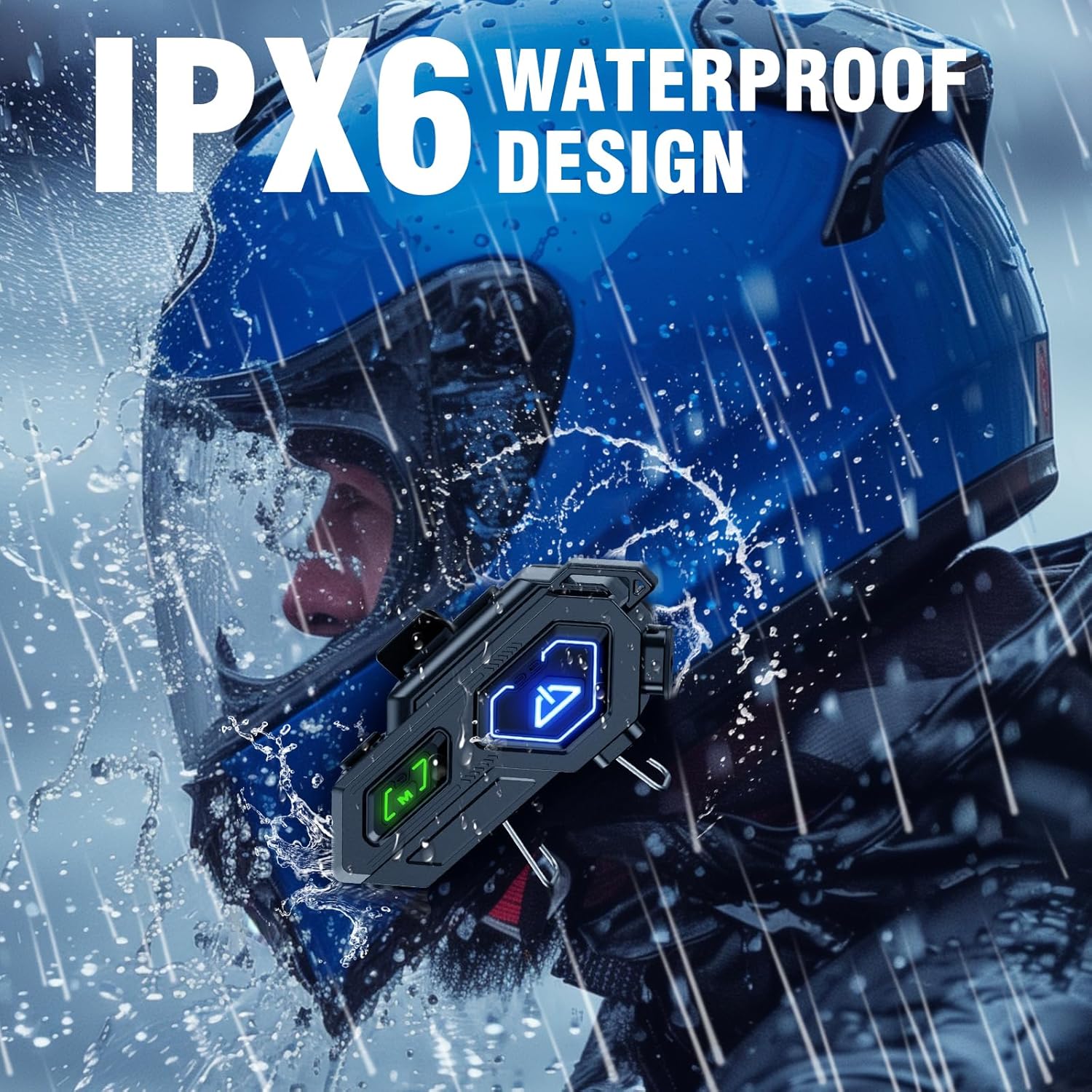
Image: The EDYELL C8 Pro headset unit, showcasing its design and buttons.
2. Package Contents
Before proceeding with the installation, please ensure all items listed below are present in your package:
- Motorcycle Bluetooth Headset C8 Pro (Main Unit)
- Hard Microphone Speakers (for open-face helmets)
- Clamping Base (for helmet mounting)
- Microphone Velcro Tape (x2)
- Speaker Velcro (for speaker attachment)
- Booster Sticker (x2)
- Stand Velcro Tape (x1)
- Thick Double Sided Tape (x1)
- User Manual (x1)
- Charging Cable (x1)

Image: Visual representation of all items included in the EDYELL C8 Pro package.
Unboxing Video
Video: An unboxing video demonstrating the contents of the EDYELL C8 Pro package and initial impressions of the device and accessories.
3. Setup and Installation
Follow these steps to properly install your EDYELL C8 Pro headset onto your helmet:
- Prepare the Helmet: Carefully remove the inner padding from your helmet to access the shell.
- Attach Speaker Velcros: Peel the backing from the speaker Velcro pads and firmly attach them to the inside of the helmet, aligning with your ear positions.
- Install Speakers: Place the 50mm speakers onto the attached Velcro pads. Ensure the speaker with the shorter wire is on the left side. Route the wires neatly under the helmet padding.
- Attach Microphone: Choose between the hard or soft microphone based on your helmet type. Attach the chosen microphone to the front inside of the helmet using the provided Velcro.
- Mount the Main Unit Clip: Secure the clamping base to the left side of your helmet's outer edge. Ensure it is tightly fastened.
- Connect Main Unit: Slide the EDYELL C8 Pro main unit onto the installed clamping base until it clicks securely into place.
- Connect Speaker and Microphone Jacks: Plug the speaker jack (Type-C) and microphone jack into their respective ports on the main unit.
- Reinstall Padding: Carefully reinsert the helmet's inner padding, ensuring all wires are tucked away and do not interfere with comfort or safety.
Installation Demonstration Video
Video: A step-by-step guide demonstrating the installation process of the EDYELL C8 Pro headset onto a motorcycle helmet.

Image: The EDYELL C8 Pro headset shown installed on different types of helmets, highlighting its universal compatibility.
4. Operating Instructions
Power On/Off
- To Power On: Press and hold the Power button (marked with a 'U' icon) for a few seconds until the LED indicator lights up.
- To Power Off: Press and hold the Power button for a few seconds until the LED indicator turns off.
Bluetooth Pairing
- Ensure the headset is powered off.
- Press and hold the Power button until the LED indicator flashes blue and red, indicating pairing mode.
- On your mobile device, enable Bluetooth and search for "EDYELL C8 Pro".
- Select the headset to pair. Once connected, the LED will flash blue slowly.

Image: Illustration of the 600M Bluetooth communication distance and Bluetooth 5.3 support for quick pairing.
Music Playback and Controls
- Play/Pause: Press the Power button once.
- Next Track: Press the '+' button once.
- Previous Track: Press the '-' button once.
- Volume Up: Press and hold the '+' button.
- Volume Down: Press and hold the '-' button.

Image: Depiction of the music sharing feature, allowing riders to share audio with companions.
Call Answering and Voice Control
- Answer Call: The headset will automatically answer incoming calls after 10 seconds. You can also press the Power button once to answer immediately.
- End Call: Press the Power button once during a call.
- Reject Call: Press and hold the Power button for 2 seconds when a call comes in.
- Activate Voice Assistant (Siri/Google Assistant): Press the 'M' button once to summon your device's voice assistant.

Image: A rider using the intelligent voice assistant feature for hands-free control, including calls and navigation.
LED Emergency Light
- Turn On/Off: Double-click the 'M' button to activate or deactivate the LED emergency light.

Image: Close-up of the EDYELL C8 Pro headset on a helmet, highlighting the large, easy-to-press buttons for control even with gloves.
5. Maintenance and Care
- Water Resistance: The EDYELL C8 Pro is IPX6 waterproof, making it resistant to strong jets of water. This allows for use in various weather conditions, including rain. However, it is not designed for submersion.
- Cleaning: Use a soft, damp cloth to clean the exterior of the headset. Avoid using harsh chemicals or abrasive materials.
- Battery Care: The headset features a 1000mAh high-capacity battery. To maintain battery health, avoid completely draining the battery frequently. If the product is not used for a long time, store it in a dry place and charge it regularly (once a month) to ensure optimal performance. Do not dismantle, squeeze, or puncture the battery. Do not expose the battery to high temperatures.
- Storage: Store the headset in a cool, dry place away from direct sunlight and extreme temperatures.

Image: The EDYELL C8 Pro headset on a helmet, demonstrating its IPX6 waterproof capability under simulated rain conditions.
6. Troubleshooting
| Problem | Possible Cause | Solution |
|---|---|---|
| Device does not power on. | Low battery or device malfunction. | Charge the device fully. If the issue persists, contact customer support. |
| Cannot pair with mobile device. | Headset not in pairing mode, Bluetooth off on phone, or interference. | Ensure headset is in pairing mode (flashing blue/red). Turn off and on Bluetooth on your phone. Move closer to the device. |
| Poor audio quality or no sound. | Speakers improperly installed, volume too low, or poor connection. | Check speaker connections and placement. Adjust volume. Re-pair the device. |
| Microphone not working. | Microphone not connected properly or damaged. | Ensure the microphone jack is fully inserted. Try using the alternative microphone if available. |
| LED emergency light not working. | Not activated correctly. | Double-click the 'M' button to toggle the light. |
If you encounter any issues not listed here or if the suggested solutions do not resolve the problem, please refer to the "Warranty and Support" section for assistance.
7. Specifications
| Feature | Detail |
|---|---|
| Model Name | EDY-MBH-C8 Pro |
| Connectivity Technology | Wireless (Bluetooth 5.3) |
| Noise Control | Passive Noise Cancellation (DSP, ENC & Mic Noise Cancelling) |
| Battery Capacity | 1000mAh Lithium Ion |
| Charging Time | Approx. 20 minutes for full charge |
| Playtime | Up to 40 hours |
| Standby Time | Up to 60 days |
| Water Resistance Level | IPX6 Waterproof |
| Speaker Size | 50mm Hi-Fi Stereo Speakers |
| Control Type | Touch, Voice Control |
| Compatible Devices | All helmets, iOS & Android devices |
| Item Weight | 120 Grams |
| Product Dimensions | 14 x 9.5 x 6 cm |

Image: Illustration showing the DSP, ENC, and Mic Noise Cancelling features for clear audio during rides.
8. Warranty and Support
The EDYELL C8 Pro Motorcycle Bluetooth Headset comes with a 15 Months Edyell India Warranty. Our customer service team is dedicated to providing warm and welcoming support, always ready to help you.
- If there are any quality problems with the product, you are eligible for a free return.
- For any queries, technical assistance, or warranty claims, please contact our customer care.
INDIA CUSTOMER CARE:
- Email: support@fenman.in
- Phone: +91 8882786235
Please retain your purchase receipt for warranty purposes.