
Introduction
The Roku Wireless Bass Pro Subwoofer is designed to enhance your audio experience by adding deep, rich bass to your Roku Streambar, Roku Streambar Pro, or Roku Wireless Speakers. This manual provides essential information for proper setup, operation, and maintenance of your device.
What's in the Box
- Roku Wireless Bass Pro Subwoofer
- Power Cable

Setup
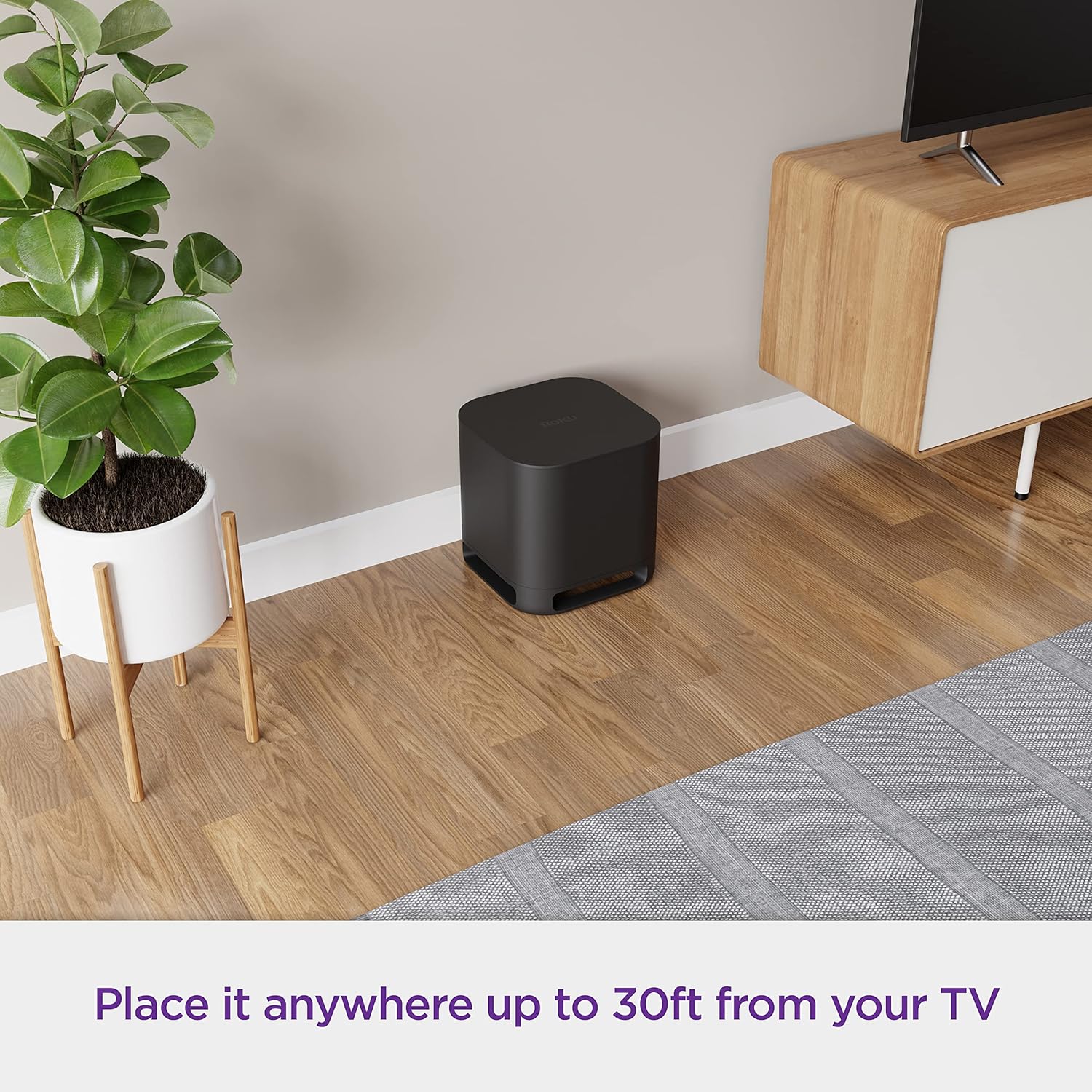
- Placement: Position your Roku Wireless Bass Pro Subwoofer anywhere in your room, up to 30 feet from your TV. Ensure it is on a stable surface.
- Power Connection: Connect the provided power cable to the subwoofer and then plug it into a standard electrical outlet.
- Wireless Pairing: Power on the subwoofer. It will automatically enter pairing mode. On your Roku Streambar, Roku Streambar Pro, or Roku Wireless Speakers, navigate to the audio settings to initiate the wireless pairing process. Follow the on-screen prompts to connect the subwoofer.
- Compatibility: This subwoofer is exclusively designed for use with Roku Streambar, Roku Streambar Pro, and Roku Wireless Speakers. It is not compatible with Roku players or other sound systems.


Operating Instructions
- Enhanced Audio: Once paired, the subwoofer automatically integrates with your Roku audio system to provide deep bass for movies, music, and other content.
- Powerful Bass: The 10-inch driver delivers powerful bass without distortion, enhancing your entertainment experience.
- Remote Control: Use your existing Roku remote to control the volume and settings of your entire Roku audio system, including the subwoofer.
- Expandability: For a full 5.1 surround sound experience, you can add one or two sets of Roku Wireless Speakers to your setup.
- Automatic Updates: The subwoofer receives automatic software updates to ensure optimal performance and the latest features.


Maintenance
To maintain the performance and appearance of your Roku Wireless Bass Pro Subwoofer, follow these guidelines:
- Cleaning: Use a soft, dry cloth to gently wipe the exterior of the subwoofer. Avoid using liquid cleaners, aerosols, or abrasive materials, as these can damage the finish.
- Ventilation: Ensure that the subwoofer's vents are not obstructed to prevent overheating.
- Environment: Keep the subwoofer away from direct sunlight, heat sources, and excessive moisture.
Troubleshooting
If you encounter issues with your Roku Wireless Bass Pro Subwoofer, try the following steps:
- No Sound:
- Ensure the subwoofer is properly plugged into a power outlet and turned on.
- Verify that the subwoofer is correctly paired with your Roku Streambar, Streambar Pro, or Roku Wireless Speakers. Re-initiate the pairing process if necessary.
- Check the volume settings on your Roku device.
- Poor Bass Quality:
- Adjust the subwoofer's placement in the room. Sometimes moving it a few inches can significantly impact bass response.
- Ensure there are no obstructions blocking the subwoofer's output.
- Check audio settings on your Roku device for bass level adjustments.
- Connection Issues:
- If the subwoofer loses connection, try restarting both the subwoofer and your Roku audio device.
- Ensure the subwoofer is within the 30-foot wireless range of your Roku audio device.
- Perform a factory reset on the subwoofer if persistent connection problems occur. The reset button is located on the back panel.
For further assistance, refer to the support section on the official Roku website.
Specifications
| Feature | Detail |
|---|---|
| Brand | Roku |
| Model Number | Roku Wireless Bass Pro |
| Speaker Maximum Output Power | 250 Watts |
| Connectivity Technology | Wireless (Wi-Fi) |
| Audio Output Mode | Stereo, Surround |
| Mounting Type | Tabletop Mount |
| Speaker Type | Subwoofer |
| Additional Features | Wireless, Bass Boost |
| Maximum Wireless Range | 30 Feet |
| Woofer Diameter | 10 Inches |
| Item Dimensions (D x W x H) | 11.8"D x 11.8"W x 11.8"H |
| Item Weight | 17.2 Pounds |
| Compatible Devices | Roku Streambar, Roku Streambar Pro, Roku Wireless Speakers |
| UPC | 724129015188 |
Warranty and Support
The Roku Wireless Bass Pro Subwoofer comes with a 90-day limited warranty. For detailed warranty information and to register your product, please visit the official Roku support website. For technical assistance, troubleshooting guides, and frequently asked questions, consult the online resources provided by Roku.


