
Introduction
This manual provides comprehensive instructions for the setup, operation, and maintenance of your FENCHILIN Vanity Mirror with Lights. Designed for optimal illumination and clarity, this mirror features smart touch controls, adjustable lighting, and a 10X magnification mirror for detailed applications. Please read this manual thoroughly before use to ensure proper function and longevity of your product.
Safety Information
- Ensure the mirror is placed on a stable, flat surface to prevent tipping.
- Keep the mirror away from water or excessive moisture to prevent electrical hazards.
- Do not expose the mirror to direct sunlight for prolonged periods, as this may cause damage to the LED lights or mirror surface.
- Unplug the mirror from the power outlet before cleaning or when not in use for extended periods.
- Keep out of reach of children.
Package Contents
Please verify that all items listed below are included in your package:
- FENCHILIN Vanity Mirror with Lights (11.8"L x 9.8"W)
- 10X Magnification Mirror (detachable)
- Power Adapter
- Cleaning Cloth
- User Manual (this document)
Setup
- Unboxing: Carefully remove all components from the packaging. Retain packaging for future storage or transport.
Video: Demonstrates the unboxing process of the FENCHILIN Vanity Mirror.
- Power Connection: Insert the power adapter into the DC input port located at the back of the mirror base. Plug the other end of the adapter into a standard electrical outlet.
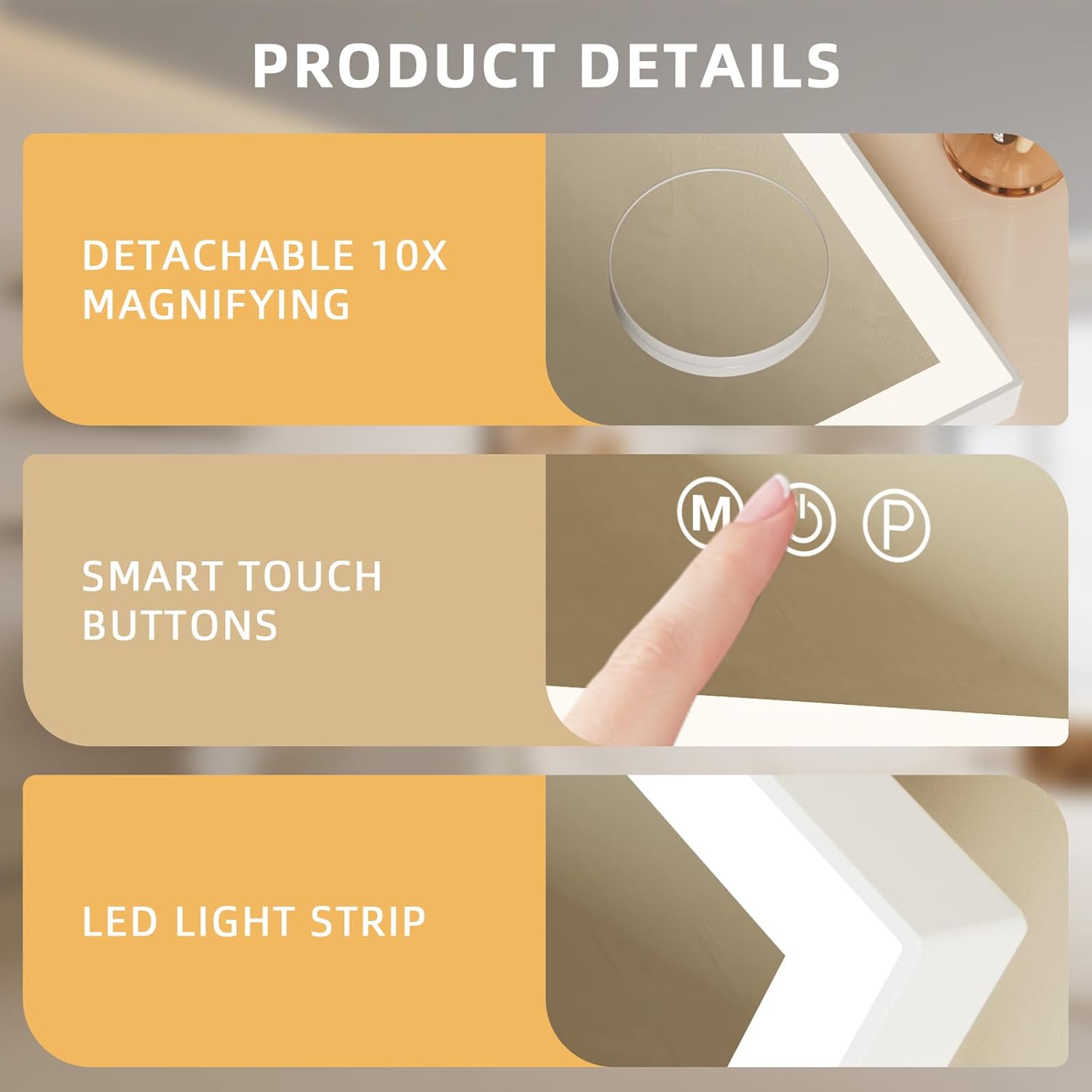
Image: Rear view of the mirror, highlighting the power input port.
- Attaching 10X Magnification Mirror: The included 10X magnification mirror has suction cups on its back. Gently press the suction cups onto the main mirror surface at your desired height and position until it adheres securely.
Image: Close-up of the detachable 10X magnifying mirror, showing its suction cups for attachment.
Operating Instructions
Your FENCHILIN Vanity Mirror features smart touch controls located on the mirror surface.
Image: Detail of the smart touch control buttons on the mirror.
- Power On/Off: Touch the central power button (⑁) to turn the mirror's lights on or off.
- Adjusting Light Colors: Press the 'M' (Mode) button to cycle through the three available light color modes:
- Warm White (3000K): Ideal for evening makeup or warm indoor settings.
- Natural White (4000K): Best for daily makeup, simulating natural daylight.
- Cold White (6500K): Suitable for detailed tasks or bright outdoor activities.

Image: Visual representation of the three distinct light color modes.
- Adjusting Brightness: With the lights on, long press the 'P' (Brightness) button to continuously adjust the brightness level. Release the button when the desired brightness is achieved.

Image: Demonstrates the adjustable light brightness feature.
- Memory Function: The mirror features a memory function that retains your last used brightness setting when turned off and on again.
- 360° Rotation: The mirror head can be rotated 360 degrees horizontally and vertically, allowing you to adjust the viewing angle to your preference.

Image: Illustrates the mirror's ability to rotate 360 degrees for flexible positioning.
Maintenance
- Cleaning: Use the provided soft cleaning cloth to wipe the mirror surface and frame. For stubborn spots, dampen the cloth slightly with water or a mild, non-abrasive glass cleaner. Avoid using harsh chemicals or abrasive materials that could damage the mirror or its finish.
- Storage: When not in use for extended periods, store the mirror in a dry, cool place, ideally in its original packaging to protect it from dust and damage.
Troubleshooting
| Problem | Possible Cause | Solution |
|---|---|---|
| Mirror lights do not turn on. | Power adapter not properly connected or no power from outlet. | Ensure the power adapter is securely plugged into both the mirror and a working electrical outlet. Test the outlet with another device. |
| Lights are dim or flickering. | Low power supply or internal issue. | Ensure the power adapter is fully inserted. Try a different outlet. If the issue persists, contact customer support. |
| Touch controls are unresponsive. | Temporary software glitch or dirty sensor. | Unplug the mirror for 30 seconds and plug it back in. Clean the touch control area with the provided cloth. |
| 10X magnification mirror does not stick. | Suction cups or mirror surface are dirty. | Clean both the suction cups and the area on the main mirror where you intend to place it. Ensure surfaces are dry before re-attaching. |
Specifications
- Brand: FENCHILIN
- Model: 11.8"L x 9.8"W
- Product Dimensions: 11.81"L x 9.84"W
- Frame Material: Alloy Steel
- Light Source: 144 LED lights
- Color Temperature: 3000K (Warm White), 4000K (Natural White), 6500K (Cold White)
- Special Features: Smart Touch Control, Dimmable LED Light, 360° Rotation, 10X Magnification Mirror
- Item Weight: 4.11 pounds
- Assembly Required: No
Warranty and Support
FENCHILIN is committed to providing high-quality products and customer satisfaction. If you have any questions, concerns, or encounter any issues with your vanity mirror, please do not hesitate to contact our customer support team. We are dedicated to providing solutions and ensuring your experience with our products is positive.
For support, please refer to the contact information provided on the product packaging or visit the official FENCHILIN website.