
VTech VG232
VTech VG232 Cordless Phone User Manual
Model: VG232
Introduction
This manual provides detailed instructions for the setup, operation, and maintenance of your VTech VG232 Cordless Phone with Answering System. Please read this manual thoroughly to ensure proper use and to take full advantage of all features.

Image: VTech VG232 Cordless Phone and Base Unit
What's in the Box
Verify that your package contains the following items:
- Base Unit
- Cordless Handset
- AC Adaptor
- Battery Pack
- Telephone Line Cord
Setup
1. Battery Installation
- Open the battery compartment cover on the back of the handset.
- Connect the battery pack connector securely into the jack inside the compartment.
- Place the battery pack with the label UP.
- Close the battery compartment cover.
2. Base Unit Connection
- Plug the small end of the AC adaptor into the power jack on the back of the telephone base.
- Plug the large end of the AC adaptor into a wall outlet not controlled by a wall switch.
- Plug one end of the telephone line cord into the telephone jack on the back of the telephone base.
- Plug the other end of the telephone line cord into a telephone wall jack.
3. Initial Charging
Place the handset in the telephone base to charge. The handset will display 'Charging' and the charge light on the handset will illuminate. Allow at least 16 hours for the battery to fully charge before initial use.
4. Placement Options
The VTech VG232 base unit can be placed on a tabletop or mounted on a wall.

Image: VTech VG232 Cordless Phone Base Unit on a tabletop and wall-mounted
Operating Instructions
Digital Answering System
The integrated digital answering system records messages when you are unavailable to answer calls. It offers up to 14 minutes of recording time.
- Playing Messages: Press PLAY/STOP on the base unit.
- Skipping Messages: Press SKIP to advance to the next message.
- Repeating Messages: Press REPEAT to replay the current message. Press twice to go to the previous message.
- Deleting Messages: Press DELETE during message playback.
- Message Counter: The base unit displays the number of new messages.

Image: VTech VG232 Cordless Phone with Digital Answering System

Image: VTech VG232 Cordless Phone indicating 14 minutes of recording time

Image: VTech VG232 Cordless Phone base unit with message counter displaying '12'
Caller ID/Call Waiting
The phone displays the name, number, time, and date of incoming calls. It stores up to 50 calls in the Caller ID log.
- Reviewing Calls: Use the CID button to scroll through the Caller ID log.
- Calling Back: Press TALK/FLASH to call a number from the Caller ID log.

Image: VTech VG232 Cordless Phone displaying Caller ID information and storing 50 calls
Full-Duplex Handset Speakerphone
Engage the speakerphone function for hands-free conversations. The full-duplex feature allows both parties to speak and be heard simultaneously.
- Activating Speakerphone: Press the TALK/FLASH button during a call to switch to speakerphone.
- Adjusting Volume: Use the VOLUME buttons on the handset.
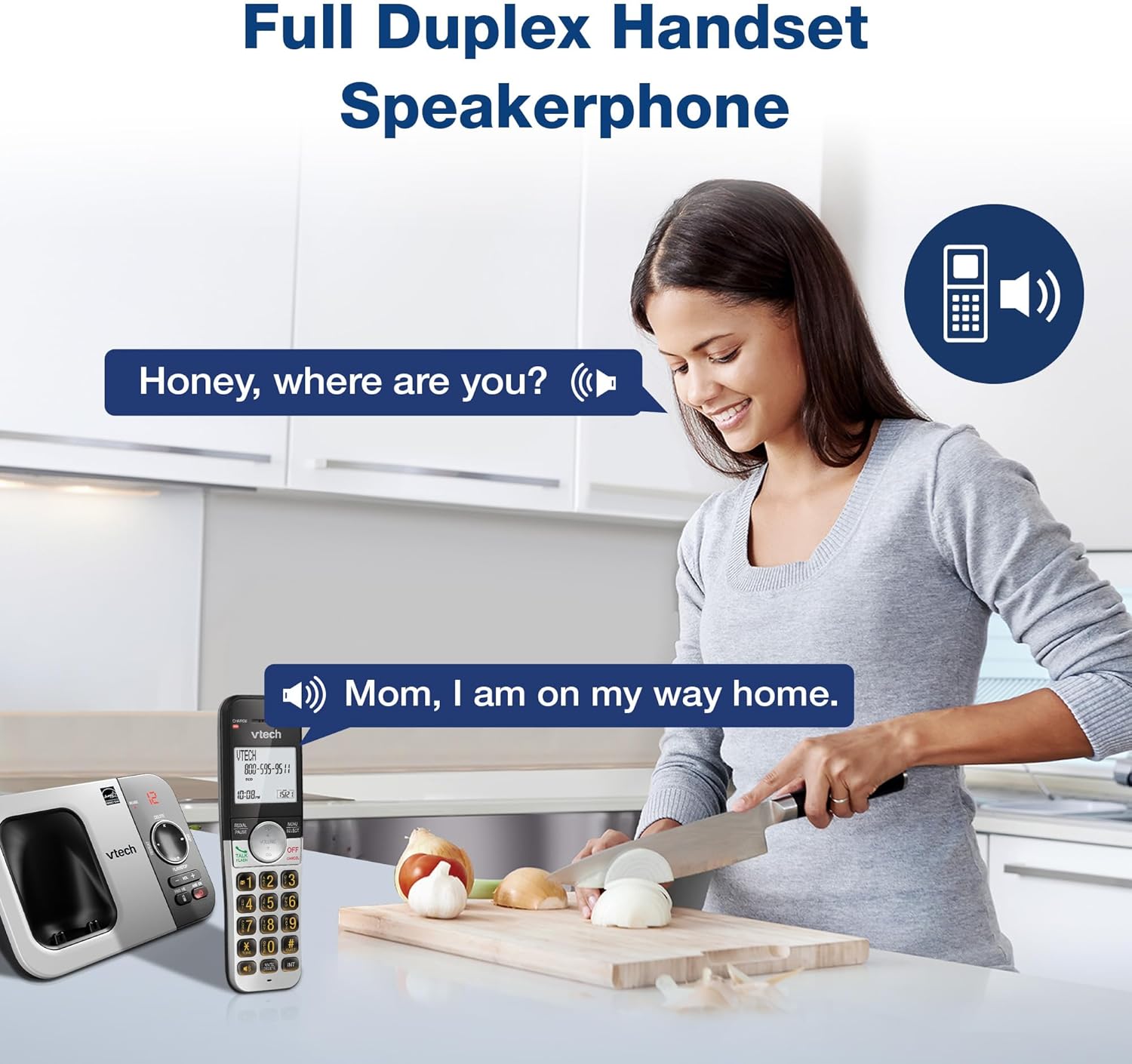
Image: VTech VG232 Cordless Phone with Full Duplex Handset Speakerphone in use
Backlit Keypad and Display
The handset features a backlit keypad and a large 2-inch white backlit LCD screen for improved visibility in low-light conditions.

Image: VTech VG232 Cordless Phone with illuminated keypad
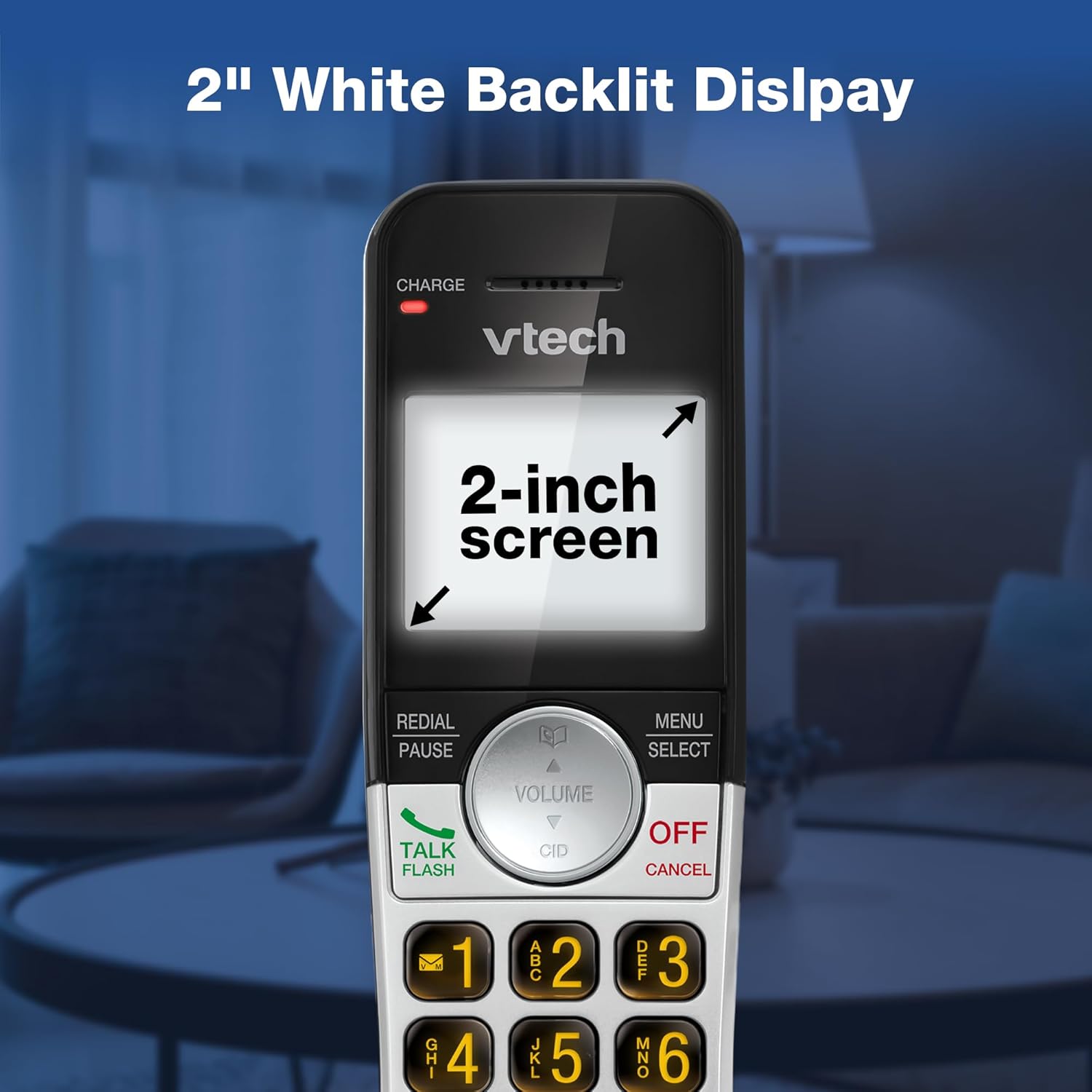
Image: VTech VG232 Cordless Phone with 2-inch white backlit display
Quiet Mode
Activate Quiet Mode to silence the ringer on the handset and base unit for a specified period, providing uninterrupted peace.
- Activating Quiet Mode: Press and hold the QUIET button (usually #) on the handset. Follow the on-screen prompts to set the duration.

Image: VTech VG232 Cordless Phone showing Quiet Mode feature
Phonebook
Store up to 50 names and numbers in the phonebook for quick dialing.
- Adding Entries: Press MENU/SELECT, navigate to Phonebook, and select 'Add New Entry'.
- Searching Entries: Use the alphabetical search function or scroll through the list.

Image: VTech VG232 Cordless Phone displaying 50 Name and Number Phonebook Contacts
Last 10 Number Redial
Quickly redial any of the last 10 numbers called.
- Redialing: Press REDIAL/PAUSE to view the last 10 numbers. Select a number and press TALK/FLASH to dial.

Image: VTech VG232 Cordless Phone showing Last 10 Number Redial feature
Intercom Between Handsets (if applicable)
If you have multiple handsets, you can use the intercom feature to communicate between them.
- Initiating Intercom: Press INT on the handset and select the desired handset to call.

Image: Two VTech VG232 Cordless Handsets communicating via intercom
Remote Access to Answering System
Access your answering system messages from an outside line.
- Accessing: Dial your phone number from an external phone. When the answering system answers, enter your remote access code.

Image: VTech VG232 Cordless Phone showing remote access feature
Maintenance
To ensure the longevity and optimal performance of your VTech VG232 Cordless Phone, follow these maintenance guidelines:
- Cleaning: Clean the phone and base unit with a soft, damp cloth. Do not use cleaning sprays or harsh chemicals.
- Battery Care: Replace the battery pack when the handset indicates low battery or when performance significantly decreases. Use only the specified replacement battery.
- Environmental Conditions: Avoid exposing the phone to extreme temperatures, direct sunlight, or moisture.
Troubleshooting
If you experience issues with your phone, refer to the following common problems and solutions:
| Problem | Solution |
|---|---|
| No dial tone | Ensure the telephone line cord is securely connected to both the base unit and the wall jack. Check if the AC adaptor is properly connected to the base unit and a working power outlet. |
| Handset displays "Low Battery" | Place the handset in the base unit to charge. Allow at least 16 hours for a full charge. If the issue persists, the battery pack may need replacement. |
| Cannot hear caller / Caller cannot hear me | Adjust the handset volume. Check the telephone line cord connection. If using speakerphone, ensure you are speaking clearly towards the handset. |
| Answering system not recording messages | Ensure the answering system is turned ON. Check if the memory is full; delete old messages if necessary. |
| Caller ID not displaying | Ensure you have subscribed to Caller ID service from your telephone service provider. |
Specifications
| Feature | Detail |
|---|---|
| Model Number | VG232 |
| Product Dimensions | 5.54 x 3.36 x 7.23 inches |
| Item Weight | 1.1 pounds |
| Telephone Type | Cordless |
| Answering System Type | Digital |
| Answering System Recording Time | Up to 14 minutes |
| Caller ID Memory | 50 calls |
| Phonebook Capacity | 50 names and numbers |
| Display | 2-inch White Backlit LCD |
| Keypad | Backlit |
| Power Source | Battery Powered (1 Product Specific battery included) |
| Material | Plastic |
| Color | Silver, Black |
| Compatible Devices | PSTN networks, VTech models |
Warranty and Support
VTech products are manufactured with high-quality components and are designed to provide years of trouble-free operation. For specific warranty details, please refer to the warranty card included with your purchase or visit the official VTech website.
For technical support, product registration, or to purchase accessories, please visit the VTech support website or contact customer service:
- Online Support: www.vtechphones.com/support
- Customer Service: Refer to your product packaging for the most current contact information.
Related documentsVG232


Ask a question about this manual
Ask about setup, troubleshooting, compatibility, parts, safety, or missing instructions. Manuals+ will review the question and use this page’s manual context to help answer it.