
Introduction
Thank you for choosing the Kepwam Self Heating Coffee Mug T1-16oz. This manual provides essential information for the safe and efficient use of your new temperature-controlled mug. Please read it thoroughly before first use and keep it for future reference.
Product Overview
The Kepwam T1-16oz is designed to keep your beverages at your preferred temperature, offering convenience and an enhanced drinking experience. It features multiple heat settings, a long-lasting battery, and dual control options via a touch button or a dedicated mobile application.

Image: Kepwam Self Heating Coffee Mug T1-16oz in Burgundy on its charging coaster.
Setup
Unboxing and Initial Inspection
Upon opening the package, ensure all components are present and undamaged. The package should contain the Kepwam heating mug, a removable lid, an instruction manual, and a charging coaster.

Image: Unboxing the Kepwam Self Heating Coffee Mug, showing the mug, lid, and charging coaster.
Charging the Mug
Before first use, fully charge your Kepwam mug. Connect the charging coaster to a power outlet using the provided adapter. Place the mug onto the charging coaster. The indicator lights on the mug will show the charging status. A full charge provides up to 180 minutes of heating with the lid sealed.

Image: Kepwam charging coaster with charging pins.
App Connection (Optional)
For advanced customization and control, download the Kepwam app from your device's app store. Follow the in-app instructions to connect your mug via Bluetooth. This allows for real-time temperature monitoring and degree-by-degree temperature adjustments.

Image: Dual control modes for the Kepwam mug, illustrating both manual button operation and smartphone app control.
Operating Instructions
Manual Control
- Power On/Off: Long press the power button located at the base of the mug to turn it on or off.
- Set Temperature: Short press the power button to cycle through the three heat settings:
- Warm: 113°F
- Hot: 131°F
- Piping: 149°F

Image: Close-up of the Kepwam mug's base, highlighting the power button and heat setting indicators.
App Control
Once connected to the Kepwam app, you can:
- Monitor the current beverage temperature in real-time.
- Adjust the temperature precisely, degree by degree, within the available range.
- Customize appearance settings within the app.

Image: Smartphone screen displaying the Kepwam app interface with temperature control options.
Using the Lid
The included lid helps maintain the beverage temperature for longer periods and prevents spills. For optimal heat retention, ensure the lid is properly sealed when not actively drinking.

Image: Close-up of the mug's lid with a sliding opening mechanism.
Official Product Video: Kepwam Temperature Control Smart Mug
Video: An official product video from Kepwam demonstrating the features and usage of the Temperature Control Smart Mug.
Maintenance
Cleaning Instructions
To ensure the longevity and proper functioning of your Kepwam mug, follow these cleaning guidelines:
- Hand Wash Only: The mug must be hand washed. Do not immerse the base of the mug in water.
- Avoid Dishwasher and Microwave: Do not place the mug in a dishwasher or microwave. This can damage internal wiring, impair heating functions, and pose safety hazards.
- Use Cold or Lukewarm Water: Do not use hot water for cleaning, as this may affect the internal components.
- Dry Thoroughly: Ensure the charging contacts at the bottom of the mug and on the coaster are completely dry before placing the mug on the coaster for charging.
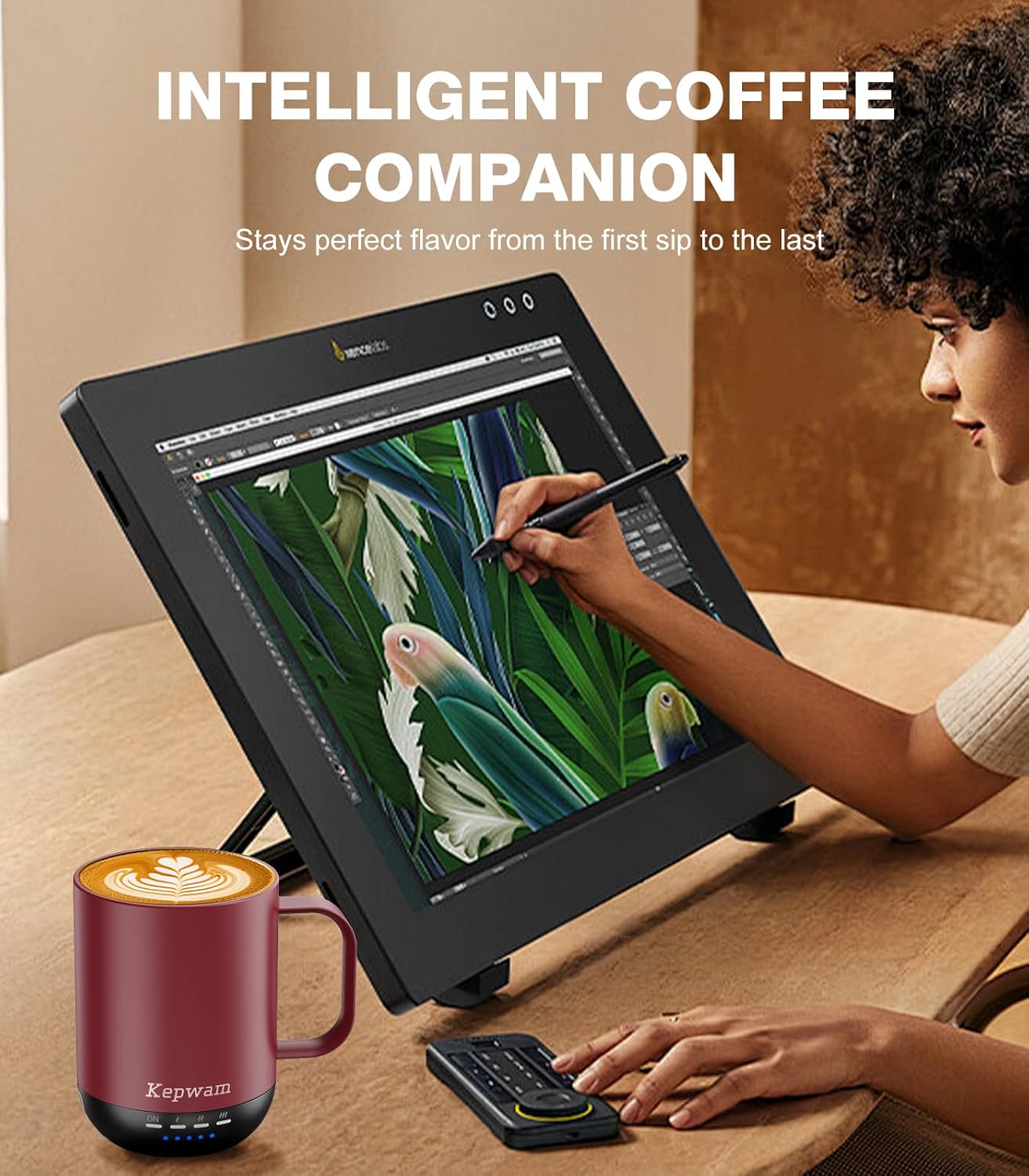
Image: Safety instructions indicating that the mug should not be used in a dishwasher or microwave.
Troubleshooting
If you encounter any issues with your Kepwam Self Heating Coffee Mug, please refer to the following common solutions:
- Mug Not Heating: Ensure the mug is sufficiently charged. If using the charging coaster, verify it is properly plugged into a working power outlet. Check that the mug is placed correctly on the coaster, ensuring the charging contacts align.
- App Connectivity Issues: Make sure Bluetooth is enabled on your smartphone and the mug is within range. Try restarting both the app and the mug. If issues persist, try re-pairing the mug through the app's settings.
- Battery Not Charging: Confirm the charging coaster's power adapter is securely connected and the outlet is functional. Clean the charging contacts on both the mug and the coaster to remove any debris that might obstruct the connection. Ensure both are dry.
- Unusual Odor or Sound: Immediately discontinue use and contact customer support if you notice any unusual odors, sounds, or smoke coming from the mug or charging coaster.
Specifications
| Feature | Detail |
|---|---|
| Capacity | 16 ounces (14 oz with lid) |
| Maximum Temperature | 149°F |
| Manufacturer | Kepwam |
| Item Weight | 1.81 pounds (0.82 Kilograms) |
| Material | Stainless Steel |
| Power Source | Battery Powered |
| Battery Type | 1 Lithium Polymer battery required |
| Package Dimensions | 6.81 x 6.46 x 5 inches |
Warranty & Support
For any product-related inquiries, technical support, or warranty claims, please contact Kepwam customer service. Refer to the contact information provided in your product packaging or visit the official Kepwam website for assistance.
Note: Keep your purchase receipt as proof of purchase for warranty purposes.