
Introduction
Thank you for choosing the Alecto DVM-64 Video Baby Monitor. This manual provides essential information for the safe and effective operation of your device. The DVM-64 offers a secure, interference-free connection, a large display, night vision, two-way talk, and an extended range to help you monitor your baby with peace of mind.
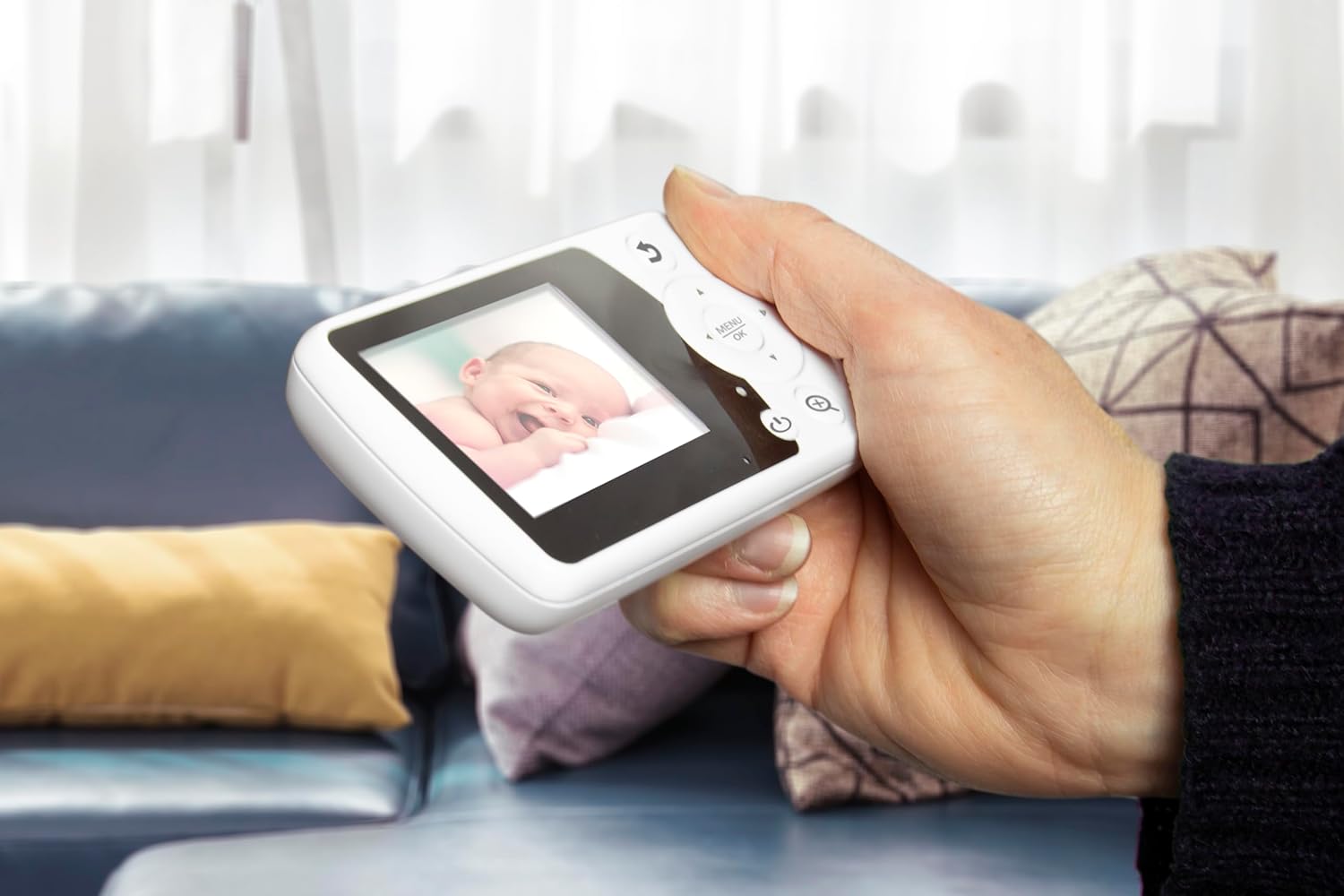
The Alecto DVM-64 parent unit in use, showing a clear image of a baby.
What's in the Box
Please check the package contents to ensure all items are present:
- Baby Unit (Camera)
- Parent Unit (Monitor)
- 2x Power Adapters
- Mounting Hardware
- Instruction Manual (Multi-language)
- Quick Start Guide with illustrations
- General Safety Regulations
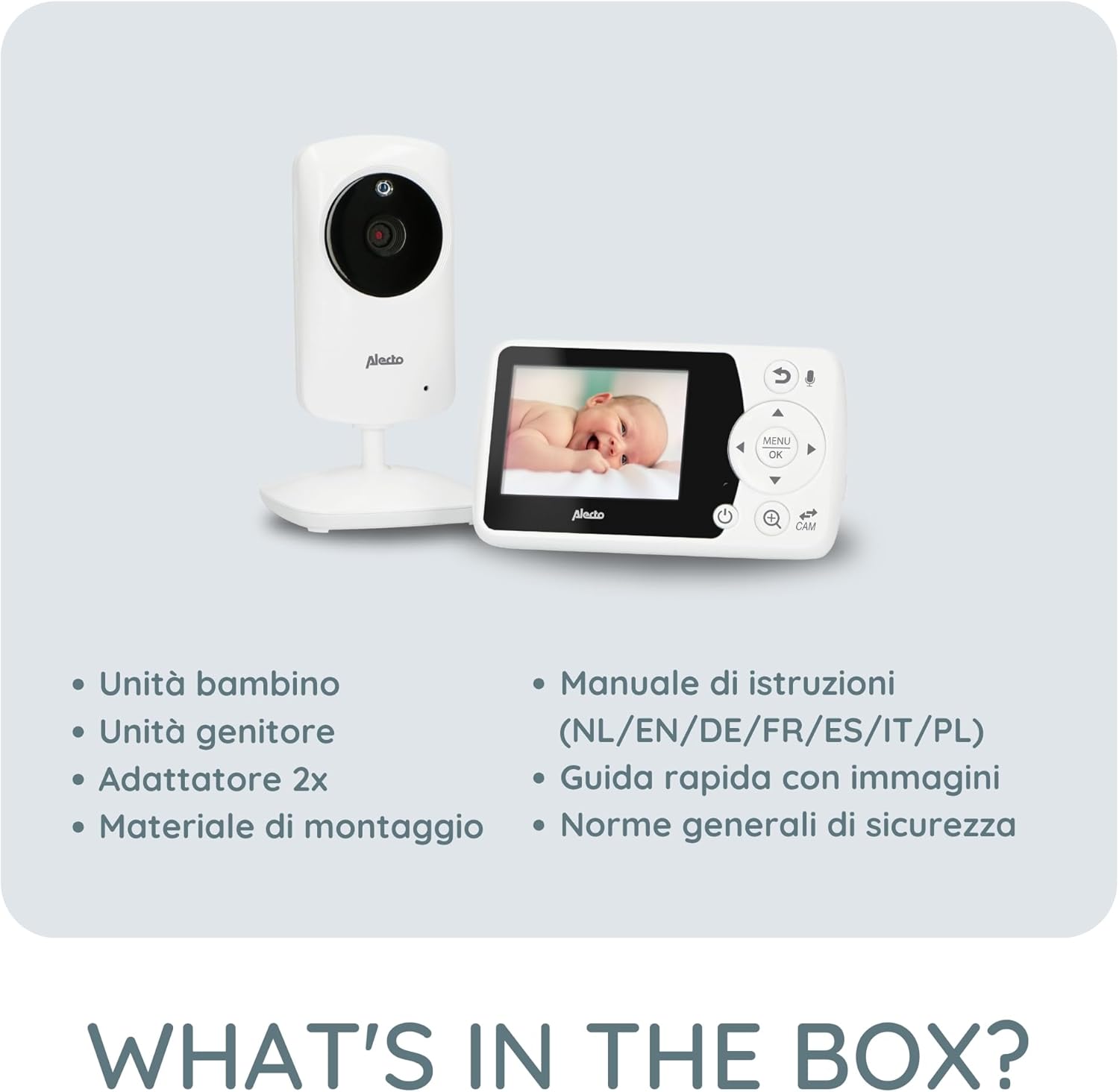
Illustration of all items included in the Alecto DVM-64 package.
Key Features
- Large Screen: The parent unit features an 11-centimeter (2.4-inch) diagonal screen for clear viewing and easy control.
- Night Vision: Automatic night vision mode provides a clear image in low-light conditions or complete darkness.
- Two-Way Talk (Intercom): Communicate with your baby remotely through the parent unit.
- Secure & Interference-Free Connection: Ensures privacy and reliable monitoring.
- Extended Range: Up to 50 meters indoors and 300 meters outdoors. An out-of-range warning alerts you if the connection is lost.
- VOX Function: Image and sound activate automatically when noise is detected, conserving power. Adjustable sensitivity.
- Temperature Display: Monitor the room temperature with an alarm function for optimal comfort.
- Lullabies: 8 integrated lullabies to soothe your baby.
- Expandable: Supports connection of up to 4 cameras (DVM-64C, sold separately) for monitoring multiple rooms.
- Rechargeable Parent Unit: Offers up to 10 hours of standby time.
- Easy Wall Mounting: The baby unit can be easily mounted on a wall.

Visual representation of key features including out-of-range alert and night vision.

Details on the monitor's wide range and the camera's wall-mounting option.
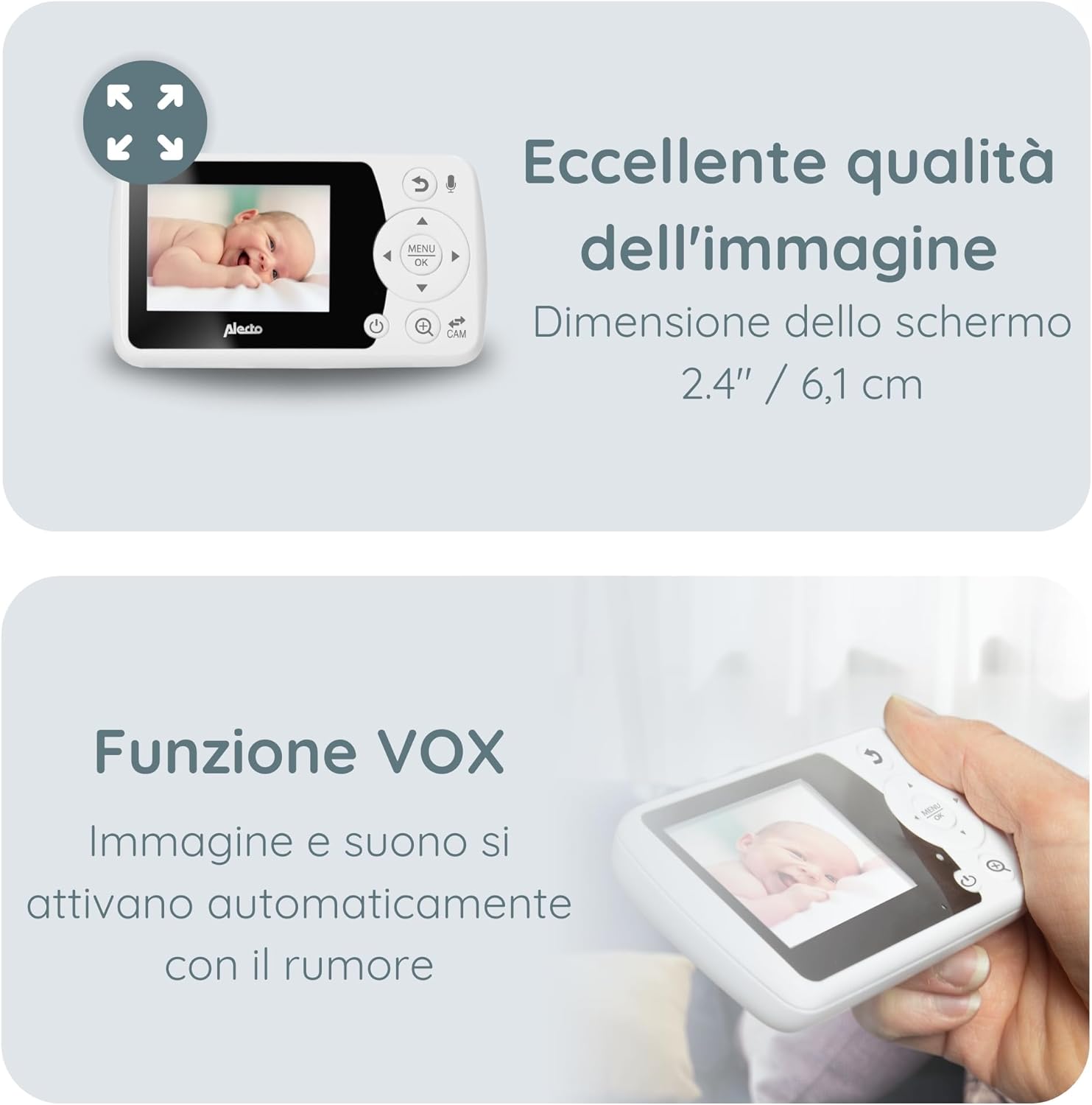
Information on the monitor's image quality, screen dimensions, and VOX feature.

Details on temperature monitoring and the option to add up to four cameras.
Setup
1. Charging the Parent Unit
Before first use, fully charge the parent unit for approximately 8 hours. Connect one of the provided power adapters to the parent unit and a power outlet. The battery indicator on the screen will show charging status.
2. Powering the Baby Unit (Camera)
Connect the second power adapter to the baby unit and a power outlet. The baby unit does not have a battery and must remain connected to power during operation.
3. Positioning the Baby Unit
Place the baby unit in a location that provides a clear view of your baby's crib or play area. Ensure it is out of reach of children (at least 1 meter away from the crib) and that the power cable is not a strangulation hazard. The camera can be manually rotated and tilted to adjust the viewing angle. For optimal night vision, avoid placing the camera directly facing a light source.
4. Powering On
Once both units are connected to power, press and hold the power button on the parent unit to turn it on. The units should automatically connect. If they do not connect, refer to the troubleshooting section for pairing instructions.
Operating Instructions
Parent Unit Controls
The parent unit features a screen and several buttons for navigation and control:
- Power Button: Turns the unit on/off.
- Menu/OK Button: Accesses the menu and confirms selections.
- Navigation Buttons (Up/Down/Left/Right): Navigate through menu options and adjust settings.
- Talk Button: Activates the two-way talk function.
- Camera Switch Button: Switches between connected cameras (if multiple are paired).
- Volume Buttons: Adjusts the sound volume.
Night Vision
The baby unit automatically switches to night vision mode in low-light conditions. The image will appear in black and white, providing a clear view of your baby.
Two-Way Talk Function
Press and hold the Talk button on the parent unit to speak to your baby through the baby unit's speaker. Release the button to hear your baby again.
Lullabies
Access the menu on the parent unit to select and play one of the 8 integrated lullabies. You can also adjust the volume of the lullabies.
VOX Function (Voice Operated Exchange)
The VOX function allows the monitor to enter a power-saving standby mode when no sound is detected. When your baby makes a sound, the monitor will automatically activate the screen and sound. You can adjust the VOX sensitivity in the menu to suit your environment.
Temperature Monitoring
The baby unit continuously monitors the room temperature and displays it on the parent unit's screen. You can set temperature alarms in the menu to be notified if the room becomes too hot or too cold.
Adding Additional Cameras (DVM-64C)
The Alecto DVM-64 system can be expanded with up to 4 cameras (model DVM-64C, sold separately). To add a new camera, navigate to the camera pairing option in the parent unit's menu and follow the on-screen instructions.
Maintenance
Cleaning
Wipe the units with a soft, dry cloth. Do not use abrasive cleaners or solvents. Ensure no liquid enters the units.
Battery Care (Parent Unit)
To prolong battery life, avoid fully discharging the parent unit frequently. If the unit will not be used for an extended period, charge it fully and then store it in a cool, dry place. Recharge it every few months to prevent deep discharge.
Troubleshooting
| Problem | Possible Solution |
|---|---|
| No image/sound on parent unit |
|
| Poor image quality |
|
| Static or interference |
|
| Out-of-range warning |
|
Specifications
- Brand: Alecto
- Model Name: DVM-64
- Connectivity Technology: Wireless
- Screen Size: 2.4 inches / 6.1 cm (diagonal)
- Indoor Range: Up to 50 meters
- Outdoor Range: Up to 300 meters
- Parent Unit Battery Life (Standby): Up to 10 hours
- Expandability: Up to 4 cameras (DVM-64C)
- Special Features: Night Vision, Two-Way Talk, VOX Function, Temperature Display with Alarm, Lullabies, Out-of-Range Warning.

Physical dimensions of the Alecto DVM-64 parent and baby units.
Warranty and Support
For warranty information and customer support, please refer to the general safety regulations document included in your package or visit the official Alecto website. Keep your proof of purchase for warranty claims.


