
Introduction
This manual provides detailed instructions for the Tikkers Series 34 Smartwatch. It covers setup, operation, maintenance, and troubleshooting to help you get the most out of your device. The Tikkers Series 34 Smartwatch is designed for children and teenagers, offering a range of features and a stylish design.

Figure 1: The Tikkers Series 34 Smartwatch, featuring a pink strap and a customizable watch face with a unicorn design.

Figure 2: The Tikkers Series 34 Smartwatch comfortably worn on a child's wrist, displaying the time and a playful watch face.
What's in the Box
Upon unboxing your Tikkers Series 34 Smartwatch, please ensure all the following items are present:
- Tikkers Series 34 Smartwatch
- USB Charging Cable (magnetic attachment)
- Instruction Manual (this document)
- Gift Box Packaging

Figure 3: Included items in the Tikkers Series 34 Smartwatch package. This image shows the pink smartwatch, a USB charging cable, and a quick start guide, all presented within a branded gift box.
Setup
1. Charging the Smartwatch
Before initial use, fully charge your Tikkers Series 34 Smartwatch. A full charge typically takes approximately 2 hours.
- Connect the USB charging cable to a standard USB power adapter (not included) or a computer's USB port.
- Align the magnetic end of the charging cable with the charging contacts on the back of the smartwatch. The magnets will snap it into place.
- The watch screen will indicate charging status.
2. App Installation and Pairing
The Tikkers Series 34 Smartwatch requires the free Tikkers Time app for full functionality and customization. The app is compatible with both iOS and Android smartphones.
- Download the Tikkers Time app from the Google Play Store (for Android devices) or the Apple App Store (for iOS devices).
- Ensure your smartphone's Bluetooth is enabled.
- Open the Tikkers Time app and follow the on-screen instructions to create an account or log in.
- Within the app, select the option to "Add Device" or "Pair Smartwatch."
- The app will search for nearby Tikkers smartwatches. Select your Tikkers Series 34 from the list.
- Confirm the pairing request on both your smartphone and the smartwatch if prompted.

Figure 4: The Tikkers Time app, available for both iOS and Android, is essential for managing smartwatch settings and data.
Operating Your Smartwatch
The Tikkers Series 34 Smartwatch features a color touch screen for navigation and a side button for power and screen activation.
Basic Navigation
- Swipe Up/Down: Scroll through menus and notifications.
- Swipe Left/Right: Access different feature screens (e.g., activity data, heart rate, weather).
- Tap: Select an item or open an application.
- Side Button: Press to wake the screen, return to the home screen, or long-press to power on/off.
Key Features
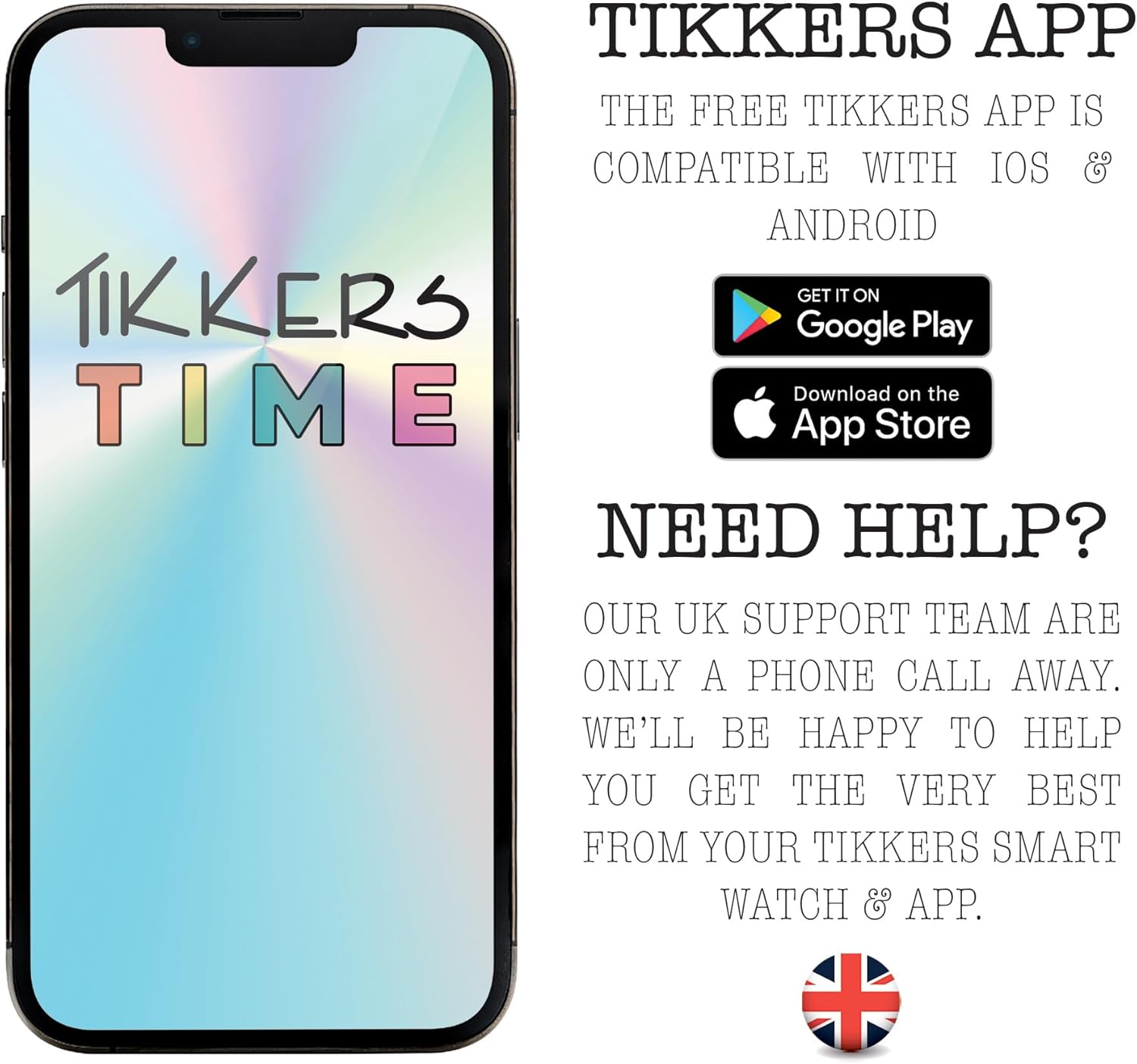
Figure 5: Visual representation of the smartwatch's core functionalities, such as step counting, heart rate monitoring, sleep analysis, and message notifications.
Fitness Tracking
- Step Counter: Automatically tracks your daily steps. View your progress on the watch or in the Tikkers Time app.
- Heart Rate Monitor: Measures your heart rate. Access this feature from the watch menu or set up continuous monitoring via the app.
- Sport Modes: Select from various sport modes (e.g., walking, running, cycling) to track specific workouts. Data is recorded and synced with the app.
- GPS Connection: When connected to your smartphone, the watch can utilize your phone's GPS for tracking outdoor activities like walks or runs.
Communication & Notifications
Stay connected with call, message, and social media notifications directly on your wrist. These alerts can be managed or disabled via the Tikkers Time app settings.
- Call Alerts: Receive notifications for incoming calls.
- Message Notifications: View incoming text messages.
- Social Media Alerts: Get notifications from selected social media applications.
Health & Well-being
- Sleep Monitor: Tracks sleep patterns and quality. View detailed analysis in the Tikkers Time app.
- Hydration Reminders: Set reminders to drink water throughout the day.
- Breathing Exercises: Guided breathing exercises to help with relaxation.
- Alarms: Set multiple alarms for various purposes, such as waking up or reminders.
Additional Functions
- Music Control: Control music playback on your connected smartphone (play, pause, skip tracks).
- Camera Control: Use the watch as a remote shutter for your smartphone's camera, ideal for selfies.
- Weather Alerts: Receive current weather information when connected to your smartphone.
- Watch Locator: A feature within the app to help locate your watch if it's within Bluetooth range.
Customization
Personalize your smartwatch to match your style.
- Watch Faces: Choose from a selection of vibrant pre-installed watch faces.
- Custom Photos: Upload your own photos via the Tikkers Time app to create personalized watch faces.

Figure 6: The Tikkers Series 34 Smartwatch offers multiple dial designs and the option to use personal photos for customization, managed through the companion app.
Maintenance
Water Resistance (IP68)
The Tikkers Series 34 Smartwatch is rated IP68 for water resistance. This means it is protected against dust ingress and can withstand immersion in water up to 1.5 meters for up to 30 minutes. It is suitable for everyday use, such as washing hands or light rain. However, it is not recommended for swimming, showering with hot water, or diving, as steam and high water pressure can compromise the seals.
Cleaning
To clean your smartwatch:
- Wipe the screen and strap with a soft, damp cloth.
- Avoid using harsh chemicals, abrasive cleaners, or solvents, as these can damage the watch's finish and components.
- Ensure the watch is completely dry before charging.
Battery Care
To prolong the battery life of your smartwatch:
- Avoid extreme temperatures, both hot and cold.
- Do not allow the battery to fully discharge frequently.
- Charge the watch regularly, even if not in daily use.
Troubleshooting
| Problem | Possible Cause | Solution |
|---|---|---|
| Watch does not turn on. | Low battery. | Charge the watch for at least 30 minutes. |
| Cannot pair with smartphone. | Bluetooth off, watch not in pairing mode, app issue. | Ensure Bluetooth is on. Restart both watch and phone. Reinstall Tikkers Time app. |
| Notifications not received. | App permissions, notification settings in app. | Check app notification settings and phone's app permissions. Ensure watch is connected. |
| Inaccurate fitness data. | Improper fit, sensor obstruction. | Ensure the watch is worn snugly on the wrist. Clean the heart rate sensor. |
| Screen unresponsive. | Temporary software glitch. | Restart the smartwatch by long-pressing the side button. |
Specifications
| Feature | Detail |
|---|---|
| Brand | Tikkers |
| Model Number | TKS34-0022 |
| Color | Pink |
| Screen Size | 1.69 inches |
| Connectivity | Bluetooth |
| Operating System (Compatibility) | Android (compatible with Android smartphones) |
| Water Resistance | IP68 |
| Battery Type | Lithium-polymer |
| Battery Capacity | 200 mAh |
| Special Features | Fitness tracking, sport modes, sleep monitor, heart rate monitor, call alerts, message notifications, social media notifications, GPS connection (via phone), weather alerts, music control, camera control. |
Warranty and Support
Warranty
The Tikkers Series 34 Smartwatch comes with a 2-year guarantee from the date of purchase. This warranty covers manufacturing defects under normal use. Please retain your proof of purchase for any warranty claims. The warranty does not cover damage caused by misuse, accidents, unauthorized repairs, or normal wear and tear.
Customer Support
For any questions, technical assistance, or warranty claims, please contact the Tikkers support team. Our UK support team is available to assist you.
- Refer to the contact information provided in the packaging or on the official Tikkers website.
- Visit the Tikkers website for FAQs and additional resources.


