
TCL Q75H
TCL Q75H Q Class 5.1.2 Channel Soundbar User Manual
Model: Q75H
Brand: TCL
1. Introduction
The TCL Q75H Q Class 5.1.2 Channel Soundbar is designed to provide an immersive home theater audio experience. Featuring Dolby Atmos and DTS:X, Ray Danz Acoustic Reflectors, and up-firing speakers, this soundbar delivers spatial sound from above and behind. It includes a wireless subwoofer for deep bass and offers simple connectivity options like HDMI eARC and Bluetooth for music streaming.
2. What's in the Box
- TCL Q75H Soundbar
- Wireless Subwoofer
- Remote Control
- Power Cable (for Soundbar)
- Power Cable (for Subwoofer)
- HDMI Cable
- Quick Start Guide
- Warranty Card

3. Setup Guide
3.1 Placement
Place the soundbar centrally below your television. Ensure there are no obstructions in front of the soundbar, especially for the up-firing speakers, to allow for optimal sound reflection. The wireless subwoofer can be placed anywhere in the room, ideally near a wall or corner for enhanced bass response, but avoid placing it directly in a corner if bass becomes too boomy.
3.2 Connections
- Power Connection: Connect the power cable to the soundbar and plug it into a wall outlet. Do the same for the wireless subwoofer. The soundbar and subwoofer will automatically pair upon powering on.
- HDMI eARC/ARC Connection (Recommended): For the best audio quality and control, connect an HDMI cable from the HDMI eARC/ARC port on your TV to the HDMI OUT (eARC/ARC) port on the soundbar. This allows your TV remote to control the soundbar's volume and power.
- Optical Connection (Alternative): If your TV does not have an HDMI eARC/ARC port, connect an optical cable from your TV's Optical Digital Audio Out port to the OPTICAL IN port on the soundbar.
- Bluetooth Connection: For wireless music streaming from mobile devices, enable Bluetooth on your device and select "TCL Q75H" from the list of available devices.

4. Operating Instructions
4.1 Basic Operations
- Power On/Off: Press the Power button on the remote or soundbar.
- Volume Control: Use the Volume Up (+) and Volume Down (-) buttons on the remote or soundbar.
- Input Selection: Press the Source button on the remote or soundbar to cycle through HDMI, Optical, and Bluetooth inputs.
- Mute: Press the Mute button on the remote to temporarily silence the sound.
4.2 Advanced Features
- Dolby Atmos and DTS:X: The soundbar supports Dolby Atmos and DTS:X for a multi-dimensional audio experience. Ensure your source content and playback device support these formats for optimal performance.

Image: A visual representation of Dolby Atmos and DTS:X sound, showing sound waves emanating from the soundbar and reflecting off the ceiling to create an immersive audio field. - Ray Danz Technology with Acoustic Reflectors: This patented technology widens the sound stage, providing a broader and more enveloping acoustic experience.

Image: Diagram illustrating Ray Danz Technology, where sound is reflected off acoustic reflectors to expand the soundstage, creating a wider listening area. - Up-Firing Speakers: Integrated up-firing speakers reflect audio off your ceiling, enhancing the immersive effect of Dolby Atmos and DTS:X content.
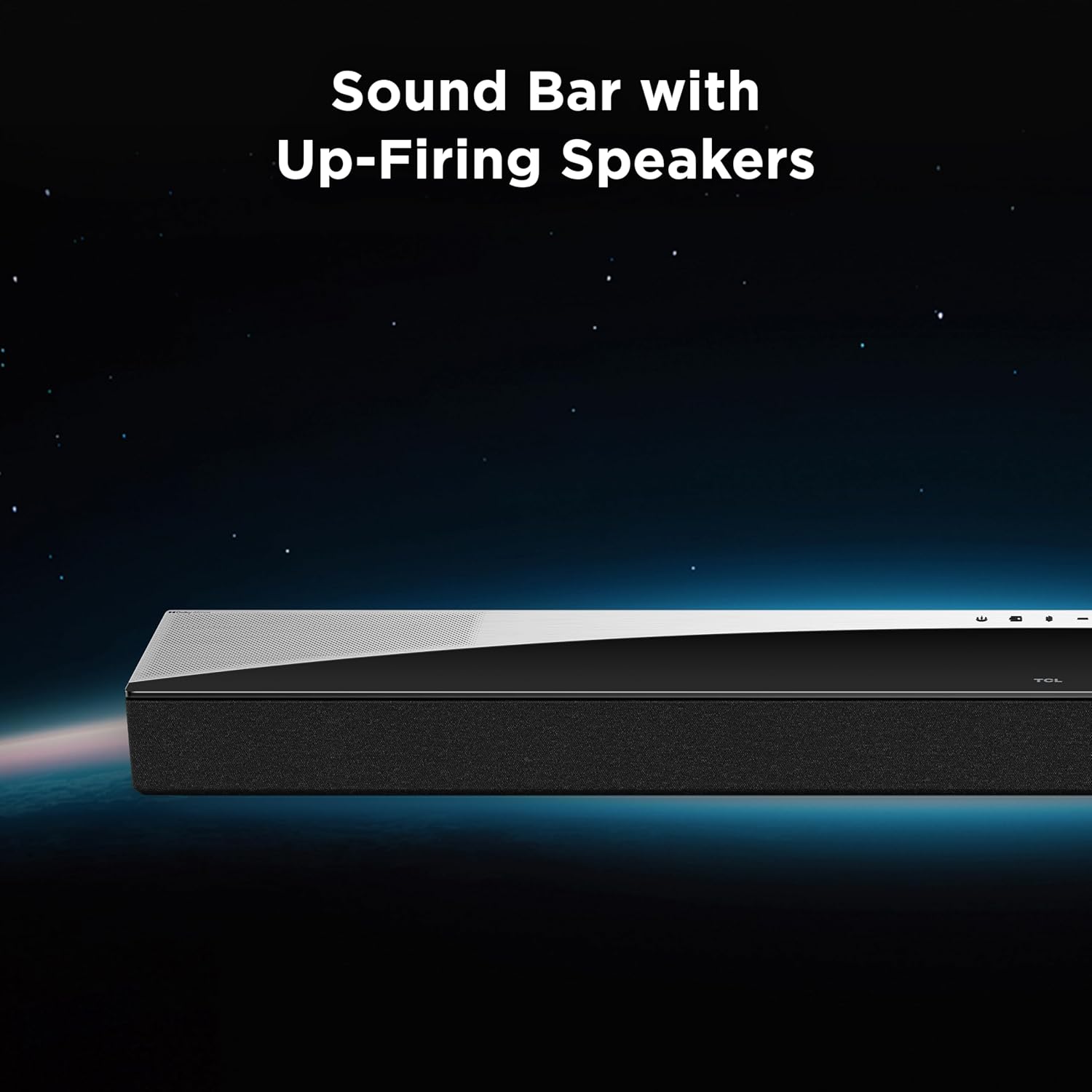
Image: Close-up of the soundbar's top surface, indicating the presence of up-firing speakers designed to project sound upwards for overhead effects. - Built-In Center Channel: Ensures clear dialogue, even during complex action scenes, by dedicating a speaker to vocal frequencies.

Image: A couple enjoying a movie, illustrating the benefit of a built-in center channel for clear dialogue during entertainment. - Built-In Tweeters: Deliver precise, high-frequency sound, complementing the overall audio clarity.

Image: Close-up of the soundbar's speaker grille, emphasizing the location of the built-in tweeters for detailed high-frequency audio reproduction. - Wireless Subwoofer with Bass Boost: The 6.5-inch driver and Bass Boost technology provide deep, rich bass without the need for connecting cables to the soundbar.

Image: The wireless subwoofer, with a visual representation of sound waves emanating from its base, indicating powerful bass output. - Bluetooth Wireless Music Streaming: Easily stream audio from your smartphone, tablet, or other Bluetooth-enabled devices.

Image: A person playing drums, with a graphic overlay suggesting wireless music streaming via Bluetooth to the soundbar. - Ai Sonic Auto Room Calibration: This feature optimizes sound quality by automatically tailoring the audio output to your unique room acoustics. Refer to the Quick Start Guide for instructions on initiating room calibration.
5. Maintenance
To ensure the longevity and optimal performance of your TCL Q75H Soundbar, follow these maintenance guidelines:
- Cleaning: Use a soft, dry cloth to wipe the surfaces of the soundbar and subwoofer. Do not use liquid cleaners, abrasive cleaners, or chemical sprays, as these can damage the finish or internal components.
- Ventilation: Ensure that the ventilation openings on the soundbar and subwoofer are not blocked. Proper airflow prevents overheating.
- Avoid Liquids: Keep the soundbar and subwoofer away from water or excessive moisture. Do not place liquid-filled objects on or near the units.
- Dust Accumulation: Regularly dust the units to prevent dust buildup, which can affect performance and lifespan.
6. Troubleshooting
| Problem | Possible Cause | Solution |
|---|---|---|
| No power | Power cable not securely connected; Power outlet not active. | Check power cable connections to both the soundbar/subwoofer and the wall outlet. Try a different outlet. |
| No sound | Incorrect input selected; Volume too low; Muted; Incorrect audio output setting on TV. | Press the Source button to select the correct input. Increase volume. Check if muted. On your TV, ensure audio output is set to External Speakers or HDMI ARC/Optical. |
| Subwoofer not pairing | Subwoofer too far from soundbar; Interference; Pairing issue. | Ensure subwoofer is within range (typically 30 feet). Reduce interference from other wireless devices. Power cycle both soundbar and subwoofer. Refer to Quick Start Guide for manual pairing instructions if needed. |
| Remote control not working | Batteries depleted; Obstruction between remote and soundbar; Remote sensor blocked. | Replace batteries. Remove any obstructions. Ensure the remote is pointed directly at the soundbar's sensor. |
| Distorted sound | Volume too high; Poor audio source quality; Incorrect audio settings. | Lower the volume. Try a different audio source. Adjust sound modes or EQ settings. |
7. Specifications
| Feature | Detail |
|---|---|
| Model Name | Q75H |
| Speaker Type | Surround Sound |
| Product Dimensions (Soundbar) | 2.68"D x 41.5"W x 4.86"H |
| Item Weight | 29.9 pounds (total package weight) |
| Speaker Maximum Output Power | 620 Watts |
| Audio Encoding | DTS:X Master Audio, Dolby Atmos |
| Connectivity Technology | Bluetooth, Optical, HDMI |
| Subwoofer Connectivity | Wireless |
| Channels | 5.1.2 |
| Subwoofer Driver Size | 6.5 Inches |
8. Warranty Information
This TCL product is covered by a limited manufacturer's warranty. Please refer to the Warranty Card included in your package for detailed terms and conditions, including warranty period and coverage. Keep your proof of purchase for warranty claims.
9. Customer Support
For further assistance, technical support, or service inquiries, please visit the official TCL support website or contact their customer service hotline. Contact information can typically be found on the TCL website or in the Quick Start Guide.
Related Documents - Q75H
 |
TCL Q75H Quick Start Guide: Dolby Atmos Sound Bar Setup Get started quickly with your TCL Q75H 5.1.2 Channel Dolby Atmos Sound Bar featuring Ray Danz Technology. This guide covers setup, connections, and key features for an immersive audio experience. |
 |
TCL Q75H 5.1.2 Channel Dolby Atmos Soundbar User Manual User manual for the TCL Q75H 5.1.2 Channel Dolby Atmos Soundbar with Wireless Subwoofer. Learn about setup, connectivity, features, and troubleshooting for an enhanced home audio experience. |
 |
TCL Q75H 5.1.2 Channel Dolby Atmos Soundbar Quick Start Guide Get started quickly with the TCL Q75H 5.1.2 Channel Dolby Atmos Soundbar and Wireless Subwoofer. This guide provides essential setup and operational information for an immersive audio experience. |
 |
TCL S4BH 2.0 Channel Dolby Atmos Sound Bar User Manual User manual for the TCL S4BH 2.0 Channel Dolby Atmos All in One Sound Bar. Provides setup, connection, operation, and troubleshooting guidance. |
 |
TCL Alto 9+ RAY-DANZ 3.1 Dolby Atmos Sound Bar Quick Start Guide A quick start guide for the TCL Alto 9+ RAY-DANZ 3.1 Dolby Atmos Sound Bar with Wireless Subwoofer, covering setup, connections, remote usage, and troubleshooting. |
 |
TCL TS9030 RAY-DANZ 3.1 Atmos Sound Bar with Wireless Subwoofer Quick Start Guide This document provides a quick start guide for the TCL TS9030 RAY-DANZ 3.1 Atmos Sound Bar with Wireless Subwoofer, covering setup, connections, and basic operations. |
Ask a question about this manual
Ask about setup, troubleshooting, compatibility, parts, safety, or missing instructions. Manuals+ will review the question and use this page’s manual context to help answer it.