
Lamshaw IDW26 Smart Watch Case
Instruction Manual for IDW26 Smart Watch Case
Model: IDW26 Smart Watch Case | Brand: Lamshaw
1. Product Overview
The Lamshaw IDW26 Smart Watch Case is designed to provide comprehensive protection for your IDW26 Smart Watch. This 2-in-1 accessory combines a durable hard PC case with a built-in 9H hardness tempered glass screen protector, safeguarding your device from scratches, drops, and bumps while maintaining high touch sensitivity and clarity.

Image: The IDW26 Smart Watch Case, showing two black cases and a smart watch with its display active.
2. Key Features
- Scratch Resistant: The tempered glass screen protector and bumper case offer overall protection for the watch face and edges against scratches, drops, and bumps.
- Upgraded Material: Made of high-quality PC materials for full protection, with a built-in 9H hardness tempered glass screen protector providing 99.99% HD clarity and high touch sensitivity.
- Easy Installation: Designed for simple snap-on installation without needing to remove the smart watch.
- Precise Cutouts: Accurate cutouts ensure full access to all controls, buttons, and sensors.
- Dust Resistant: Helps protect the watch from dust accumulation.
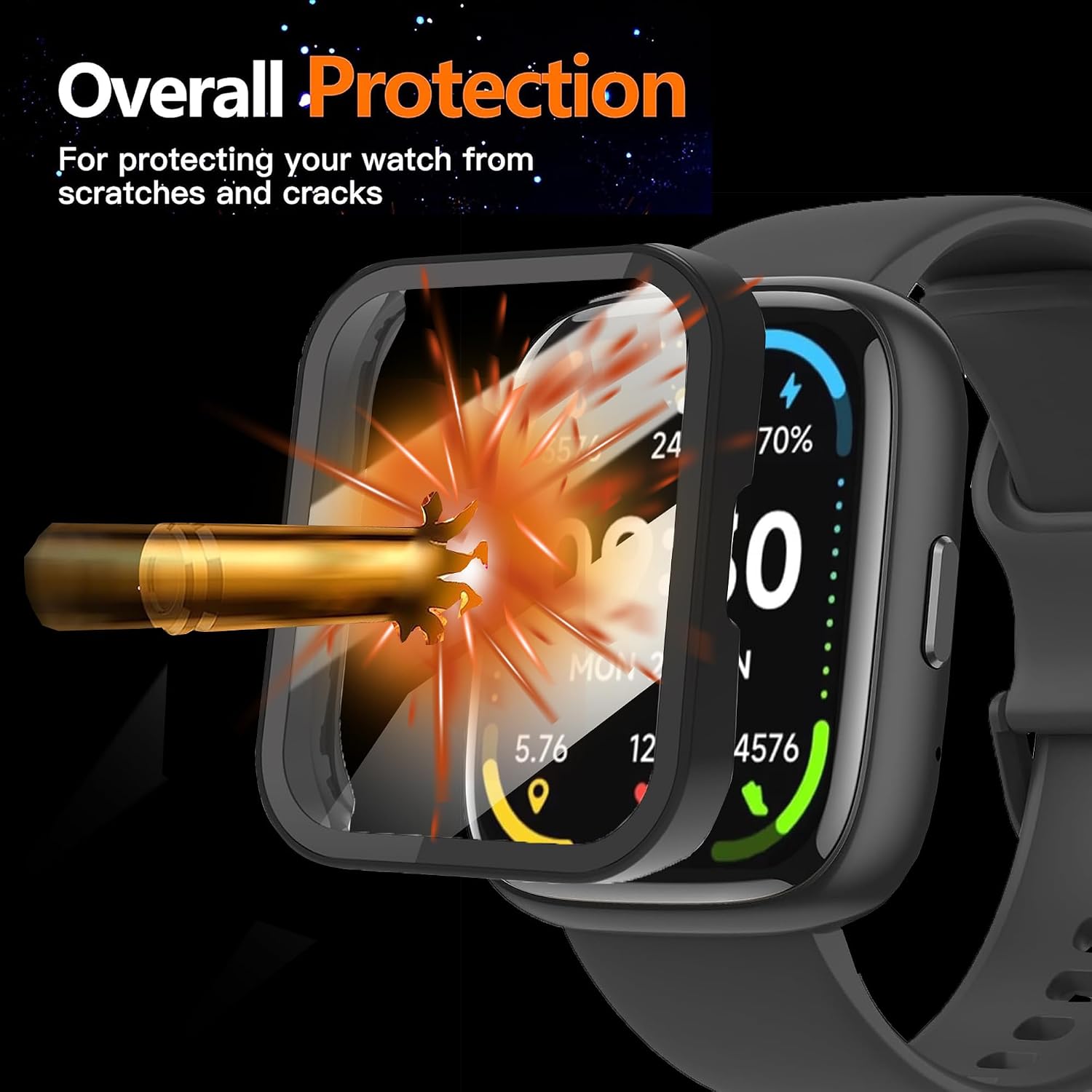
Image: Illustration of the case providing overall protection against impacts.

Image: The watch case protecting the smart watch from daily bumps, shown with a skateboard.

Image: Visual representation of the case's key benefits: HD display clarity, touch sensitivity, all-round protection, and integrated screen protector.
3. Compatibility
This watch case is specifically designed for the IDW26 Smart Watch. It is not compatible with any other smart watch models. Please verify your watch model and size before purchasing to ensure proper fit.
4. Installation Guide
Follow these steps to properly install the protective case on your IDW26 Smart Watch:
- Ensure your IDW26 Smart Watch is clean and free of dust or smudges. Use a soft, lint-free cloth if necessary.
- Carefully align the case with your smart watch, ensuring the cutouts for buttons and sensors match.
- Gently snap the case onto the watch. The flexible design allows for easy application without requiring removal of the watch band.
- Once installed, ensure the case is securely fitted around all edges of the watch.
- Test the touch screen functionality and button access to confirm proper installation.
Video: A demonstration of the installation method for the glass case on the smart watch. This video shows the process of cleaning the watch screen and then snapping the protective case onto the device, ensuring a secure fit and maintaining touch screen responsiveness.

Image: The smart watch case installed on a watch worn on a wrist, demonstrating its fit during active use.
5. Maintenance
To ensure the longevity and clarity of your IDW26 Smart Watch Case, follow these maintenance tips:
- Cleaning: Use a soft, dry, lint-free cloth to wipe the case and screen protector. For stubborn smudges, slightly dampen the cloth with water. Avoid harsh chemicals or abrasive materials.
- Dust Removal: If dust accumulates under the case, carefully remove the case, clean both the watch and the inside of the case, and then re-install.
- Avoid Extreme Conditions: While the case offers protection, avoid exposing it to extreme temperatures or prolonged direct sunlight, which could affect its material integrity.
6. Troubleshooting
Here are solutions to common issues you might encounter:
- Reduced Touch Sensitivity:
- Ensure the case is installed correctly and there is no dust or moisture between the screen protector and the watch screen.
- Clean the screen protector and watch screen thoroughly.
- If the issue persists, try removing and re-installing the case.
- Case Not Fitting Properly:
- Double-check that your smart watch is indeed the IDW26 model. This case is designed specifically for it.
- Ensure no debris is obstructing the fit.
- Bubbles Under Screen Protector:
- Small bubbles often disappear within 24-48 hours.
- If large bubbles persist, carefully remove the case, clean the screen and protector, and re-install, pressing gently from the center outwards to push out air.
7. Specifications
| Brand | Lamshaw |
| Compatible Devices | IDW26 Smart Watch |
| Material | Hard PC, Tempered Glass (9H Hardness) |
| Color | 2 Pack-Black+Black (as per this variant) |
| Form Factor | Bumper Case with Screen Protector |
| Special Features | Dust Resistant, Scratch Resistant, High Touch Sensitivity |
| Item Weight | 0.669 ounces |
| Package Dimensions | 6.57 x 3.74 x 0.67 inches |
8. Warranty and Support
For any questions regarding your Lamshaw IDW26 Smart Watch Case, or for warranty information, please contact the seller or manufacturer directly through the platform where the product was purchased. Please retain your proof of purchase for any warranty claims.
Ask a question about this manual
Ask about setup, troubleshooting, compatibility, parts, safety, or missing instructions. Manuals+ will review the question and use this page’s manual context to help answer it.