
PTHRAOUTA H10-1
PTHRAOUTA H10-1 95oz Home Dehumidifier User Manual
Model: H10-1
Introduction
Thank you for choosing the PTHRAOUTA H10-1 Home Dehumidifier. This manual provides essential information for the safe and efficient operation, maintenance, and troubleshooting of your new appliance. Please read it thoroughly before use and retain it for future reference.
Important Safety Instructions
- Always place the dehumidifier on a stable, level surface.
- Ensure proper air circulation around the unit. Do not block air inlets or outlets.
- Do not operate the unit near water or in excessively wet environments.
- Unplug the dehumidifier before cleaning, maintenance, or when not in use.
- Keep out of reach of children and pets.
- Do not attempt to repair or modify the unit yourself. Contact qualified service personnel.
- Use only the power adapter supplied with the unit.
Product Overview
The PTHRAOUTA H10-1 is a compact and efficient dehumidifier designed to reduce humidity in various indoor spaces. It features a 95oz water tank, two operating modes, and an automatic shut-off function for safety.
Package Contents
- 1 × PTHRAOUTA H10-1 Dehumidifier
- 1 × Drain Hose
- 1 × Instruction Manual
Component Identification

Image Description: Front view of the PTHRAOUTA H10-1 Dehumidifier, showing its white casing, black control panel with indicator lights, and a blue light strip at the bottom.

Image Description: Close-up of the dehumidifier's control panel, illustrating the ON/OFF button, Quiet Mode indicator, Night Lights button, and Water Filling Indication light.
- Power Button: Turns the unit on or off.
- Quiet Mode Indicator: Lights up when the dehumidifier is in quiet operation mode.
- Night Lights Button: Activates and cycles through the seven color ambiance lighting options.
- Water Full Indicator: Illuminates when the water tank is full, triggering automatic shut-off.
- Air Inlet/Outlet: Located on the sides and top for air circulation.
- Water Tank: Removable tank for collected moisture.
- Drainage Port: For continuous drainage connection.
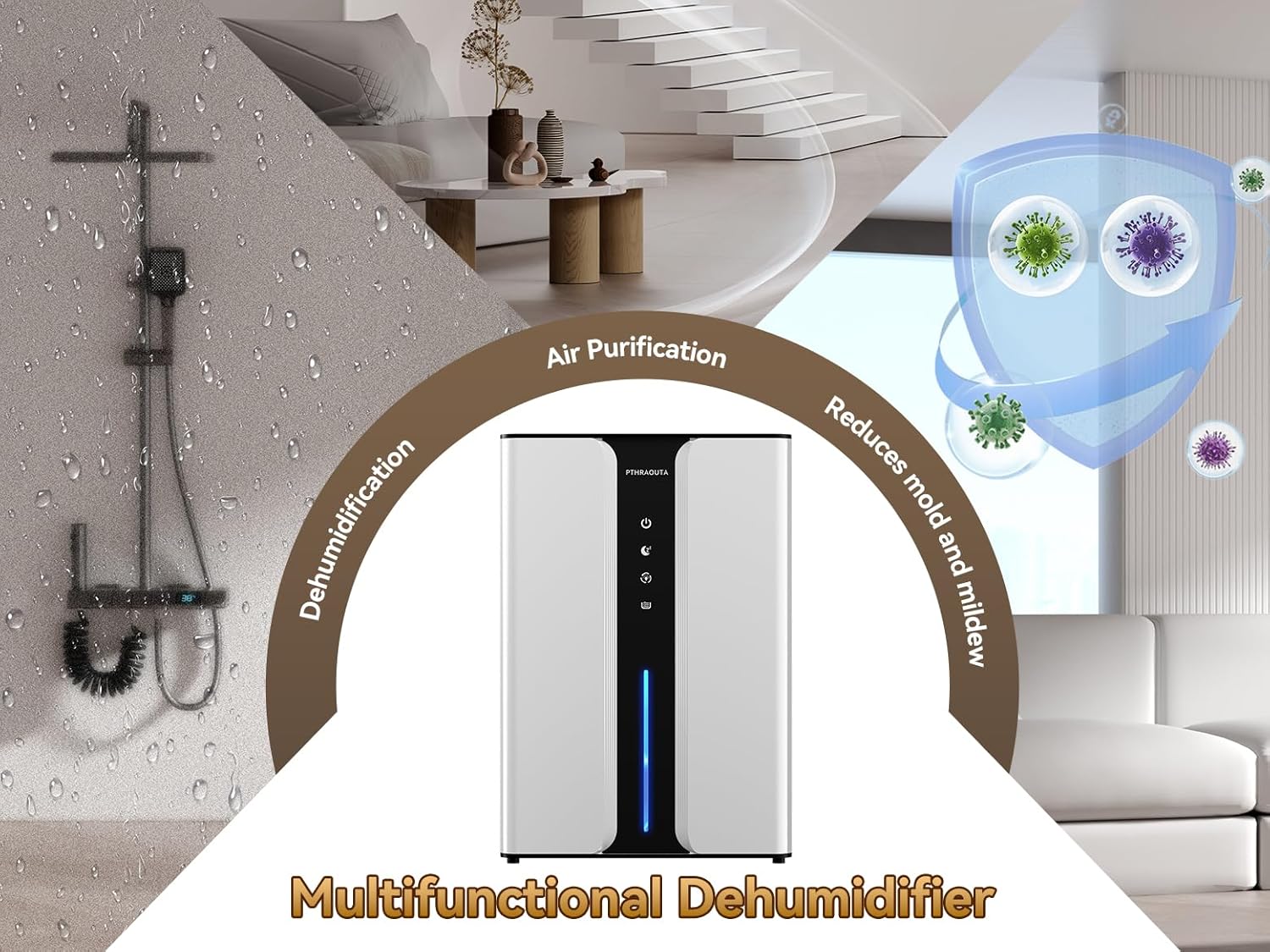
Image Description: Diagram highlighting the dehumidifier's multifunctional capabilities, including dehumidification, air purification, and reduction of mold and mildew.

Image Description: Visual comparison showing a reduction in humidity from 85% to 45% after using the dehumidifier, demonstrating its effectiveness in creating a less humid environment.
Setup
Unpacking
- Carefully remove the dehumidifier and all accessories from the packaging.
- Inspect the unit for any signs of damage. If damaged, do not operate and contact customer support.
- Remove any protective films or packaging materials from the unit.
Placement
For optimal performance, place the dehumidifier in an area where humidity is highest and air circulation is good. The unit is suitable for rooms up to 950 sq. ft.
- Ensure at least 8 inches (20 cm) of space around all sides of the dehumidifier for proper airflow.
- Avoid placing the unit directly against walls or furniture.
- Do not place the unit near heat sources or in direct sunlight.
- Ideal locations include bedrooms, bathrooms, living rooms, basements, RVs, and closets.
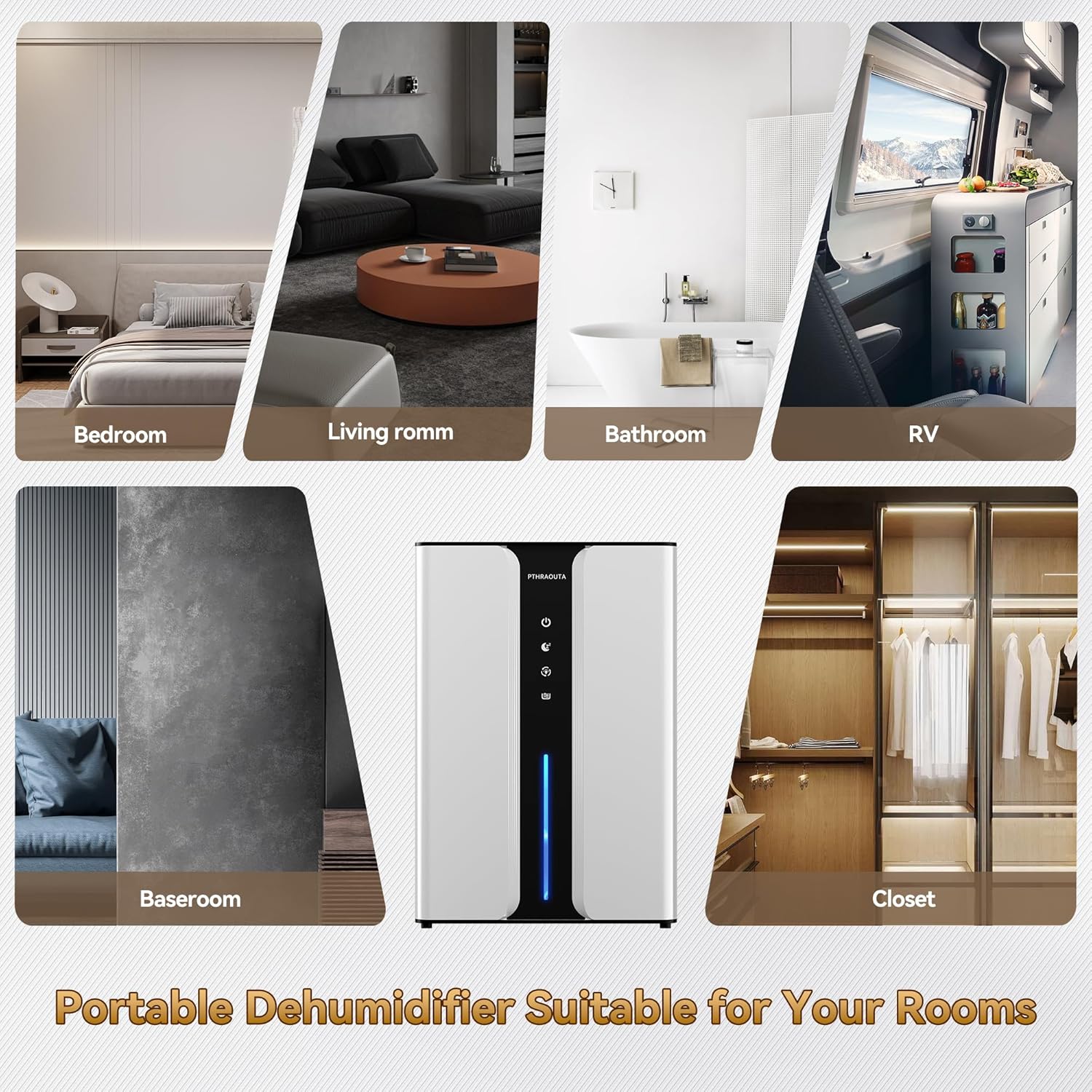
Image Description: Visual examples of suitable placement for the portable dehumidifier in different rooms such as a bedroom, living room, bathroom, RV, basement, and closet.

Image Description: Diagram showing the dimensions of the dehumidifier (8.5 inches wide, 5.29 inches deep, 13.46 inches high) and illustrating its 95oz water tank capacity and continuous drainage feature.
Operation
Power On/Off
Plug the power adapter into a suitable electrical outlet. Press the ⏻ Power Button on the control panel to turn the dehumidifier on or off.
Operating Modes
The dehumidifier features two operating modes:
- Powerful Mode: This is the default mode, providing efficient and rapid moisture removal. The fan operates at a higher speed.
- Quiet Mode (Sleep Mode): Press the 💤 Quiet Mode Button to activate this mode. The fan speed is reduced, and the unit operates at a lower noise level (below 30 dB), suitable for use during sleep or in quiet environments.

Image Description: Infographic comparing the noise levels of Quiet Mode (below 30dB, suitable for sleeping) and Powerful Mode (30dB-40dB), illustrating the dehumidifier's quiet operation.
Ambiance Lighting
The dehumidifier includes a night light feature with seven color options:
- To activate the night light, press and hold the 🌙 Night Lights Button for 5 seconds until the light starts flashing.
- Press the 🌙 Night Lights Button again to cycle through the available colors (Blue, Orange, Purple, Green, Yellow, Red, and a rotating color mode).
- To turn off the night light, continue pressing the button until the light turns off, or press and hold the button again for 5 seconds.

Image Description: The dehumidifier displaying different night light colors: Blue, Orange, Purple, Green, Yellow, and Red, highlighting the customizable ambiance feature.
Automatic Shut-off
The dehumidifier is equipped with an automatic shut-off feature for safety and convenience. When the water tank is full or incorrectly positioned, the unit will automatically stop operation, and the 💧 Water Full Indicator will illuminate. Empty and correctly reinsert the water tank to resume operation.

Image Description: Illustration of the automatic shut-off protection, showing the dehumidifier operating normally with a blue light and then stopping with a red light when the water tank is full.
Water Drainage
The PTHRAOUTA H10-1 dehumidifier offers two methods for water drainage: manual tank emptying and continuous drainage.
1. Manual Water Tank Emptying
When the water tank is full, the dehumidifier will automatically shut off, and the Water Full Indicator will light up. Follow these steps to empty the tank:
- Gently pull out the water tank from the back of the dehumidifier.
- Remove the tank cover and pour out the collected water.
- Replace the tank cover and slide the empty water tank back into the dehumidifier until it clicks into place. Ensure it is correctly seated to resume operation.

Image Description: Three-step visual guide demonstrating how to manually empty the water tank: pull out the tank, remove the lid and pour water, then reinsert the tank.
2. Continuous Drainage
For continuous operation without needing to empty the water tank, you can connect the included drain hose:
- Locate the drainage port at the back of the dehumidifier.
- Unplug the lower corner plug of the water tank and save the plug for future use if you wish to revert to manual drainage.
- Insert one end of the drain hose into the drainage hole of the water tank.
- Ensure the other end of the hose is placed in a suitable drain or container, positioned lower than the dehumidifier to allow gravity drainage.

Image Description: Diagram illustrating the two steps for setting up continuous drainage: unplugging the corner plug of the water tank and inserting the drain hose into the designated hole.
Maintenance
Regular maintenance ensures the longevity and efficient operation of your dehumidifier.
Cleaning the Exterior
- Always unplug the unit before cleaning.
- Wipe the exterior with a soft, damp cloth. Do not use abrasive cleaners, solvents, or harsh chemicals.
- Ensure no water enters the internal components.
Cleaning the Reusable Filter
The dehumidifier is equipped with a reusable filter that helps purify the air. Clean the filter regularly (e.g., every 2-4 weeks, depending on usage) to maintain efficiency.
- Unplug the dehumidifier.
- Locate and gently remove the air filter from its slot (typically at the back or side).
- Rinse the filter under running water to remove dust and debris. For stubborn dirt, a soft brush can be used.
- Allow the filter to air dry completely before reinserting it into the unit. Do not use a dryer or direct heat.

Image Description: Exploded view of the dehumidifier showing the High Efficiency Dehumidification Condenser, Activated Carbon Filter, and the 95oz Water Tank, highlighting the air purification components.
Cleaning the Water Tank
- Remove the water tank as described in the "Manual Water Tank Emptying" section.
- Clean the tank with mild soap and warm water. Rinse thoroughly to remove any soap residue.
- Dry the tank completely before placing it back into the dehumidifier to prevent mold or mildew growth.
Troubleshooting
Before contacting customer support, please refer to the following troubleshooting guide for common issues:
| Problem | Possible Cause | Solution |
|---|---|---|
| Dehumidifier does not turn on. | No power supply; Power button not pressed; Water tank not correctly installed. | Check power connection; Press power button; Ensure water tank is fully inserted. |
| Unit is running but not collecting water. | Room humidity is too low; Temperature is too low; Air filter is clogged. | Dehumidifier may not be needed; Ensure room temperature is above 41°F (5°C); Clean the air filter. |
| Water Full Indicator is on, but tank is not full. | Water tank is not correctly positioned; Sensor malfunction. | Reinsert the water tank firmly; If issue persists, contact support. |
| Unit is noisy. | Operating in Powerful Mode; Unit is not on a level surface; Obstruction in fan. | Switch to Quiet Mode; Place on a flat, stable surface; Check for and remove any obstructions. |
| Ambiance light not working. | Button not pressed correctly. | Press and hold the Night Lights button for 5 seconds to activate, then press briefly to cycle colors. |
Specifications
| Feature | Detail |
|---|---|
| Brand | PTHRAOUTA |
| Model Name | H10-1 |
| Coverage Area | Up to 950 sq. ft. |
| Water Tank Capacity | 95 Fluid Ounces (approx. 2.8 Liters) |
| Dehumidification Capacity | Up to 34 oz/day (at 86°F, 80%RH) |
| Product Dimensions | 8.5"W x 5.29"D x 13.46"H |
| Item Weight | 6.14 pounds |
| Wattage | 80 watts |
| Operation Modes | Powerful, Quiet (Sleep) |
| Noise Level | < 30 dB (Quiet Mode) |
| Special Features | Automatic Shut-off, Drain Hose, Reusable Filter, 7-Color Ambiance Lights |
| Material | Plastic |
| UPC | 731052873723 |
Warranty and Support
Warranty Information
Your PTHRAOUTA H10-1 Dehumidifier is covered by a manufacturer's warranty. Please refer to the warranty card included in your package for specific terms and conditions, including the warranty period and coverage details. Keep your purchase receipt as proof of purchase.
Customer Support
If you encounter any issues or have questions regarding your dehumidifier that are not addressed in this manual, please contact PTHRAOUTA customer support. Contact details can typically be found on the product packaging, warranty card, or the official PTHRAOUTA website.
For online support, visit the PTHRAOUTA Store on Amazon.
Related Documents - H10-1
 |
AlorAir Galaxy 85P Dehumidifier: Features, Specifications, and Applications Discover the AlorAir Galaxy 85P Dehumidifier, a powerful and compact solution for moisture control in residential and commercial spaces. Learn about its features, specifications, performance, and applications. |
 |
AlorAir Galaxy 60 Dehumidifier: Features, Specifications, and Applications Detailed overview of the AlorAir Galaxy 60 dehumidifier, covering its features, technical specifications, function, application areas, and operational guide for moisture control in residential and commercial settings. |
 |
Hipilove 2-in-1 Humidifier and Dehumidifier Quick Start Guide Learn how to set up and operate your Hipilove 2-in-1 Humidifier and Dehumidifier with this concise quick start guide. Covers automatic, humidification, and dehumidification modes for optimal home air quality. |
 |
Waykar Dehumidifier Parts Description and Components Detailed description of the parts and components of the Waykar dehumidifier, including side and back views of the unit. |
 |
Afloia TOP-Z Physical Dehumidifier User Manual: Operation, Specs, and Maintenance Official user manual for the Afloia TOP-Z Physical Dehumidifier. Covers setup, operation, specifications, troubleshooting, and warranty for this rechargeable, cordless dehumidifier suitable for small spaces. |
 |
AlorAir Sentinel HDi100 Dehumidifier: Specifications, Applications, and Installation Guide Comprehensive details on the AlorAir Sentinel HDi100 whole-house dehumidifier, including technical specifications, key features, application suitability for basements and crawl spaces, and installation instructions. Learn about its performance, efficiency, and installation flexibility. |