
Introduction
The Portronics ilumi II is a versatile device combining a 16W HD sound Bluetooth speaker with an integrated LED lamp. Designed for portability and outdoor use, it features Bluetooth V5.3 connectivity, up to 5 hours of playtime, and water resistance. This manual provides instructions for proper setup, operation, maintenance, and troubleshooting to ensure optimal performance and longevity of your device.
What's in the Box
- Portronics ilumi II Wireless Speaker (1N)
- USB Type-C Charging Cable (1N)
- User Manual (1N)
Product Overview
Familiarize yourself with the components and controls of your Portronics ilumi II speaker.

Image: Front view of the Portronics ilumi II speaker, highlighting its handle, ABS material construction, and control buttons including On/Off (Mode), Play/Pause, Next Song (Volume +), Previous Song (Volume -), and the adjustable LED light control.
- Handle: For easy carrying and hanging.
- ABS Material: Durable construction.
- On/Off (Mode Button): Powers the device on/off and switches between modes.
- Play/Pause Button: Controls audio playback.
- Next Song (Vol +): Skips to the next track and increases volume.
- Previous Song (Vol -): Skips to the previous track and decreases volume.
- Adjustable LED Light: Controls the integrated lamp.
Setup
1. Charging the Device
Before first use, fully charge the ilumi II speaker. Use the provided USB Type-C cable to connect the speaker to a compatible USB power adapter (not included) or a computer's USB port.
- The charging indicator light will illuminate during charging.
- The indicator will change or turn off once charging is complete.
- A full charge provides up to 5 hours of playtime.
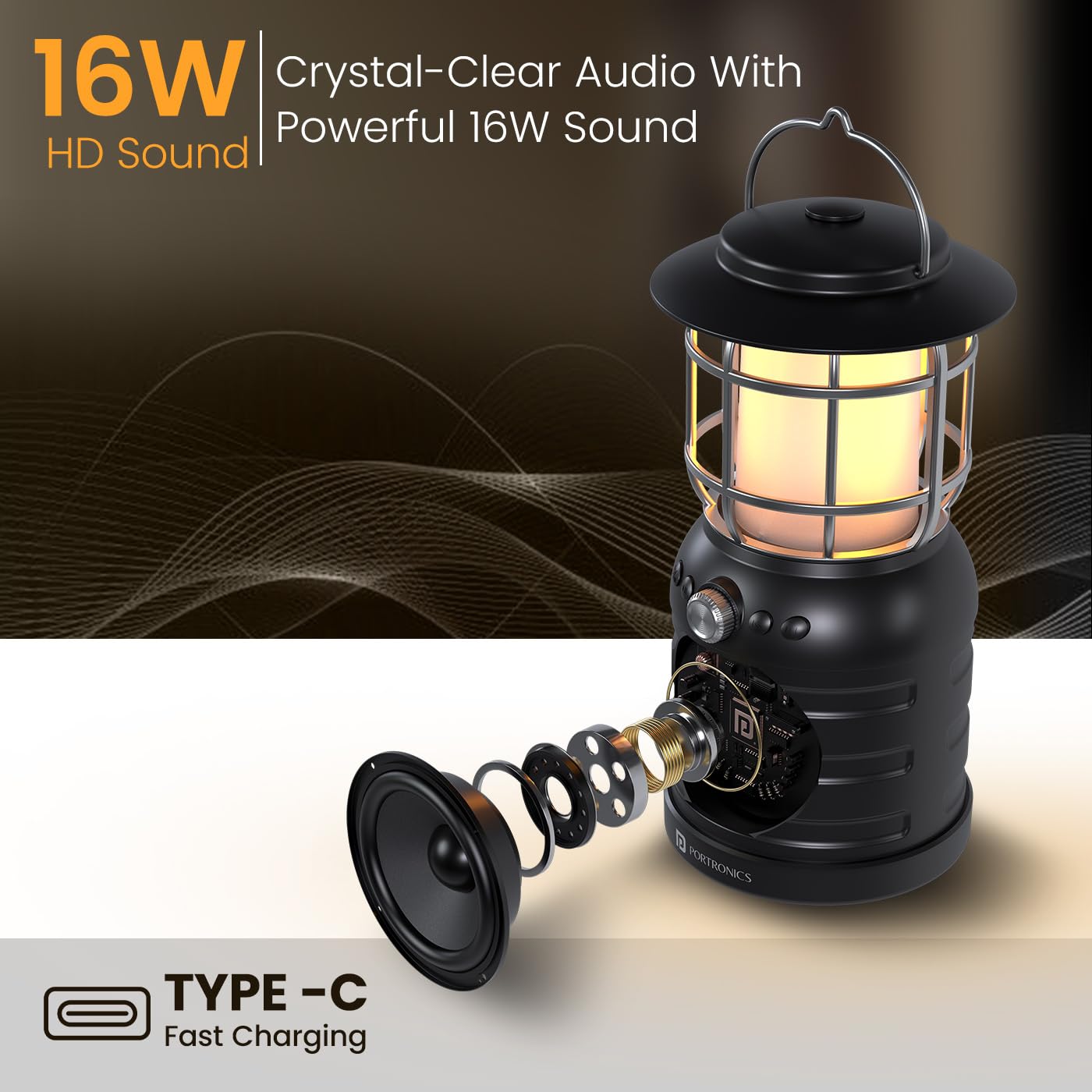
Image: Close-up of the Portronics ilumi II speaker, emphasizing the Type-C fast charging port at the base.
2. Power On/Off
Press and hold the On/Off (Mode) button for a few seconds to power the speaker on or off.
3. Bluetooth Pairing
The ilumi II uses advanced Bluetooth V5.3 for stable and fast connections.
- Ensure the speaker is powered on and in Bluetooth pairing mode (indicated by a flashing LED).
- On your mobile device, navigate to Bluetooth settings and enable Bluetooth.
- Search for available devices and select "Portronics ilumi II" from the list.
- Once connected, the speaker will emit an audible confirmation, and the LED indicator will become solid.
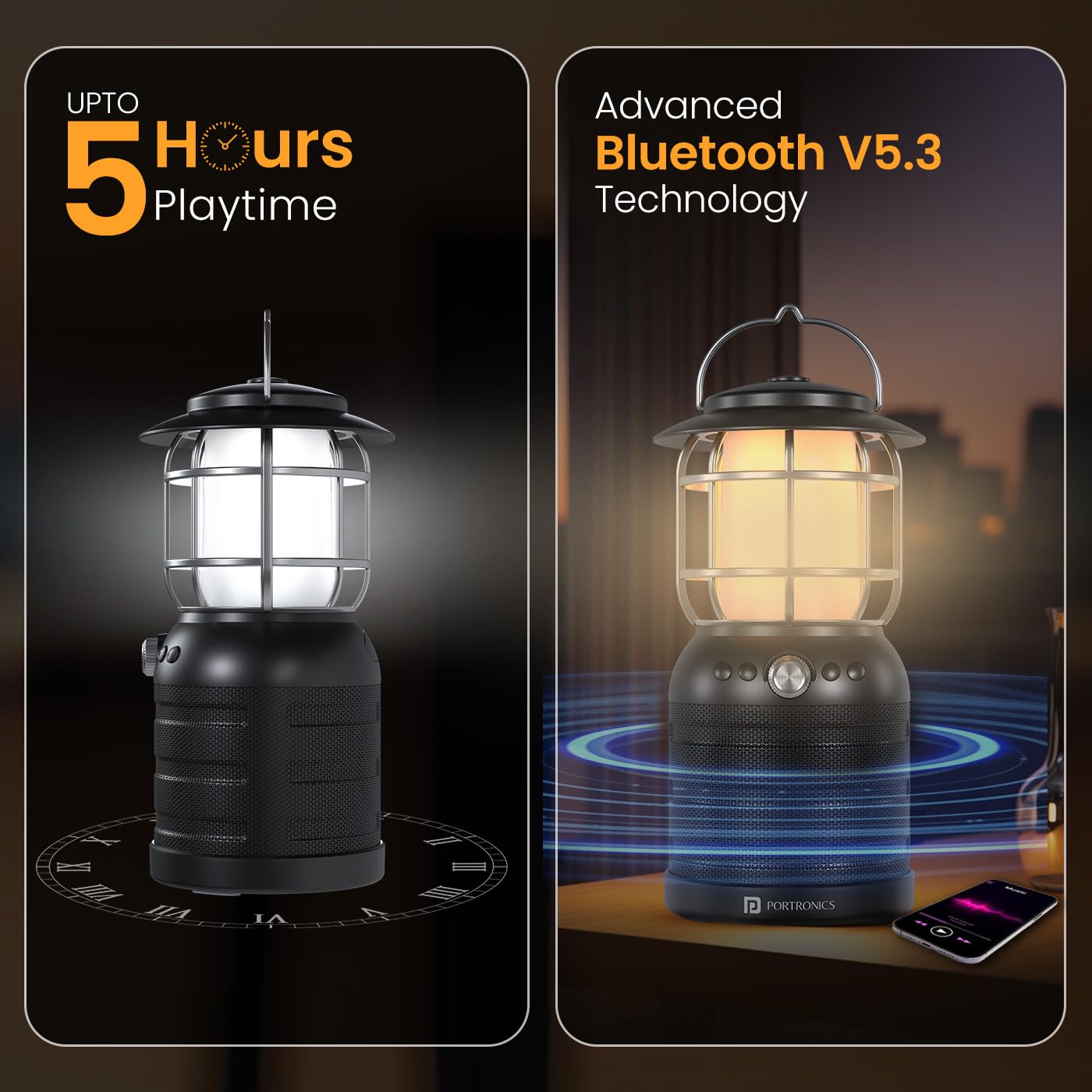
Image: The Portronics ilumi II speaker shown alongside a smartphone, demonstrating its Bluetooth V5.3 connectivity for wireless audio streaming.
Operating Instructions
Speaker Functions
- Play/Pause: Press the Play/Pause button once to play or pause audio.
- Volume Up: Press and hold the 'Next Song (Vol +)' button to increase volume.
- Volume Down: Press and hold the 'Previous Song (Vol -)' button to decrease volume.
- Next Track: Press the 'Next Song (Vol +)' button once to skip to the next track.
- Previous Track: Press the 'Previous Song (Vol -)' button once to go to the previous track.
- Answering/Ending Calls: Press the Play/Pause button once to answer an incoming call or end an ongoing call.
- Rejecting Calls: Press and hold the Play/Pause button to reject an incoming call.
LED Lamp Functions
The ilumi II features an adjustable LED lamp with multiple modes.
- Turn On/Off Lamp: Use the dedicated LED light control button or knob to turn the lamp on or off.
- Adjust Brightness/Mode: Rotate the knob or press the button repeatedly to cycle through different brightness levels or lamp modes (e.g., white light, yellow light, lantern effect).

Image: The Portronics ilumi II speaker demonstrating its two primary LED lantern modes: a bright white light and a warm yellow light, suitable for various ambient settings.
Water Resistance
The ilumi II is water resistant, making it suitable for outdoor use and protection against splashes. However, it is not designed for submersion in water. Ensure the charging port cover is securely closed to maintain water resistance.
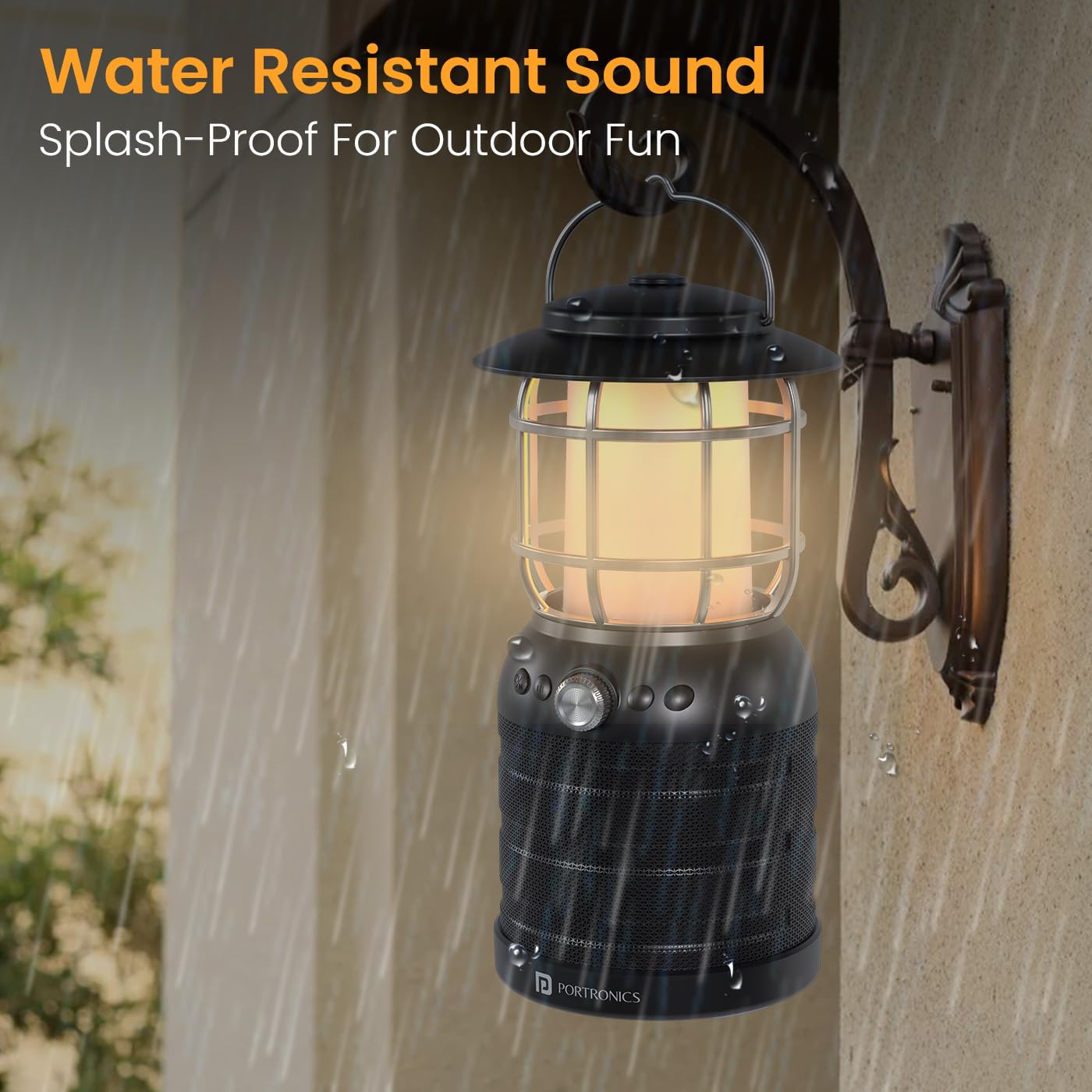
Image: The Portronics ilumi II speaker shown with water splashing on it, highlighting its splash-proof design for outdoor use.
Maintenance
Cleaning
- Wipe the speaker with a soft, dry cloth.
- Do not use abrasive cleaners, alcohol, or chemical solvents.
- Ensure the device is powered off and unplugged before cleaning.
Storage
- Store the speaker in a cool, dry place away from direct sunlight and extreme temperatures.
- If storing for an extended period, charge the battery to approximately 50% every three months to preserve battery life.
Battery Care
- Avoid fully discharging the battery frequently.
- Use only the provided charging cable or a certified Type-C cable.
- Do not expose the battery to high temperatures or puncture it.
Troubleshooting
| Problem | Possible Solution |
|---|---|
| Device does not power on. | Ensure the battery is charged. Connect to a power source using the Type-C cable. |
| Cannot pair via Bluetooth. | Ensure the speaker is in pairing mode. Turn off and on Bluetooth on your device. Move closer to the speaker. Forget previous connections on your device. |
| No sound or low volume. | Check volume levels on both the speaker and your connected device. Ensure the device is properly paired. |
| LED lamp not working. | Ensure the speaker is powered on. Check the LED light control button/knob. |
| Short battery life. | Ensure the device is fully charged. Battery life can vary based on volume level and lamp usage. |
Specifications
| Feature | Detail |
|---|---|
| Model Number | POR-2341 |
| Output Power | 16 Watts |
| Bluetooth Version | V5.3 |
| Playtime | Up to 5 hours |
| Charging Port | Type-C |
| Battery Type | Lithium-Ion / Lithium Polymer (1 included) |
| Water Resistance | Water Resistant |
| Product Dimensions | 11L x 11W x 22.5H Centimeters |
| Item Weight | 925 Grams |
| Material | Plastic |
| Light Source Type | Light Emitting Diode (LED) |
| Country of Origin | China |
Safety Information
- Do not disassemble, repair, or modify the device.
- Keep away from extreme temperatures, direct sunlight, and open flames.
- Avoid exposing the device to strong magnetic fields.
- Do not use the device near water sources if the charging port cover is open.
- Keep out of reach of children.
Warranty and Support
Portronics products are designed for reliability and performance. For warranty information or technical support, please contact Portronics customer service.
- Email: help@portronics.com
- Phone: +91 9555-245-245
- Manufacturer/Importer Address: Portronics Digital Pvt ltd, First Floor Property No D 8 Upper Basement Sector 8 Noida Uttar Pradesh 201301, India.
