
1. Introduction
The EWEADN V3 Wireless Keyboard and Mouse Combo offers a versatile and comfortable computing experience. Featuring dual connectivity modes (Bluetooth 5.0 and 2.4GHz), a durable metal panel, and single warm backlighting, this combo is designed for efficiency and aesthetic appeal. Its ergonomic design and silent operation make it ideal for various environments, from office to home.

Figure 1: EWEADN V3 Wireless Keyboard and Mouse Combo (Rose Gold)
2. What's in the Box
- Wireless Keyboard
- Wireless Mouse
- Type-C Charging Cable
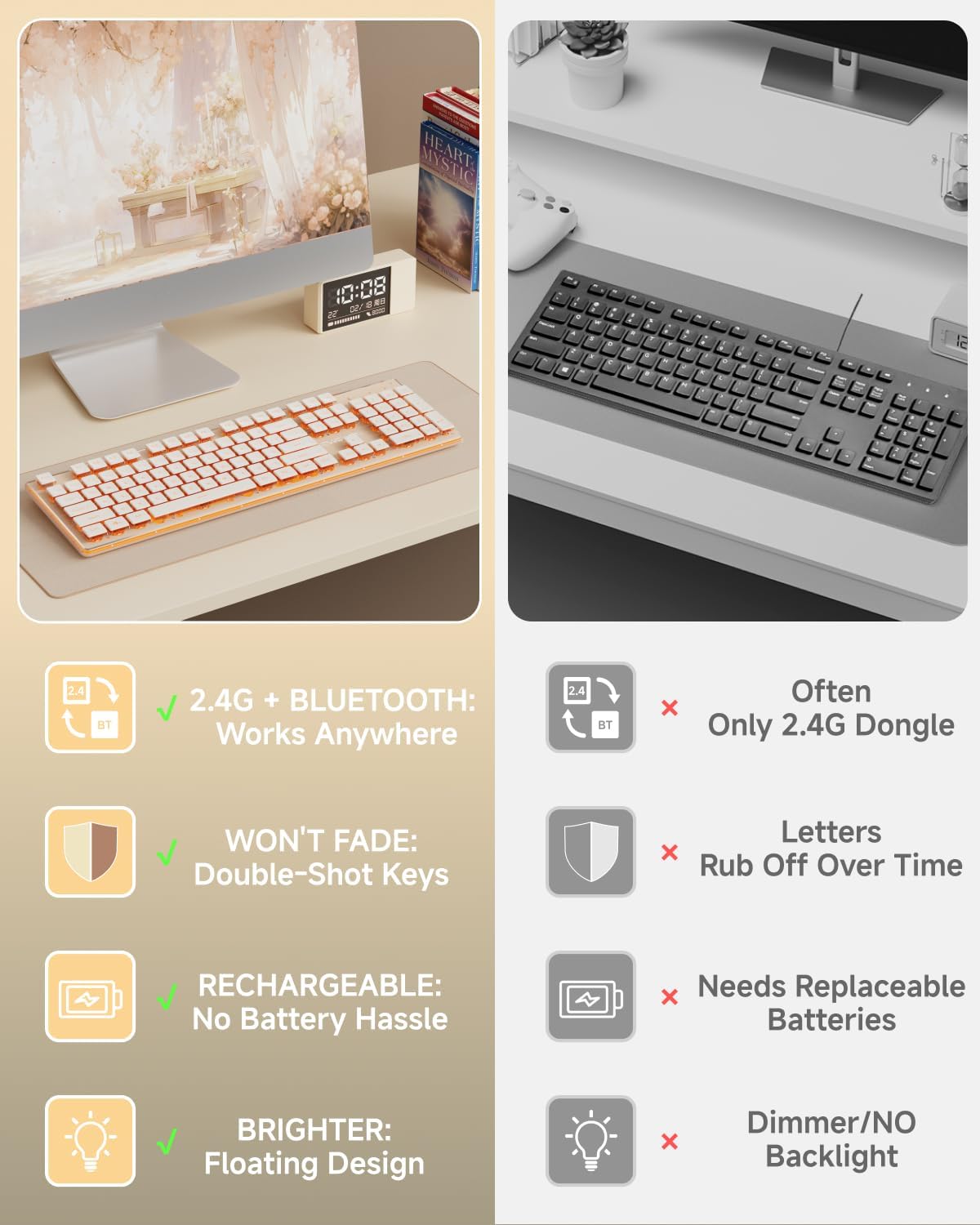
Figure 2: Package contents including keyboard, mouse, and charging cable.
3. Setup
3.1 Initial Charging
Before first use, ensure both the keyboard and mouse are fully charged using the provided Type-C cable. The keyboard features a 2000mAh battery for extended use.

Figure 3: Keyboard indicating 2000mAh battery capacity.
3.2 Connecting via 2.4GHz Wireless
The keyboard and mouse share a single USB receiver. Locate the USB receiver stored in the bottom compartment of the mouse. Plug this receiver into an available USB port on your computer. The devices should connect automatically.

Figure 4: USB receiver located at the bottom of the mouse.
3.3 Connecting via Bluetooth 5.0
The keyboard supports two Bluetooth connections. To switch to Bluetooth mode, press the FN + 1 (for BT1) or FN + 2 (for BT2) key combination. Your device should detect the keyboard for pairing.
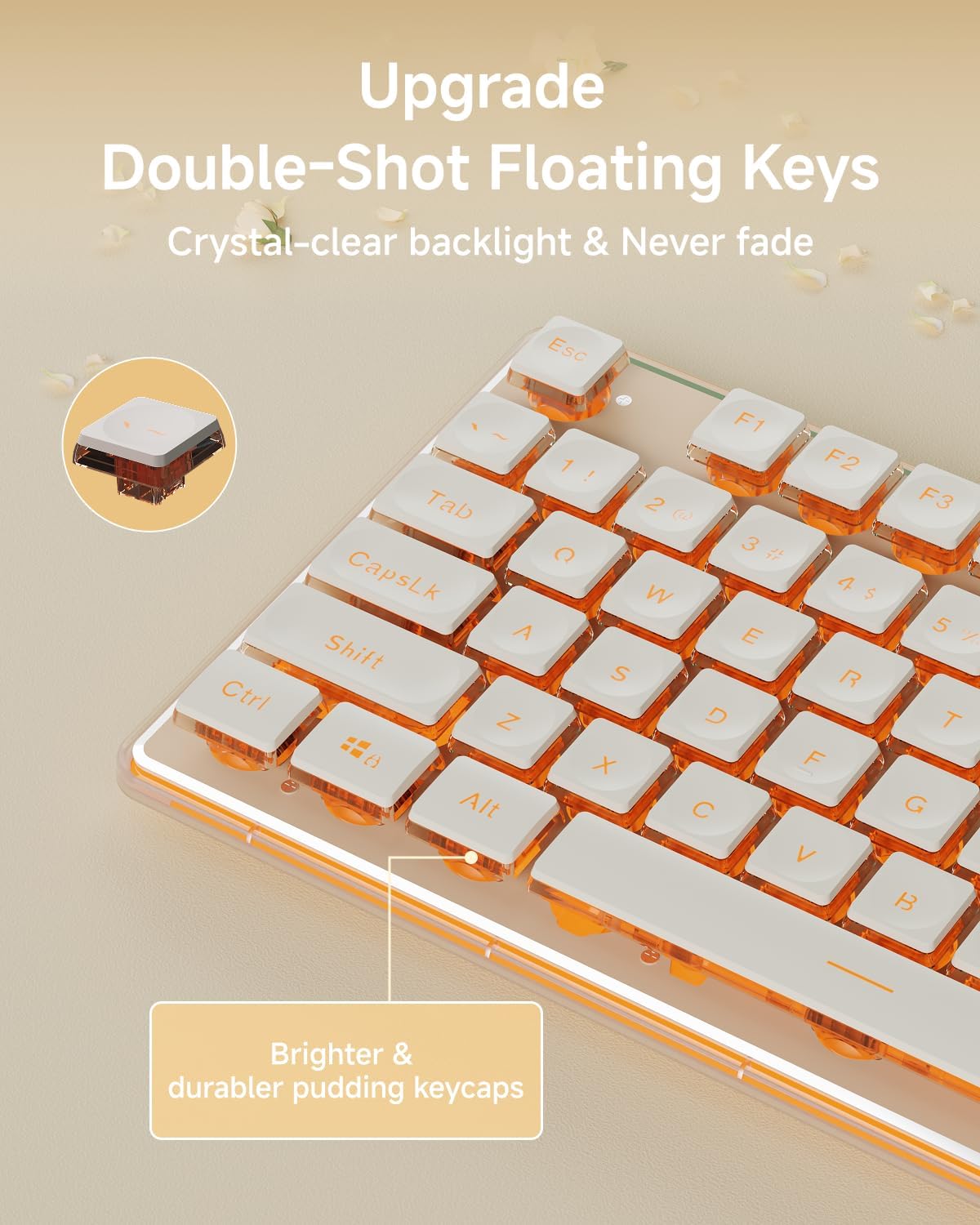
Figure 5: Keyboard demonstrating 2.4G and Bluetooth dual mode.
4. Operating Instructions
4.1 Keyboard Features
The keyboard features a thickened metal panel for durability and upgraded suspended water drop pudding keycaps for comfortable and quiet typing. The single warm backlight enhances visibility and aesthetics.

Figure 6: Upgraded water drop keycaps with crystal-clear backlight.
Backlight Adjustment:
- Increase Brightness: Press FN + PGUP
- Decrease Brightness: Press FN + PGDN
- Turn Lights On/Off: Press FN + SL

Figure 7: Keyboard with adjustable white backlight.
Ergonomic Design:
The keyboard features a 7° tilt with two footrests and anti-slip stickers for comfortable typing. The concave and convex keycap design fits fingertips well, reducing fatigue.
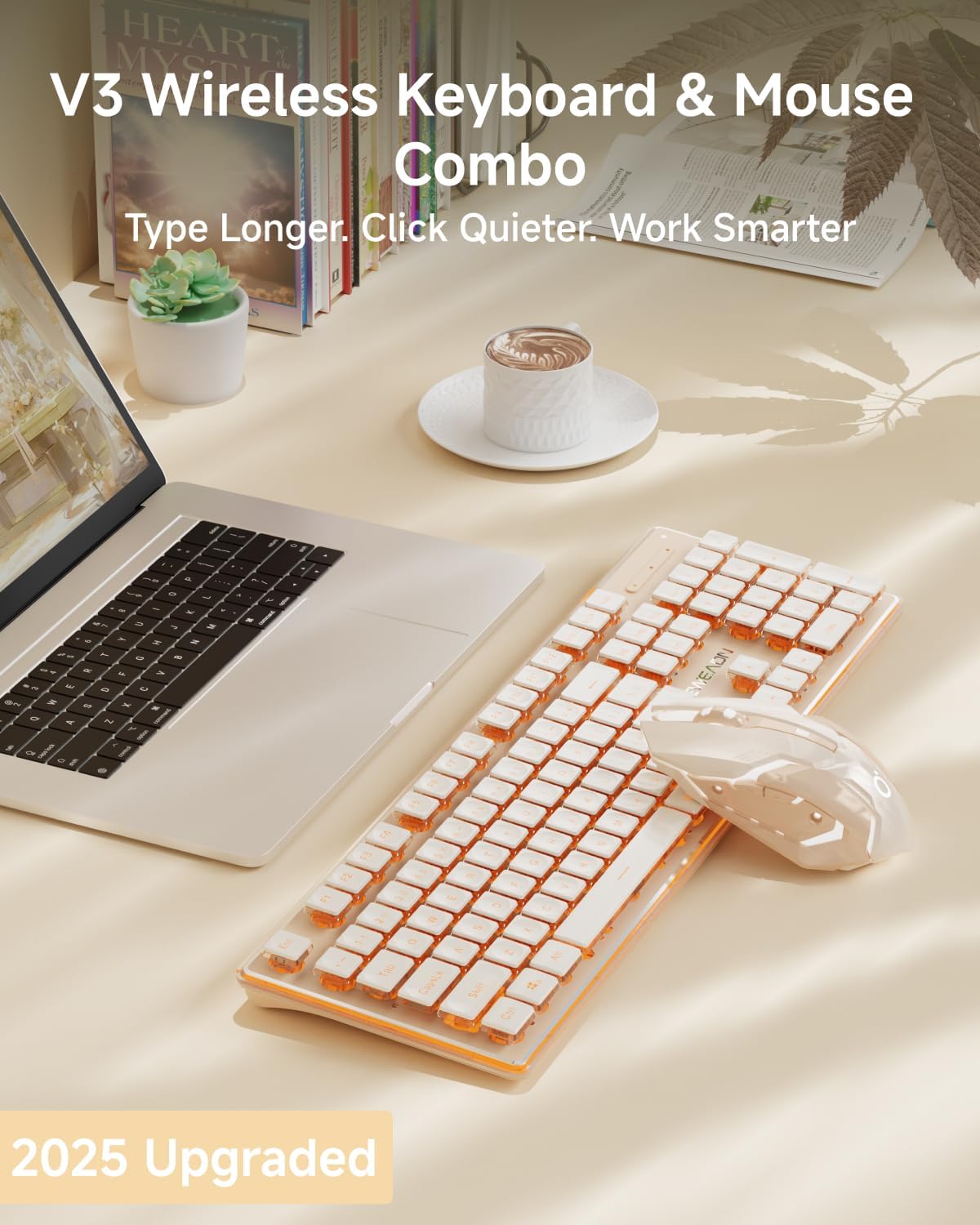
Figure 8: Keyboard details showing adjustable tilt and comfortable keycaps.
26-Key Anti-Ghosting:
Ensures that 26 keys can be operated simultaneously without conflict, providing fast and accurate input for typing and gaming.
Video 1: Demonstration of V3 Wireless Keyboard and Mouse Combo features.
4.2 Mouse Features
The wireless silent mouse supports Type-C charging and offers 3 levels of sensitivity for precise control. Its silent click design minimizes noise disturbances.
Video 2: Overview of the Rose Gold Wireless Keyboard and Mouse Combo.
4.3 Universal Compatibility
The V3 combo is compatible with a wide range of devices and operating systems, including Windows, Linux, Chrome, and Mac. It works seamlessly with PCs, desktops, laptops, and notebooks.
5. Maintenance
5.1 General Care
To maintain the longevity and appearance of your keyboard and mouse, regularly wipe them with a soft, dry cloth. Avoid using harsh chemicals or abrasive materials. The thickened metal panel provides anti-scratch protection.
5.2 Charging
Use the provided Type-C cable to charge both the keyboard and mouse. You can continue to use the devices while they are charging, ensuring uninterrupted workflow.
6. Troubleshooting
If you experience connectivity issues, ensure the devices are fully charged and the USB receiver is securely plugged in. For Bluetooth connections, ensure your device's Bluetooth is enabled and the keyboard is in pairing mode (FN + 1/2). If keys are unresponsive, try restarting the keyboard using the on/off switch. For persistent issues, refer to the detailed troubleshooting guide on the manufacturer's website or contact customer support.
7. Specifications
| Brand | SEUNKWANG |
| Model Number | V3 |
| Connectivity Technology | Bluetooth 5.0 & 2.4G Wireless |
| Keyboard Backlight | Single Warm Light (5 adjustable brightness levels) |
| Keycaps | Upgraded Suspended Water Drop Pudding Keycaps |
| Anti-Ghosting | 26-Key Anti-Ghosting |
| Keyboard Panel | Thickened Metal Panel |
| Keyboard Battery | 2000mAh Lithium Ion (included) |
| Mouse Sensitivity | 3 Levels Adjustable |
| Compatible Devices | Laptop, PC, Gaming Console, Tablet, Smartphone |
| Operating Systems | Windows, Linux, Chrome, Mac |
| Item Weight | 2.14 pounds |
| Package Dimensions | 17.83 x 8.54 x 2.01 inches |
8. Warranty & Support
EWEADN provides 48-month brand support for this product. As a responsible company, EWEADN operates sustainably and is committed to high environmental and social standards. For any inquiries or support needs, please contact our expert team.
Visit the SEUNKWANG Store for more information and products.