
GHome Smart WP2-A
GHome Smart Plug User Manual
Model: WP2-A
1. Product Overview
The GHome Smart Plug is a compact and efficient 15A WiFi smart outlet designed to bring convenience and automation to your home. Featuring dual independently controllable sockets, it allows you to manage two devices from a single wall outlet without blocking adjacent receptacles. This smart plug is compatible with popular voice assistants like Amazon Alexa and Google Home, enabling hands-free control of your connected appliances. With its robust safety features, including fireproof materials and surge protection, the GHome Smart Plug offers a reliable and secure solution for smart home integration.

Image: Two GHome Smart Plugs (Model WP2-A) plugged into a standard wall outlet, showcasing their compact, stackable design.
2. What's in the Box
- 2 x GHome Smart Plugs (Model WP2-A)
- 1 x User Manual (this document)
3. Key Features
- Updated 15A Stability Quick Connection: Supports Bluetooth or WiFi connection for quick and stable pairing. Requires a stable 2.4GHz WiFi network.
- Compact 2-in-1 Mini Design: Space-saving design with two sockets per smart plug, allowing two plugs to be stacked in a single receptacle. Each socket can be controlled independently.
- Hands-Free Voice Control: Compatible with Amazon Alexa and Google Assistant for convenient voice commands.
- APP Remote Control: Control your smart outlets from anywhere, anytime, using the GHome APP, Smart Life App, or Tuya App.
- Schedules and Timer Function: Easily set timers and schedules for connected devices to automate on/off cycles, saving energy.
- Group Control and Sharing: Create groups to control multiple smart plugs simultaneously and share device control with family members.
- Enhanced Safety: Features V0-grade fireproof shell, advanced PCBA boards, UV resistance, overload protection, and surge protection.
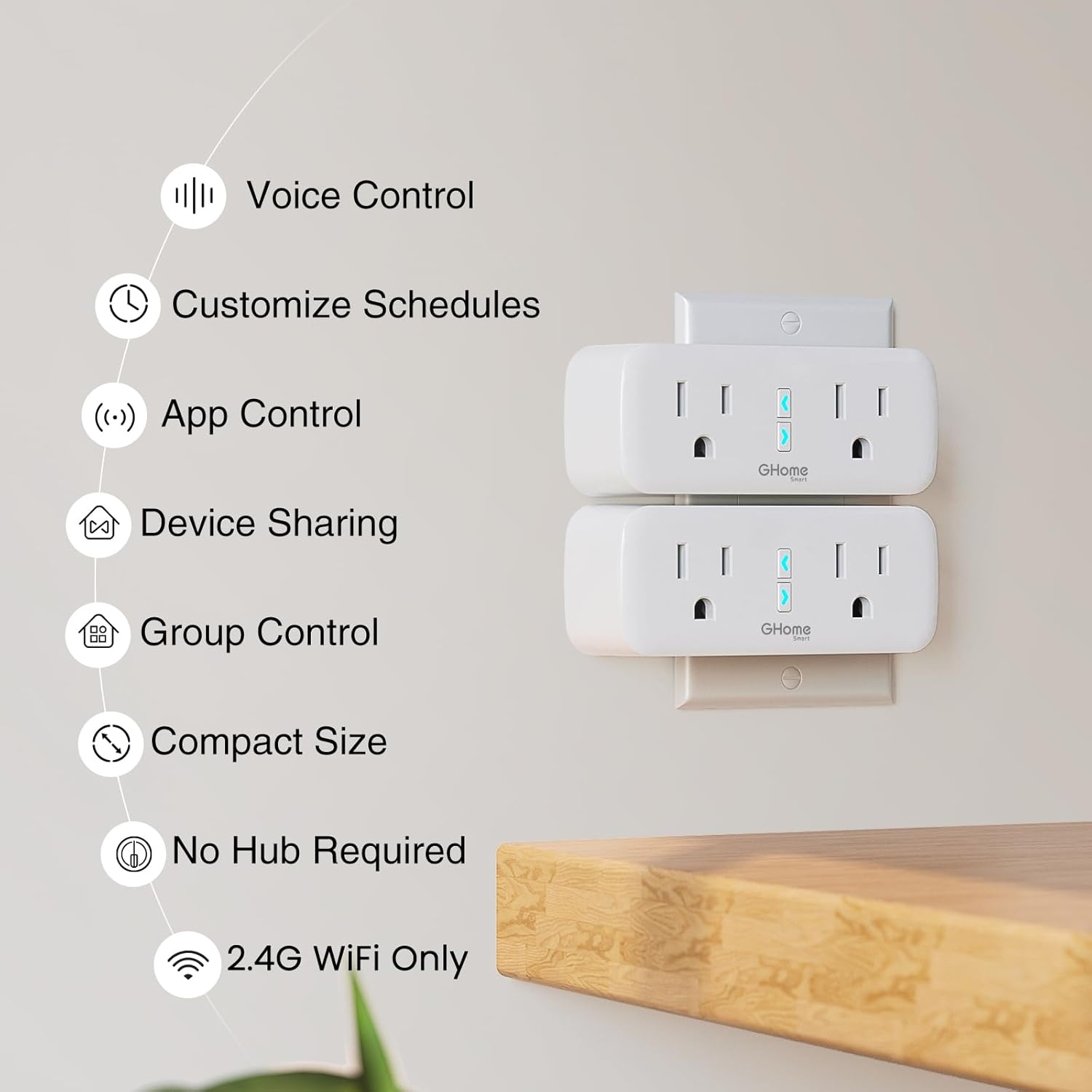
Image: An infographic highlighting the main features of the GHome Smart Plug, including voice control, app control, scheduling, and compact size.
4. Setup Guide
4.1. App Installation and Account Registration
- Download the App: Search for "GHome" in the Apple App Store or Google Play Store, or scan the QR code provided in the product packaging. You may also use Smart Life or Tuya apps.
- Register/Login: Open the GHome App and register a new account if you don't have one, or log in with an existing account.
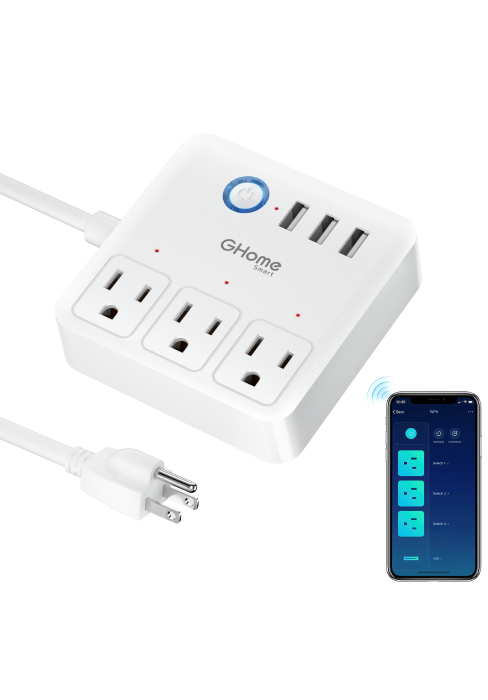
Image: A series of screenshots illustrating the GHome app interface for device connection, including login, WiFi selection, device reset, and adding the device.
4.2. Connecting the Smart Plug
- Plug In: Insert the GHome Smart Plug into a standard wall outlet.
- Add Device in App: Open the GHome App, tap the "+" icon or "Add Device" button.
- Select Device Type: Choose "Electrical Outlet" or "Smart Plug" from the device list.
- Confirm Indicator: Ensure the indicator light on the smart plug is blinking rapidly. If not, press and hold the power button on the plug for 5 seconds until it blinks rapidly.
- Connect to WiFi: Select your 2.4GHz WiFi network and enter the password. Note: The smart plug only supports 2.4GHz WiFi networks.
- Pairing: The app will begin connecting to the smart plug. Once connected, you can rename the device for easier control.
5. Operating Instructions
5.1. Manual Control
Each socket on the GHome Smart Plug has a small button. Pressing this button will manually turn the corresponding socket on or off.
5.2. App Control
Once connected to the app, you can control the smart plug from your smartphone or tablet:
- On/Off Control: Tap the power icon next to each socket in the app to turn it on or off.
- Independent Control: Each of the two sockets can be controlled independently via the app.
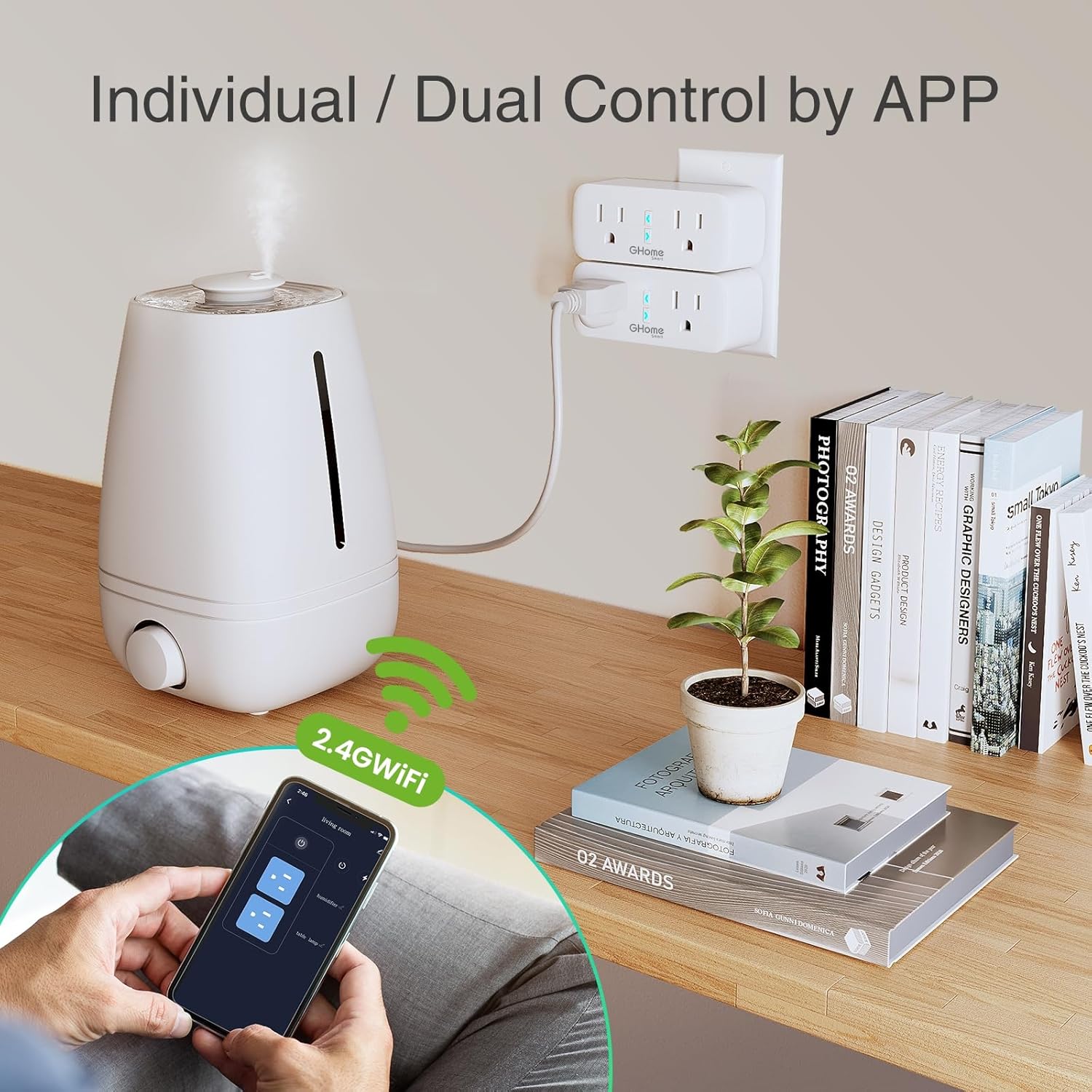
Image: A user demonstrating individual and dual control of devices (like a humidifier) using the GHome app with the smart plug.
5.3. Voice Control
Integrate your GHome Smart Plug with Amazon Alexa or Google Assistant for convenient voice control:
- Link Accounts: In your Alexa or Google Home app, search for and enable the "GHome" skill/service. Follow the on-screen instructions to link your GHome account.
- Discover Devices: Once linked, ask your voice assistant to "Discover devices" or manually discover them in the app.
- Voice Commands: Use commands such as:
- "Alexa, turn on [device name]"
- "Hey Google, turn off [device name]"
- "Alexa, set [device name] to 50%" (if applicable for dimmable devices, though not typical for plugs)

Image: A woman using voice commands with an Amazon Echo Dot to control a humidifier plugged into a GHome Smart Plug.
5.4. Scheduling and Timer Functions
Automate your devices by setting schedules and timers:
- Schedules: In the GHome App, select your smart plug, then navigate to the "Schedule" section. Set specific times for the plug to turn on or off daily, weekly, or on custom days.
- Timers/Countdown: Use the "Timer" or "Countdown" function to set a duration after which the plug will automatically turn off or on.

Image: Visual examples of the smart plug operating based on set schedules, including a countdown timer for an egg cooker and a scheduled timer for a bedside lamp.
5.5. Group Control and Sharing
Enhance convenience by grouping devices and sharing access:
- Group Control: In the GHome App, you can create groups of smart plugs. This allows you to control multiple plugs with a single tap or voice command (e.g., "Turn off all living room lights").
- Device Sharing: Share control of your smart plugs with family members. In the app, go to the device settings and select "Share Device" to invite others to manage the plugs.
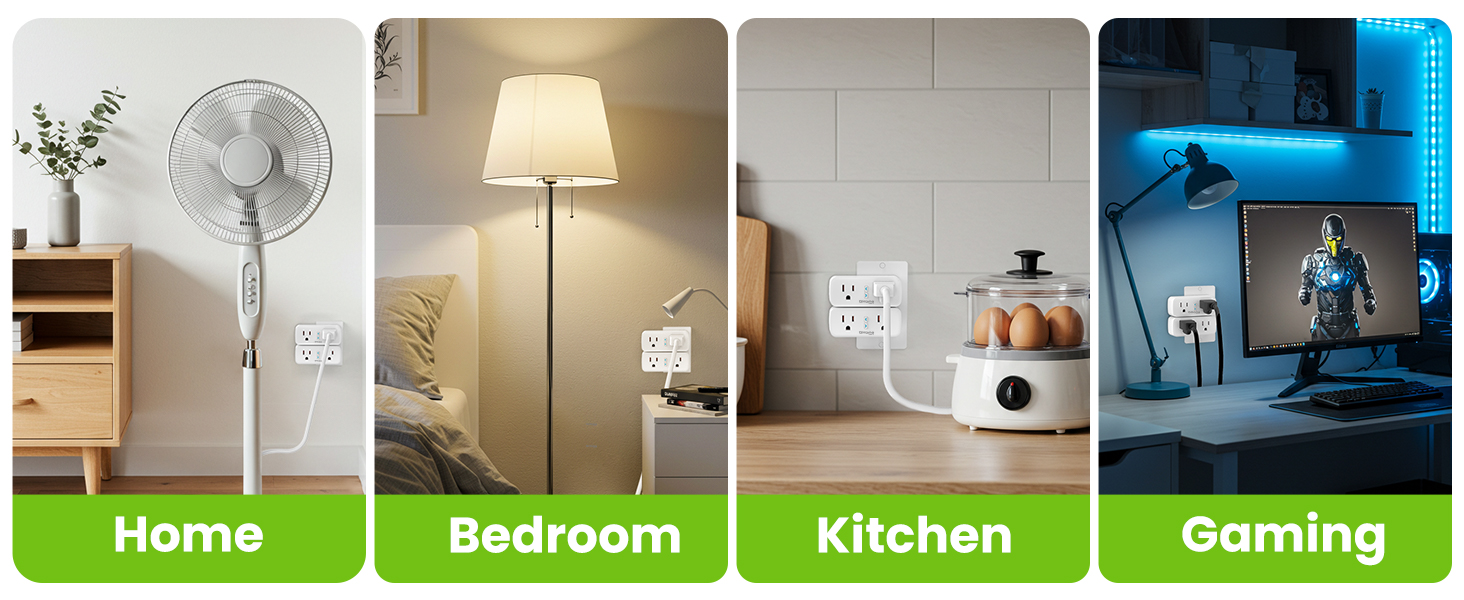
Image: Three individuals looking at their smartphones, illustrating the device sharing feature within the smart home app.
6. Safety Information
To ensure safe operation and prevent damage, please adhere to the following safety guidelines:
- Indoor Use Only: This smart plug is designed for indoor use in dry locations. Do not use it outdoors or in damp environments.
- Electrical Rating: Do not exceed the maximum load of 15 Amps / 120 Volts. Overloading the plug can cause overheating and fire hazards.
- Proper Installation: Ensure the plug is fully inserted into the wall outlet.
- Avoid Disassembly: Do not attempt to disassemble, repair, or modify the device. This will void the warranty and may pose safety risks.
- Keep Away from Children: Store the device out of reach of children.
- Cleanliness: Disconnect from power before cleaning. Use a dry cloth to wipe the surface.
- Fire and Surge Protection: The smart plug is built with V0-grade fireproof materials and includes overload and surge protection for enhanced safety.

Image: An exploded view diagram of the GHome Smart Plug, detailing its internal components and safety features such as the V0 1382°F flame-retardant shell, premium PCB board, and various protections.
7. Maintenance
- Keep the smart plug clean and dry.
- Avoid exposing the device to extreme temperatures or direct sunlight.
- Do not use harsh chemicals or abrasive cleaners on the device.
8. Troubleshooting
| Problem | Possible Cause | Solution |
|---|---|---|
| Smart plug cannot connect to WiFi. | Incorrect WiFi band (5GHz), weak signal, incorrect password. | Ensure your router is broadcasting a 2.4GHz WiFi signal. Move the plug closer to the router. Double-check the WiFi password. |
| Smart plug frequently disconnects. | Unstable 2.4GHz WiFi network, interference. | Check your router's stability. Reduce interference from other devices. Consider a WiFi extender if the plug is far from the router. |
| Voice control not working. | GHome skill/service not enabled, device not discovered, incorrect device name. | Ensure the GHome skill/service is enabled and linked in your Alexa/Google Home app. Ask the assistant to discover devices. Verify the device name used in commands matches the app. |
| Plug is unresponsive to app/manual button. | No power, internal fault. | Check if the wall outlet has power. Try plugging another device into the outlet. If still unresponsive, the unit may be faulty. |
| Indicator light not blinking rapidly during setup. | Not in pairing mode. | Press and hold the power button on the smart plug for 5 seconds until the indicator light begins to blink rapidly. |
9. Specifications
| Attribute | Detail |
|---|---|
| Model Number | WP2-A |
| Current Rating | 15 Amps |
| Operating Voltage | 120 Volts |
| Connectivity | 2.4GHz WiFi Only |
| Material | Plastic (V0-grade fireproof shell) |
| Package Dimensions | 3.94 x 3.11 x 2.48 inches |
| Item Weight | 7.83 ounces |
| Manufacturer | GHome Smart |
10. Warranty and Support
GHome Smart provides a 2-year warranty for this product, along with 100% after-sales service to ensure your satisfaction.
For technical support, warranty claims, or any inquiries, please contact GHome Smart customer service through the following channels:
- Email: support@ghomesmart.com
- Website: Visit the official GHome Smart website for FAQs and additional resources.
Please retain your purchase receipt for warranty purposes.
Related documentsWP2-A


Ask a question about this manual
Ask about setup, troubleshooting, compatibility, parts, safety, or missing instructions. Manuals+ will review the question and use this page’s manual context to help answer it.