
Elgato 20GBM9901
Elgato XLR Dock for Stream Deck + Instruction Manual
Model: 20GBM9901
1. Introduction
The Elgato XLR Dock is an audio interface designed to integrate seamlessly with your Stream Deck +. It provides XLR microphone connectivity to your computer via USB, offering advanced audio control and management capabilities. This device is engineered to replace bulky desktop mixers, optimizing desk space and streamlining your audio setup.
Key Features:
- XLR-to-USB Microphone Interface: Connects an XLR microphone directly to your computer via USB.
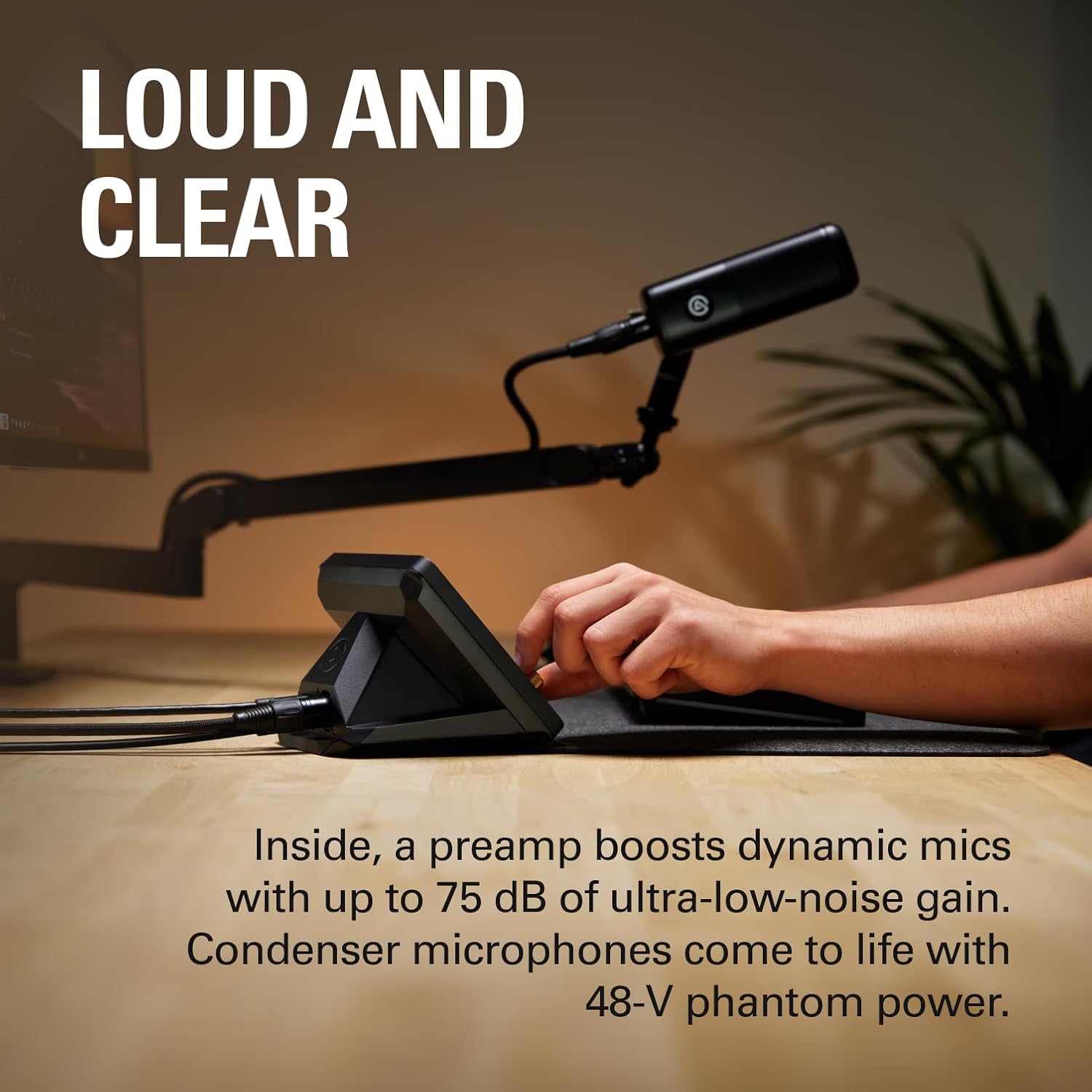
- High-Quality Preamp: Delivers up to 75 dB of ultra-low-noise gain for dynamic microphones.
- 48V Phantom Power: Activates condenser microphones for optimal performance.
- Space-Saving Design: Integrates with Stream Deck + to reduce desk clutter.
- Single USB Connection: Both the XLR Dock and Stream Deck + connect to your computer using a single USB cable.
- Easy Assembly: Installs quickly with minimal tools.
2. Setup
System Requirements:
- Windows 10 (64-bit) or later
- macOS 13 or later
Assembly Instructions:
The Elgato XLR Dock is designed for quick and straightforward assembly, requiring only a Phillips screwdriver.
- Unscrew the existing base from your Stream Deck +.
- Carefully insert the XLR Dock into the Stream Deck + unit.
- Screw the base back onto the combined unit, securing the XLR Dock in place.

Connecting Your Microphone and Computer:
Once assembled, connect your XLR microphone to the XLR input port on the back of the dock. Connect the combined Stream Deck + and XLR Dock unit to your computer using a single USB cable. This setup consolidates your devices and frees up an additional USB port on your computer.


3. Operating the Elgato XLR Dock
Microphone Input and Power:
The XLR Dock provides a robust audio input for your microphone. For dynamic microphones, it offers up to 75 dB of ultra-low-noise gain to ensure your voice is loud and clear. For condenser microphones, the dock supplies 48V Phantom Power, bringing them to life with the necessary electrical current.
Audio Control with Stream Deck +:
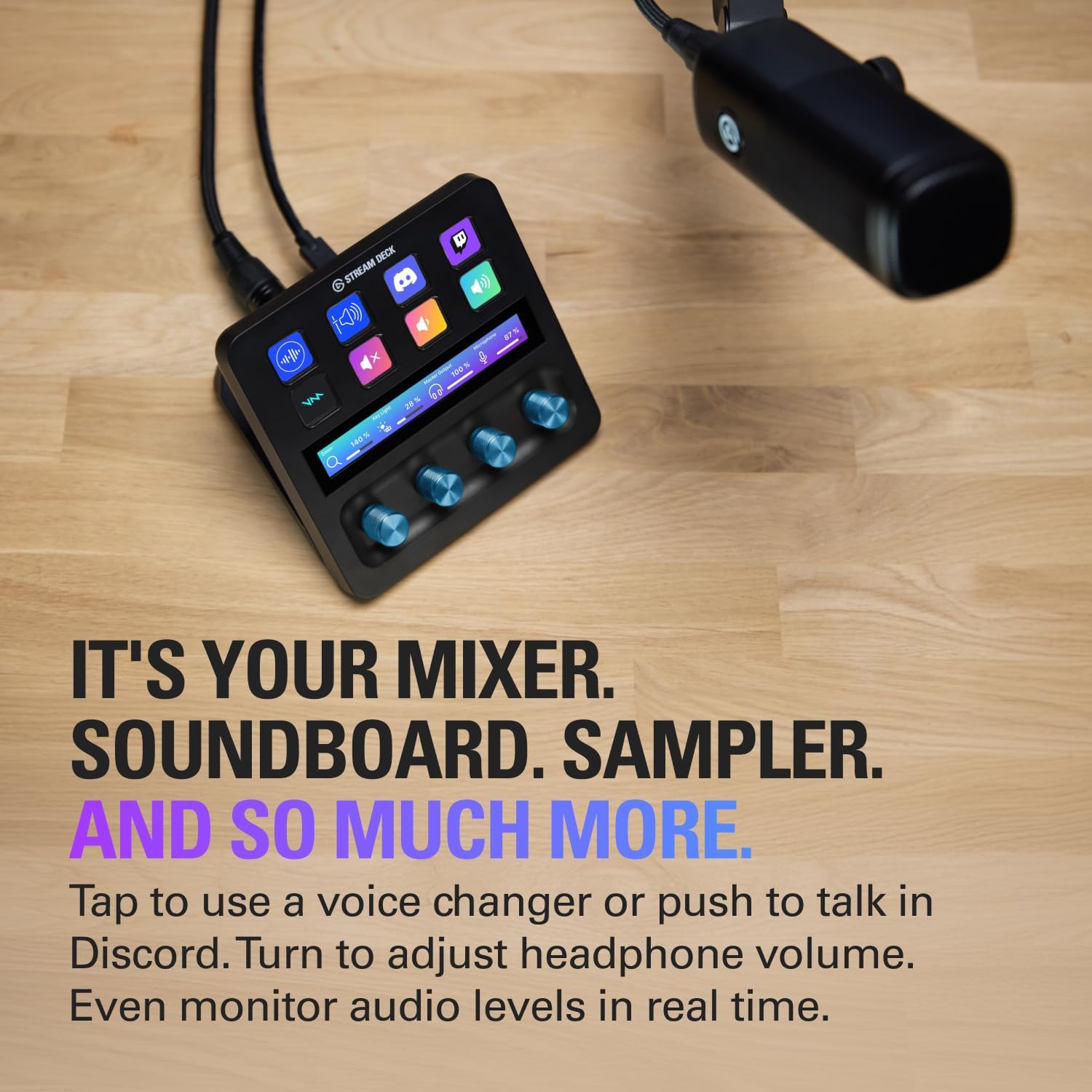
Leverage the customizable keys and dials of your Stream Deck + to manage various aspects of your audio. You can mix audio levels, monitor your sound, or control other functions related to your streaming or content creation setup. The integrated design allows for intuitive and real-time adjustments.
Wave Link Software Integration:
The Elgato XLR Dock is fully compatible with Elgato's Wave Link software. This intuitive software provides ultimate control over your audio, allowing you to manage multiple audio sources, apply effects and plugins, and fine-tune your sound for Twitch streams, YouTube videos, or podcasts.

4. Maintenance
To ensure the longevity and optimal performance of your Elgato XLR Dock, follow these general maintenance guidelines:
- Keep the device clean by wiping it with a soft, dry cloth. Avoid abrasive cleaners or solvents.
- Ensure all cable connections are secure and free from damage.
- Store the device in a cool, dry place away from direct sunlight and extreme temperatures.
- Avoid exposing the device to moisture or liquids.
5. Troubleshooting
If you encounter issues with your Elgato XLR Dock, consider the following basic troubleshooting steps:
- No Audio Input: Verify that your XLR microphone is correctly connected to the dock. Ensure phantom power is enabled for condenser microphones. Check your computer's audio settings to confirm the XLR Dock is selected as the input device.
- Device Not Recognized: Ensure the USB cable is securely connected to both the dock and your computer. Try a different USB port or cable. Verify that your operating system meets the minimum requirements.
- Software Issues: Ensure you have the latest version of Elgato Wave Link software installed. Restart the software or your computer.
- Poor Audio Quality: Check microphone placement and gain settings. Ensure there are no loose connections. Test with a different microphone or cable if possible.
6. Specifications
| Feature | Specification |
|---|---|
| Brand | Elgato |
| Series | XLR Dock |
| Item Model Number | 20GBM9901 |
| Frequency Response | 20 Hz – 20 kHz |
| Dynamic Range | 100 dB (120 dB with Clipguard) |
| Equivalent Input Noise (EIN) | -130 dBV at 60 dB gain |
| Gain Range | 0 – 75 dB |
| Phantom Power | 48 V DC, 7 mA |
| Max Input Level | 10 V at 0 dB gain (with Clipguard) |
| Max Output Level | 77 mW |
| Resolution | 24-bit |
| Sample Rate | 48 kHz |
| Interface | USB 2.0, Type-C |
| Dimensions (W x D x H) | 137 x 115 x 76 mm | 5.39 x 4.53 x 2.99 in |
| Weight | 169 g | 5.96 oz |
| Operating System | Windows 10 (64-bit) or later, macOS 13 or later |
| Connectivity Technology | USB |
| Number of Channels | 2 |
7. Warranty and Support
The Elgato XLR Dock is covered by a manufacturer's warranty. For detailed information regarding warranty terms, conditions, and duration, please refer to the warranty card included in your product packaging or visit the official Elgato support website.
For technical assistance, troubleshooting, or product inquiries, please contact Elgato Customer Support through their official channels. Online resources, FAQs, and driver downloads are also available on the Elgato website.
Related documents20GBM9901


Ask a question about this manual
Ask about setup, troubleshooting, compatibility, parts, safety, or missing instructions. Manuals+ will review the question and use this page’s manual context to help answer it.