1. Product Overview
The JALUZELE Smart Curtains System is an automatic curtain opener designed for convenience and smart home integration. It features a motorized track system that can be controlled via a remote, a smartphone application (Connector+ APP), and voice commands through Amazon Alexa or Google Home. The system supports various curtain configurations and includes safety features such as obstacle detection.
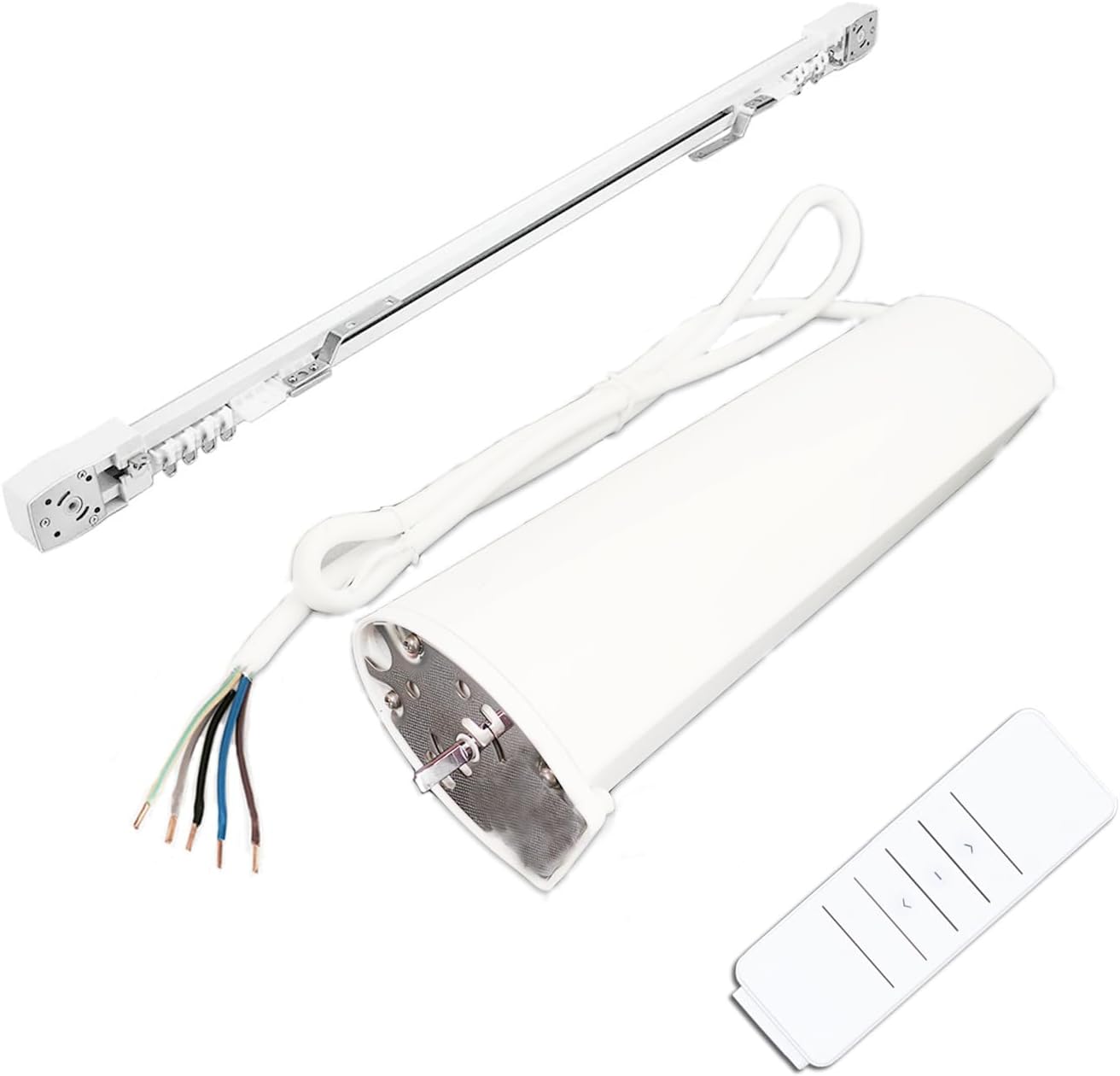
Image 1.1: Overview of the JALUZELE Smart Curtains System components, including the motor, track, and remote control.
Package Contents:
- 1 × AC 110V Smart Motor
- 1 × Remote Control
- Curtain aluminum alloy track (specific length based on order)
- Installation accessories (brackets, screws, etc.)
2. Specifications
| Feature | Specification |
|---|---|
| Model | DT72TV/W |
| Rated Voltage | AC110V-240V 50/60HZ |
| Rated Wattage | 16W |
| Rated Current | 0.16A |
| Rated Torque | 1.2 N.m |
| Open/Close Speed | 14 cm/s |
| Emission Frequency | 433.925MHz |
| Protection Level | IP40 |
| Material | Metal (Motor), Aluminum (Track) |
| Motor Dimensions | 35cm x 9cm x 6cm (13.78"L x 3.54"W) |
| Motor Weight | 1.6 KG (Approx. 7 pounds total item weight) |
| Maximum Load | 50 KG |

Image 2.1: Detailed dimensions of the JALUZELE Smart Curtains System motor.
3. Safety Information
- Ensure the power supply matches the specified voltage (AC110V-240V).
- Keep hands and loose clothing clear of the curtain track and motor during operation.
- Do not attempt to disassemble or repair the motor or track system yourself. Contact qualified personnel for service.
- This product is designed for indoor use only.
- The system includes an obstacle stop function; however, always ensure the path of the curtains is clear.
4. Setup and Installation
The JALUZELE Smart Curtains System is designed for easy installation without splicing. The electric curtain rod is a single set that can be adjusted to the desired width. For optimal installation, it is recommended to have a power outlet near the motorized curtain rod.
4.1 Pre-Installation Considerations:
- Window Type: Determine if your window requires a single open or double open curtain configuration.
- Track Length: Ensure the track length matches your window width.
- Motor Placement: Plan the location for the motor, considering power access and aesthetic preferences.
- Curtain Opening Method: Decide if curtains will open from the center or from one side.

Image 4.1: Examples of single and double open curtain configurations suitable for the system.
4.2 Installation Steps:
Detailed installation instructions are provided below. For a visual guide, please refer to the official installation video (if available) or contact customer service.

Image 4.2: Visual guide for assembling and mounting the curtain track. This image illustrates the sequence of attaching components and securing the track.
- Assemble the Track: Connect the track sections if necessary and attach the end caps and pulleys.
- Install Mounting Brackets: Secure the mounting brackets to the ceiling or wall at appropriate intervals.
- Mount the Track: Carefully attach the assembled track to the installed mounting brackets.
- Install the Motor: Slide the motor onto the designated end of the track and secure it.
- Connect Power: Plug the motor into a suitable power outlet.
- Attach Curtains: Hang your curtains onto the track runners.
Note: The manufacturer offers installation videos. If you require access to these videos, please contact customer service via Amazon private message.
5. Operating Instructions
The JALUZELE Smart Curtains System offers multiple control methods for your convenience.
5.1 Control Methods:
- Touch Motion Activation: Manually pulling the curtain can trigger the motor to operate automatically. This allows for intuitive control without needing a remote or app.
- Manual Operation (Power Off): The curtains can still be operated manually by hand if power is disconnected.
- Remote Control: Use the provided remote control to open, close, or stop the curtains. The remote also supports timer scheduling for automated operation.
- Smartphone APP Control (Connector+ APP):
- Download the "Connector+" application from your smartphone's app store.
- Follow the in-app instructions to pair your Smart Curtains System.
- Once paired, you can open, close, stop, and set schedules for your curtains directly from the app.
- Voice Control (Amazon Alexa & Google Home):
- Ensure your Smart Curtains System is connected to the Connector+ APP and your home Wi-Fi network.
- Enable the "Connector+" skill/service in your Amazon Alexa or Google Home application.
- Discover devices. You can then use voice commands such as "Alexa, open the curtains" or "Hey Google, close the bedroom curtains."
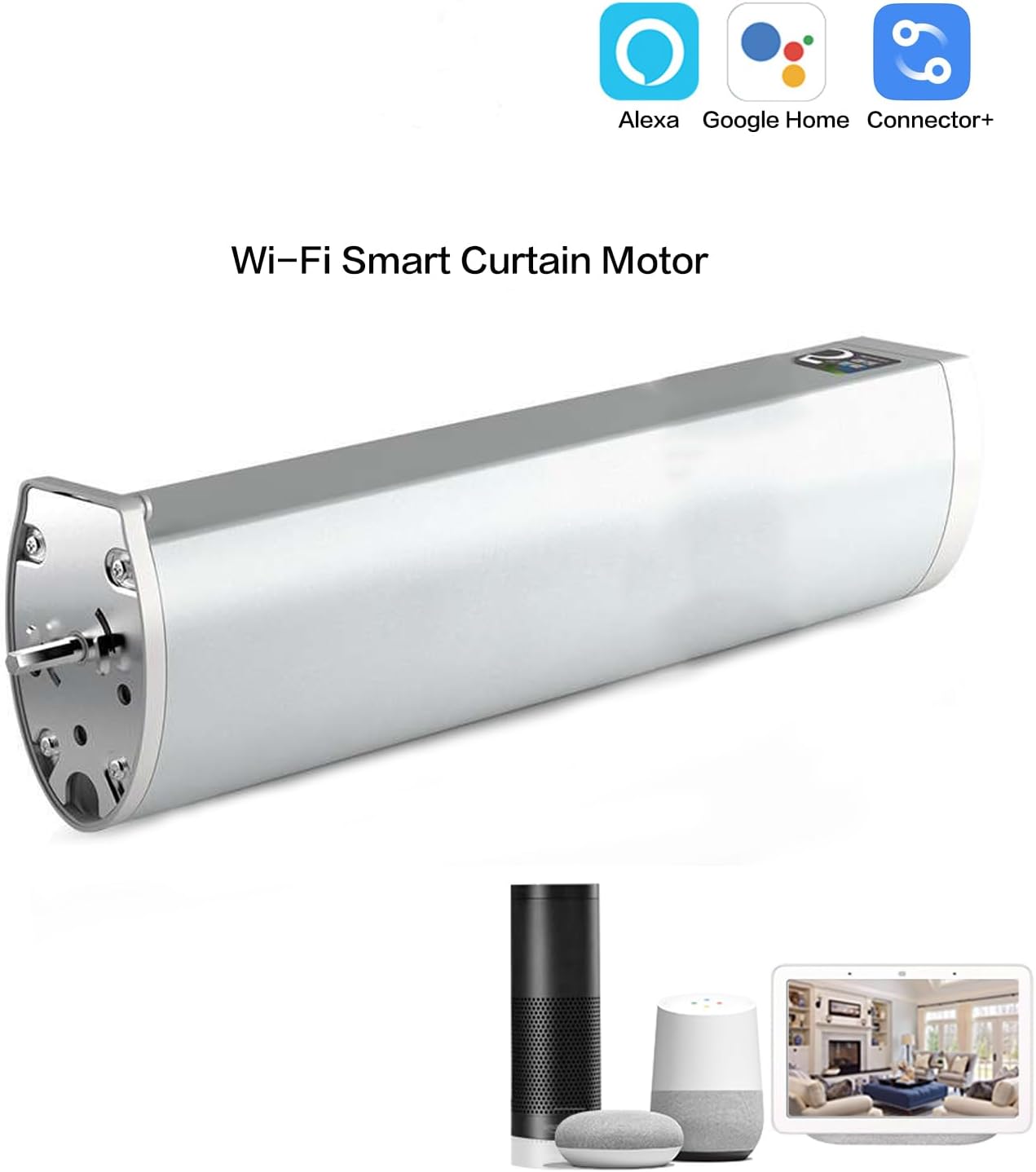
Image 5.1: The Smart Curtains System supports integration with Alexa, Google Home, and the Connector+ mobile application.
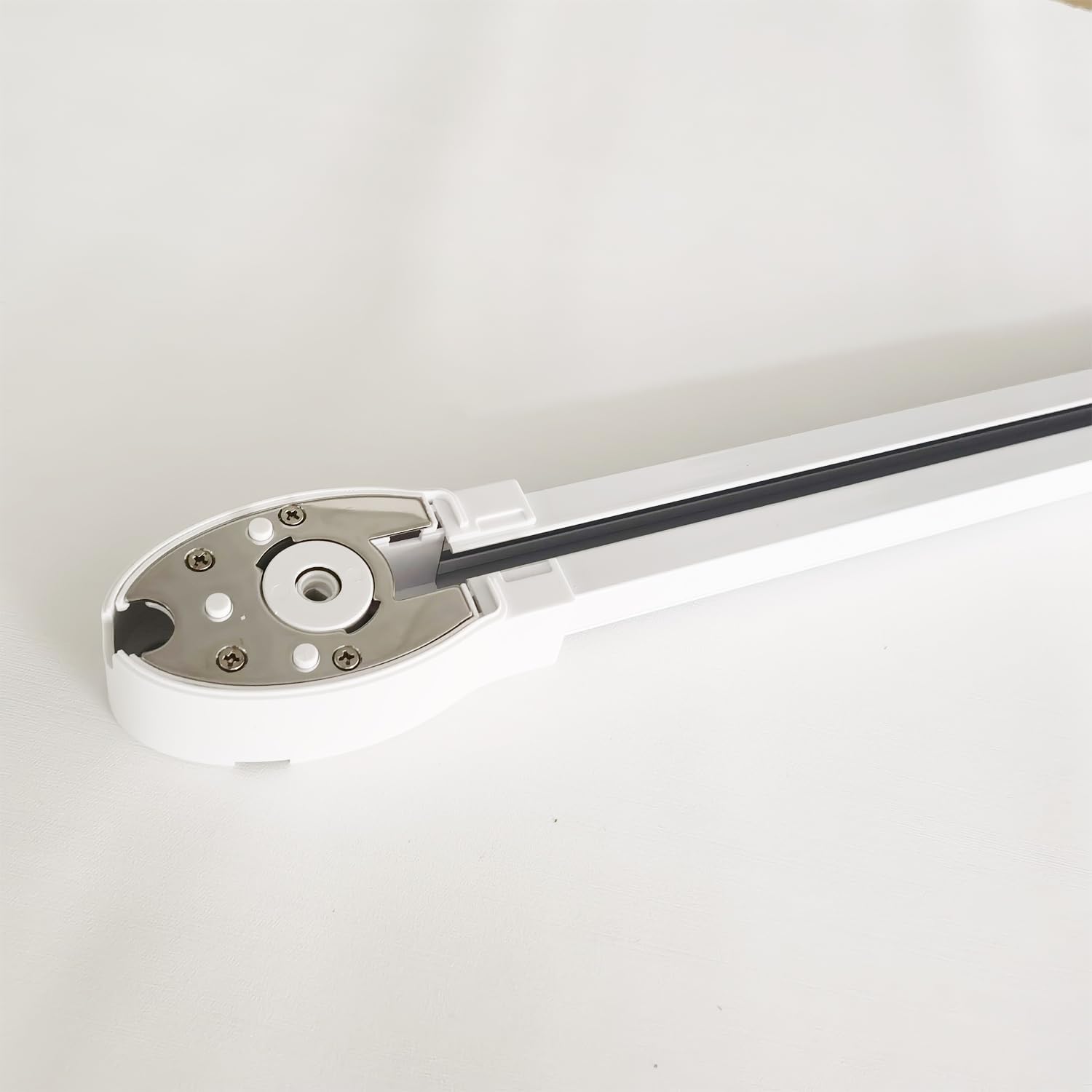
Image 5.2: Illustration of controlling curtains in different rooms using the mobile application.
5.2 Humanized Functions:
- Memory Function: The automatic curtain system can remember curtain position and distance settings, allowing it to open from the center or a predefined position consistently.
- Obstacle Stop Function: The motor is equipped with a safety feature that causes it to stop if it encounters an obstacle during operation, protecting both the system and any obstructions.
6. Maintenance
- Cleaning: Periodically wipe the motor and track with a soft, dry cloth to remove dust. Do not use abrasive cleaners or solvents.
- Track Inspection: Regularly check the curtain track for any obstructions or debris that might hinder smooth operation.
- Lubrication: The track system is generally maintenance-free. Avoid applying lubricants unless specifically instructed by the manufacturer, as this can attract dust.
- Power Cord: Ensure the power cord is not pinched or damaged.
7. Troubleshooting
| Problem | Possible Cause | Solution |
|---|---|---|
| Motor not responding | No power; Remote battery low; Motor not paired; Wi-Fi issue | Check power connection; Replace remote batteries; Re-pair motor with remote/app; Check Wi-Fi connection. |
| Curtains not moving smoothly | Obstruction in track; Track dirty; Curtains too heavy | Remove obstructions; Clean track; Ensure curtain weight is within 50KG limit. |
| Voice control not working | Not linked to Alexa/Google Home; Wi-Fi issue; Incorrect commands | Verify Connector+ skill is enabled; Check Wi-Fi; Use correct voice commands. |
| Motor makes unusual noise | Obstruction; Misalignment; Internal issue | Check for obstructions; Ensure track is properly aligned; Contact customer support if noise persists. |
8. Warranty and Support
For warranty information and customer support, please refer to the documentation provided with your purchase or contact the seller directly through the Amazon platform. The manufacturer, SHAOXING GAODENG WINDOW BLINDS CO.,LTD, is responsible for product support.
When contacting support, please provide your product model number (DT72TV/W) and your Amazon order details.
Contacting Customer Service: If you require installation videos or further assistance, please contact us via Amazon private message.


