
1. Introduction
Thank you for choosing the Dierya DK98se Mechanical Gaming Keyboard. This manual provides detailed instructions on how to set up, operate, and maintain your new keyboard. Please read this manual carefully before use to ensure optimal performance and longevity of your device.
2. Product Overview
The Dierya DK98se is a compact yet functional 98-key mechanical keyboard designed for both gaming and professional use. It features durable mechanical switches, customizable backlighting, and an ergonomic design for comfortable extended use.

Figure 2.1: Dierya DK98se Mechanical Gaming Keyboard in white.

Figure 2.2: Overview of the DK98se 98-key layout and dimensions (378 x 120 x 45 mm).
Package Contents:

Figure 2.3: Contents of the Dierya DK98se package.
- Dierya DK98se Mechanical Keyboard x 1
- Type-C Data Cable x 1
- Keycap Puller x 1
- User Manual x 1
3. Setup
Connecting the Keyboard:
- Locate the USB Type-C port on the back of the keyboard.
- Connect the provided Type-C data cable to the keyboard's Type-C port.
- Plug the other end of the USB cable into an available USB port on your computer.
- The keyboard is plug-and-play and should be recognized automatically by your operating system.

Figure 3.1: Connecting the keyboard via its Type-C port.
Compatibility:
- Full Compatibility: Windows 11 / 10 / 8 / 7 / XP.
- Limited Compatibility: Mac OS, Vista, and Linux are compatible for basic typing and desktop use only. Advanced features may not be supported.
4. Operating Instructions
Mechanical Switches:
The Dierya DK98se keyboard is equipped with durable mechanical switches, offering a lifespan of 60 million keystrokes. This model features Blue Switches, known for their clicky, medium resistance, and audible click sound, providing crisp, precise tactile feedback suitable for typists.
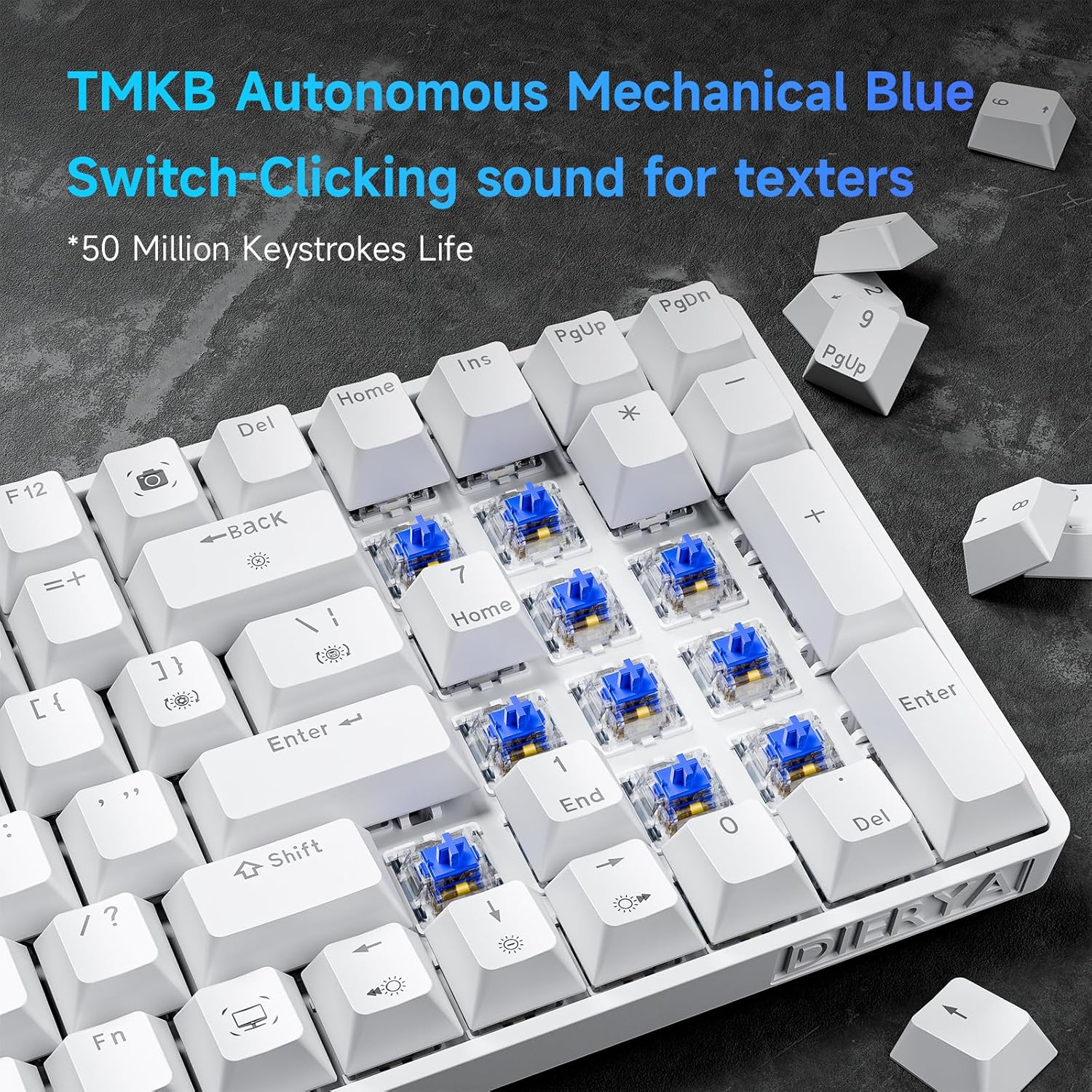
Figure 4.1: Close-up view of the TMKB Autonomous Mechanical Blue Switches.

Figure 4.2: Detailed specifications of the Mechanical Blue Switches, including actuation force and key travel.
Full Key Anti-Ghosting:
The keyboard supports full key anti-ghosting, ensuring that all key presses are registered accurately, even when multiple keys are pressed simultaneously. This feature is crucial for fast-paced gaming and efficient typing.

Figure 4.3: Demonstration of full key anti-ghosting, allowing multiple simultaneous key presses.
Ergonomic Design:
The DK98se features an ergonomic design with two-level adjustable tilt stands and anti-slip rubber pads to provide maximum comfort and reduce hand fatigue during prolonged use. The scientifically designed keycap shape further enhances typing comfort.
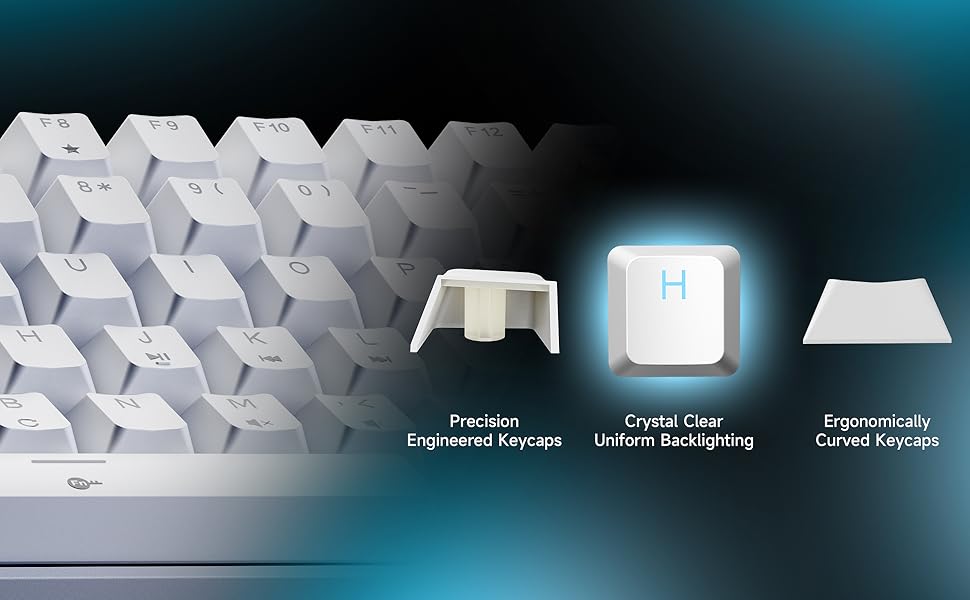
Figure 4.4: Illustration of the ergonomic design with adjustable rear feet and anti-skid pads.
5. Backlight Modes
The keyboard features a monochrome ice blue backlight with 15 different lighting modes. You can control the backlight effects using the following FN key combinations:

Figure 5.1: Visual guide for backlight controls.
- FN + | (Backslash key): Switch between 15 different backlight modes.
- FN + Backspace: Turn the backlight on/off.
- FN + ↑ (Up Arrow): Increase backlight brightness.
- FN + ↓ (Down Arrow): Decrease backlight brightness.
- FN + ← (Left Arrow): Decrease backlight speed.
- FN + → (Right Arrow): Increase backlight speed.
The keycaps are made with double-shot injection molding, allowing the backlight to shine through clearly and uniformly.
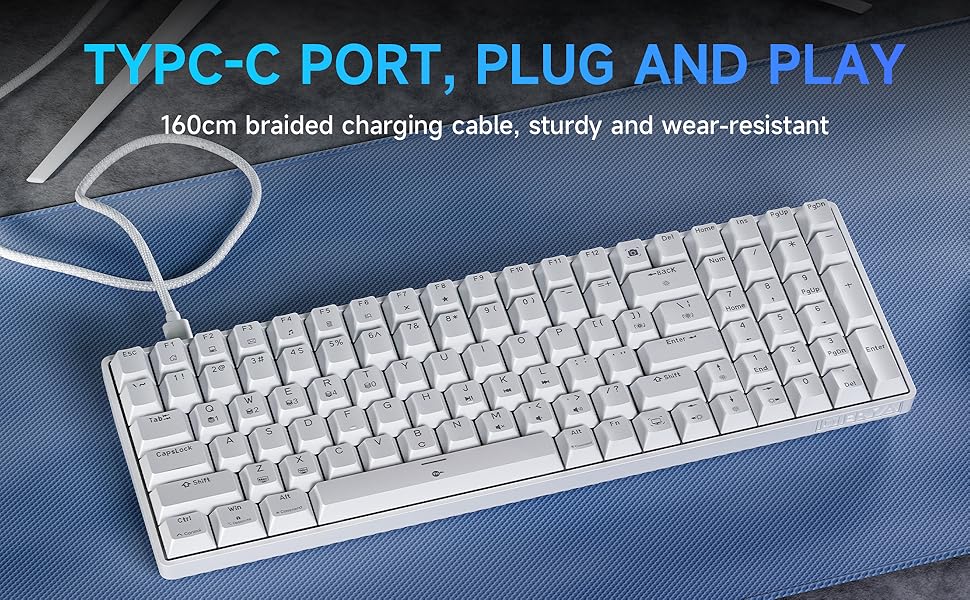
Figure 5.2: Illustration of crystal clear uniform backlighting and different keycap designs.
6. Maintenance
Cleaning the Keyboard:
- Disconnect the keyboard from your computer before cleaning.
- Use a soft, lint-free cloth slightly dampened with water or a mild cleaning solution to wipe the keycaps and keyboard surface.
- For deeper cleaning, use the provided keycap puller to carefully remove keycaps. Clean the area underneath with compressed air or a small brush.
- Ensure the keyboard is completely dry before reconnecting it.
Storage:
When not in use for extended periods, store the keyboard in a dry, dust-free environment away from direct sunlight and extreme temperatures.
7. Troubleshooting
If you encounter any issues with your Dierya DK98se keyboard, please refer to the following common solutions:
- Keyboard not responding:
- Ensure the USB-C cable is securely connected to both the keyboard and the computer.
- Try connecting the keyboard to a different USB port on your computer.
- Restart your computer.
- Test the keyboard on another computer to rule out system-specific issues.
- Backlight not working:
- Press FN + Backspace to toggle the backlight on/off.
- Ensure backlight brightness is not set to minimum (use FN + ↑).
- Keys not registering correctly (ghosting):
- The keyboard features full anti-ghosting. If you experience issues, ensure no software conflicts are present.
- Clean under the keycaps as per the maintenance section.
If the problem persists after trying these steps, please contact Dierya customer support for further assistance.
8. Specifications
| Feature | Description |
|---|---|
| Brand | Dierya |
| Model Number | DK98SE |
| Color | White |
| Number of Keys | 98 |
| Switch Type | Mechanical Blue Switch |
| Connectivity Technology | USB-C (Wired) |
| Special Features | Ergonomic Design, Anti-Ghosting, Adjustable Tilt Stands |
| Backlight | Single Color Ice Blue (15 modes) |
| Compatible Devices | Laptop, PC |
| Recommended Uses | Gaming, Professional |
9. Warranty and Support
Dierya is committed to providing high-quality products and excellent customer service. Your Dierya DK98se keyboard comes with the following:

Figure 9.1: Summary of Dierya's customer support and warranty.
- 24-Hour Customer Support: Our dedicated support team is available to assist you with any questions or issues.
- 30-Day Replacement: Enjoy a 30-day replacement policy for any manufacturing defects.
- 1-Year Quality Warranty: Your keyboard is covered by a 1-year quality warranty from the date of purchase.
For support, please refer to the contact information provided on the product packaging or visit the official Dierya website.


