
1. Introduction
The KAIWEETS KTI-W02 Thermal Imaging Camera is a high-resolution infrared device designed for accurate temperature measurements and clear imaging. Utilizing advanced SharpIR composite image enhancement technology, it provides crystal-clear images for identifying problematic areas across various applications. Its robust design and long battery life make it an indispensable tool for professionals and homeowners alike.
2. Package Contents
Upon unboxing, please ensure all items listed below are present:
- Thermal Imaging Camera (KTI-W02) x 1
- Data Cable x 1
- Protective Case x 1
- User Manual x 1
- 5V Charger x 1
- 32GB TF Memory Card (pre-installed or separate) x 1

Figure 1: KAIWEETS KTI-W02 Thermal Imaging Camera with its data cable, 5V charger, 32GB TF card, and protective case.
3. Product Overview
The KTI-W02 features an ergonomic grip for comfortable handling and intuitive controls for ease of use.
Key Components:
- IR Lens & Visible Light Camera: Captures thermal and visual data.
- LCD Display: 2.4-inch screen for real-time thermal imaging and menu navigation.
- Control Buttons: OK, Menu, Navigation (Up/Down/Left/Right), Power/Return.
- Trigger Button: For capturing images.
- USB-C Port: For charging and data transfer.
- TF Card Slot: For memory card insertion.
- Tripod Mount: Standard 1/4-inch thread for mounting on a tripod.
- Laser Indicator: For precise targeting.
- LED Illumination Light: Assists in dark environments.

Figure 2: Front view of the KTI-W02, highlighting the display and control buttons.

Figure 3: Bottom view of the KTI-W02, showing the tripod mount and USB-C port.
4. Setup
4.1 Battery Charging
The KTI-W02 is equipped with a built-in 4850mAh rechargeable Li-ion battery, providing up to 16 hours of continuous operation. To charge the device, connect the provided data cable to the USB-C port on the camera and the 5V charger. Plug the charger into a power outlet. A full charge typically takes approximately 2 hours.
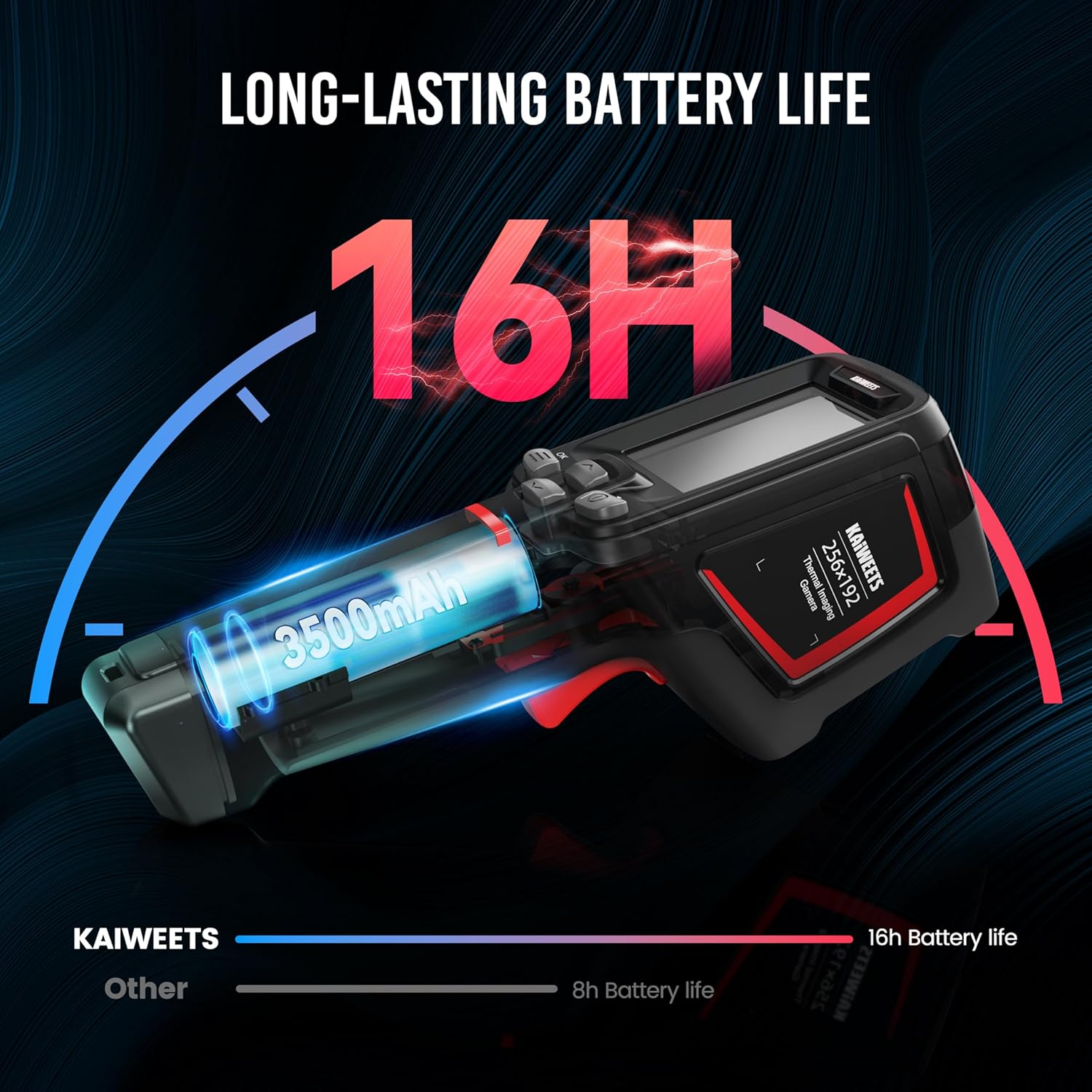
Figure 4: Illustration of the KTI-W02's long-lasting battery life.
4.2 Memory Card Insertion
The camera comes with a 32GB TF memory card (removable) that can store over 120,000 images. Locate the TF card slot, typically covered by a rubber flap, and gently insert the memory card until it clicks into place. Ensure the camera is powered off before inserting or removing the card.
4.3 Powering On/Off
To power on the device, press and hold the Power button (usually marked with a power symbol) for a few seconds until the screen illuminates. The device boasts a 1-second boot-up time thanks to its advanced computing chip. To power off, press and hold the Power button again until the shutdown prompt appears, then confirm.
5. Operating Instructions
5.1 Basic Operation
Once powered on, the camera will display the live thermal image. Use the navigation buttons to move through menus and adjust settings. Press the trigger button to capture an image.
5.2 Image Modes
The KTI-W02 offers 4 image modes to suit different inspection needs:
- Infrared: Displays only the thermal image.
- Visible Light: Displays a standard visual image (2MP).
- Fusion: Blends the thermal and visible light images for enhanced detail.
- Picture-in-Picture (PIP): Overlays a smaller thermal image onto the visible light image.

Figure 5: The four available image modes for detailed analysis.
5.3 Color Palettes
Choose from 6 color palettes to visualize temperature differences effectively:
- Iron Red
- White Heat
- Rainbow 1
- Rainbow 2
- Hot Iron
- Arctic

Figure 6: Six distinct color palettes to enhance thermal visualization.
5.4 Temperature Measurement
The camera provides ultra-clear imaging with 256x192 resolution and a thermal sensitivity of ≤ 45mk. It measures temperatures from -4°F to 1022°F (-20°C to 550°C) with an accuracy of ±2°C or ±2%. It can display 3 temperature spots: center-spot, coldest, and warmest points.
Figure 7: The camera highlights three key temperature spots for quick analysis.
5.5 Laser Indication and LED Illumination
For precise targeting, the camera supports laser indication positioning (safety level-class II, <1mW power output). An integrated LED illumination lamp helps in working in dark environments, ensuring clear visibility of the target area.
5.6 Data Transfer and Analysis
Images and videos saved on the 32GB TF card can be transferred to a Windows PC via the provided USB data cable for in-depth analysis. The camera supports online analysis, detection of object temperature changes, and point/line/surface temperature measurement using free PC software upgrades.

Figure 8: Connecting the KTI-W02 to a PC for advanced thermal image analysis.
5.7 Official Product Video
Video 1: Official KAIWEETS video demonstrating the KTI-W02 Infrared Camera's features and applications.
6. Maintenance
Proper maintenance ensures the longevity and accuracy of your thermal imaging camera.
- Cleaning: Use a soft, dry cloth to clean the camera body. For the lens, use a specialized lens cleaning cloth and solution. Avoid abrasive materials or harsh chemicals.
- Storage: When not in use, store the camera in its provided protective case to shield it from dust, moisture, and physical damage.
- Firmware Updates: Periodically check the KAIWEETS official website for any available PC software or firmware updates to ensure optimal performance and access to new features.

Figure 9: The KTI-W02 is designed for durability with 2-meter drop protection and IP54 water resistance.
7. Troubleshooting
If you encounter issues with your KTI-W02, refer to the following common problems and solutions:
- "Out of Range" Error: This typically occurs when the measured temperature exceeds the camera's specified range (-4°F to 1022°F). Ensure your target is within this range.
- Inaccurate Readings:
- Check the emissivity setting. Different materials have different emissivities, which can affect accuracy. Adjust this setting in the menu based on the material being measured.
- Ensure the lens is clean and free from obstructions.
- Avoid measuring highly reflective surfaces directly, as they can give misleading readings.
- Device Not Powering On:
- Ensure the battery is sufficiently charged. Connect to the charger and wait for a few minutes before attempting to power on again.
- If the device has been stored for a long time, the battery might be deeply discharged. Allow it to charge for an extended period.
- Image Lag/Choppiness: While the camera has a 25Hz frame rate, environmental factors or specific modes might cause slight lag. Ensure the device's firmware is up to date.
8. Specifications
| Model Name | KTI-W02 |
| IR Resolution | 256x192 |
| Thermal Sensitivity | ≤ 45mk |
| Temperature Range | -4°F to 1022°F (-20°C to 550°C) |
| Temperature Accuracy | ±2°C or ±2% |
| Battery Type | Built-in 4850mAh rechargeable Li-ion |
| Battery Life | Up to 16 hours |
| Memory Card | 32GB TF Card (stores >120,000 images) |
| Connectivity | USB |
| Drop Protection | 2-meter drop-proof |
| IP Rating | IP54 water and dust-resistant |
| Package Dimensions | 9.37 x 5.83 x 3.74 inches |
| Weight | 2.4 Pounds |
9. Warranty and Support
The KAIWEETS KTI-W02 Thermal Imaging Camera comes with a 3-year sales service and lifetime technical support. For any inquiries, technical assistance, or warranty claims, please contact KAIWEETS customer support through their official channels.


